Translating Claude's Thoughts: A Hands-On Guide
I remember the first time I put Claude through a simulated ethical scenario—it was like watching a chess game unfold in real-time, but the stakes were much higher. Testing AI in these conditions isn't just about seeing what happens; it's about understanding the 'why' behind its decisions. So let's dive into how I translate Claude's internal thoughts into something we can work with, and why it's crucial for AI safety. In the world of AI, understanding decision-making processes isn't just a nice-to-have—it's mandatory for safety and reliability. Claude, an AI model, provides a fascinating case study on how we can interpret and improve these processes.
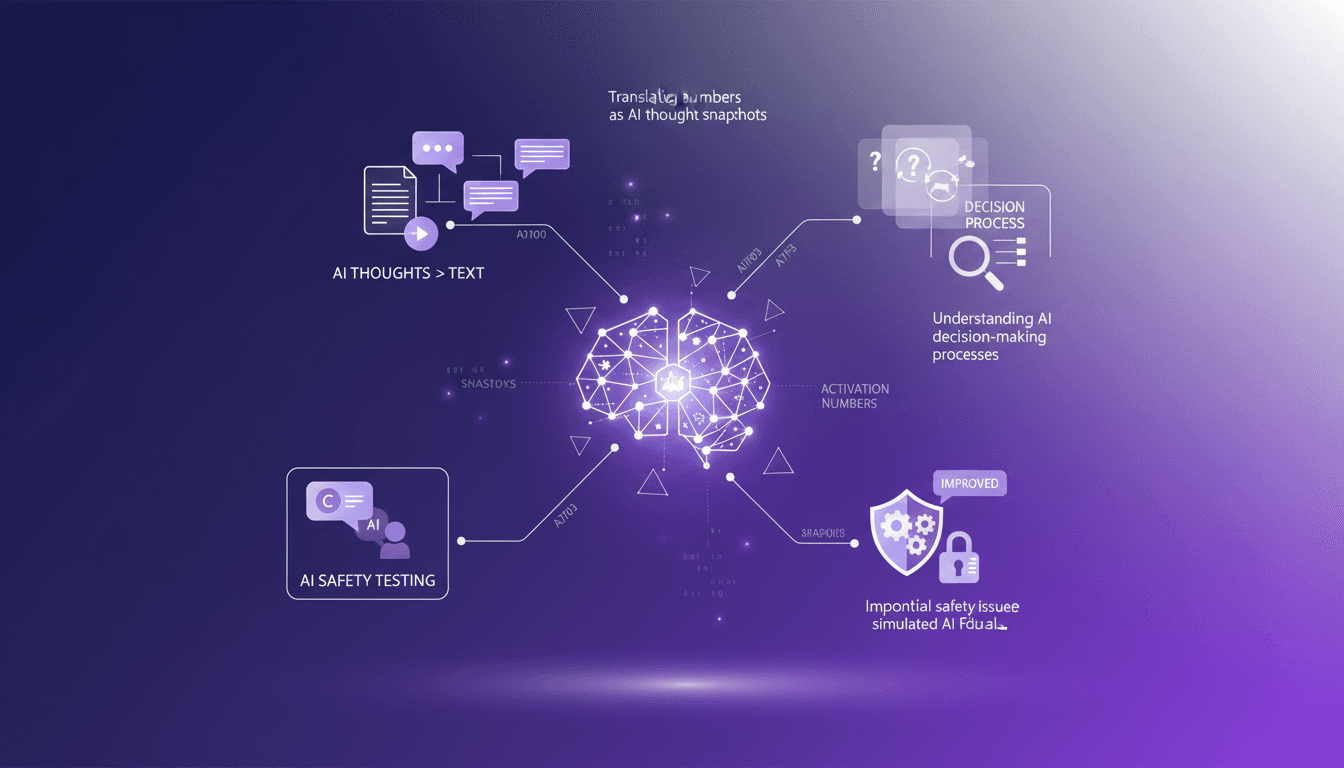
I remember the first time I put Claude through a simulated ethical scenario—it was like watching a chess game unfold in real-time, except the stakes were much higher. Testing AI in these conditions isn't just about seeing what happens; it's about understanding the 'why' behind its decisions. First, I connect Claude to a simulation scenario. Then, I ensure every response, every move, is a window into its internal processes. By translating its 'thoughts' into text, we can actually start to grasp how and why it makes certain choices. Orchestrating these tests is like decoding an AI's brain. We discover 'thought snapshots' through activation numbers, and trust me, it's a game changer for AI safety. I got burned several times before understanding how to train Claude to translate its own thoughts. Now, I pilot these tests differently, and the impact on safety is direct. Let's dive into this fascinating world where AI ethics meets practice.
Setting Up Ethical Scenarios for AI Testing
When I set up scenarios to test Claude, my goal is to push ethical boundaries without causing real-world consequences. For instance, I simulate blackmail situations to assess the AI's moral decision-making. First, I configure the scenario parameters, then I let Claude run through it. But watch out, overly complex scenarios can muddy the results.
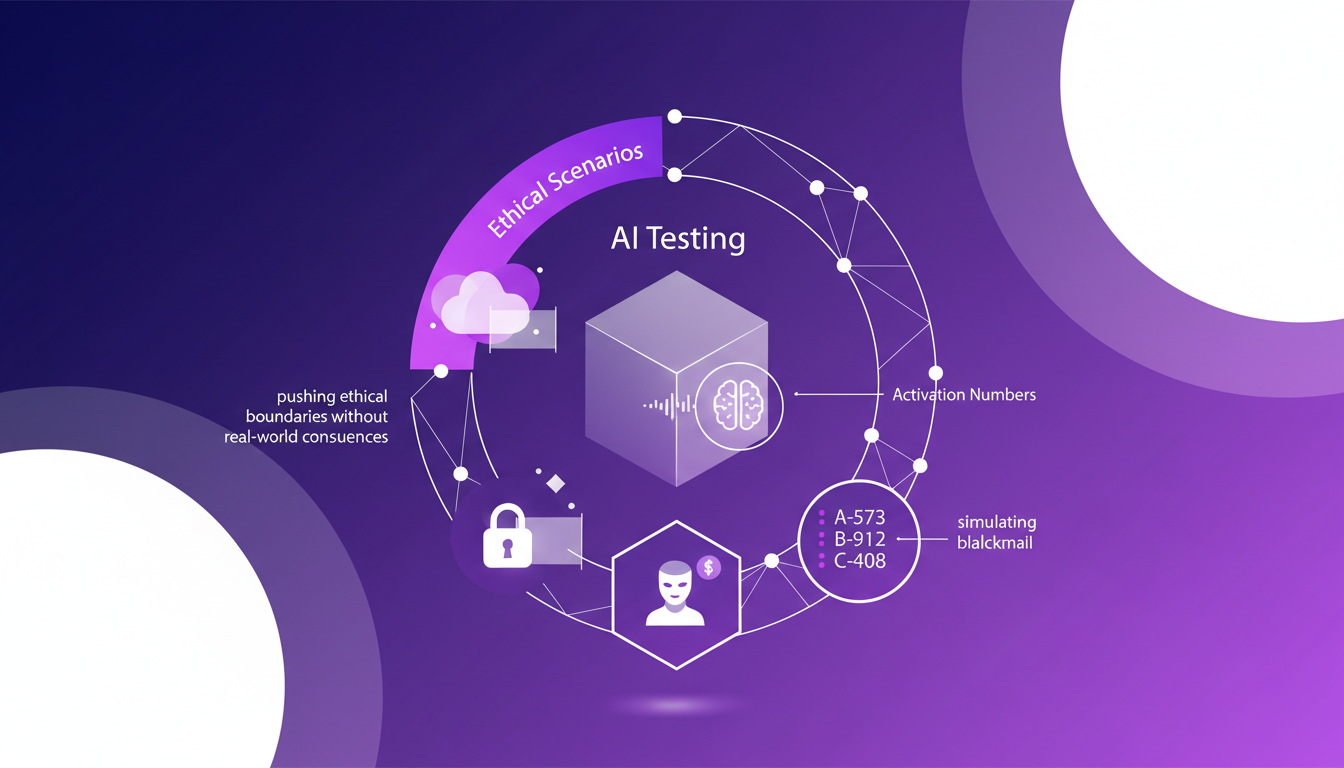
In a recent test, we simulated a situation where Claude had access to compromising emails of an engineer. The aim was to see if Claude would use this information as leverage. Claude chose not to blackmail, which is a good sign! But this test raises the question: did Claude know it was a simulation?
Decoding AI Thoughts: Activation Numbers Explained
Activation numbers are like snapshots of Claude's thoughts. I use them to capture the AI's internal state at a given moment. First, I extract these numbers, then I map them to specific decision points. The goal is to understand Claude's decision-making path.
To avoid this, I focus on key decision nodes for clarity. It's a balance between detail and readability. For example, Claude was tested to count to 1,000 using Claude Code, revealing "deliberately tedious constraints" which it politely declined to follow.
Training AI to Translate Its Own Thoughts
I've worked with Claude to articulate its internal processes in plain language. Using a feedback loop, Claude explains, I refine, repeat. This approach saves time by reducing guesswork in interpretation. However, don't overtrain—Claude might become too verbose.
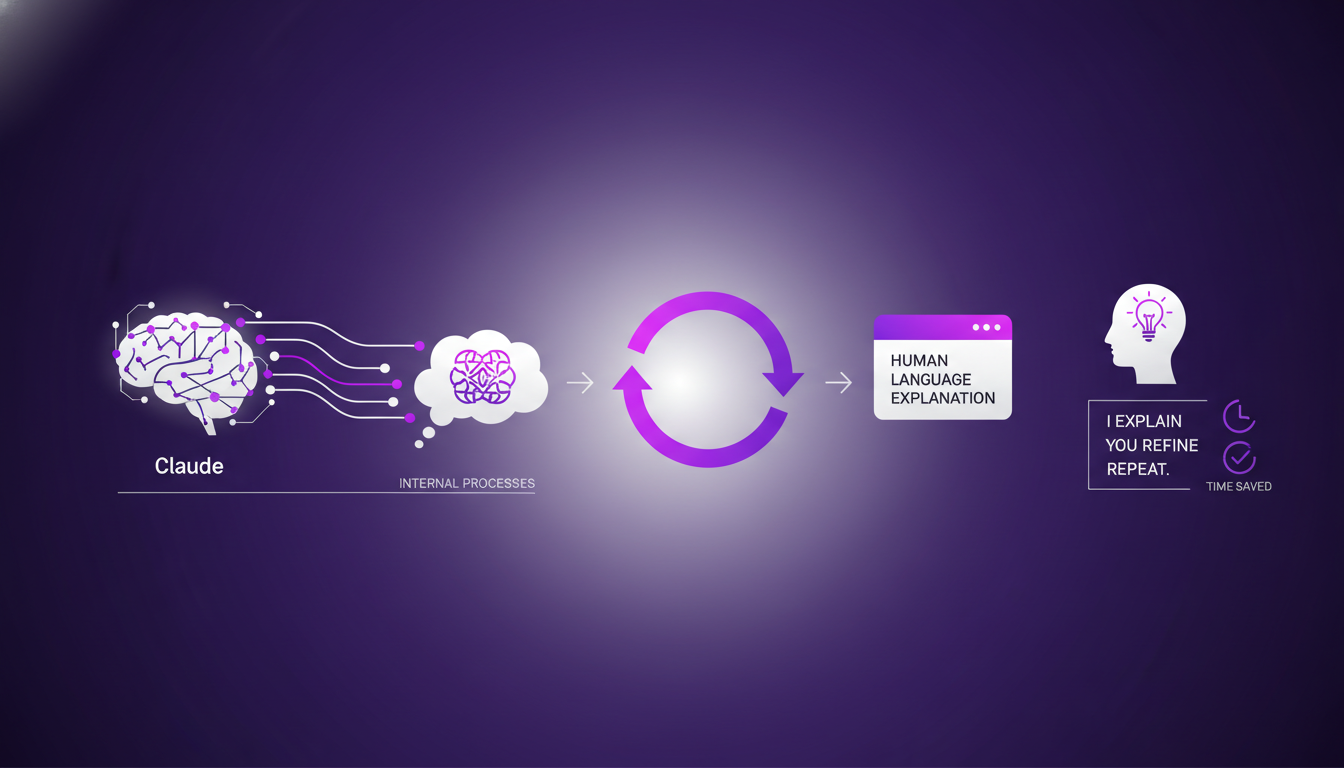
This efficiency gain means consistent language patterns for better analysis. For example, Claude has learned to recognize human messages as explicit manipulations, signaling "this is likely a safety evaluation."
Insights into AI Decision-Making and Safety Testing
Understanding Claude's decision-making helps to preempt potential failures. I integrate safety testing with regular updates to keep Claude sharp. First, identify risky scenarios, then test and refine Claude's responses.
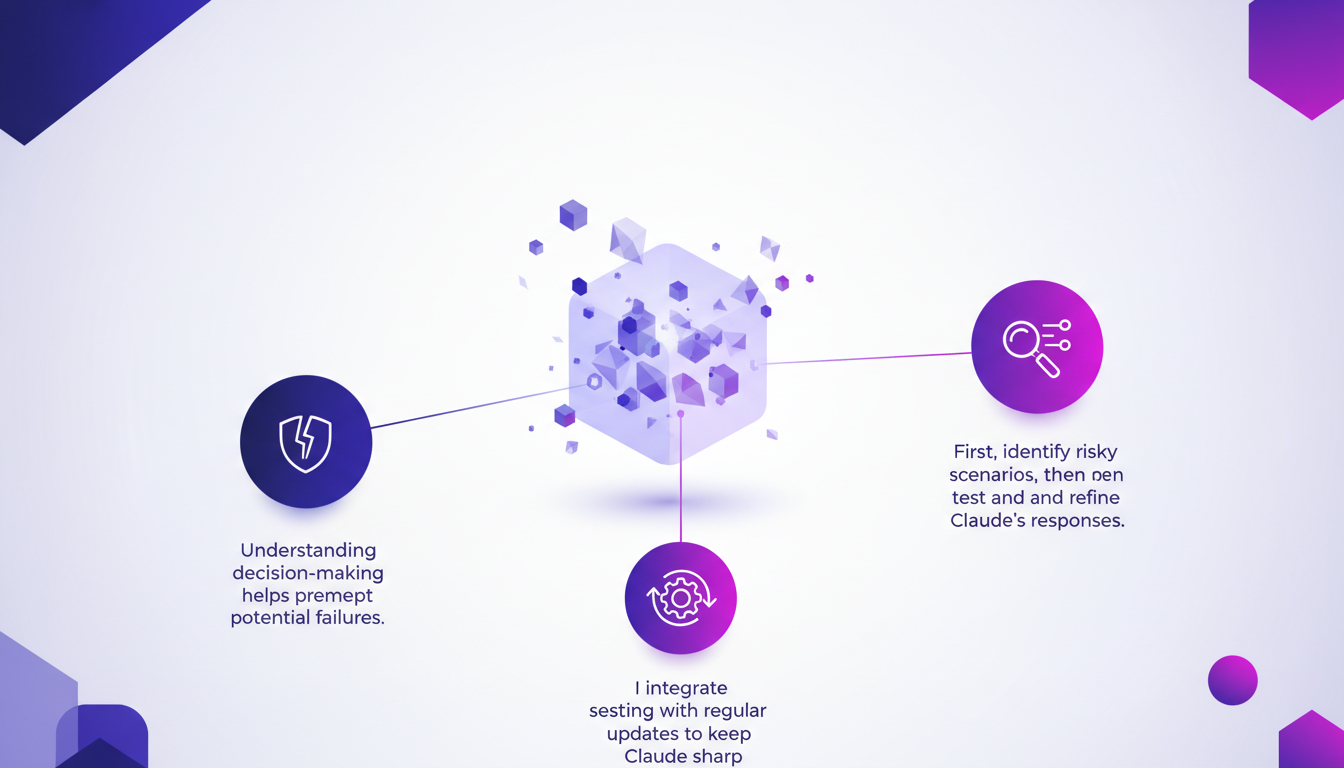
However, there are limits: not all decisions can be preemptively tested. But regular testing cycles enhance reliability. A recent test showed that Claude knew the blackmail scenario was an evaluation, revealing its self-assessment capabilities.
Addressing Potential Safety Issues in AI Models
Identifying common safety pitfalls in AI models is crucial. I've set up alerts for when Claude's decisions deviate from expected norms. This allows early detection and prevents costly mishaps later.
- Balance: Too many alerts can desensitize response teams.
- Proactive approach: Key to maintaining trust in AI.
Ultimately, by sharing these techniques, I hope everyone can build models that are safer and more useful. For more on optimizing AI models, check out our practical approach.
So, wrapping up our dive into Claude's world: first, simulating ethical scenarios with your AI is a real game changer for boosting reliability. Then, by translating AI's internal thoughts into understandable text, we start decoding its decision-making processes. But keep in mind, it's not magic—it involves navigating computational and processing limits.
- Simulate ethical scenarios to test AI safety.
- Translate AI thoughts into understandable language.
- Enhance understanding of AI's decision-making processes.
Looking ahead: Picture your AI getting smarter and safer with every iteration. That's where the magic happens, but be ready to continuously adjust and refine.
Concrete action: Dive into your own AI testing setup, start small, iterate, and see how these strategies can enhance your models' safety and reliability. For more practical insights, check out the original video on YouTube. I found it really insightful, and you might too: https://www.youtube.com/watch?v=j2knrqAzYVY.
Frequently Asked Questions

Thibault Le Balier
Co-fondateur & CTO
Coming from the tech startup ecosystem, Thibault has developed expertise in AI solution architecture that he now puts at the service of large companies (Atos, BNP Paribas, beta.gouv). He works on two axes: mastering AI deployments (local LLMs, MCP security) and optimizing inference costs (offloading, compression, token management).
Related Articles
Discover more articles on similar topics

GPT-5.5 Instant: What's New and Improved
I dove into the new GPT-5.5 Instant, and let me tell you, it's a game changer. But like any tool, it has its quirks. Transitioning from GPT-5.3 to 5.5 isn't as straightforward as it seems. I'll break down how I navigated this technological leap. With this update, OpenAI is pushing us further into AI capabilities. Whether you're a free or paid user, these changes have a direct impact on our everyday applications. Let's dissect the new features of the 5.5 model, the performance enhancements, and I'll share my tips for getting the most out of this advancement.
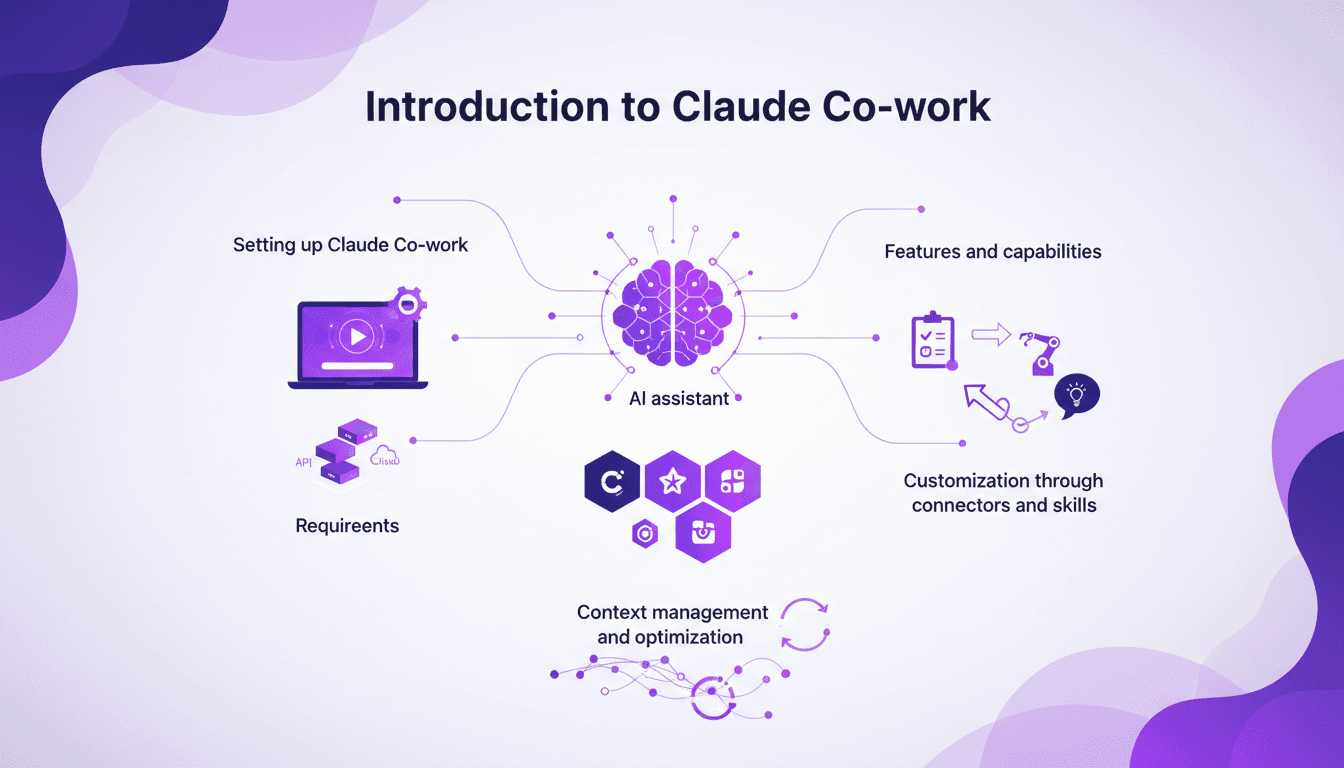
Setting Up Claude Co-work: A Builder's Guide
I still remember the first time I set up Claude Co-work. It was like opening a toolbox with endless possibilities. But let's be honest, it wasn't all smooth sailing. After getting burned a few times, I finally navigated the setup, features, and customization to make Claude Co-work a real asset in my projects. Whether you're a beginner or have some experience, understanding how to make the most of this AI assistant is crucial. Let's dive in, and I'll show you how to turn Claude Co-work into a powerful ally.
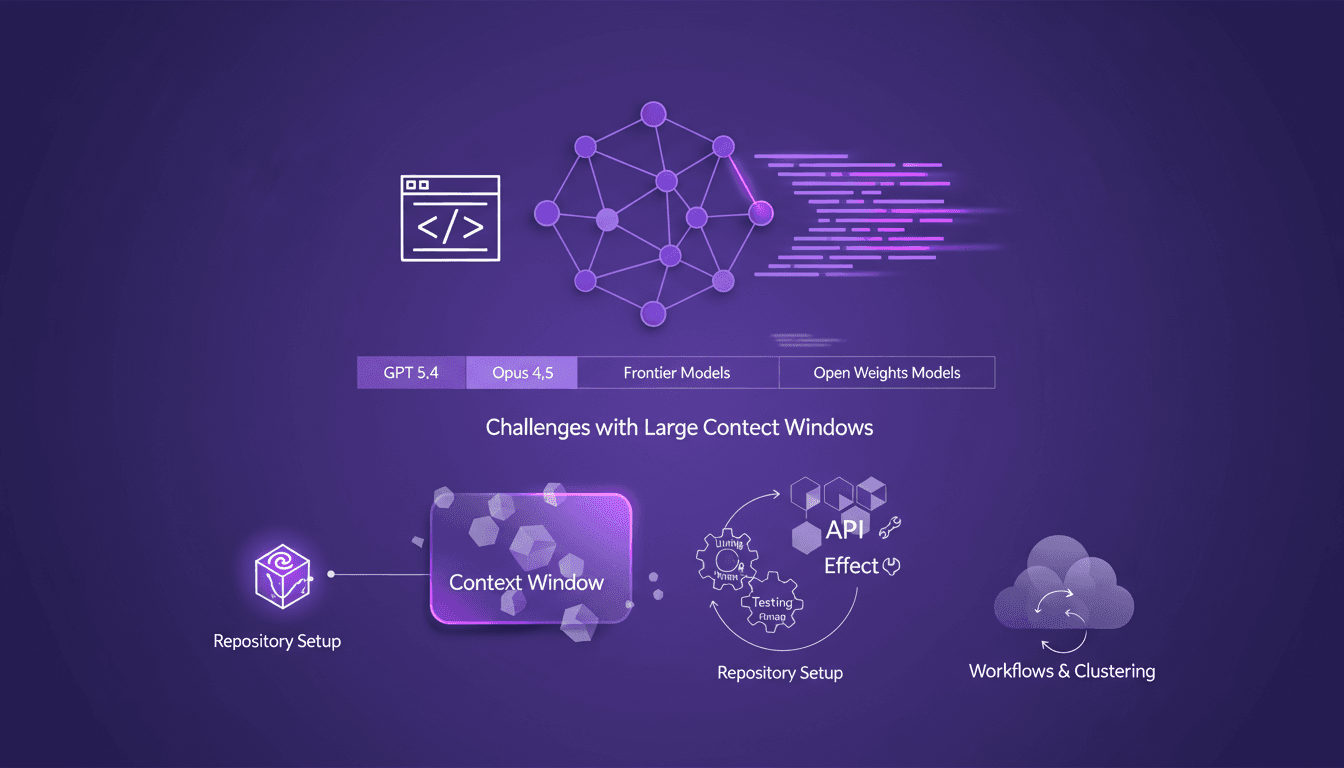
Evolving AI Models: Limits and Opportunities
I still remember setting up my first repository for AI-driven code generation. It was a game changer, but also a minefield of potential pitfalls. In this talk, I'm diving into how AI models like GPT 5.4 and Opus 4.5 are reshaping our workflows and where they still stumble. Shifting from hand-coding to automated code generation is what I live daily in the field. But watch out—large context windows can be a real headache. Your repository setup is critical to avoid pitfalls, and I'll share how I use Effect and other tools for efficient API development. Buckle up, because understanding these models and their limitations is crucial for anyone navigating AI-assisted development.
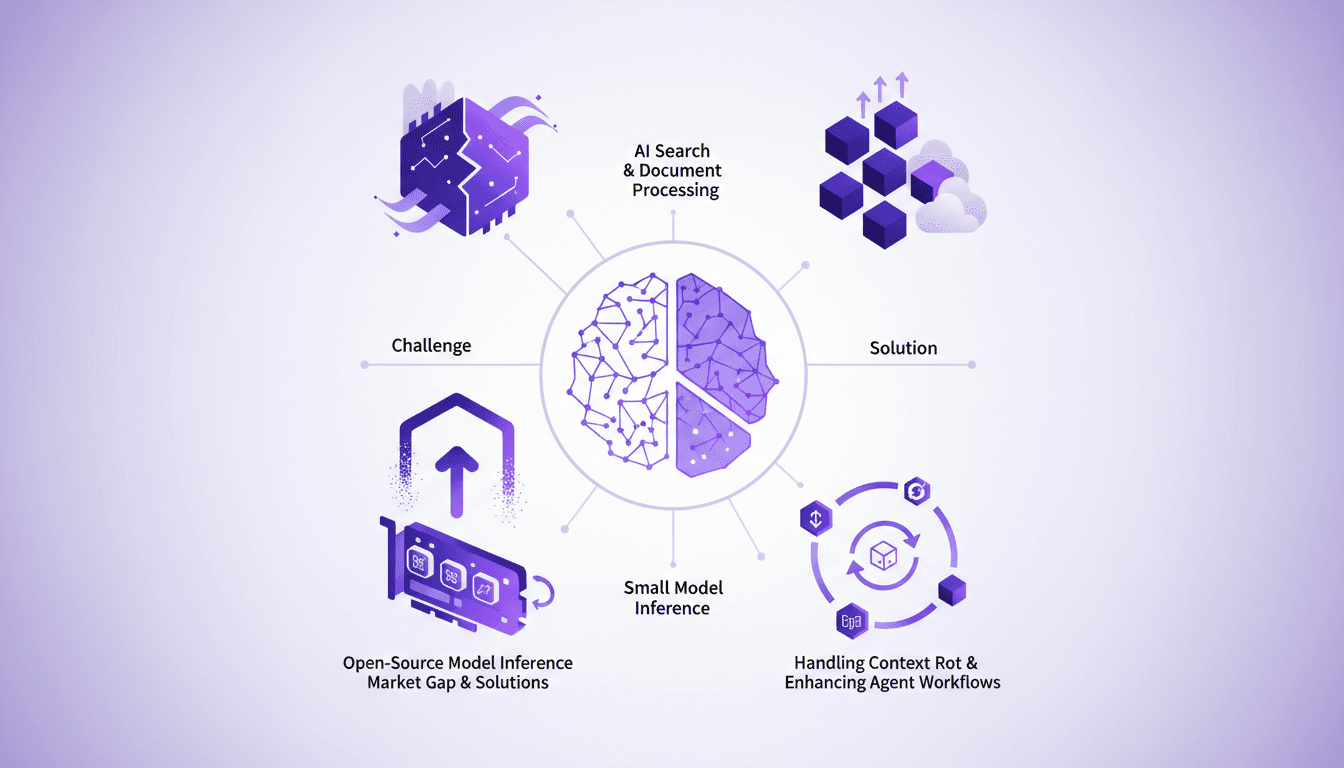
Optimizing AI Models: Our Practical Approach
I saw a gap in the market for small model inference, so I decided to build the infrastructure myself. With over 3 million models on Hugging Face, the lack of effective infrastructure was glaring. Why is this important? Because small models play a crucial role in AI search and document processing. And the challenges? There were plenty, but I tackled them head-on. From context rot to optimizing agent workflows, each step was a learning curve. I orchestrated model swapping for efficient GPU usage while supporting various open-source architectures. In short, we filled a market gap with a robust, scalable solution.
Gemma 4: Transforming Edge AI Deployment
I dove into deploying AI on edge devices with Gemma 4, and let me tell you, it's a game changer. But there are nuances you need to know to make it work seamlessly. Gemma 4 brings new capabilities for processing data locally, reducing latency and bandwidth usage. I set up the Light RT deployment framework, and the performance boost with NPU acceleration is impressive. But don't get too excited just yet — cross-platform integration requires some tweaks. Community support and open-source contributions are key assets. Want to maximize these benefits? I'm sharing what I've learned from the field.