Trace OpenRouter Calls to LangSmith No-Code
I remember the first time I tried tracing API calls without changing a single line of code. It felt impossible until OpenRouter released its new broadcast feature. I set it up with LangSmith in no time, and it was a game changer. No more hours wasted tinkering with code. I just connect OpenRouter's API, and with a few clicks, I trace calls directly to LangSmith. It's really efficient, but watch out for managing API keys and LLM costs. A practical solution for those looking to streamline their workflows without the hassle.
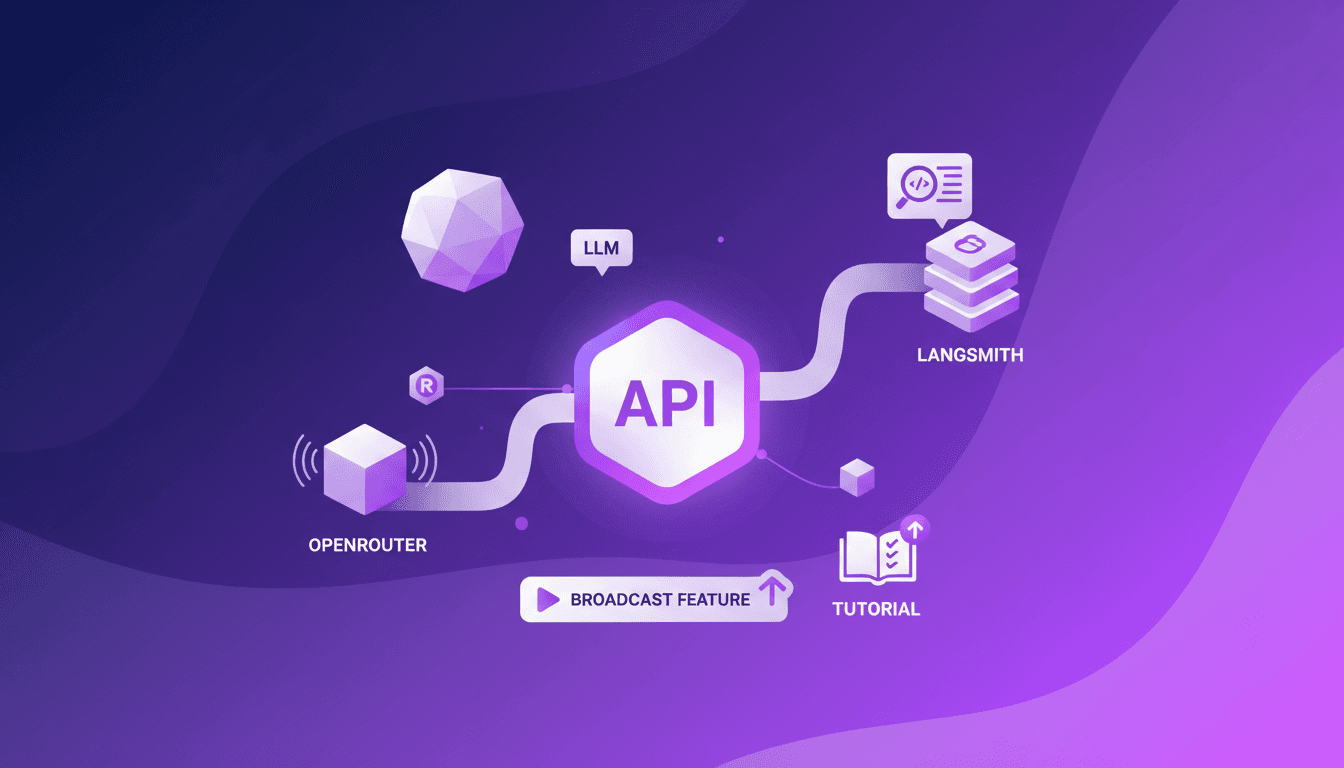
I remember the first time I wanted to trace API calls without altering a single line of code. It seemed like a pipe dream until I stumbled upon OpenRouter's new broadcast feature. Imagine setting it up with LangSmith in just a few minutes, no headaches, no late nights—it's a dream come true. First, I hooked up my OpenRouter API key, then I orchestrated the setup to ensure every call was traced to LangSmith. No need to refactor code, just smart configuration. This broadcast feature is a real game changer for streamlining workflows. But watch out, don't neglect API key management and keep an eye on LLM costs, which can spike if you're not careful. I'll walk you through how I did it, and trust me, it's worth it.
Getting Started with OpenRouter's Broadcast Feature
Recently, I dove into OpenRouter's new broadcast feature, and let me tell you, it's a game changer. Imagine sending traces to Langmith without tweaking a single line of code. That's exactly what this feature promises and delivers. Once enabled, it stores destination information server-side at Langmith, making the whole process seamless. For me, it's a huge time-saver.
To get started, you just need OpenRouter set up with basic configurations. It's a perfect solution for developers wanting to avoid repetitive code changes. Honestly, who has the time to rewrite code just to integrate a new feature? With this approach, you can focus directly on what matters.
Setting Up Your OpenRouter API Key
The first crucial step is to obtain your OpenRouter API key. Trust me, without it, you won't get far. Head over to the OpenRouter UI to create your key. Once done, keep it safe and sound.
The API key plays a central role in the setup process. But beware, I've seen colleagues get caught out by expiration dates. Regularly check your key's validity to prevent sudden service disruptions.
- Create your API key in the OpenRouter UI.
- Regularly check its validity.
- Note that this key is necessary for any communication with OpenRouter.
Configuring LangSmith with OpenRouter
Next, it's time to configure LangSmith to receive broadcasts from OpenRouter. LangSmith relies on Langchain's init chat model to dynamically initialize models. This means you can pass the model at runtime, offering indispensable flexibility to avoid overloading configurations.
To ensure compatibility with OpenAI models, set the model provider to OpenAI and route all LLM requests to OpenRouter. This is a step not to be overlooked if you want everything to work smoothly.
Testing and Tracing Your Setup
Once everything is in place, it's time to test and trace your setup. I've often encountered issues at this stage, but with a bit of patience and checking, everything eventually works out. Start by sending a trace from the OpenRouter interface to Langmith and verify that everything is received correctly.
Look out for common errors like misconfigured URLs or API keys. Adjust as needed to ensure trace reliability. It takes a bit of time initially, but it's worth it to avoid headaches later.
- Send a trace from OpenRouter to Langmith.
- Verify the trace is received correctly.
- Fix any errors as they arise.
Tracking LLM Cross Costs with OpenRouter
Finally, let's understand LLM cross costs and their impact. With OpenRouter, you can efficiently track these costs, a major asset for optimizing your budget while maximizing performance. I recommend establishing strategies to minimize these costs without sacrificing model performance.
It's a balance between cost tracking and performance. Too often, I've seen teams get lost in cost optimization at the expense of results. Use OpenRouter to find the right compromise.
- Track cross costs with OpenRouter.
- Balance costs and performance.
- Adapt your strategies based on the results you get.
In conclusion, OpenRouter's new broadcast feature is a valuable asset for any developer looking to streamline their processes without complicating life. From initial setup to cost tracking, each step is designed to save time and resources.
By integrating OpenRouter's broadcast feature with LangSmith, I've streamlined my API call tracing without the hassle of code changes. First, I set up the OpenRouter API key, which is crucial for the setup. Then, this new broadcast feature sends the destination information directly to the Langmith server side, giving me a much clearer view of LLM cross costs. This means I can optimize resource allocation and save time. But watch out—keep an eye on your costs and tweak settings as needed to avoid any hiccups. It's a game changer, but you need to know its limits. I encourage you to try setting this up in your environment and see how much more efficient your workflow becomes. For a deeper dive into the nitty-gritty details, check out the original video: Trace OpenRouter Calls to LangSmith — No Code Changes Needed.
Frequently Asked Questions

Thibault Le Balier
Co-fondateur & CTO
Coming from the tech startup ecosystem, Thibault has developed expertise in AI solution architecture that he now puts at the service of large companies (Atos, BNP Paribas, beta.gouv). He works on two axes: mastering AI deployments (local LLMs, MCP security) and optimizing inference costs (offloading, compression, token management).
Related Articles
Discover more articles on similar topics
Integrate Claude Code with LangSmith: Tutorial
I remember the first time I tried to integrate Claude Code with LangSmith. It felt like trying to fit a square peg into a round hole. But once I cracked the setup, the efficiency gains were undeniable. In this article, I'll walk you through the integration of Claude Code with LangSmith, focusing on tracing and observability. We’ll use a practical example of retrieving real-time weather data to show how these tools work together in a real-world scenario. First, I connect Claude Code to my repo, then configure the necessary hooks. Watch out, tracing can quickly become a headache if poorly orchestrated. But when well piloted, the business impact is direct and impressive.
Build MCP Agent with Claude: Dynamic Tool Discovery
I dove headfirst into building an MCP agent with LangChain, and trust me, it’s a game changer for dynamic tool discovery across Cloudflare MCP servers. First, I had to get my hands dirty with OpenAI and Entropic's native tools. The goal? To streamline access and orchestration of tools in real-world applications. In the rapidly evolving AI landscape, leveraging native provider tools can save time and money while boosting efficiency. This article walks you through the practical steps of setting up an MCP agent, the challenges I faced, and the lessons learned along the way.
Native Tools: Build a Cloudflare MCP Agent
Imagine harnessing the full power of cloud platforms with just a few clicks. Welcome to the world of MCP agents and native provider tools. As AI technology evolves, integrating tools across multiple cloud platforms becomes essential. This tutorial explores building a Cloudflare MCP agent using Langchain, making complex integrations seamless and efficient. Discover how native tools from OpenAI and Entropic transform your cloud experience. Dive into dynamic tool discovery, integration, MCP server connections, and the advantages of using native tools. Let's explore practical scenarios and envision how these tools shape the future of AI applications.
Integrate Langsmith and Claude Code: Build Agents
I've been knee-deep in agent development, and integrating Langsmith with code agents has been a game changer. First, I'll walk you through how I set this up, then I'll share the pitfalls and breakthroughs. Langsmith serves as a robust system of record, especially when paired with tools like Claude Code and Deep Agent CLI. If you're looking to streamline your debugging workflows and enhance agent skills, this is for you. I'll explore the integration of Langsmith with code agents, Langmith's trace retrieval utility, and how to create skills for Claude Code and Deep Agent CLI. Iterative feedback loops and the separation of tracing and code execution in projects are also on the agenda. I promise it'll transform the way you work.
Deep Agents with LangChain: Introduction
I've spent countless hours in the trenches of AI development, wrestling with deep agents. When I first encountered LangChain, it felt like stumbling upon a goldmine. Imagine launching two sub-agents in parallel to supercharge efficiency. Let me walk you through how I optimize and debug these complex systems, leveraging tools like Langmith Fetch and Paulie. Deep agents are the backbone of advanced AI systems, yet they come with their own set of challenges. From evaluation to debugging, each step demands precision and the right set of tools.