Teaching Claude to Edit Videos: My Approach
I remember the days of spending two hours manually editing a single YouTube video. Frustrating, right? Then I thought, why not teach Claude to do it for me? In this article, I take you through my journey of automating video editing using Claude's agent skills. We'll go through the tools, techniques, and iterative processes that made it possible. Teaching Claude to edit my videos not only cut the raw video time down by 50% but also transformed my approach to content creation.
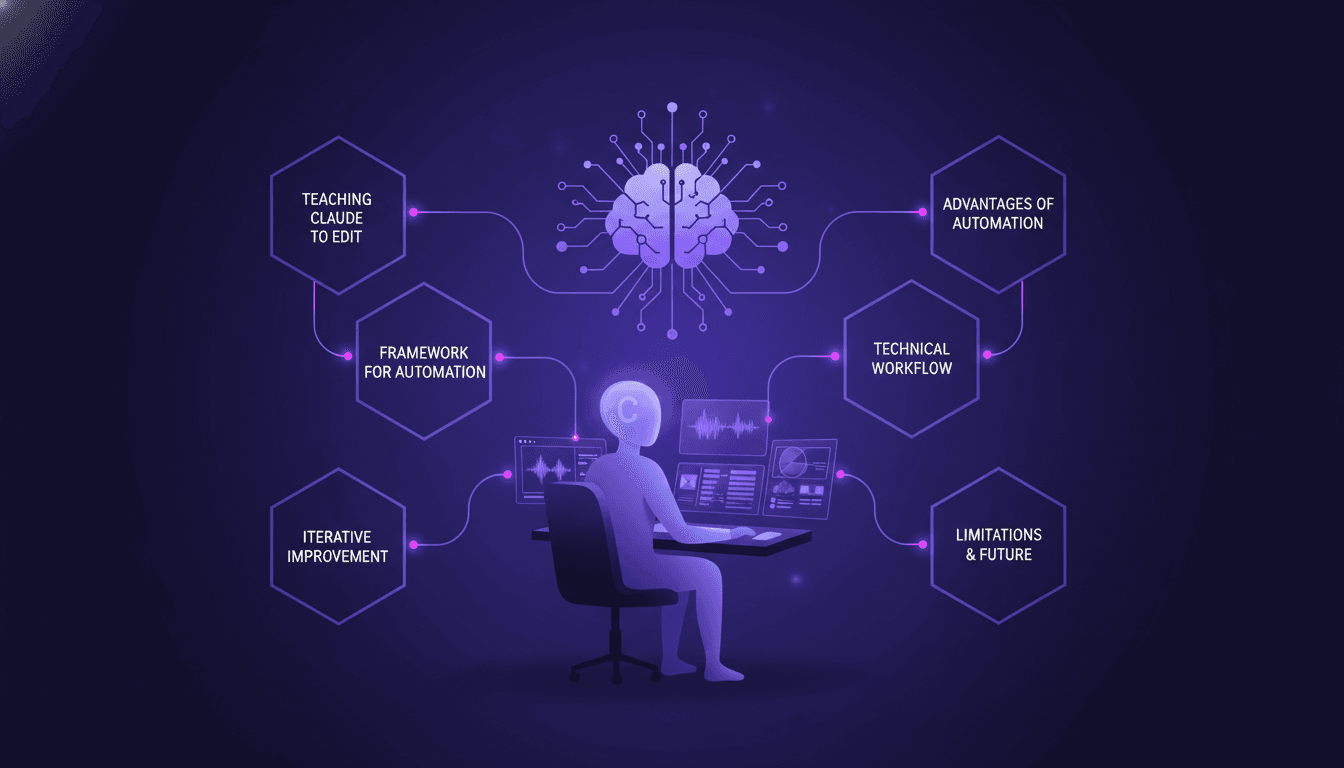
I remember the days of spending two hours editing a YouTube video. Two hours! That's the kind of productivity sinkhole that can really weigh on your creativity. And then, an idea hit me: why not teach Claude, our AI agent, to do it for me? That's where it all began. In this article, I'll show you how I turned that idea into reality. First, I set up Claude's agent skills to automate editing. Then, I delved into the tools and techniques that made this magic happen. I'll also share the mistakes I made (trust me, there were some), and how I adjusted with a feedback and iterative improvement loop. Teaching Claude not only halved the editing time but also reinvented my approach to content creation. You'll find limits, of course, but also exciting prospects for future enhancements.
Understanding Agent Skills for Video Editing
When I first taught Claude to edit my YouTube videos, I realized how essential agent skills were. These skills are reusable instructions that grant Claude the ability to perform complex tasks efficiently. Instead of repeating myself every time I wanted it to do something, I created a set of skills that provide the necessary context at the right moment. This allows me to streamline repetitive tasks, like video cuts, and focus on more creative elements.
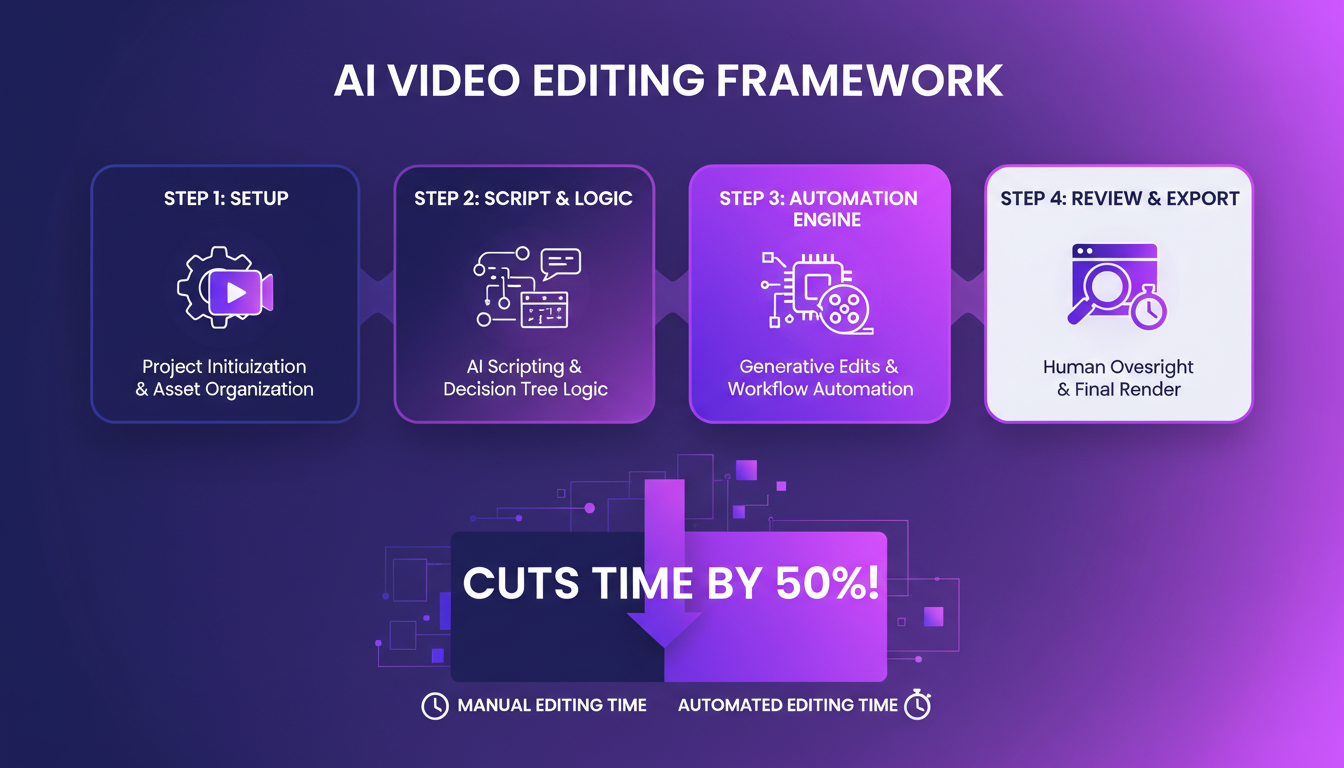
The concept of progressive disclosure is crucial here: Claude receives the necessary information step by step, allowing it to adapt its actions accordingly. I use Claude for video editing because it simplifies the process and reduces my editing time by 50%. That said, the beginning wasn’t smooth sailing. I had to juggle between transcription errors and integration issues, but by persisting, I managed to overcome these hurdles.
Framework for Automating Video Editing
I developed a four-step framework that made a real difference. First, there’s the setup: preparing Claude with the necessary skills. Next, execution: Claude quickly generates a transcript of the video. Then, analysis: using Python scripts to refine the transcript. Finally, output: generating the FCPXML for Final Cut Pro. This framework allowed me to cut my editing time in half, from a 2-hour task to a 3-minute draft.
I used AssemblyAI for video transcriptions because it retains the verbal imperfections needed for Claude to know what to cut. The Python scripts then come into play to make the initial cuts. Integrating these tools with Claude structured my process to be more seamless and efficient.
Technical Workflow and Tools
My technical workflow relies on several key tools: FCPXML, AssemblyAI, and most importantly, my Python scripts. Each tool has its place in the process. For instance, FCPXML is the format that Final Cut Pro uses to understand the edits. As for AssemblyAI, it provides the raw transcription I need.
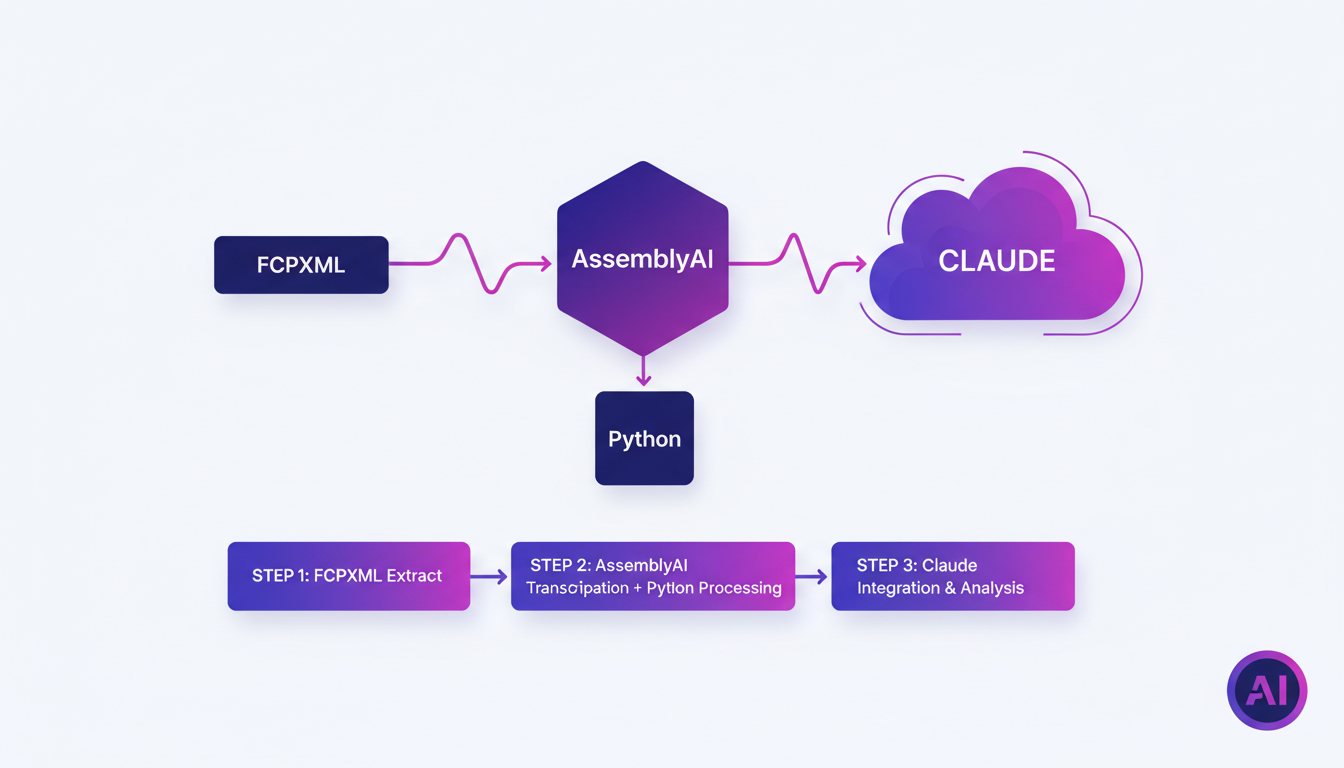
Here’s how it works: I ask Claude to "edit" a video, and it follows a set of predefined scripts. First, it generates the transcript via AssemblyAI. Then, the Python scripts identify and remove unwanted sections. Claude then uses this file to create an FCPXML. Orchestrating these steps is crucial for efficiency. A concrete example: I recently edited a one-hour video in just 25 minutes thanks to this workflow.
Iterative Feedback and Improvement with Claude
I established a feedback loop with Claude that transformed how we work. Each time I request an edit, I provide feedback on the results. This allowed Claude to improve its skills, reducing the necessary cuts from three to one and a half today. A significant reduction that saved me hours each week.
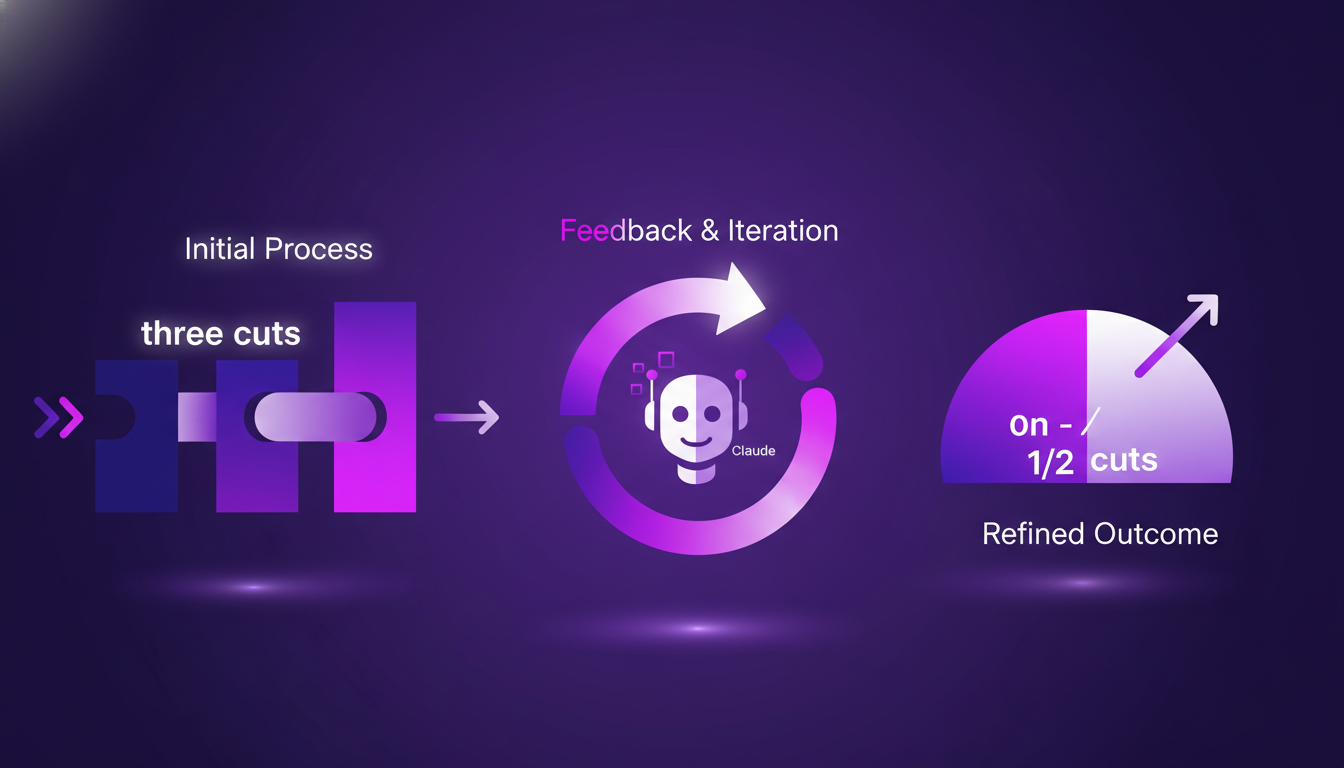
The iterative improvement process revealed unexpected benefits, like the self-correction of minor errors. For those looking to apply this system, I recommend structuring your feedback into clear categories and systematically integrating them after each edit. This allows for progressive and effective skill development for Claude.
Limitations and Future Enhancements
Despite the gains, there are limitations to consider. Claude’s current editing skills do not replace precise manual editing, especially for artistic projects. For the future, I plan to integrate self-learning loops that will allow Claude to adjust its skills autonomously.
The trade-offs between automation and manual editing are real. However, the business impact is undeniable: a reduction in editing time and associated costs. For those starting out, I advise beginning with simple tasks and gradually adding more complex skills, always taking experience feedback into account to refine the process.
In summary, teaching Claude to edit videos transformed my workflow, saving valuable hours and improving overall quality. These agent skills are a powerful tool for anyone looking to automate repetitive tasks in video editing.
Automating video editing with Claude has been a real game changer for me. First, I taught Claude my editing tricks using agent skills, which cut the raw video time down by 50%. What used to take me two hours now takes significantly less time, with precise and efficient cuts. But watch out, Claude isn't perfect. You need to be ready to iterate and adjust based on feedback. If you're considering this path, here are some concrete takeaways:
- Gradually teach and refine its agent skills to match your specific needs.
- Expect at least three cuts for any typical YouTube video.
- Remember Claude's limitations and be prepared to step in manually if needed.
The future of automated editing looks promising, but it requires an iterative approach and openness to feedback. So, ready to teach Claude your editing tricks? Start small, iterate, and watch your workflow transform. For a deeper understanding, I suggest watching the original video here: YouTube Link.
Frequently Asked Questions

Thibault Le Balier
Co-fondateur & CTO
Coming from the tech startup ecosystem, Thibault has developed expertise in AI solution architecture that he now puts at the service of large companies (Atos, BNP Paribas, beta.gouv). He works on two axes: mastering AI deployments (local LLMs, MCP security) and optimizing inference costs (offloading, compression, token management).
Related Articles
Discover more articles on similar topics
Seedance 2.0: Master Fast-Paced Video Production
I remember the first time I tried Seedance 2.0. I was skeptical, but the potential for fast-paced video production was too good to ignore. So, I dove in. Seedance 2.0 is the latest in video production tools, promising speed and creativity. As someone who builds with these tools daily, I’ll walk you through its features, use cases, and how it stacks up against giants like TikTok. Whether it's for global release or personal projects, Seedance 2.0 is a game changer – but watch out for its limitations. ByteDance has really influenced this market, and I'll show you why.
Efficient Idea Exploration with Codex
I still remember the first time I integrated Codex into our workflow at Braintrust. It was like flipping a switch on our innovation process. Ideas that were previously just floating around transformed into concrete prototypes we could test and iterate in real time. In this article, I'll walk you through how Codex has revolutionized our approach to handling customer feedback and innovation. We're talking ultra-efficient idea exploration, real-time feedback handling, and a shortened feedback loop. With Codex, we actively engage our customers and generate high-quality feedback.
Why Arguing Fails: Effective Communication Tactics
Ever felt like arguing with your partner is like banging your head against a wall? I've been there. I used to think throwing facts at a problem would solve it, but I learned the hard way it's not that simple. Let's break down why arguing often fails and how to communicate more effectively. In relationships, especially romantic ones, communication can make or break the bond. Yet, many of us fall into the trap of arguing without understanding the deeper layers involved. This isn't just about winning an argument but about connecting and understanding.
How I Became an Actor: My Journey
I always knew I had a knack for acting. One day I'm making people laugh, the next I'm crying. But identifying as an actor? That took some encouragement. In this article, I'll take you through how my passion turned into my profession. I'll show you the journey from my first steps to landing a paid role. You'll see how I created and posted my first skit, and I'll share some insights on scriptwriting. If you're thinking of diving in or just looking for inspiration, join me on this adventure. You'll find the path is full of surprises, but also great achievements.
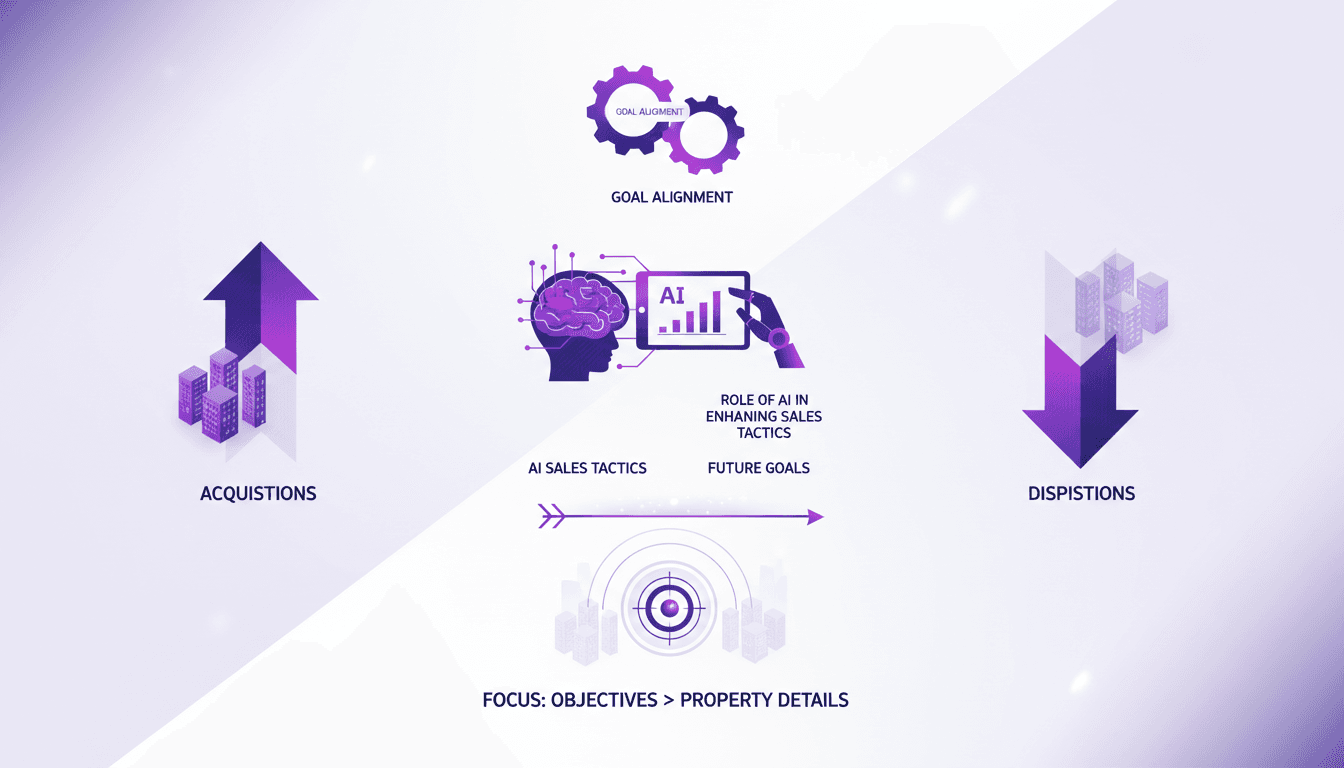
Acquisitions vs. Dispositions: Real Estate Approach
When I first dove into real estate, I thought acquisitions and dispositions were just two sides of the same coin. Rookie mistake. With each deal I closed, I realized just how fundamentally different these two key stages are. Today, I'm taking you through my journey where aligning goals, leveraging AI, and focusing on what truly matters became essential for success. You'll see how in real estate, understanding these nuances can completely transform your strategy. This isn't just theory—it's lived experience. We'll talk about the importance of goal alignment, the role of AI in enhancing sales tactics, and why setting future goals, like those for 2026, is critical. Come along and find out how to avoid the costly mistakes I made.