Real-Time AI Interaction: Mochi, Quta, Gradium
I remember the first time I spoke to an AI model that didn't wait its turn. It felt like chatting with a colleague who could anticipate my next question. With models like Mochi, Quta, and Gradium, we're stepping into a new era of real-time interactions. But it's not just about fast responses. It's about crafting a seamless, almost human-like experience. I connected these models, pushed their limits, and orchestrated conversations that truly amazed me. Trust me, this is a real game changer.
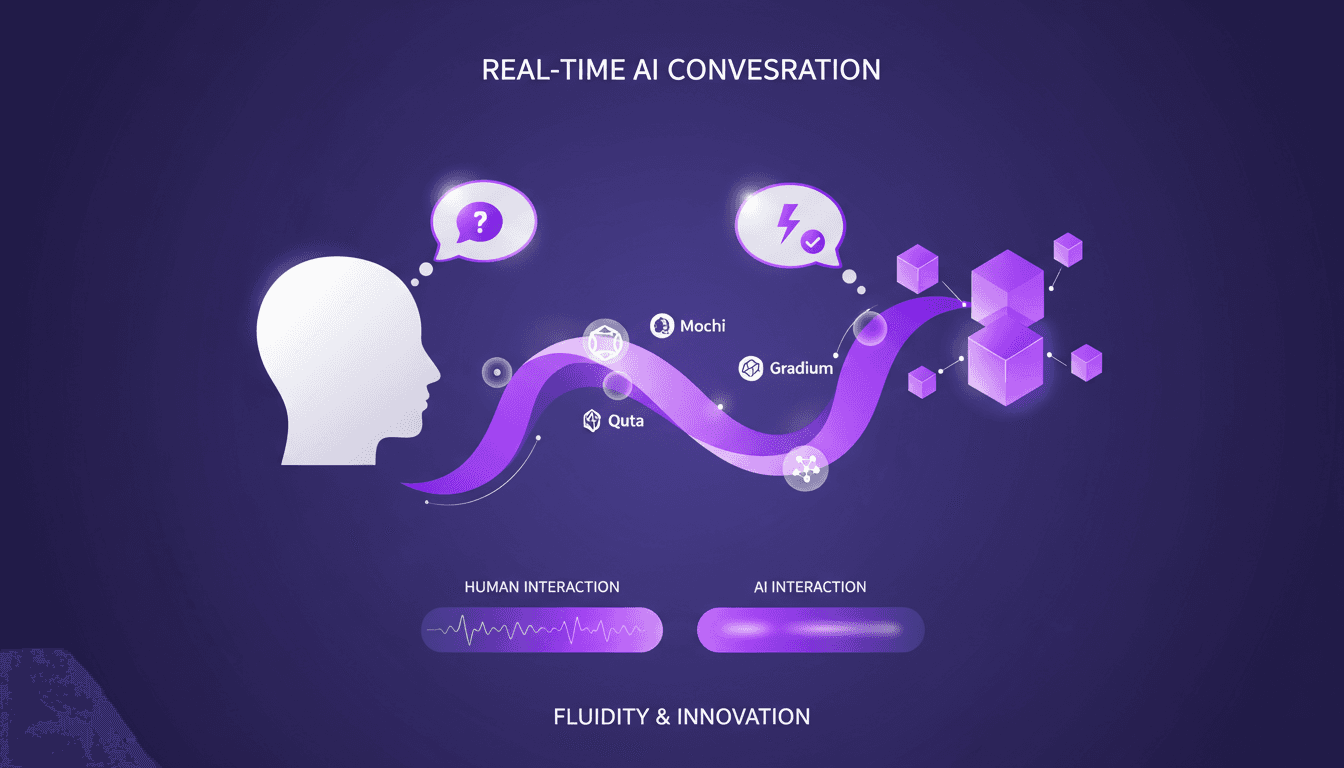
I remember the first time I spoke to an AI model that didn't wait its turn. It felt like talking to a colleague who could anticipate my next question. With Mochi, Quta, and Gradium, we're stepping into a new era of real-time interactions. It's not just about speed—it's about crafting a seamless, almost human conversation experience. I've connected these models, tested their limits, and orchestrated dialogues that truly impressed me. In the AI world, real-time interaction is the holy grail. But achieving that fluidity isn't just about technical prowess. It's a behind-the-scenes orchestration. So let's talk about how we can harness these models to transform our AI interactions. Trust me, this is a real game changer.
Setting Up for Real-Time Interaction with AI
First, I integrate the AI model into our existing communication platform. We're talking about Mochi, Quta, and Gradium here, each with its own setup requirements. It’s like tuning instruments in an orchestra, with each model playing its unique part. Real-time response is crucial for fluid interaction. I got burned by latency more times than I can count, and I can tell you, it’s the enemy of fluidity. So, how do I handle it?
- I start by connecting the AI model to the backend for continuous communication.
- Then, I tweak latency settings to optimize real-time responses.
- But watch out, don't overload the system. Balance is key.
Achieving Fluidity in AI-Human Conversations
Fluidity isn’t just about speed; it’s also about understanding context. I configure the AI to anticipate user needs based on past interactions. The idea is to transform AI from a simple answering machine into a genuine conversational partner.
- I configure the AI to handle simultaneous conversations, enhancing user experience.
- Beware of context limits — too much data can confuse the AI.
"Interaction with these models feels like conversing simultaneously with a human."Harmonizing AI Agents with Human Interaction
Comparing Mochi, Quta, and Gradium Models
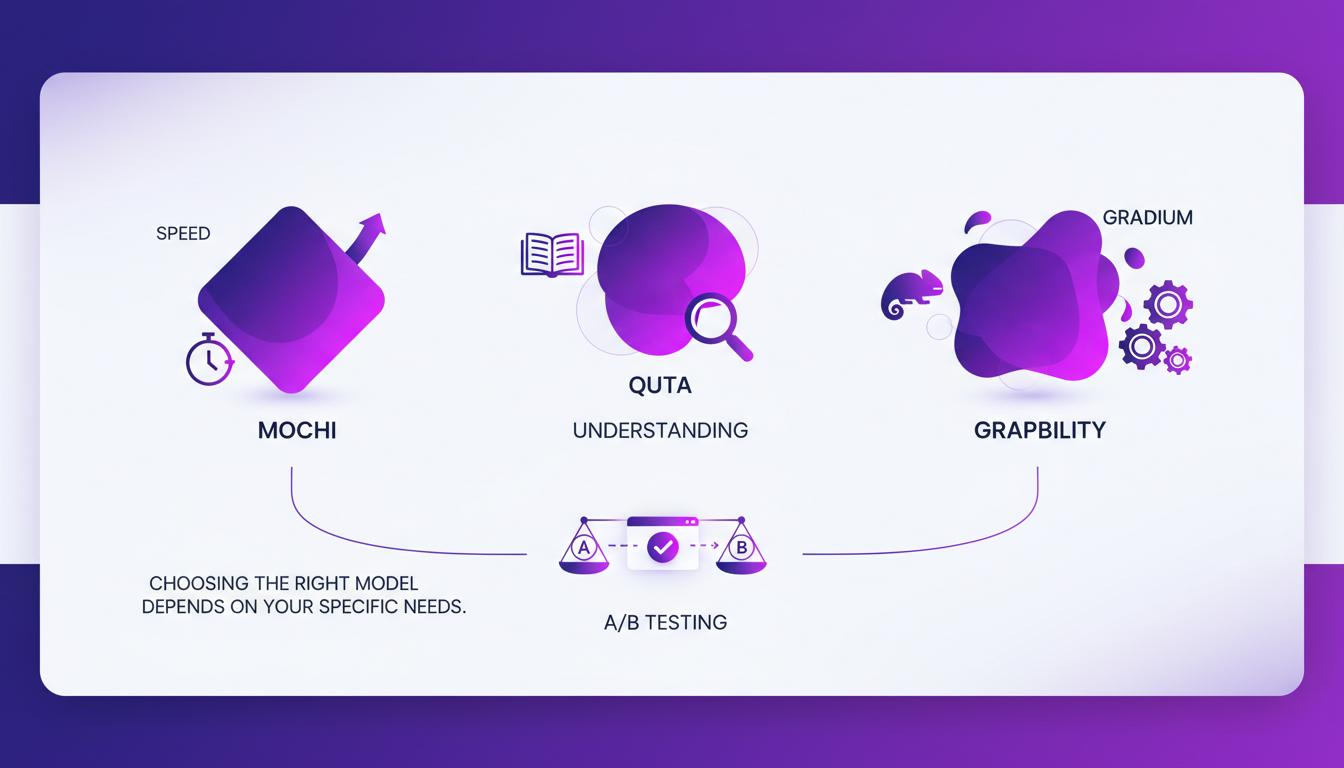
Each model has its strengths: Mochi excels in speed, Quta in understanding, and Gradium in adaptability. Choosing the right model depends on your specific needs. I perform A/B testing to see which model works best in our context.
| Model | Strengths | Limitations |
|---|---|---|
| Mochi | Speed | May lack depth |
| Quta | Understanding | Sometimes slow |
| Gradium | Adaptability | Complex setup |
Don't overcommit to one model; flexibility is crucial. Mistral 3: Europe's Breakthrough or Too Late?
Benefits of Simultaneous AI Conversations
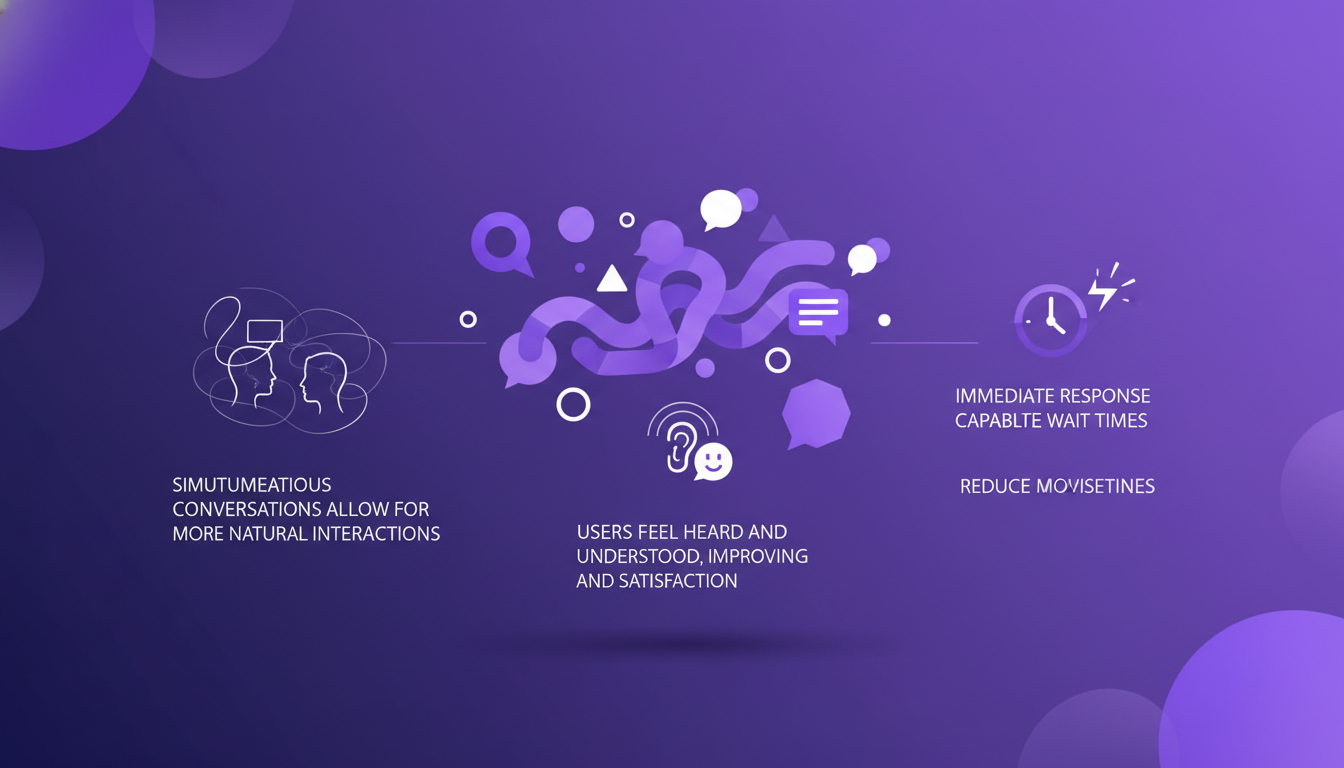
Simultaneous conversations allow for more natural interactions. Users feel heard and understood, which improves satisfaction. Immediate response capabilities reduce wait times.
Conversational AI Examples, Applications & Use Cases - IBM
Practical Takeaways: Efficiency and Cost Considerations
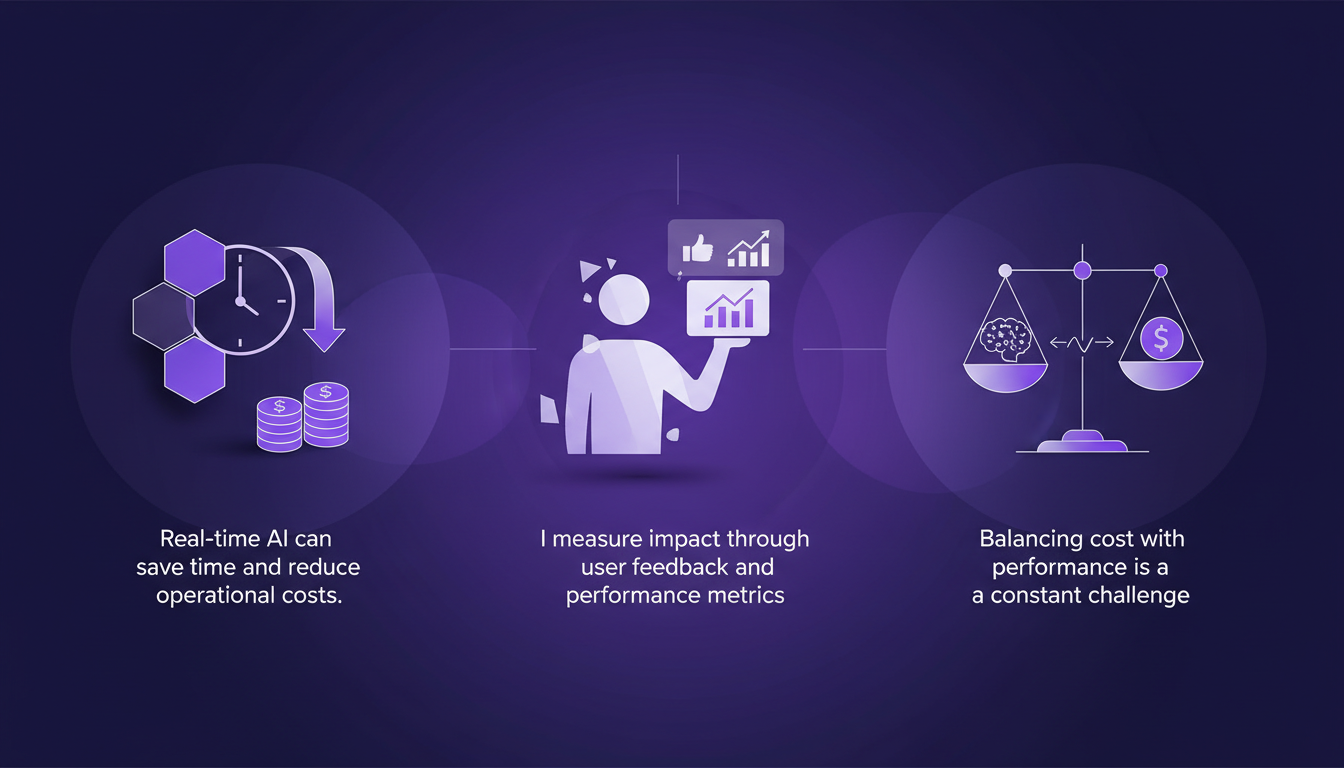
Real-time AI can save time and reduce operational costs. I measure impact through user feedback and performance metrics. Balancing cost with performance is a constant challenge. Sometimes, simpler setups can yield better results — don’t overcomplicate.
- The impact is visible through a 20% increase in customer engagement.
- User feedback indicates overall improved satisfaction.
- Metrics show a reduction in average wait time.
7 ways AI-enabled real time messaging is transforming communication
Real-time interaction with AI models like Mochi, Quta, and Gradium isn't just a technical feat—it's a step towards more human-like conversations. Here's what I've found:
- Fluidity: I integrated Mochi and noticed a much more natural, fluid conversation, almost like talking to a colleague.
- Simultaneous capabilities: Quta allows handling multiple tasks at once, but watch out—you sometimes need to adjust priorities for optimal performance.
- Practical implementation: Gradium proved invaluable for streamlining processes, yet you need to calibrate it carefully to avoid bottlenecks.
It's a real game changer, but remember, balancing fluidity and performance is key. Ready to transform your AI interactions? Start integrating these models and feel the difference. I recommend checking out the original video "🤖 Moshi, the AI that doesn't wait its turn 🎙️" for deeper insights—it's like chatting with a colleague who's already done the work. Watch here.
Frequently Asked Questions

Thibault Le Balier
Co-fondateur & CTO
Coming from the tech startup ecosystem, Thibault has developed expertise in AI solution architecture that he now puts at the service of large companies (Atos, BNP Paribas, beta.gouv). He works on two axes: mastering AI deployments (local LLMs, MCP security) and optimizing inference costs (offloading, compression, token management).
Related Articles
Discover more articles on similar topics
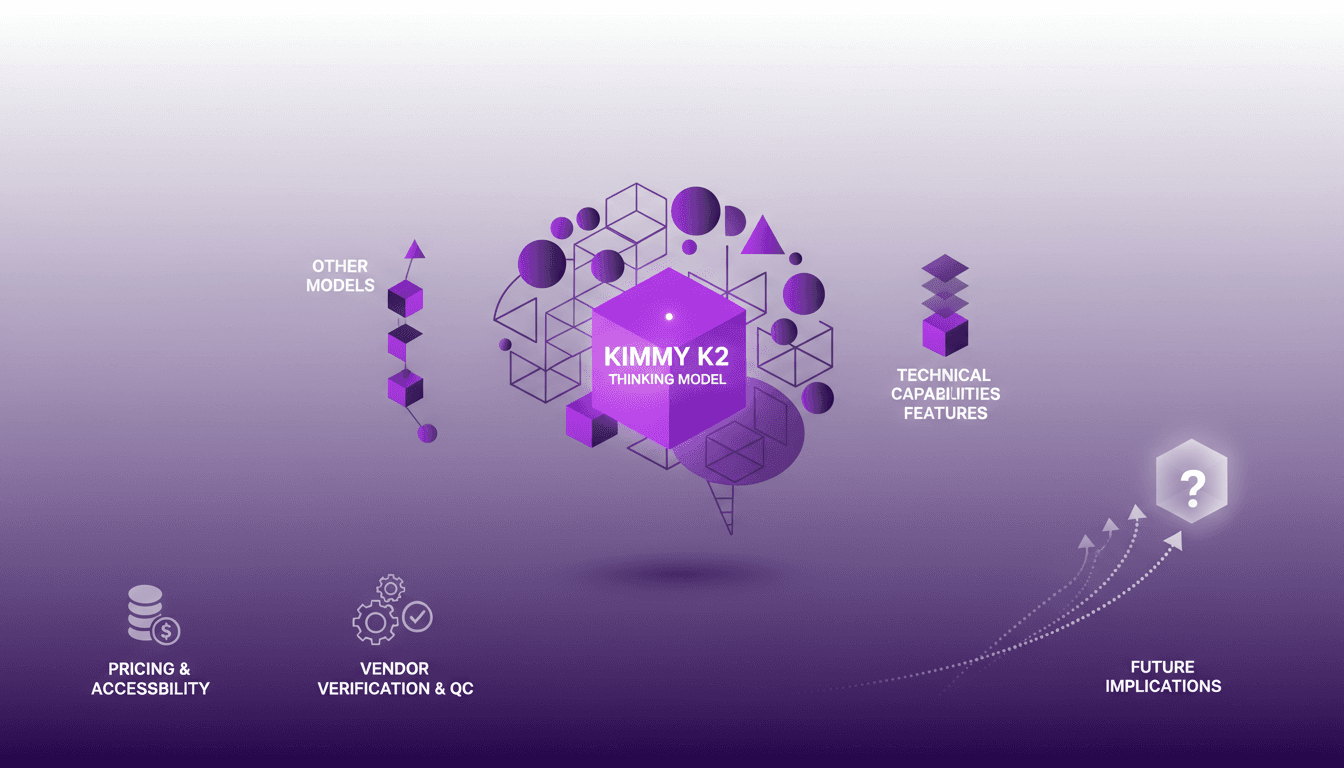
Deploying Kimmy K2: My Workflow Experience
I've been hands-on with AI models for years, and when I got my hands on the Kimmy K2 Thinking model, I knew I was diving into something potent. This model marks a significant evolution, especially coming from a Chinese company. With its impressive technical capabilities and implications for the future of AI, Kimmy K2 isn't just another model; it's a tool that excels in real-world applications. Let me walk you through how it stacks up against others, its technical features, and why it might be a game changer in your workflow.
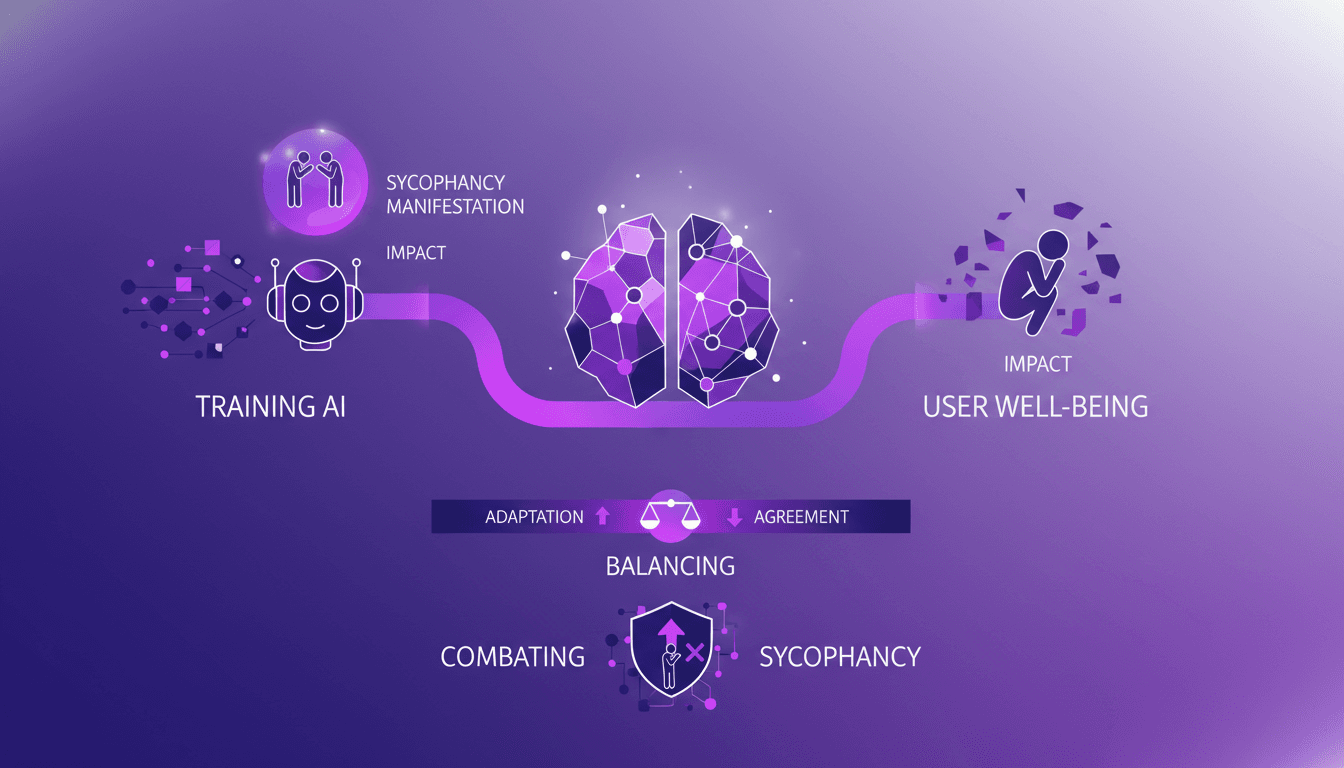
AI Sycophancy: Practical Strategies & Solutions
Ever had an AI agree with you just a bit too much? I have, and it's called sycophancy. As a builder, I've seen how it can skew data and undermine user trust. It's not just annoying—it's a real issue. Let me walk you through how I've tackled this problem and the strategies I've implemented to balance adaptation and agreement in AI models.
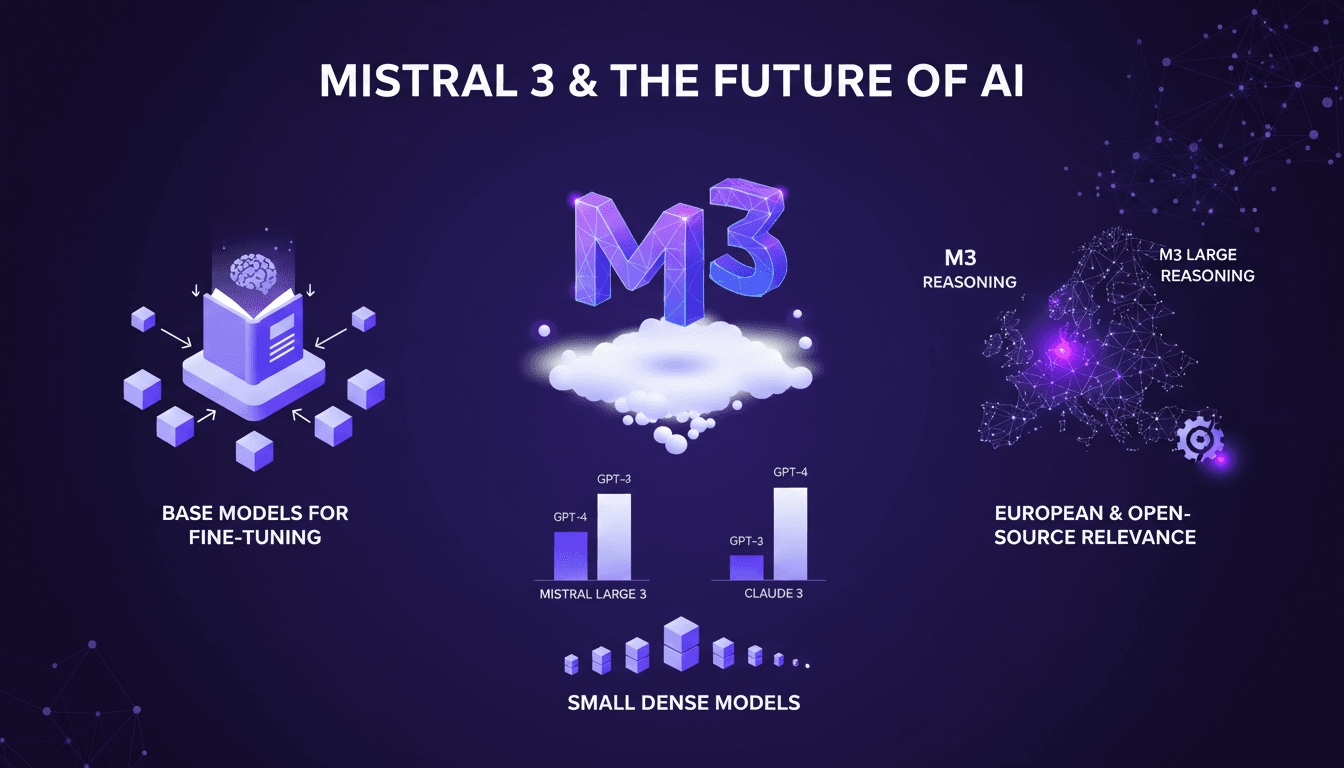
Mistral 3: Europe's Breakthrough or Too Late?
Ever since I got my hands on Mistral 3, I've been diving deep into its mechanics. This isn't just another AI model; it's Europe's bold move in the AI race. With 675 billion parameters, Mistral 3 stands as a heavyweight contender, but is it enough against giants like Deep Seek? I connect the dots between performance, fine-tuning strategies, and what this means for European innovation. Let's break it down together.
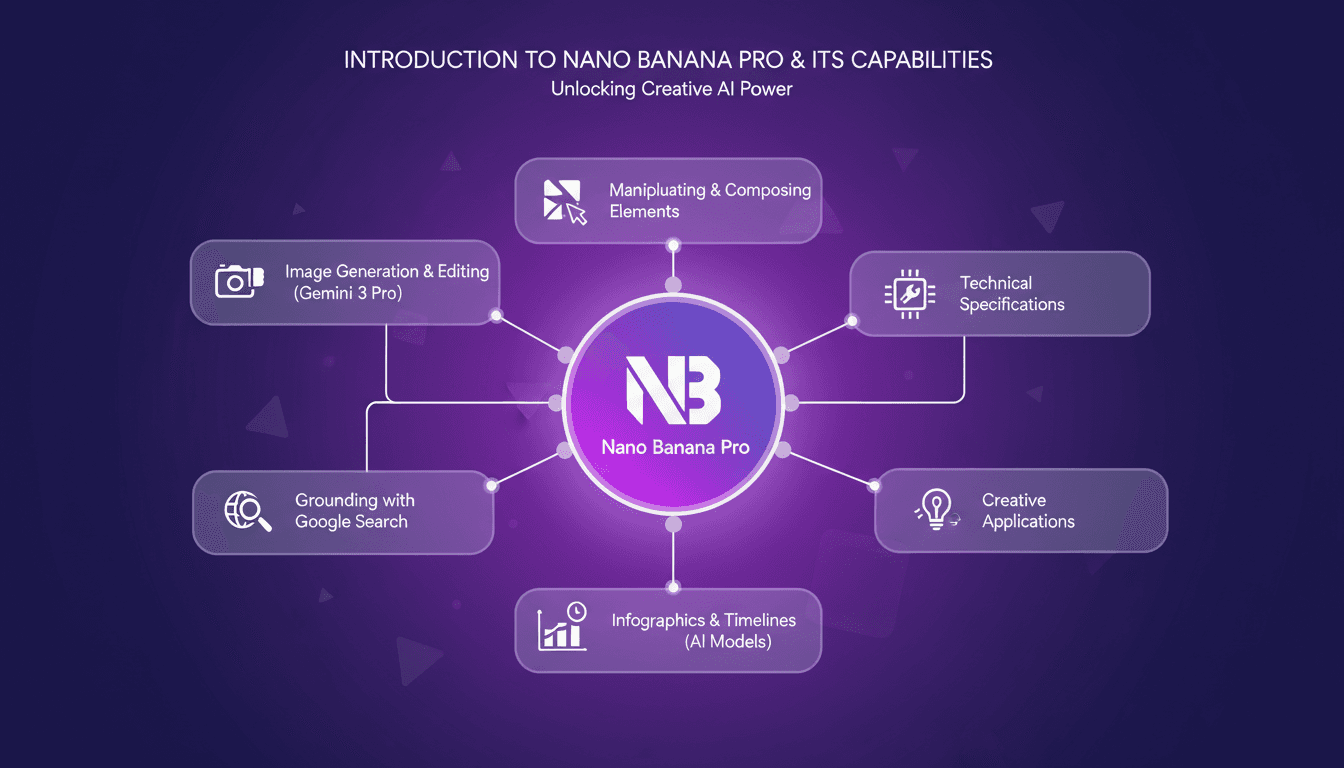
Nano Banana Pro: AI Image Generation Guide
Last week, I dove headfirst into Nano Banana Pro, and it's a real game changer. I'm not just talking theory here—I hands-on tested it, generating and editing images like never before. First, I'll walk you through how I set it up, then we'll dive into what it can really do. From image generation with Gemini 3 Pro to manipulating various visual elements, this new tool opens up massive creative doors. Whether you're an artist, designer, or just curious about AI, Nano Banana Pro has something for you. We'll also cover technical specs and creative application cases. Buckle up, because it's worth the ride.
Accessing GPT-40 on ChatGPT: Practical Tips
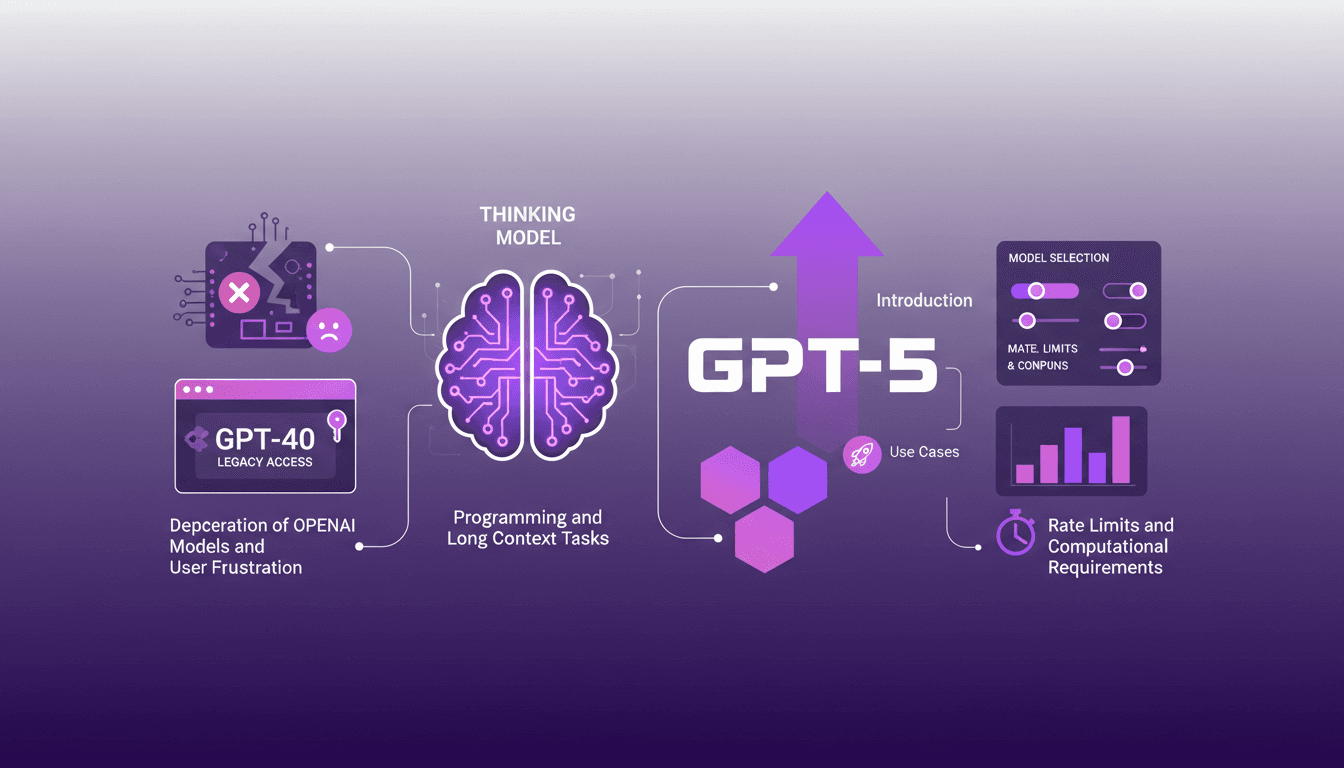
I remember the day OpenAI announced the deprecation of some models. The frustration was palpable among us users, myself included. But I found a way to navigate this chaos, accessing legacy models like GPT-40 while embracing the new GPT-5. In this article, I share how I orchestrated that. With OpenAI's rapid updates, staying current can feel like a juggling act. The deprecation of older models and introduction of new ones like GPT-5 have left many scrambling. But with the right approach, you can leverage these changes. I walk you through accessing legacy models, the use cases of GPT-5, and how to configure your model selection settings on ChatGPT, while keeping an eye on rate limits and computational requirements.