Nano Banana Pro: AI Image Generation Guide
Last week, I dove headfirst into Nano Banana Pro, and it's a real game changer. I'm not just talking theory here—I hands-on tested it, generating and editing images like never before. First, I'll walk you through how I set it up, then we'll dive into what it can really do. From image generation with Gemini 3 Pro to manipulating various visual elements, this new tool opens up massive creative doors. Whether you're an artist, designer, or just curious about AI, Nano Banana Pro has something for you. We'll also cover technical specs and creative application cases. Buckle up, because it's worth the ride.
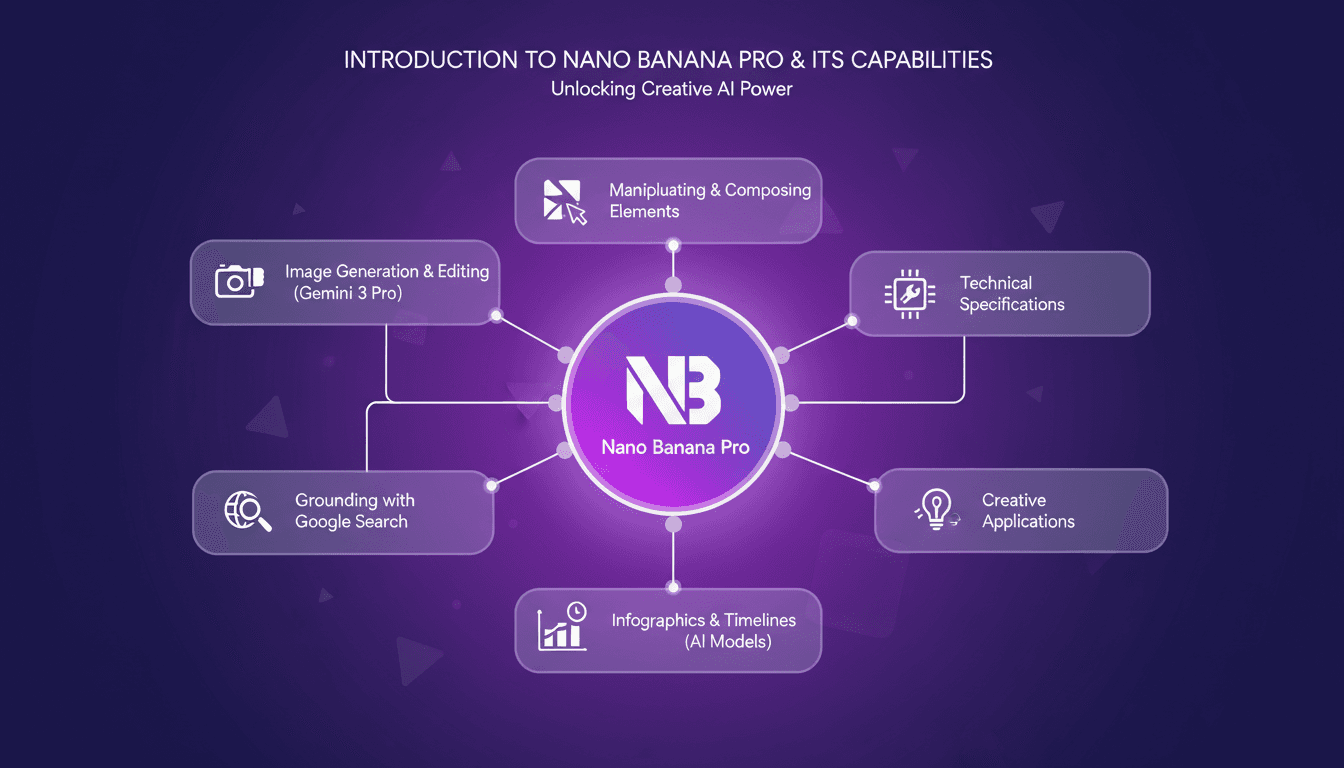
I dove into Nano Banana Pro last week, and let me tell you, it's a game changer. I'm not just talking theory here—I've been hands-on, generating and editing images like never before. First, get it set up. I got burned by some specs at first, but once that was sorted, wow. Using Gemini 3 Pro for image generation, I hit 4K resolution in no time, keeping that versatile 16x9 aspect ratio. But watch out, you need to ground images with Google for accuracy. Where it really gets fun is when you start composing infographics or timelines. Whether you're an artist, a designer, or just curious about AI, Nano Banana Pro unlocks a world of creative possibilities. I'll walk you through its technical specs and some use cases that might just change how you work.
Getting Started with Nano Banana Pro
When I first set up Nano Banana Pro, I thought, "Finally, a tool that promises advanced features without a 500-page manual." Installation is a breeze: a quick download and a few clicks for initial setup. The interface is intuitive, with a minimalist design and indigo and violet gradients that remind me of the best interfaces I've seen. But watch out, you need to configure it correctly from the start to avoid future headaches.
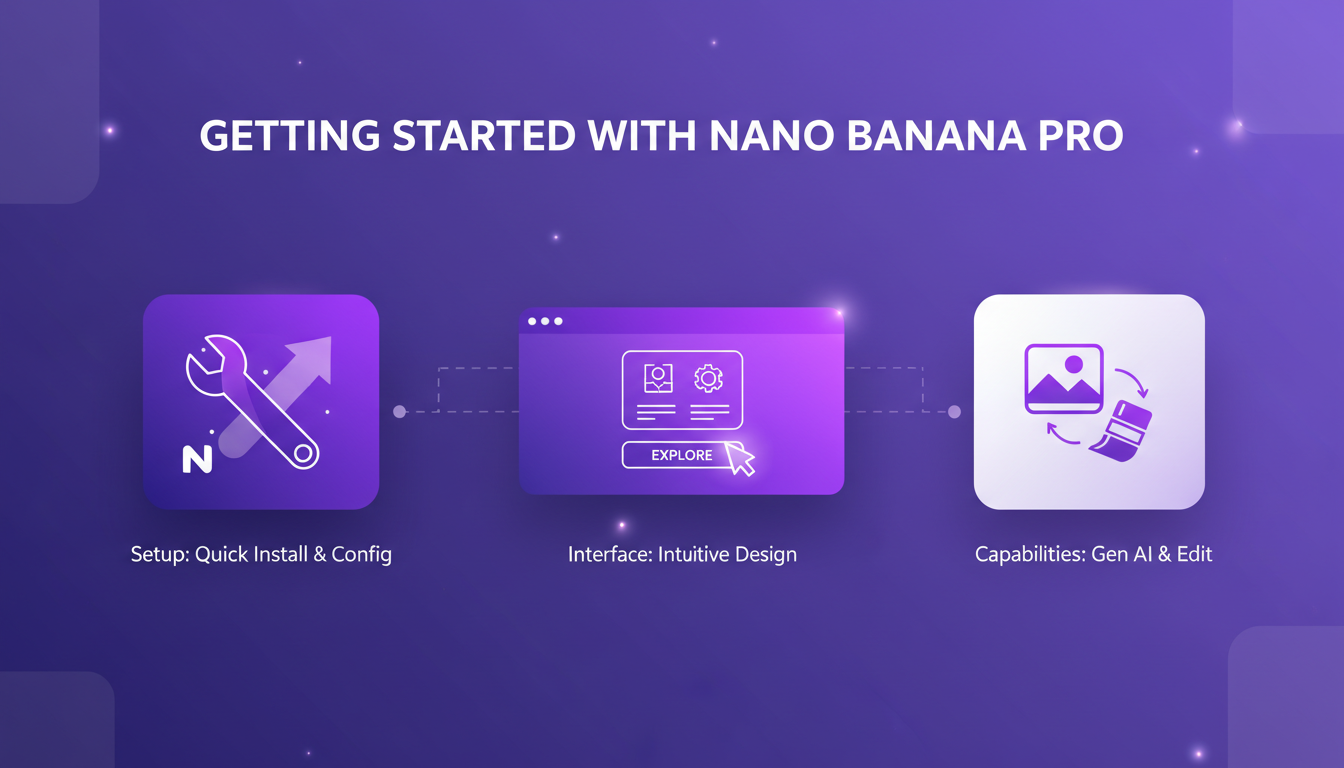
The first thing I do is explore the basic capabilities: image generation, editing, and integration with Gemini 3 Pro. This is where Nano Banana Pro shows its power. Thanks to Gemini 3 Pro, I can generate images from scratch or edit existing photos with astonishing precision. But beware of initial configuration pitfalls, like forgetting to enable the auto-update settings, which can skew results right from the start.
Image Generation and Editing with Gemini 3 Pro
With Gemini 3 Pro, image generation reaches a new level. I use it to create high-quality images with an optimal 16x9 aspect ratio, ideal for most projects. This choice of ratio isn't trivial; it perfectly fits modern screens and avoids annoying black bars. Then, I move on to editing: adding elements, adjusting resolutions—everything is possible.
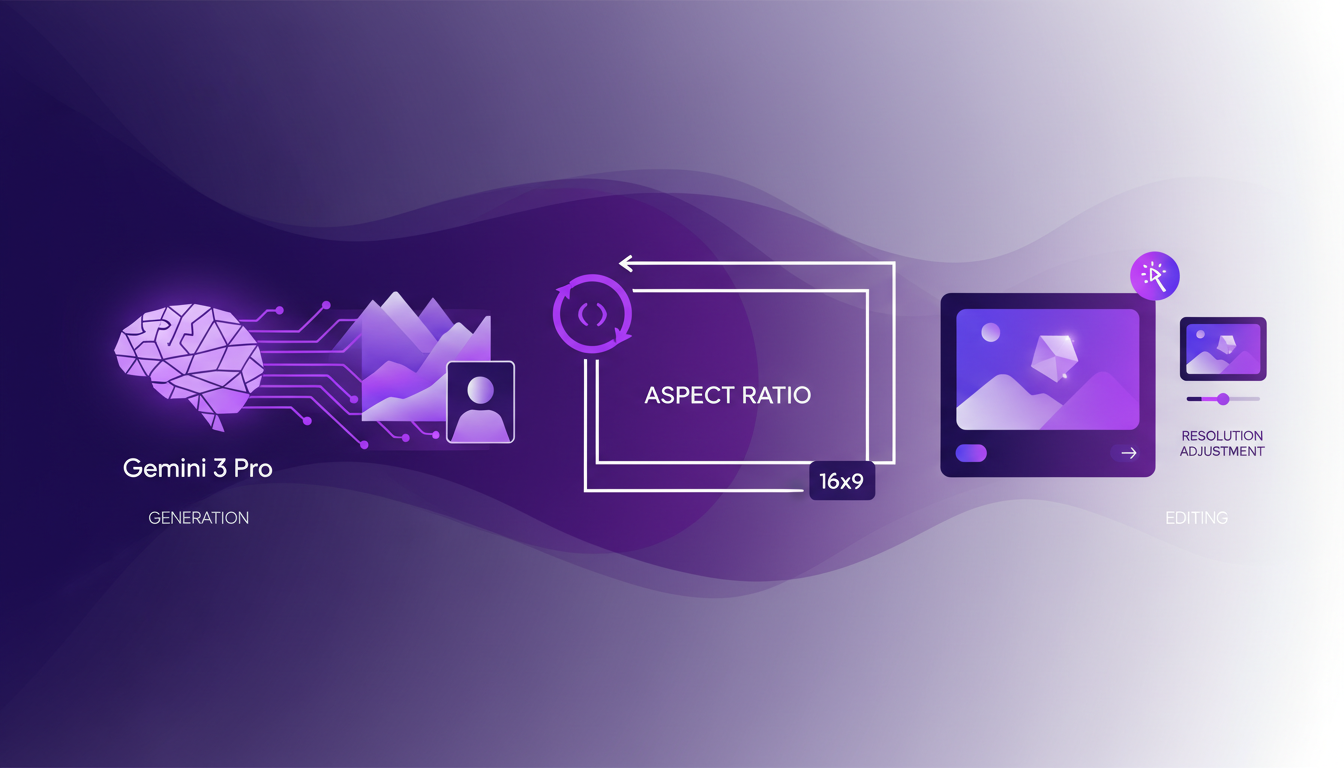
For instance, I recently rendered an image of five cats in full 4K resolution. The result was impeccable, but I had to deal with the classic trade-offs: quality versus processing time. To achieve an optimal result, you often have to juggle between these two factors.
Enhancing Image Accuracy with Google Search Grounding
Grounding is the art of linking real-world data to our AI models. And why does it matter? Simply because it improves the accuracy of generated images. With Google Search, I can anchor my images in real facts, boosting their relevance.
To ground an image, I start by activating the grounding option in the settings, then let the AI conduct its searches. This can save a lot of time, especially when the image needs to be exceptionally precise. However, watch out: it's not always necessary. In some cases, it can even unnecessarily bog down the process if the image doesn't require extreme precision.
Composing Images and Creating Infographics
Composing complex images is a cinch with Nano Banana Pro. I manipulate multiple elements to create rich compositions, whether for marketing campaigns or educational content. The AI helps me design infographics and timelines almost automatically.
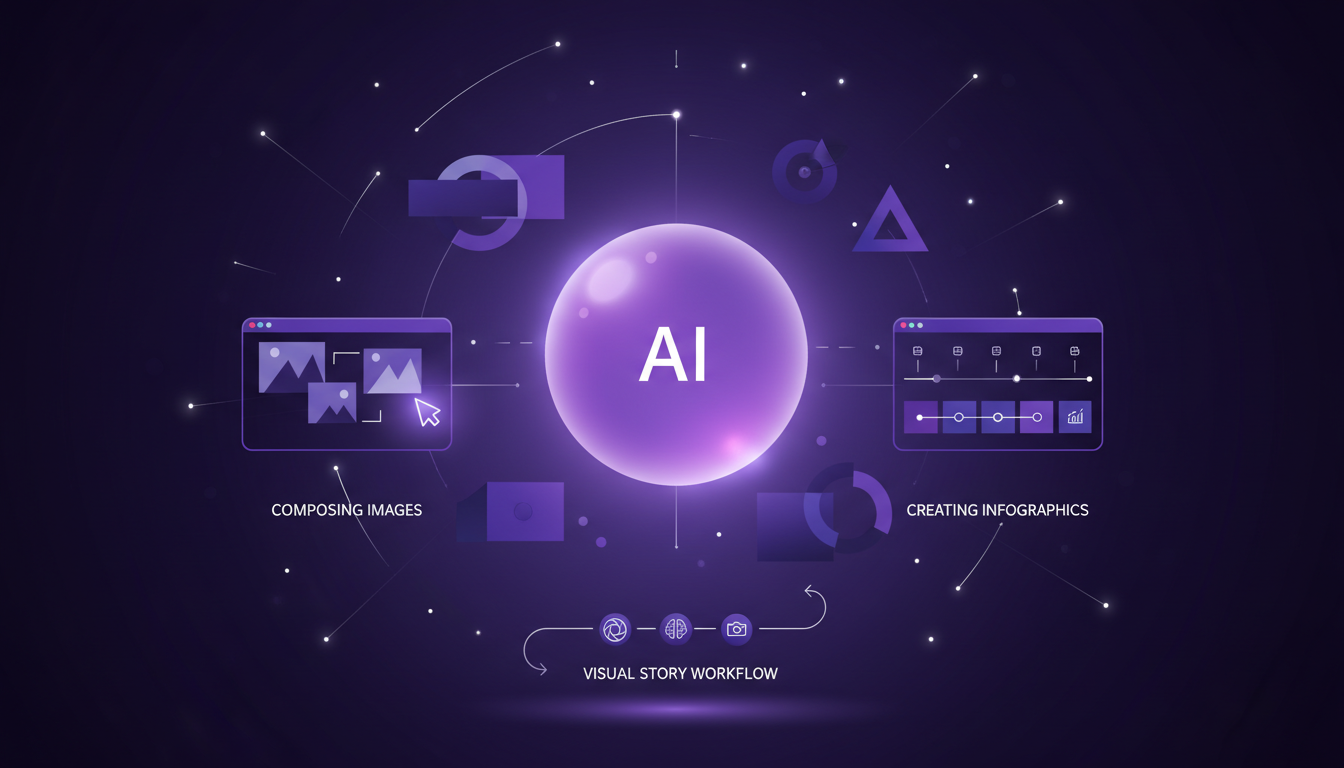
But watch out, there's always this limit between creativity and the AI's technical constraints. What works well is maintaining a balance: using AI for efficiency but not forgetting our personal touch for content. I've seen real-life applications, like corporate presentations or educational materials, where this approach works perfectly.
Technical Specs and Creative Use Cases
In terms of technical specifications, Nano Banana Pro requires a certain level of performance to function optimally. Compatibility is a factor not to overlook, especially if you're working on projects that demand 4K resolution or complex processing.
In my recent projects, I've used Nano Banana Pro to create digital artworks and innovative designs. The tool has proven particularly effective in contexts where precision and creativity are essential. However, it's crucial to overcome certain challenges, such as managing system resources, to get the most out of this tool.
In summary, Nano Banana Pro, thanks to the integration of Gemini 3 Pro, offers impressive creative possibilities but requires a methodical approach to avoid technical pitfalls.
Nano Banana Pro isn't just another tool; it's a true powerhouse for image creation and manipulation. I've plugged this beast into my workflow, and here's what I'm getting out of it:
- Image Generation and Editing: With Gemini 3 Pro, I'm cranking out 4K images in a 16x9 aspect ratio, letting me work directly on high-quality visuals.
- Grounding with Google Search: Using Google search to ground my images leads to increased accuracy, making each project more reliable.
- Manipulation and Composition: The ability to blend various elements in my images opens up new creative possibilities.
Let's be clear, it's a game changer. But watch out, mastering all these tools takes time and might require some tweaking. Ready to transform your image projects? Dive into Nano Banana Pro and see the difference for yourself. For a deeper dive, I recommend watching the full video here: Nano Banana Pro has arrived!!. It's worth your time.
Frequently Asked Questions

Thibault Le Balier
Co-fondateur & CTO
Coming from the tech startup ecosystem, Thibault has developed expertise in AI solution architecture that he now puts at the service of large companies (Atos, BNP Paribas, beta.gouv). He works on two axes: mastering AI deployments (local LLMs, MCP security) and optimizing inference costs (offloading, compression, token management).
Related Articles
Discover more articles on similar topics
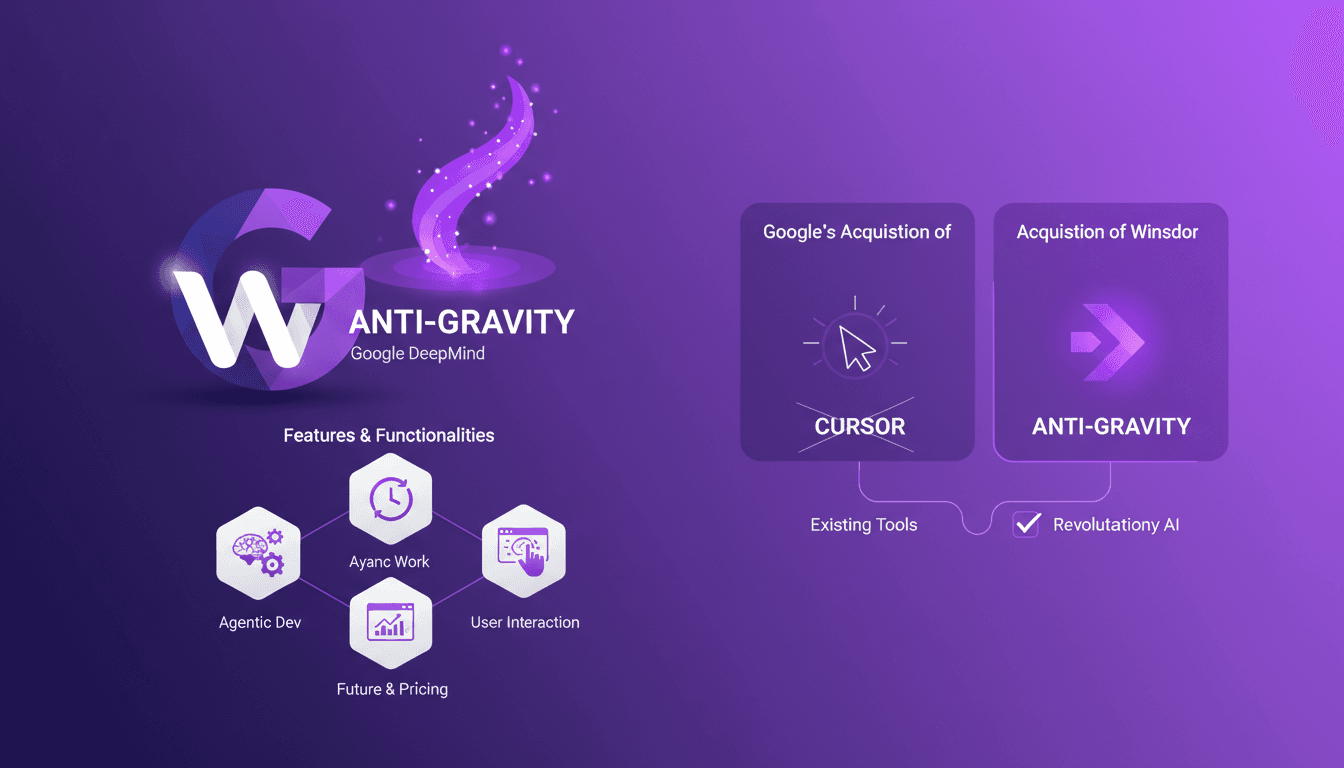
Google's Anti-gravity: Revolutionizing Development
I've been in the development trenches long enough to spot a game changer when I see one. Google's acquisition of Windsor and the introduction of Anti-gravity has me rethinking my workflows entirely. With Anti-gravity, Google DeepMind is redefining agentic development and asynchronous work. Its innovative features and potential to outshine tools like Cursor are exciting. But watch out: the promises are big, and the limits must be understood. Let's dive into what could very well be a revolution for us seasoned developers.
Gemini 3 Pro: Unveiling Key Advancements
When I first got my hands on the Gemini 3 Pro, I knew I was stepping into a new realm of AI capabilities. DeepMind and Google have teamed up to deliver a model that redefines AI performance. But this isn't just marketing noise. With seamless integration into Google platforms and groundbreaking features, I'll show you why this model is a real game changer for us developers. We'll cover advancements in dynamic UI, comparisons with previous versions, and what this means for our technical day-to-day.
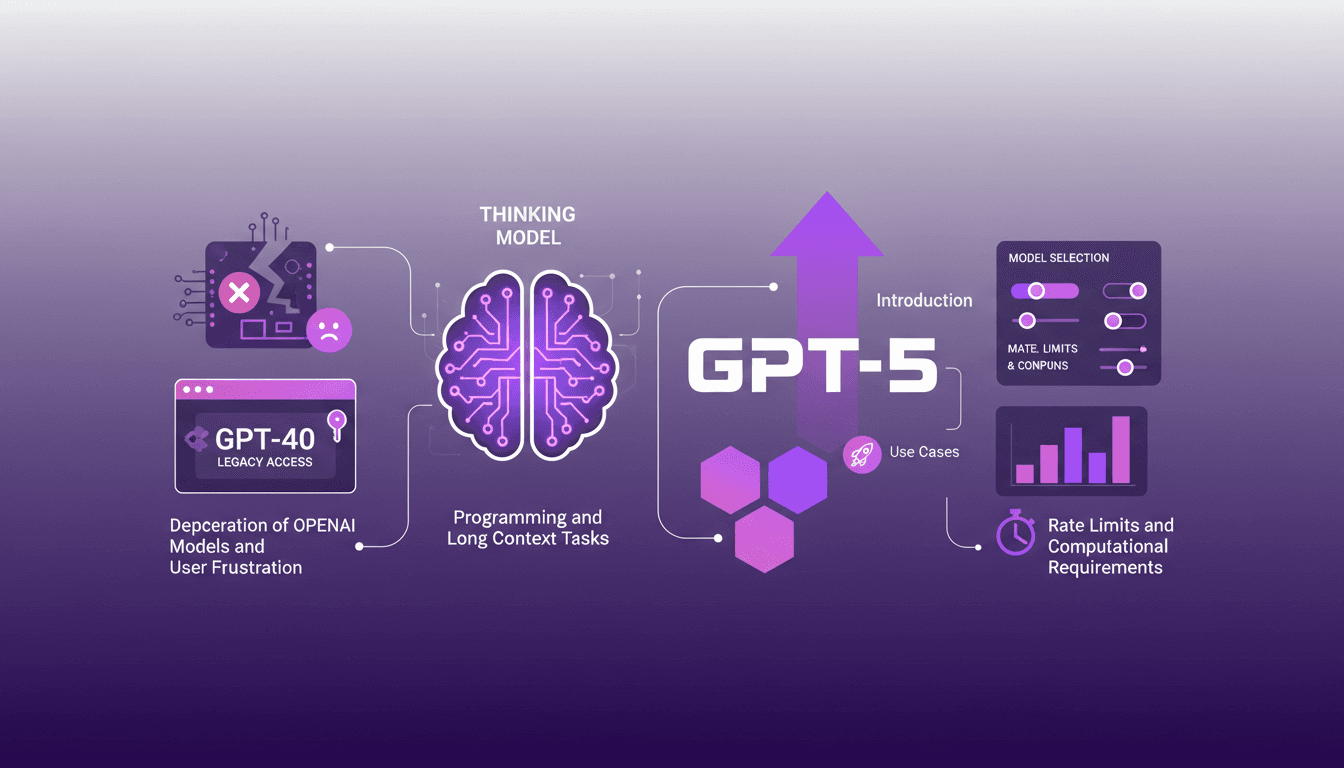
Accessing GPT-40 on ChatGPT: Practical Tips
I remember the day OpenAI announced the deprecation of some models. The frustration was palpable among us users, myself included. But I found a way to navigate this chaos, accessing legacy models like GPT-40 while embracing the new GPT-5. In this article, I share how I orchestrated that. With OpenAI's rapid updates, staying current can feel like a juggling act. The deprecation of older models and introduction of new ones like GPT-5 have left many scrambling. But with the right approach, you can leverage these changes. I walk you through accessing legacy models, the use cases of GPT-5, and how to configure your model selection settings on ChatGPT, while keeping an eye on rate limits and computational requirements.
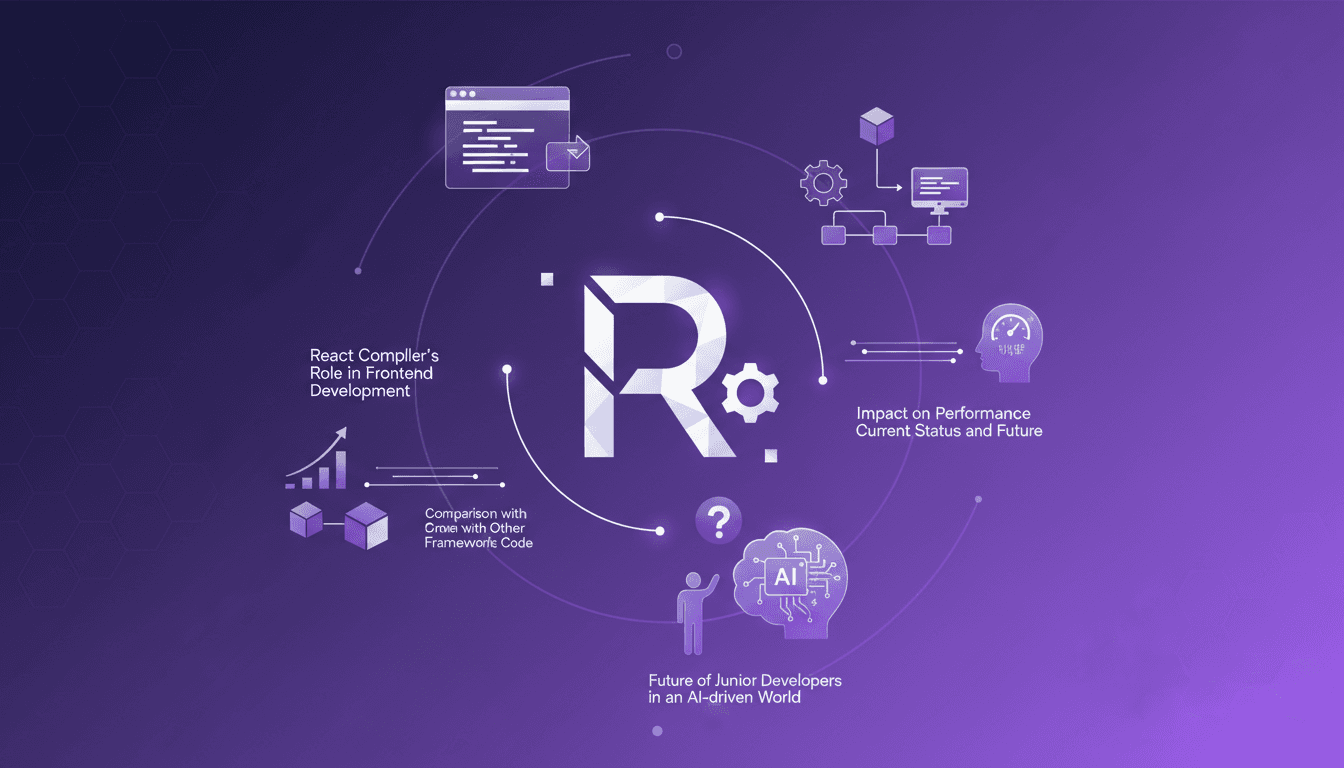
React Compiler: Transforming Frontend
I still remember the first time I flipped on the React Compiler in a project. It felt like turning on a light switch that instantly transformed the room's atmosphere. Components that used to drag suddenly felt snappy, and my performance metrics were winking back at me. But hold on, this isn't magic. It's the result of precise orchestration and a bit of elbow grease. In the ever-evolving world of frontend development, the React Compiler is emerging as a true game changer. It automates optimization in ways we could only dream of a few years ago. Let's dive into how it's reshaping the digital landscape and what it means for us, the builders of tomorrow.
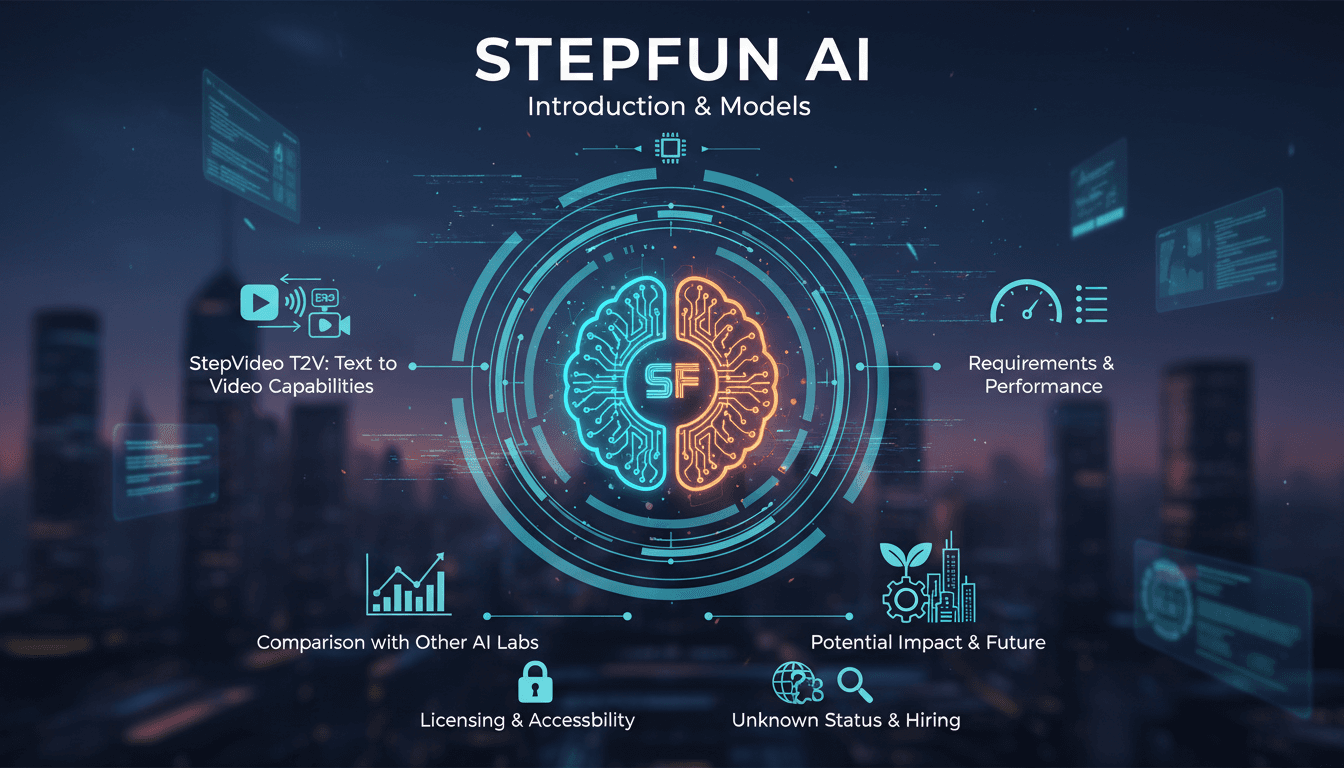
StepFun AI Models: Efficiency and Future Impact
I dove into StepFun AI's ecosystem, curious about its text-to-video capabilities. Navigating through its models and performance metrics, I uncovered a bold contender from China. With 30 billion parameters and the ability to generate up to 200 frames per second, StepFun AI promises to shake up the AI landscape. But watch out, the Step video t2v model demands 80 GB of GPU memory. Compared to other models, there are trade-offs to consider, yet its potential is undeniable. Let's explore what makes StepFun AI tick and how it might redefine the industry.