Optimizing Pydantic: Agents in Production
I dove into production with Pydantic, wrestling with agents and pushing performance limits. Optimizing our setup was no walk in the park, but each step, each tool — from Jepper to Beautiful Soup — transformed our approach. In the world of production environments, efficiency is king. Pydantic offers robust tools, but deploying them effectively requires finesse and optimization. I walk you through the subtleties of observability with Logfire, managed variables, and prompt optimization techniques. Some challenges had me sweating, like political relation analysis. But with the right tweaks, even private data can be optimized. A peek at the tools I integrated: two main tools registered with the main agent, and a tool called 'extract political relations'.
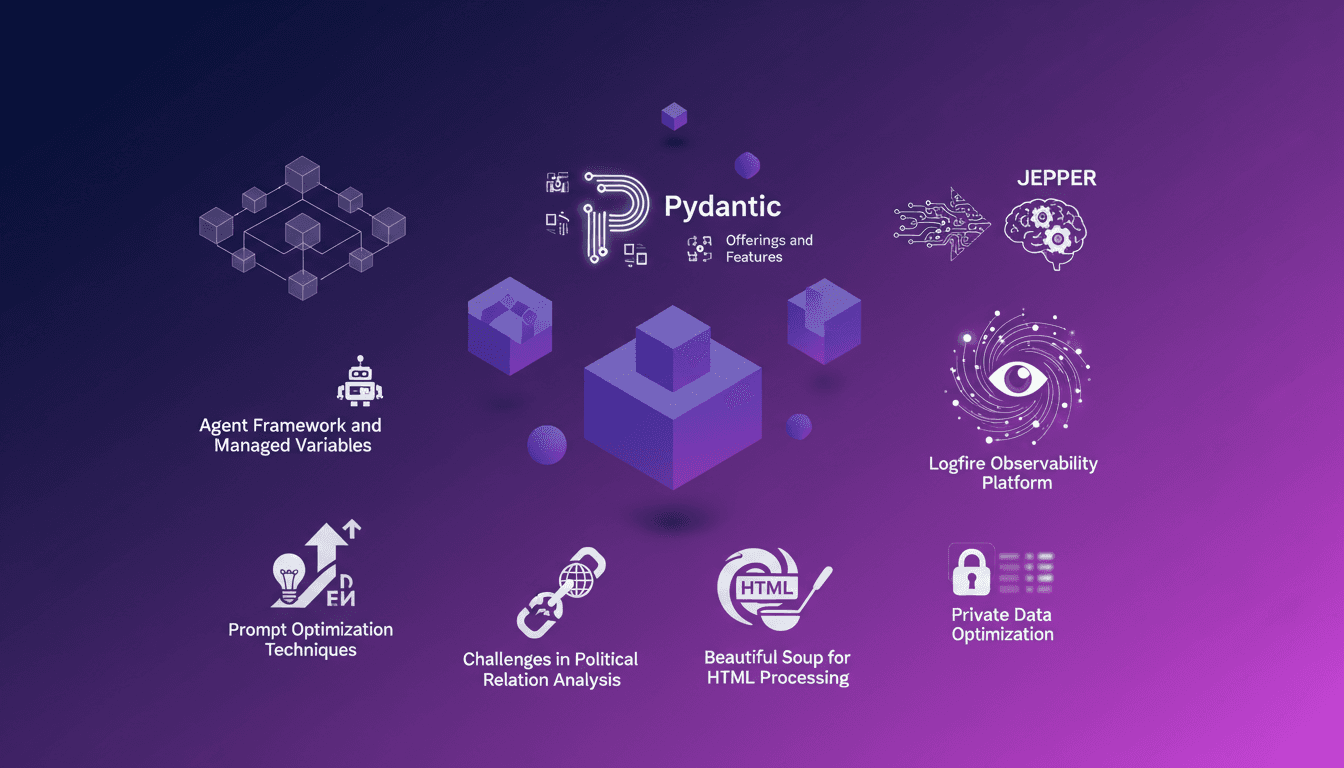
I dove into the heart of production with Pydantic, wrestling with agents while pushing performance limits. When I started, I knew efficiency was king in production environments. Pydantic offered me robust tools, and I thought deploying them would be straightforward. But I quickly realized it required keen optimization and sharp eyes. I integrated Jepper and Logfire into our workflow, orchestrated managed variables, all while optimizing our prompts. It was far from simple, especially when it came to analyzing complex political relations. Fortunately, with tools like Beautiful Soup for HTML processing, and private data optimizations, I managed to overcome these hurdles. I'm going to show you how I used two main tools registered with the agent and a tool to extract political relations. If you're ready to optimize your production environment, follow me on this journey.
Leveraging Pydantic's Features
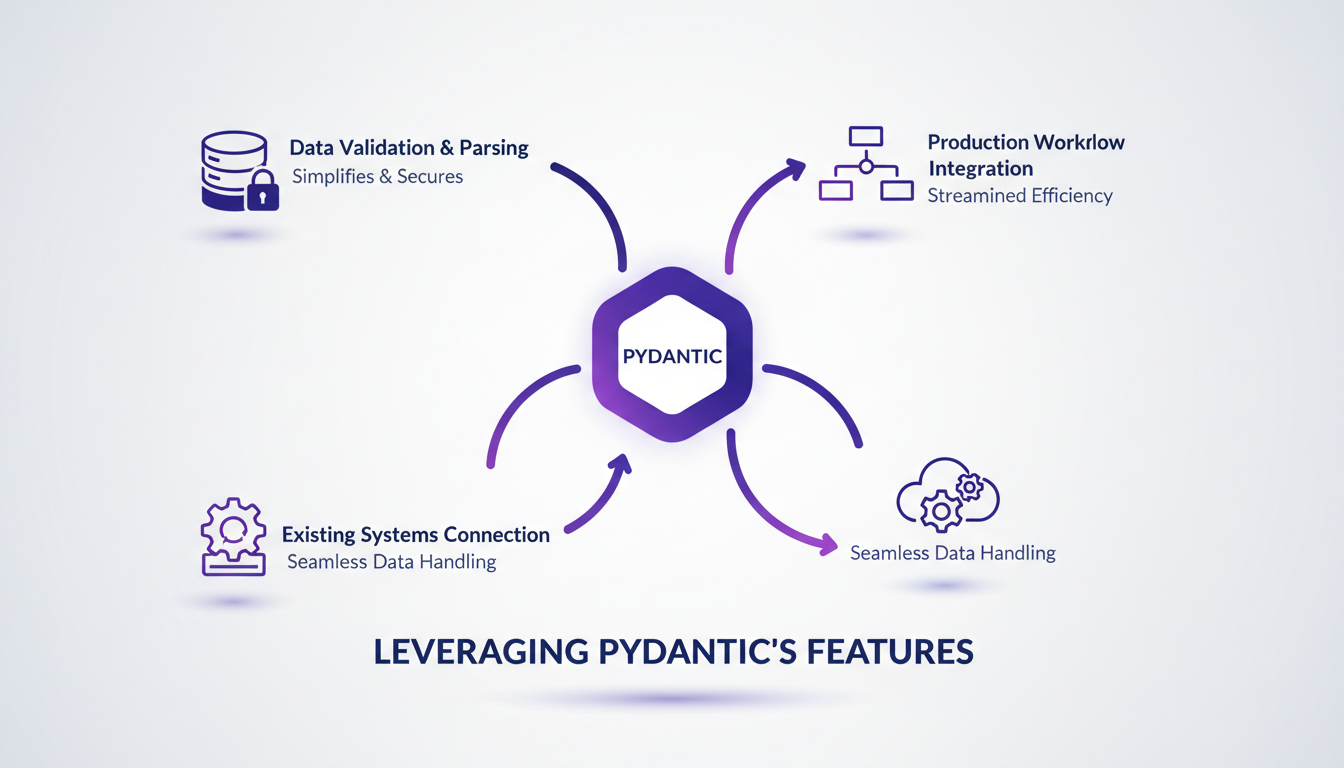
Integrating Pydantic into our production workflow was a real game changer. First, I used it to structure data validation, which greatly simplified error handling. Pydantic, created by Samuel Colvin, provides powerful tools like data validation and an AI agent framework. I connected Pydantic to our existing systems to streamline data handling, and it was a revelation. But watch out for performance bottlenecks when dealing with large datasets.
To maximize efficiency, here are some practical tips:
- Use Pydantic models to structure data from the outset.
- Configure validation settings to avoid unnecessary processing.
- Monitor memory usage and response times with large datasets.
Harnessing Jepper and Genetic Algorithms
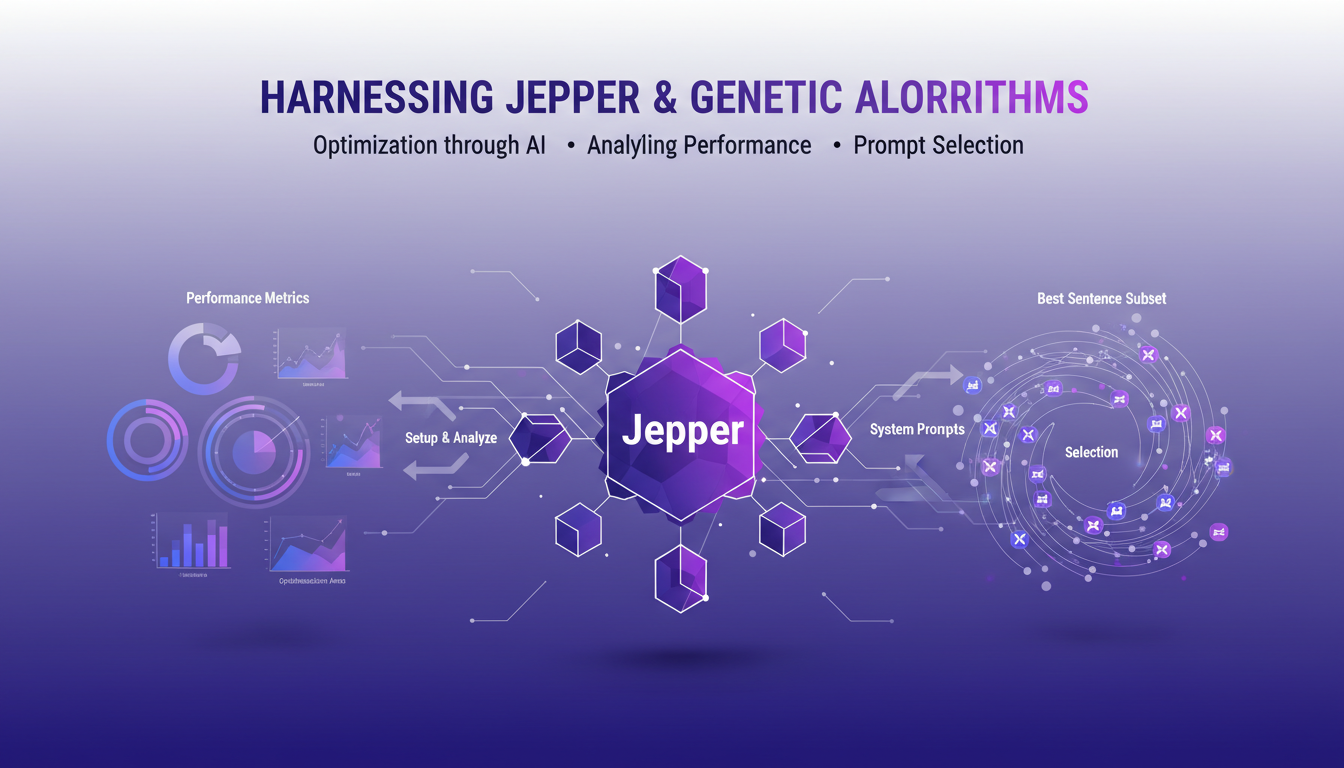
Jepper, our optimization library based on genetic algorithms, played a key role in enhancing our systems. First, I set up Jepper to analyze performance metrics and identify optimization areas. Thanks to genetic algorithms, we could select the best subset of sentences for our system prompts, which allowed us to achieve optimal efficiency.
However, there are trade-offs to consider between computational cost and optimization gains. Sometimes, simpler methods can be faster. Don't overuse genetic algorithms for every issue. Here are some tips:
- Evaluate computational cost before choosing an optimization method.
- Test with smaller samples before scaling up.
- Remember that simplicity can trump complexity in certain cases.
Enhancing Observability with Logfire
With Logfire, I orchestrated the tracking of performance metrics in real-time through managed variables. This transformed our ability to diagnose issues quickly. However, we faced challenges in ensuring accurate logging and data integrity.
Balancing observability with system overhead is crucial. It's important to know what to monitor and what to ignore to avoid overloading the system.
"Logfire goes beyond standard logs, metrics, and traces to include features like eval and managed variables."
Structured outputs play a crucial role in improving decision-making.
- Use managed variables to track objects defined by Pydantic models in Logfire.
- Avoid data overload by carefully choosing which metrics to track.
- Integrate structured outputs for better data interpretation.
Prompt Optimization Techniques
Optimizing prompts is essential for boosting system accuracy. By refining prompts using performance metrics, I achieved a 96% accuracy rate. Selecting the optimal number of sentences—20—proved crucial for our performance.
But be cautious not to over-optimize. Maintaining flexibility in prompts is essential to adapt to input data variations.
How prompt optimization directly impacts user experience and system output:
- Refining prompts enhances response accuracy and consistency.
- Test different configurations to find the optimal balance.
- Stay flexible to adapt to changing contexts.
Handling Private Data and HTML with Beautiful Soup
Using Beautiful Soup, I efficiently extracted HTML text while ensuring data privacy. I tackled challenges in political relation analysis with a dedicated extraction tool.
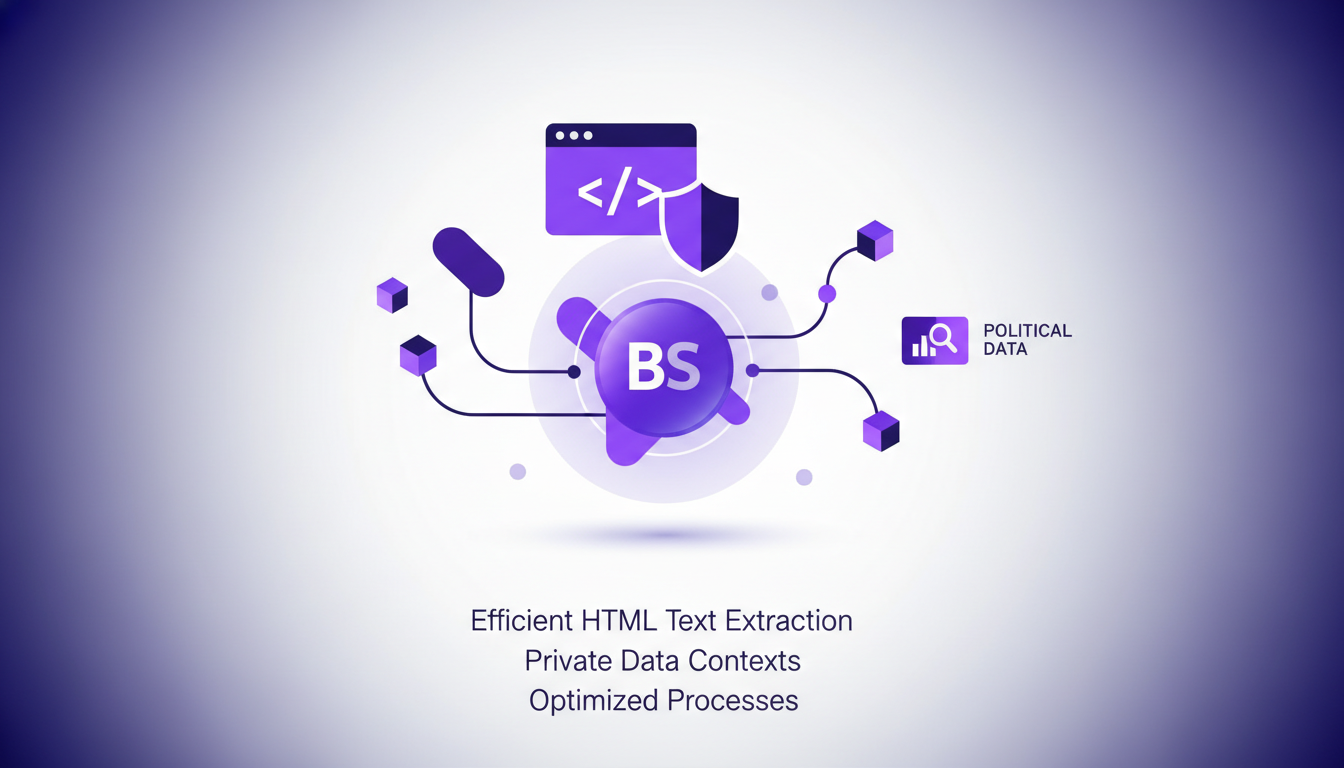
It's crucial to ensure data protection while optimizing extraction processes. Watch out for data leaks—always sanitize inputs and outputs.
- Sanitize data to prevent potential leaks.
- Balance extraction speed with data accuracy and integrity.
- Use Beautiful Soup to efficiently process HTML content.
By integrating these techniques, we've not only improved our workflow but also strengthened our ability to manage data securely. To delve deeper into these approaches in other domains, check out our articles on boosting financial modeling with GPT-5.5 and automating finance tasks with RAMP Sheets.
Optimizing agents in production with Pydantic, Jepper, and Logfire isn't just about tools—it's about orchestrating them effectively. First, I connected two different tools with the main agent, which expanded my scope and boosted performance. Then, selecting the best 20 sentences for the system prompt was a game changer. But watch out, orchestrating these tools correctly is key to reaping those benefits. Finally, the tool for extracting political relations felt a bit limited, so I wouldn't rely on it for everything. With these strategies, I'm already seeing significant performance gains. Looking ahead, I'm really excited about continuing to refine my workflows. Ready to optimize your production environment? Dive into these tools and start refining your workflows today. And if you want deeper insights, I highly recommend watching Samuel Colvin's original video on YouTube. It's a must-watch for anyone serious about production optimization.
Frequently Asked Questions

Thibault Le Balier
Co-fondateur & CTO
Coming from the tech startup ecosystem, Thibault has developed expertise in AI solution architecture that he now puts at the service of large companies (Atos, BNP Paribas, beta.gouv). He works on two axes: mastering AI deployments (local LLMs, MCP security) and optimizing inference costs (offloading, compression, token management).
Related Articles
Discover more articles on similar topics
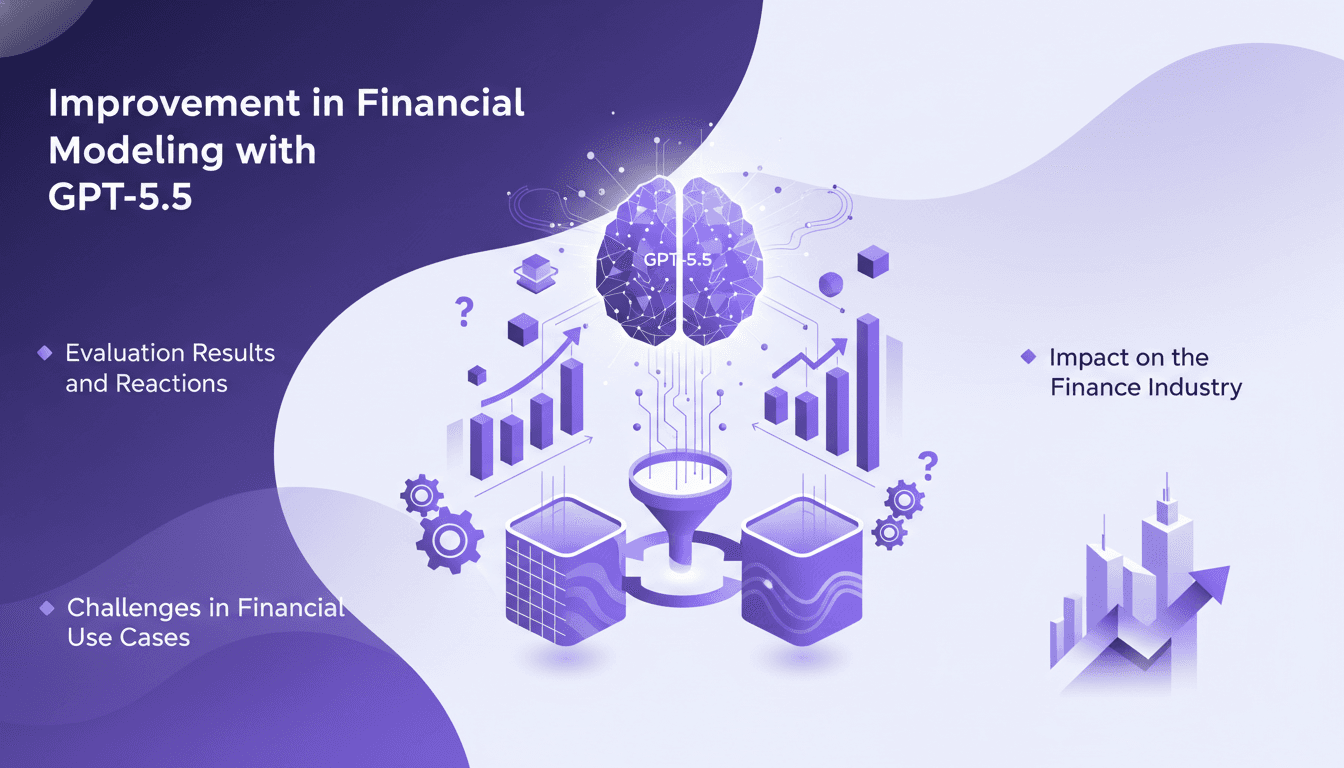
Boost Financial Modeling with GPT-5.5
I dove into GPT-5.5 for financial modeling, and the results were nothing short of transformative. Jumping from GPT-4 to this version felt like a leap forward, with a 19 percentage point uplift. Let me show you how this model handles both structured and unstructured data more efficiently than ever. But watch out, it's not all smooth sailing: I ran into challenges, especially with complex financial use cases. Still, by orchestrating this tech properly, the impact on the finance industry is undeniable.
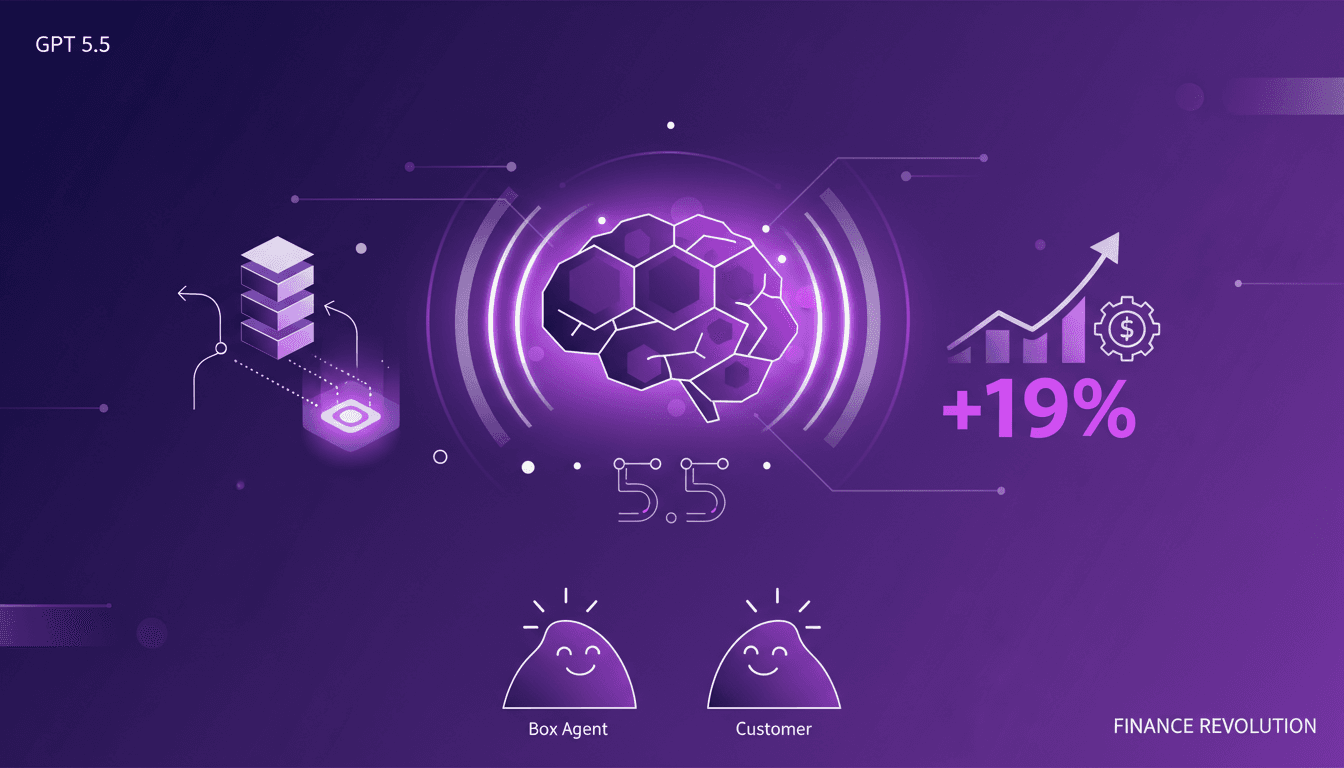
GPT 5.5: Transforming Finance Sector
When I first integrated GPT 5.5 into my workflow, it was like adding a turbocharger to a classic engine. Tasks that used to take hours were suddenly done in minutes, and the precision was off the charts. With the arrival of GPT 5.5, we're witnessing a paradigm shift in how AI handles complex reasoning and data tasks, especially in the finance sector. We're looking at a 19 percentage point improvement from the previous version, transforming our approach to daily efficiency and quality.
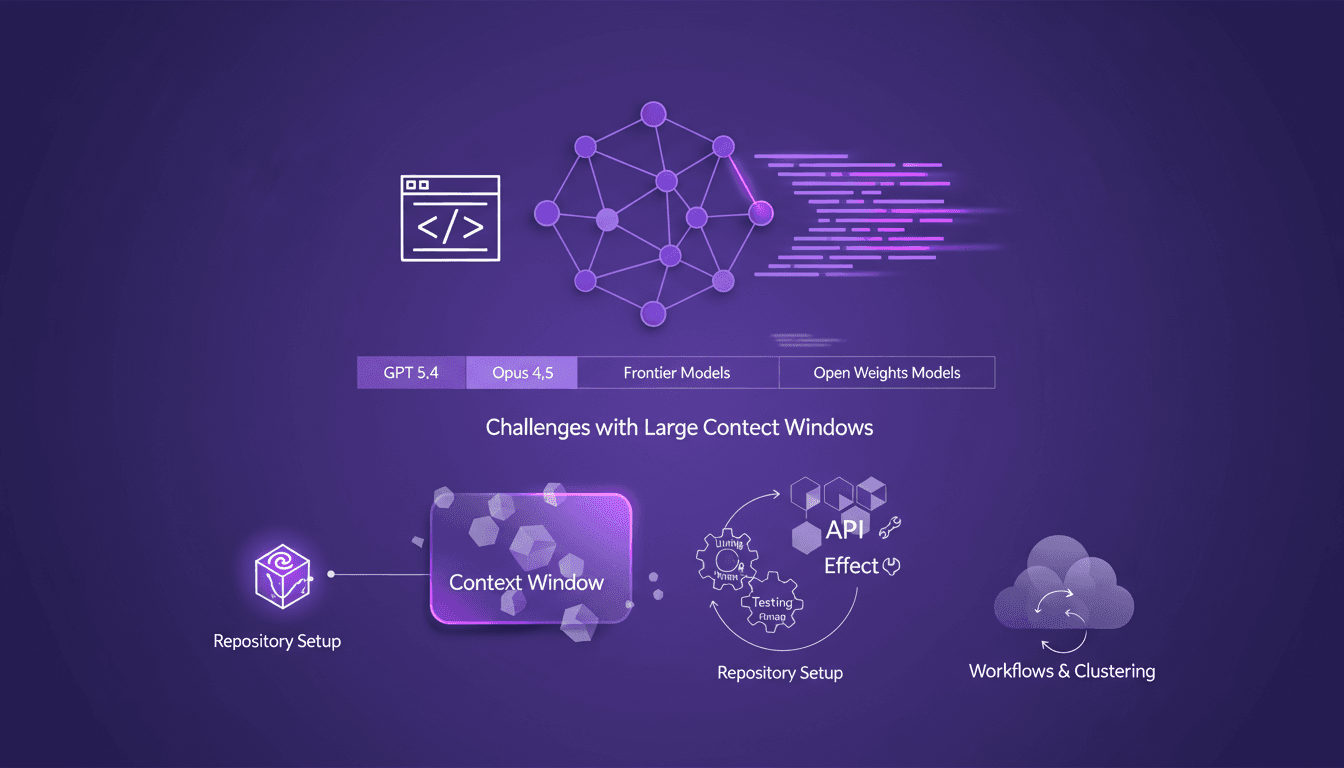
Evolving AI Models: Limits and Opportunities
I still remember setting up my first repository for AI-driven code generation. It was a game changer, but also a minefield of potential pitfalls. In this talk, I'm diving into how AI models like GPT 5.4 and Opus 4.5 are reshaping our workflows and where they still stumble. Shifting from hand-coding to automated code generation is what I live daily in the field. But watch out—large context windows can be a real headache. Your repository setup is critical to avoid pitfalls, and I'll share how I use Effect and other tools for efficient API development. Buckle up, because understanding these models and their limitations is crucial for anyone navigating AI-assisted development.
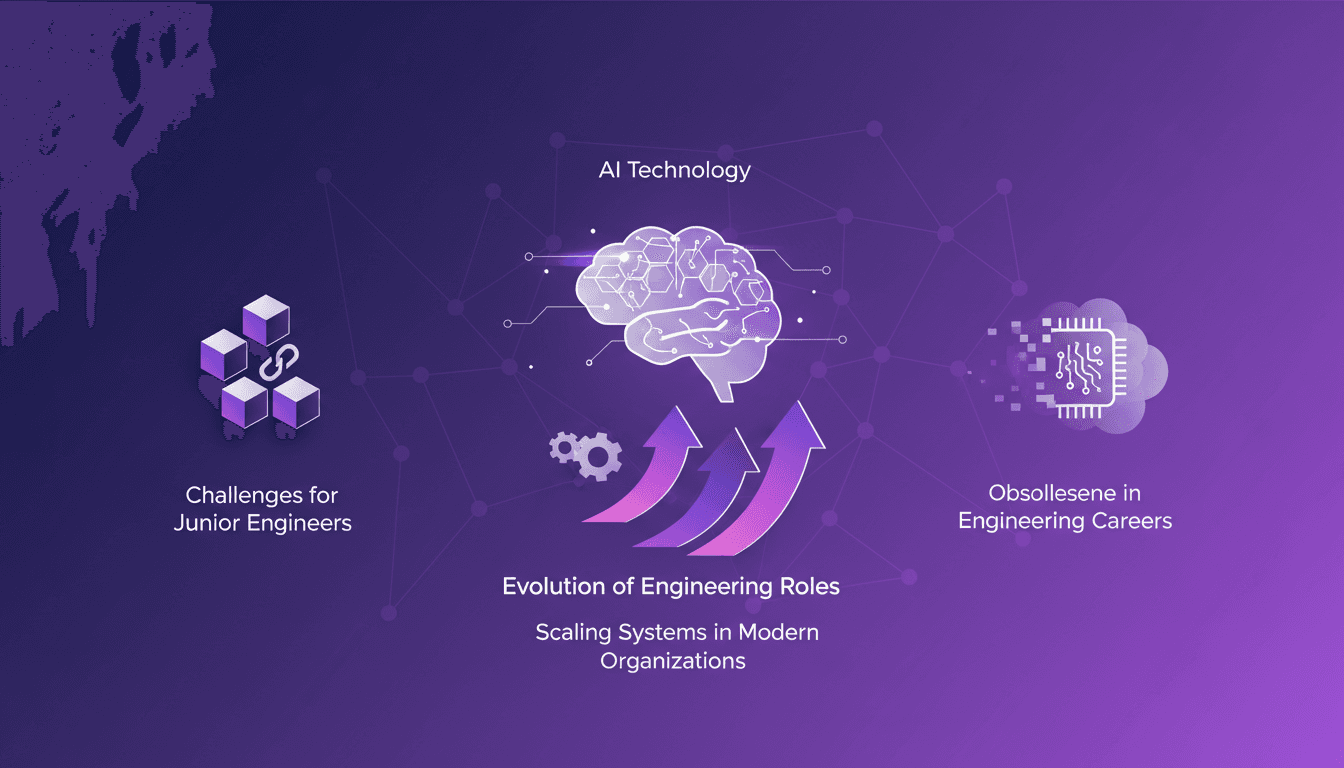
Engineering Roles Evolving: Adapt or Become Obsolete
I still remember the moment I realized my engineering skills were becoming obsolete. It was a wake-up call that forced me to rethink my approach to system design and adaptability. In this ever-evolving tech world, the only constant is change. As engineers, we must adapt or risk being left behind. This article delves into how engineers can remain relevant by embracing continuous learning and tackling the challenges of scaling systems in modern organizations. It's imperative to integrate new system design skills and adjust to new realities to avoid falling behind.
Automating Finance Tasks with RAMP Sheets
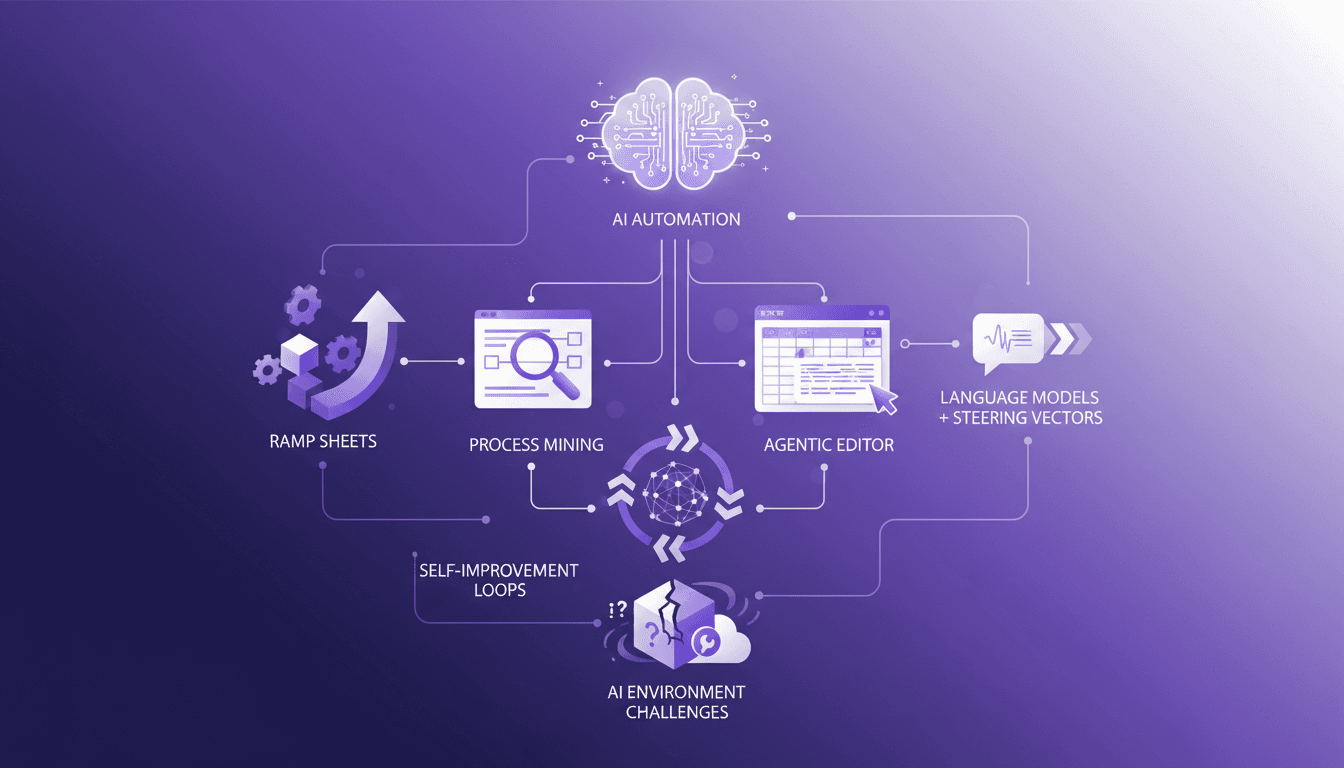
I've been knee-deep in spreadsheets, and let me tell you, RAMP Sheets is a game changer. I launched it in November, and it's been automating finance tasks in ways I didn't think possible. In the world of finance, 99% of the time is spent in spreadsheets. RAMP Sheets aims to cut that down by integrating AI directly into Excel, automating repetitive tasks, and allowing for smarter data manipulation. The agentic spreadsheet editor and its functionalities, self-monitoring and self-improvement loops in AI systems, and the challenges in building AI environments and evaluation are at the core of our discussion today. It's crazy how just five layers can change an entire paradigm.