Mastering /remember: Deep Agent Memory in Action
I've spent countless hours tweaking deep agent setups, and let me tell you, the /remember command is a game changer. It's like giving your agent a brain that actually retains useful information. Let me show you how I use it to streamline processes and boost efficiency. With the /remember command in the deep agent CLI, you can teach agents to learn from experience. Let's dive into how this works and why it's a must-have in your toolkit.
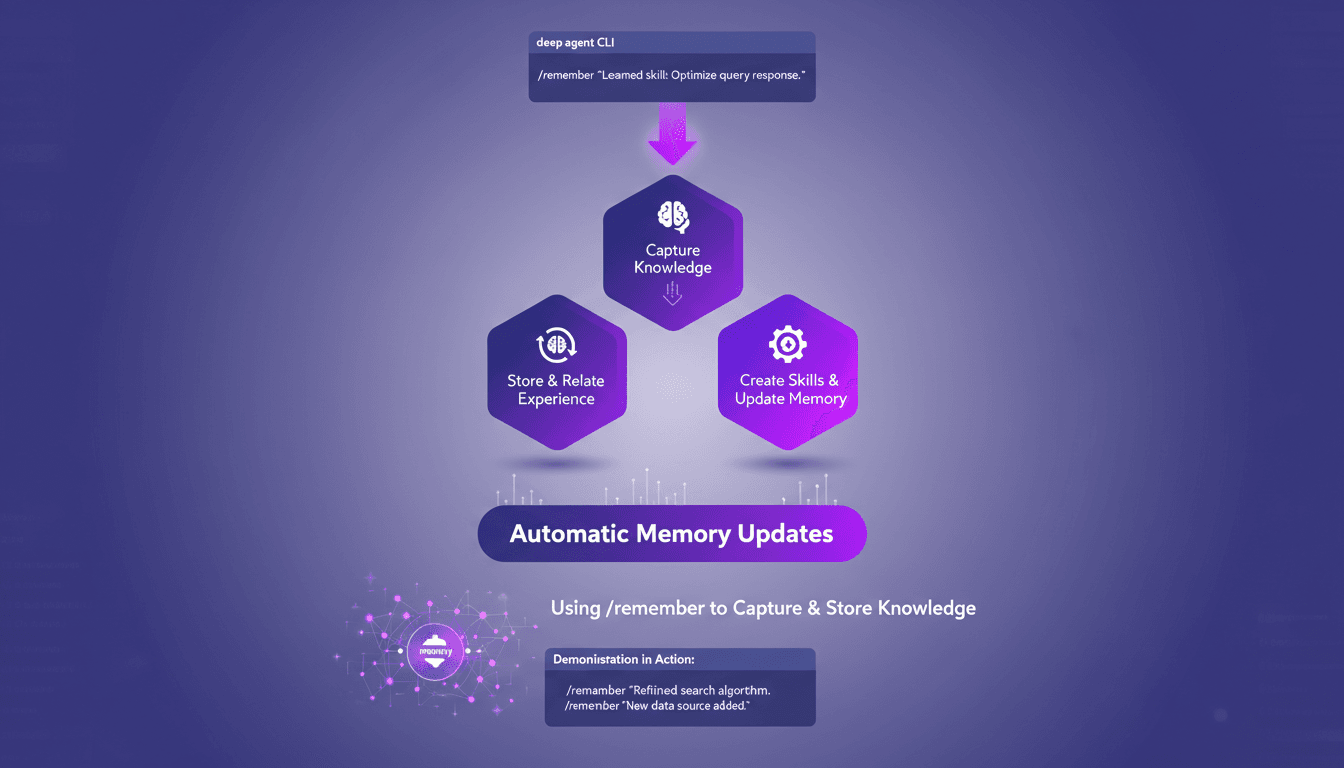
I've spent countless hours tweaking and fine-tuning deep agent setups, and let me tell you, the /remember command is a game changer. It's like giving your agent a brain that actually retains useful information. Let me walk you through how I use it to streamline processes and boost efficiency. Understanding how agents learn and store information can be a headache. But with the /remember command in the deep agent CLI, you can teach agents to learn from experience. It's like giving them an automatic memory that updates on its own. In just three simple steps, you can capture and store knowledge, create skills, and update memory using the CLI. I'll even show you the command in action, and you'll see why it's a must-have in your toolkit. Ready to transform how your agents learn?
Understanding the /remember Command
I remember the first time I truly grasped the deep agent CLI's role in enhancing agent capabilities. The /remember command acts as a memory tool, allowing agents to learn from past interactions. When we talk about the agent memory file system, that's where agents.md comes into play. It serves as persistent storage, crucial for the agent's continuous learning. If we want our agents to be more than just interfaces, we need to give them the ability to retain information and use it later.
Persistent storage isn't just a luxury, it's a necessity. Without it, the agent can't really evolve or improve. I've seen setups where the lack of persistent memory severely limited the agent's efficiency. It's like a human without long-term memory—it doesn't work.
The Three-Step /remember Process
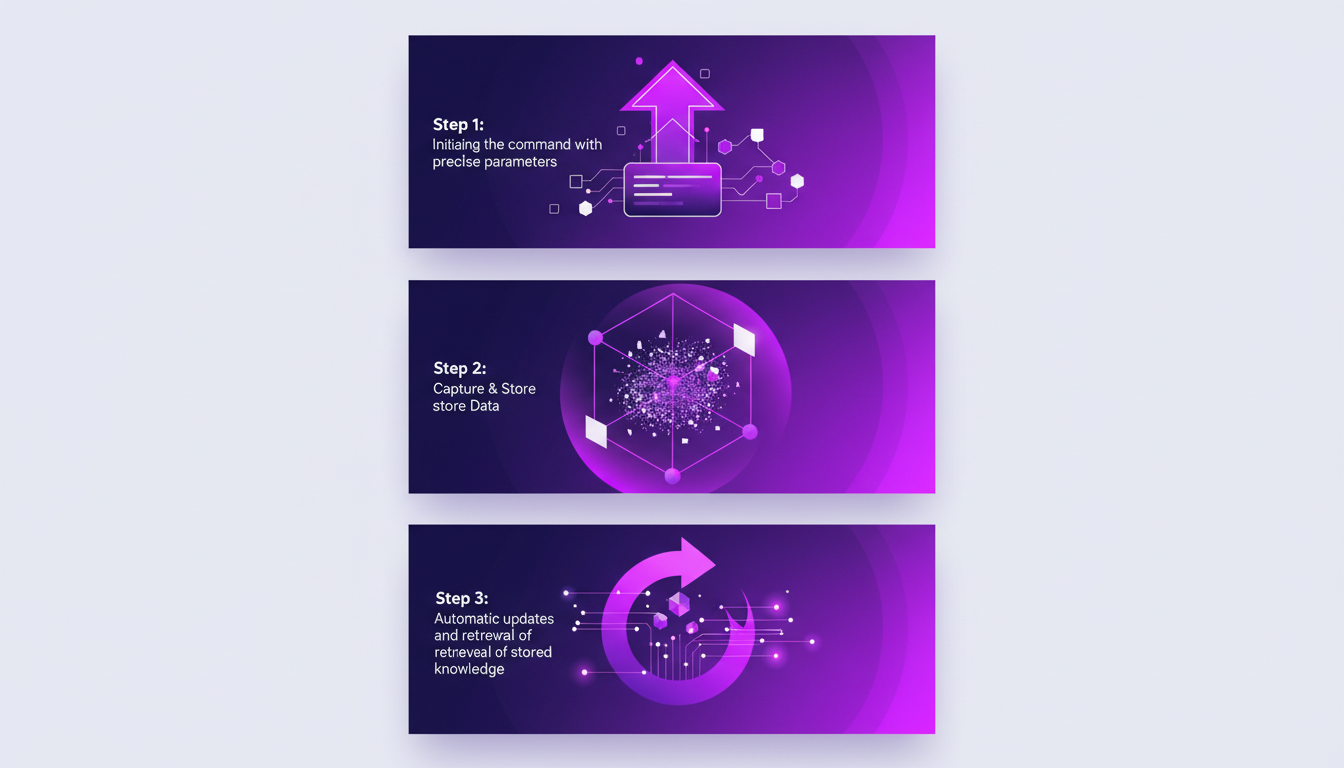
The /remember process is simple yet powerful. First, you initiate the command with precise parameters. You need to know exactly what you want the agent to remember. Then, you capture the relevant data and store it. The magic happens when the agent incorporates this information to improve future responses.
Finally, automatic updates and retrieval of stored memory occur. But watch out, there are key considerations to take into account at each step. For example, a poor initial configuration can lead to memory errors, and trust me, that can quickly become a headache.
Automatic Memory Updates: A Closer Look
Automatic memory updates are a boon for enhancing agent performance. However, there are trade-offs and limitations to consider. For instance, the agent might not always correctly interpret what should be retained. To manage this effectively, I've implemented specific strategies.
In the real world, using these automatic updates has had a direct impact on my agents' efficiency, especially in repetitive tasks where continuous learning is crucial.
Creating Skills and Updating Memory
Using the CLI to create new skills for agents is straightforward with the /remember command. But beware, there are challenges to tackle. I've often had to juggle between creating new skills and the limited memory capacity of agents.
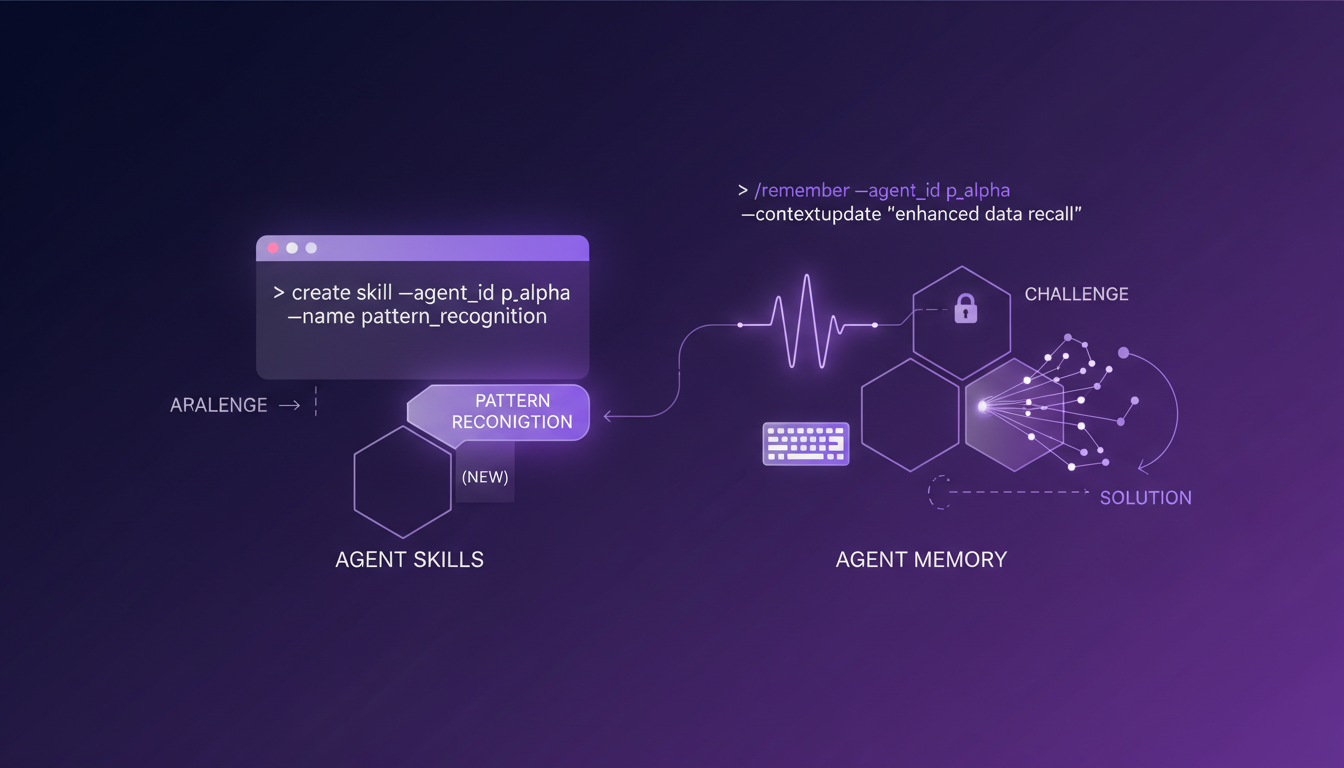
To balance this, I ensure to prioritize which skills are essential and should be updated first. This has saved me a lot of headaches and kept my agents performing efficiently.
Demonstration: /remember Command in Action
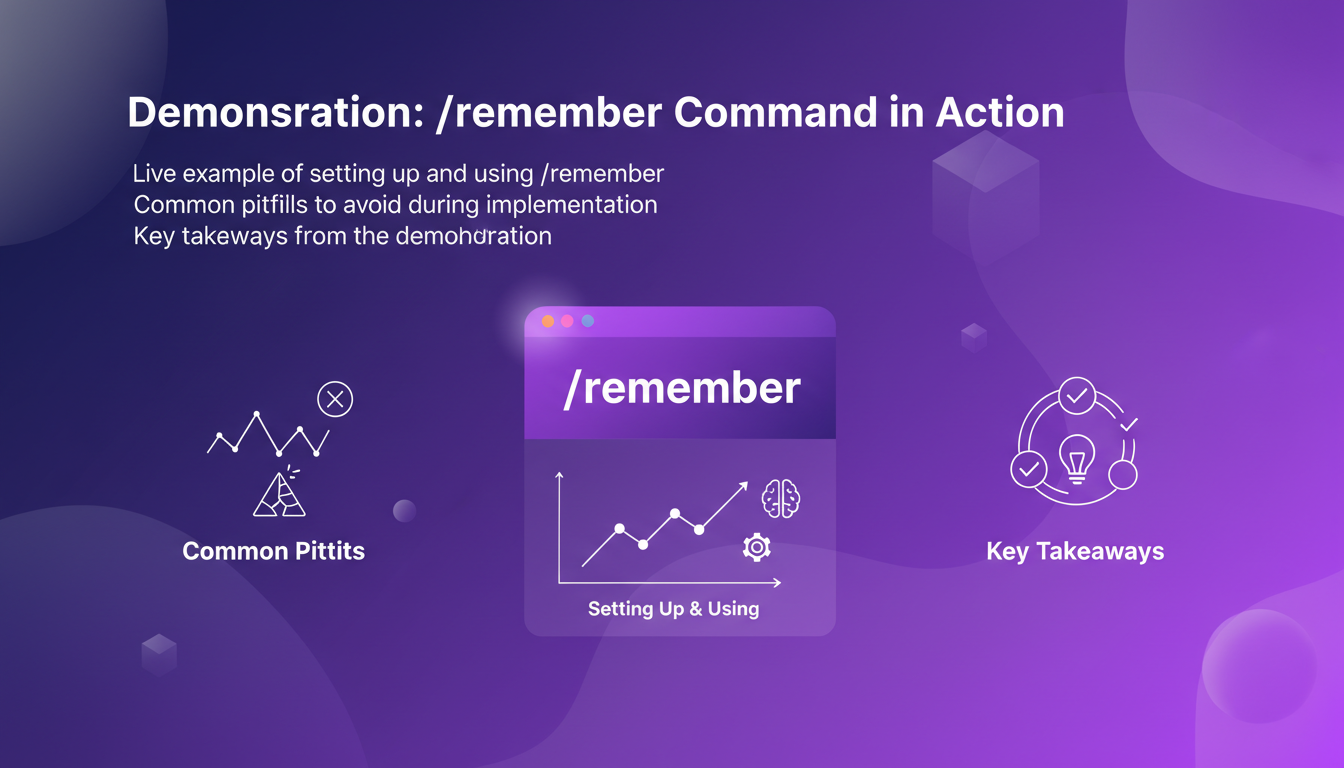
Let's now look at a live example of setting up and using the /remember command. During an implementation, I learned to avoid some common pitfalls, like overloading with irrelevant information. This is crucial for measuring the impact on the agent's efficiency.
The results were immediate: a noticeable improvement in the agent's responsiveness and a reduction in the time spent re-explaining preferences. That's the power of well-utilized memory.
So, if you haven't yet grasped how the /remember command can transform your agent workflows, it's time to dive in. I implemented it in three simple steps, and the impact was immediate. It's like giving your agents a real memory that updates automatically. But watch out, don't overload the memory with unnecessary information, or you'll lose efficiency.
- Set up the /remember command in three straightforward steps.
- Watch your agents learn and store knowledge automatically.
- Avoid overloading your agent's memory with superfluous data.
Moving forward, once you've got it configured, you'll notice a real difference in your agents' performance. It's a genuine game changer for efficiency, but keep an eye on data management.
If you really want to understand how it works and integrate it best, I recommend watching the full video. It's like a practical guide that helps you avoid rookie mistakes. Watch the video here.
Frequently Asked Questions

Thibault Le Balier
Co-fondateur & CTO
Coming from the tech startup ecosystem, Thibault has developed expertise in AI solution architecture that he now puts at the service of large companies (Atos, BNP Paribas, beta.gouv). He works on two axes: mastering AI deployments (local LLMs, MCP security) and optimizing inference costs (offloading, compression, token management).
Related Articles
Discover more articles on similar topics
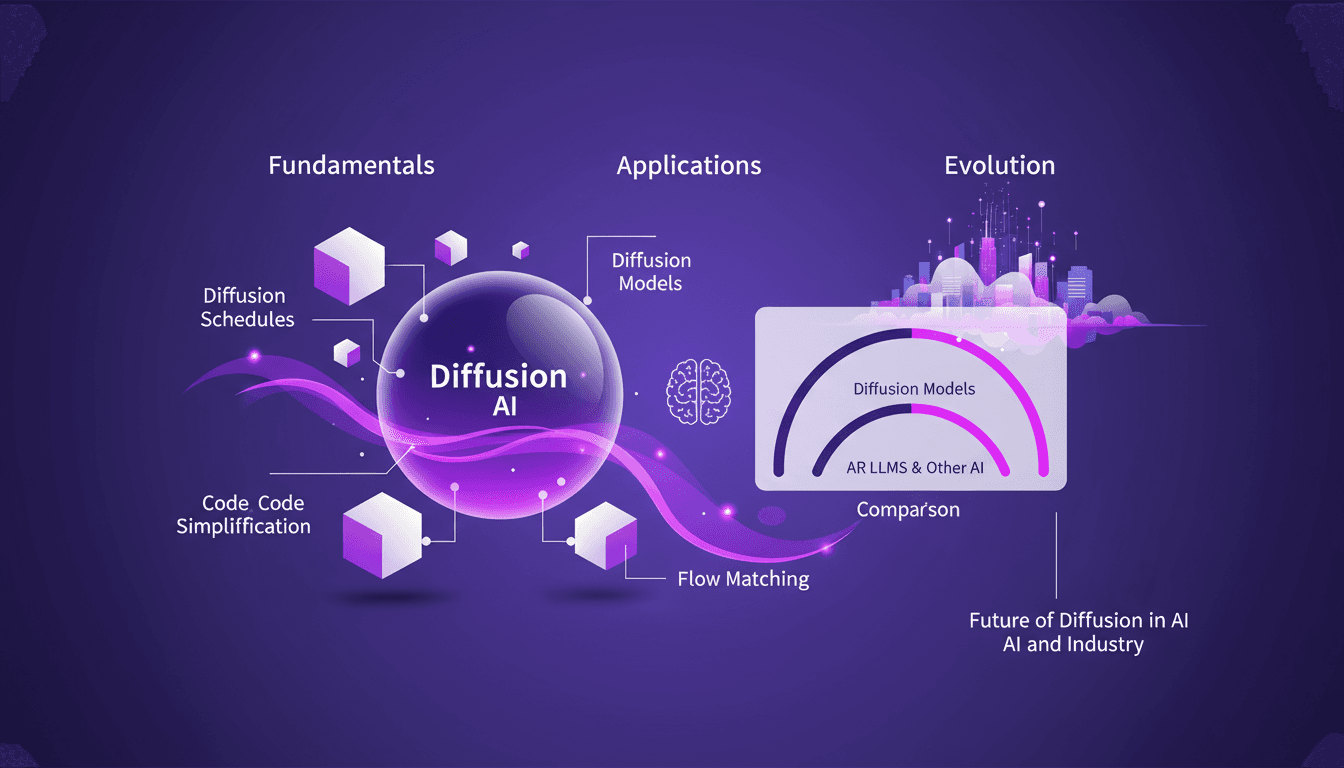
Mastering Diffusion in ML: A Practical Guide
I've been knee-deep in machine learning since 2012, and let me tell you, diffusion models are a game changer. And they're not just for academics—I'm talking about real-world applications that can transform your workflow. Diffusion in ML isn't just a buzzword. It's a fundamental framework reshaping how we approach AI, from image processing to complex data modeling. If you're a founder or a practitioner, understanding and applying these techniques can save you time and boost efficiency. With just 15 lines of code, you can set up a powerful machine learning procedure. If you're ready to explore AI's future, now's the time to dive into mastering diffusion.
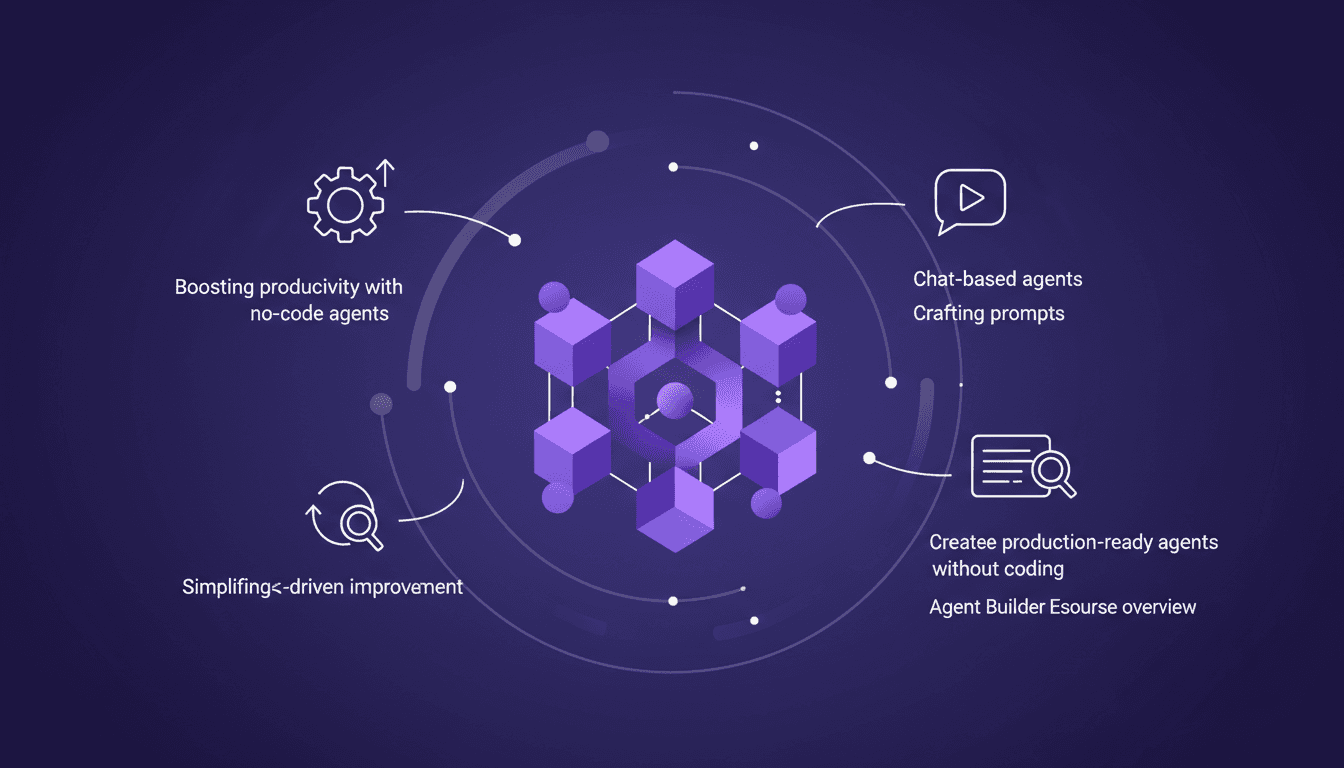
Build No-Code Agents with LangSmith Agent Builder
I dove into LangSmith Agent Builder expecting a complex setup. Instead, I found a streamlined approach to creating production-ready agents without writing a single line of code. LangChain Academy's new course, Agent Builder Essentials, is a game changer for anyone looking to automate tasks efficiently. We’re talking real-time reasoning and decision-making with no-code agents. Let me walk you through how it works and how it can boost your productivity.
Building with LangSmith: Key Technical Highlights
I dove into the LangSmith Agent Builder, and right away, 'Heat' kept popping up. It wasn't just noise; it was a game-changer. Let me walk you through how I harnessed 'Heat' to streamline my workflows. Understanding this feature is crucial for making the most out of LangSmith. My approach, what worked, and what didn't are all laid out here. If you're like me, always chasing efficiency and time savings, this practical dive into 'Heat' might just be a game-changer for you too.
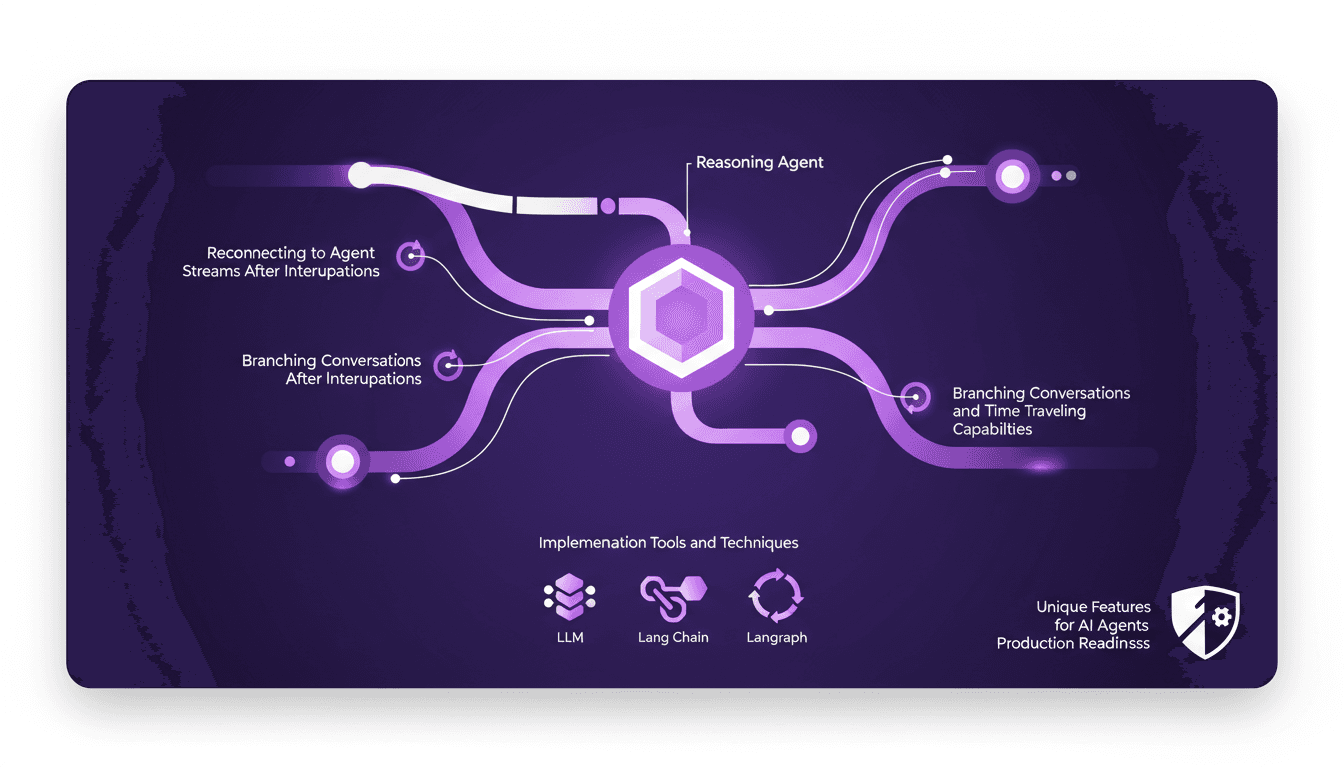
Hidden Features Making AI Agents Production-Ready
I've spent countless hours in the trenches, fine-tuning AI agents that aren't just smart but truly production-ready. Let's dive into three hidden features that have been game changers in my workflow. You know, AI agents are evolving fast, but making them robust for real-world applications requires digging deeper into lesser-known features. Here's how I leverage these capabilities to enhance efficiency and reliability. We're talking about how I use reasoning agents and streaming thought processes, reconnecting to agent streams after interruptions, and branching conversations with time-traveling capabilities. If you're looking to make your AI agents production-ready, these unique features are indispensable.
Apple's AI Shift: Partnering with Google
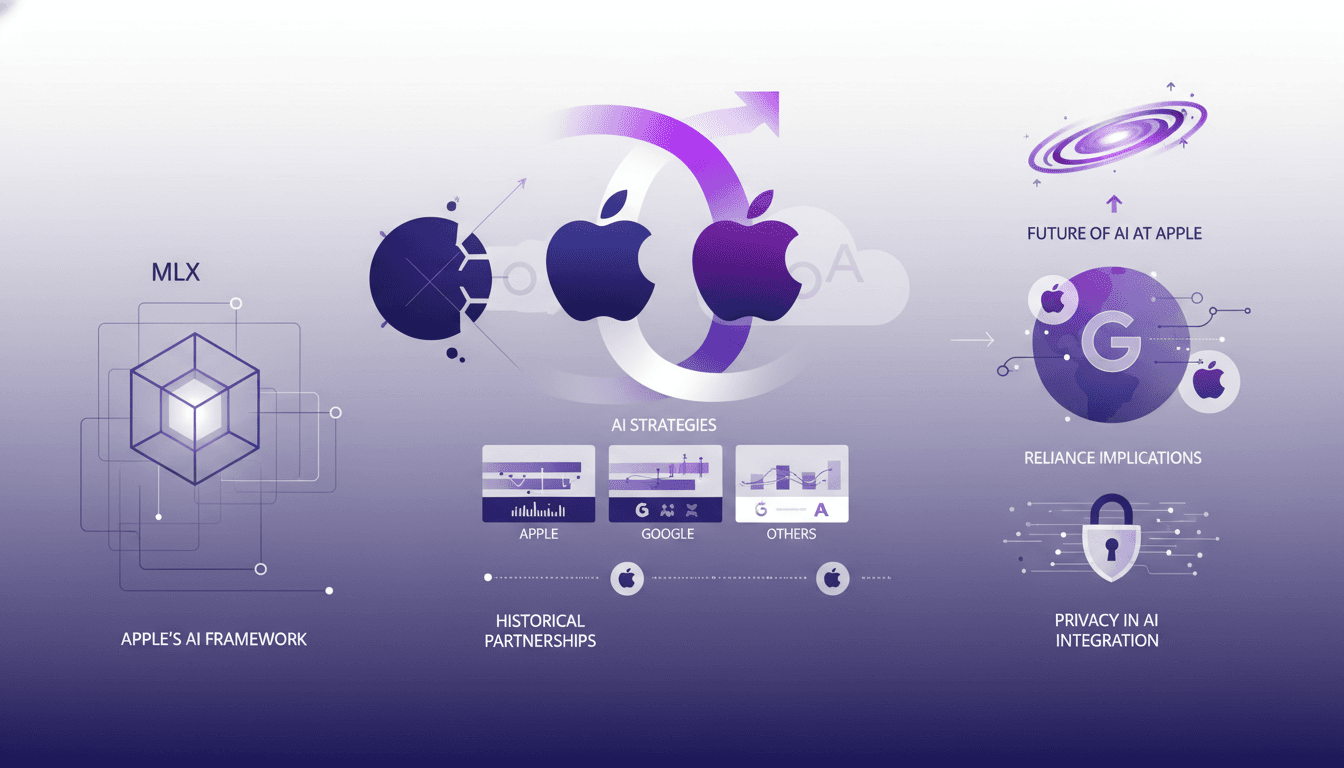
I've been deep in the trenches with AI, and Apple's latest move has everyone buzzing. Picture this: Apple is stepping away from OpenAI and teaming up with Google for their AI models. It's a shift that might just change the landscape, and I'm here to break down why. First, let's dive into Apple's strategy: why pivot away from OpenAI? The answer lies in integrating Google's models like Gemini 3 Pro and VO 3.0. I've worked with Apple's MLX framework myself, and the contrast is stark. We're also going to explore Apple's historical partnerships with Google and what this means for the future of AI development, especially with privacy implications. It's a real strategic pivot, and I'm taking you along for the ride.