Kokoro TTS: The New King of Text-to-Speech
I stumbled upon Kokoro TTS while searching for a robust, cost-effective Text-to-Speech solution. Unlike the overhyped options that drain your budget, Kokoro offers a refreshing alternative with its Apache 2.0 license. In this comparison with 11 Labs, I explain why Kokoro might be your next go-to tool. With 10 unique voice packs and an impressive ranking on the Hugging Face TTS Arena leaderboard, Kokoro doesn't just promise—it delivers. I dive into its technical specs, use cases, and implementation ease to show you how to integrate it effectively into your projects.
While searching for a Text-to-Speech solution that wouldn't break the bank, I stumbled upon Kokoro TTS. And let me tell you, it's a game changer! In a world where TTS solutions are often overpriced and overhyped, Kokoro stands out with its Apache 2.0 license. Here's where it gets interesting: I compare Kokoro to 11 Labs, which might just make you rethink your options. With its 10 unique voice packs and ranking fourth on the Hugging Face TTS Arena leaderboard, Kokoro doesn't just make empty promises. I'm taking you behind the scenes—technical specs, use cases, implementation ease... you name it. As a developer who's been around the block, I'll show you how to leverage this gem for your projects. So, ready to discover the new king of Text-to-Speech?
Getting Started with Kokoro TTS
When I first stumbled upon Kokoro TTS, I was intrigued by this open-source marvel promising to shake up the text-to-speech landscape. Built on top of Style TTS, Kokoro is licensed under the Apache 2.0 license, which offers developers the freedom to use it commercially without any hidden legal traps. Setting it up was a breeze: download the model, configure the basic parameters, and you're off to the races. What struck me initially was its ability to handle nuances that many others struggle with right out of the box.
Kokoro vs 11 Labs: A Detailed Comparison
I quickly found myself comparing Kokoro TTS with 11 Labs, a well-established player. Performance-wise, Kokoro holds its own impressively. The speed is comparable, but where Kokoro shines is in expressiveness and cost—it’s free. Meanwhile, 11 Labs offers paid plans ranging from $5 to $330 per month. Of course, it's not all roses. The limitations become apparent in fine-tuning emotional expressions, but for a free model, it stands tall. The choice often boils down to trade-offs between costs and expressive performance.
Technical Deep Dive: Kokoro TTS Specifications
Let's talk tech. Kokoro's model size of 82 million parameters directly impacts its performance. By leveraging the ONNX model, I optimized execution without the need for a powerful GPU. This is a real plus for large-scale projects. On the Hugging Face TTS Arena leaderboard, Kokoro ranks fourth, but it's the top choice for commercially available open-source models. Version V.23 brought notable improvements, especially in handling complex intonations.
Practical Applications and Use Cases
In real-world applications, Kokoro TTS shines. From public announcements to virtual assistants, its pronunciation accuracy is impressive. I've tested several complex phrases, and while the expressiveness can be a bit flat at times, the clarity remains. Early adopters report positive experiences, particularly highlighting ease of integration. One caveat though: during implementation, ensure not to overload the model with overly heavy tasks that could slow down its efficiency.
Licensing, Accessibility, and Language Support
Navigating commercial licenses can be tricky, but with Kokoro's Apache 2.0 license, things are straightforward. Integrating the model into existing systems is relatively simple, thanks to its compatibility with various environments. In terms of language support, Kokoro offers 10 unique voice packs covering languages such as English, French, Japanese, and more. Looking ahead, continued improvements and new features are anticipated to further enhance its appeal.
Kokoro TTS really caught my eye as a compelling open-source alternative, particularly when I'm looking to keep costs down without sacrificing quality. First off, those 10 unique voice packs aren't just for show—they provide real flexibility for different applications. On performance, it holds the 4th spot on the Hugging Face TTS Arena leaderboard, which is no small feat. But let's be clear, it's not without its trade-offs—especially for those who want a more plug-and-play experience, it might feel a bit less intuitive. Still, for anyone needing control and performance without breaking the bank, it's a game changer. Ready to dive into Kokoro TTS? I recommend experimenting with its features to see how it can elevate your projects. And don't miss the full video for a deeper dive and insights you won't want to overlook.
Frequently Asked Questions

Thibault Le Balier
Co-fondateur & CTO
Coming from the tech startup ecosystem, Thibault has developed expertise in AI solution architecture that he now puts at the service of large companies (Atos, BNP Paribas, beta.gouv). He works on two axes: mastering AI deployments (local LLMs, MCP security) and optimizing inference costs (offloading, compression, token management).
Related Articles
Discover more articles on similar topics
Kokoro TTS: Leading Open Source Text-to-Speech
I stumbled upon Kokoro TTS while hunting for a free alternative to pricey text-to-speech solutions like ElevenLabs. This open-source model isn't just a knockoff; it’s a genuine game changer in the TTS landscape. Packed with 82 billion parameters and an Apache 2.0 license, it's ideal for commercial applications. I compare its performance with ElevenLabs, especially in emotional expressiveness and pronunciation accuracy. You can easily integrate it into your projects thanks to its user-friendly nature and unique voice packs. Join me as we explore how this model can transform your audio applications.
Integrate Langsmith and Claude Code: Build Agents
I've been knee-deep in agent development, and integrating Langsmith with code agents has been a game changer. First, I'll walk you through how I set this up, then I'll share the pitfalls and breakthroughs. Langsmith serves as a robust system of record, especially when paired with tools like Claude Code and Deep Agent CLI. If you're looking to streamline your debugging workflows and enhance agent skills, this is for you. I'll explore the integration of Langsmith with code agents, Langmith's trace retrieval utility, and how to create skills for Claude Code and Deep Agent CLI. Iterative feedback loops and the separation of tracing and code execution in projects are also on the agenda. I promise it'll transform the way you work.
Becoming an AI Whisperer: A Practical Guide
Becoming an 'AI Whisperer' isn't just about the tech, trust me. After hundreds of hours engaging with models, I can tell you it's as much art as science. It's about diving headfirst into AI's depths, testing its limits, and learning from every quirky output. In this article, I'll take you through my journey, an empirical adventure where every AI interaction is a lesson. We'll dive into what truly being an AI Whisperer means, how I explore model depths, and why spending time talking to them is crucial. Trust me, I learned the hard way, but the results are worth it.
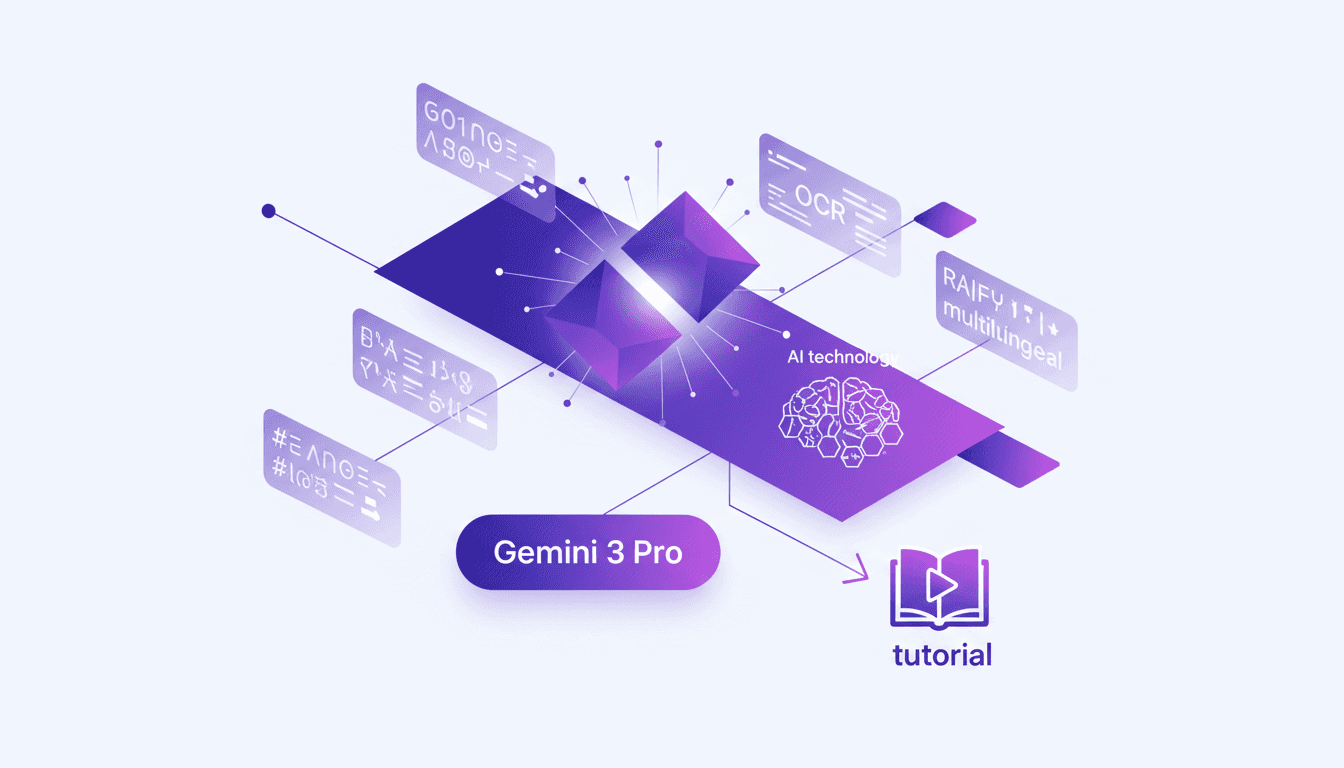
Unlocking Gemini 3 Flash: Practical Use Cases
I dove into Gemini 3 Flash expecting just another AI tool, but what I found was a game changer for OCR tasks. This model, often overshadowed by the Pro, turns out to be a hidden gem, especially when you factor in cost and multilingual capabilities. In this article, I'll walk you through how Gemini 3 Flash stacks up against its big brother and why it deserves more attention. We're talking efficiency, technical benchmarks, and practical use cases. Spoiler: for certain tasks, it even outperforms the Pro. Don't underestimate this little gem; it might just transform your OCR handling without breaking the bank.
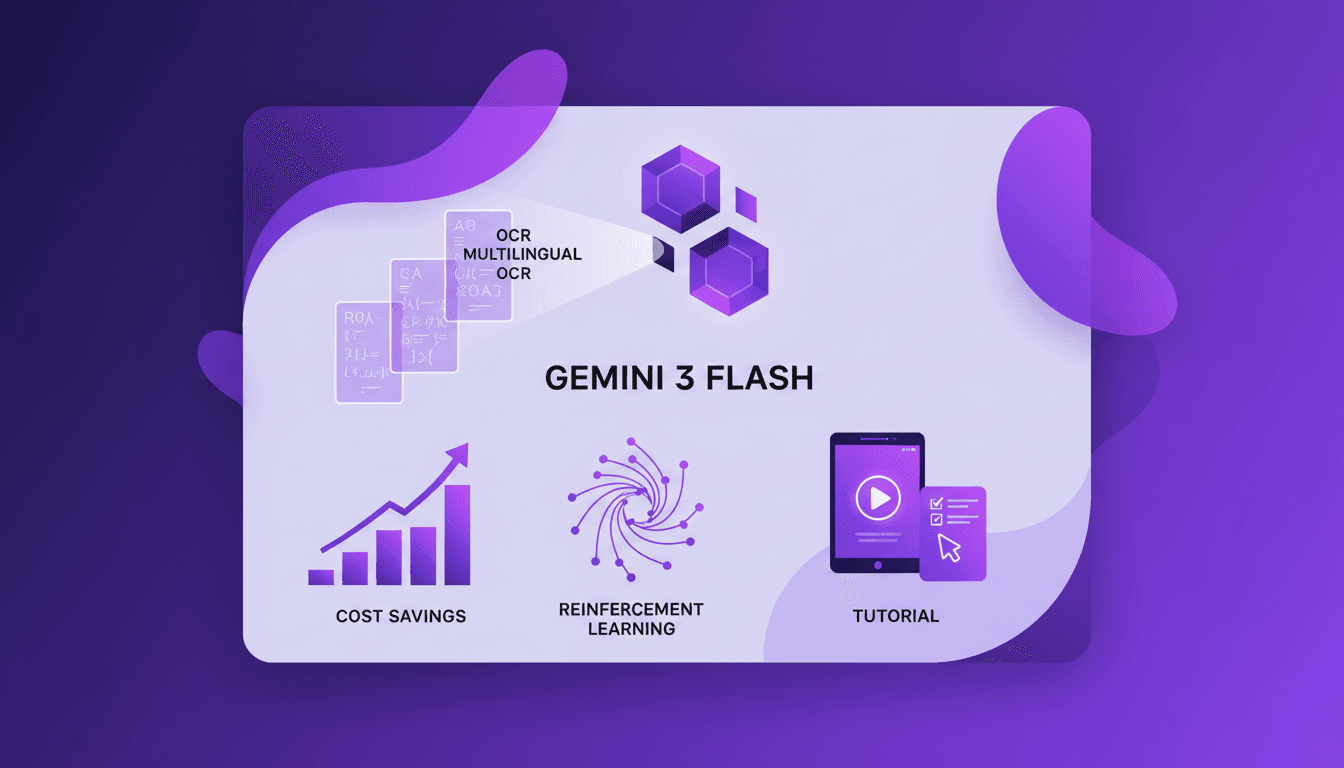
Harnessing Gemini 3 Flash: Cost Savings and OCR Performance
I remember the first time I switched to Gemini 3 Flash. We were drowning in document digitization costs, paying a premium for features we didn't fully exploit. That's when I decided to explore Gemini 3 Flash, and what I found was a game changer. In the world of OCR and document digitization, balancing cost and performance is crucial. Gemini 3 Flash offers a compelling, cost-effective solution, especially compared to its pricier sibling, Gemini 3 Pro. Priced four times cheaper, it's a boon for multilingual digitization projects. Let's dive into the OCR performance, the power of Gemini 3 Flash, and why it might just be the catalyst for your next project.