Integrate Codex and Google Calendar for Efficient Meetings
Ever been caught scrambling before a sales meeting, trying to gather customer details and polish your presentation at the last minute? Yeah, I've been there, and it's not a good look. But now, I streamline my prep with Codex, integrating it seamlessly with Google Calendar and Salesforce to get all the info I need in seconds. In this guide, I'll show you my workflow and the tools I rely on daily. Heads up: I'll share the mistakes that tripped me up, so you don't have to go through the same hassle.

Ever found yourself scrambling before a sales meeting, trying to piece together customer details and prepare your presentation last minute? I've been there, and let's be honest, it's not pretty. But since I started using Codex to streamline my prep, it's a whole new game. I've got Codex integrated with Google Calendar for meeting details, and with Salesforce to pull up customer context in a flash. Then, I create meeting documents with Google Drive and send out briefs via Slack. It's like orchestrating a symphony, except now, I don't hit any sour notes! In this guide, I'll walk you through my workflow, the tools I use daily, and the mistakes that tripped me up. Trust me, it'll save you a bunch of headaches. So let's dive into integrating Codex for super-efficient sales meetings.
Integrating Codex with Google Calendar
First off, I connect Codex to Google Calendar to automatically pull in meeting details. Imagine not having to manually check dates and times anymore—it's all synced. This setup is a real time-saver for me. But watch out: make sure your calendar permissions are set correctly to avoid sync issues. I've learned this the hard way, so take a moment to check those settings.
With this integration, I get reminders and prep time notifications directly on my phone. No more missing important meetings! And that's a real game changer for my time management.
- Connect Codex to Google Calendar for automatic syncing.
- Check calendar permissions to avoid issues.
- Benefit from automatic reminders for better time management.
Retrieving Customer Context from Salesforce
Next, I use Codex to fetch customer data from Salesforce, my CRM of choice. This step is crucial for personalizing my approach and understanding client needs. The Salesforce plugin in Codex does all the heavy lifting of fetching information.
I update opportunities directly from Salesforce, keeping my records current. Just yesterday, I updated one opportunity, and tomorrow, I've got a meeting scheduled to discuss the next steps.
- Use Codex to fetch data from Salesforce for up-to-date customer context.
- Update opportunities directly from the CRM.
- Watch out for API limits; batch your requests if needed.
Creating Meeting Documents with Google Drive
I then move on to creating meeting documents using Google Drive, templated and ready to go. Codex automates this process, pulling in relevant data into predefined templates. But don't overcomplicate your templates; simplicity often works best.
This automation cuts down my prep time significantly, allowing me to focus more on strategy. I really see the difference in terms of productivity.
- Use Google Drive to automate the creation of meeting documents.
- Keep templates simple and effective.
- Reduce prep time to focus on what's important.
Sending Meeting Briefs via Slack
For team alignment, I send meeting briefs through Slack, right from Codex. This ensures everyone is on the same page without endless email threads.
I find this step crucial for quick feedback and last-minute adjustments.
- Send briefs via Slack for effective team communication.
- Avoid cumbersome email threads.
- Manage Slack notifications to avoid being overwhelmed.
Streamlining Sales Processes with Codex
Finally, I orchestrate the entire sales process using Codex—it's my command center. By integrating these tools, I reduce manual tasks and focus on closing deals. But watch out for over-reliance on automation; human oversight is still key.
The business impact is clear: faster meetings, better client interactions, and more closed deals. Thanks to Codex, I can really boost team velocity.
- Use Codex to orchestrate sales processes and reduce manual tasks.
- Don't rely solely on automation; human oversight is crucial.
- Achieve tangible results: faster meetings, better client relationships, more closed deals.
Integrating Codex with tools like Google Calendar, Salesforce, and Slack has truly transformed my sales meeting prep. It's not just about saving time; it's about enhancing interaction quality and focusing on what really matters—closing deals. Here are a few key takeaways:
- I integrated Google Calendar to pull in meeting details, updating one opportunity directly.
- Using Codex, I retrieve customer context from Salesforce, making my interactions far more relevant.
- I create meeting documents with Google Drive and send briefs via Slack, which has been a game changer.
- Prep your meetings for tomorrow, and see the direct impact.
Looking ahead, these integrations are just the beginning of potential optimizations.
I strongly recommend trying these integrations yourself and seeing how much more effective your sales meetings can become. For more insights on setting this all up, catch the original video here: Prep for sales meetings faster with Codex.
Frequently Asked Questions

Thibault Le Balier
Co-fondateur & CTO
Coming from the tech startup ecosystem, Thibault has developed expertise in AI solution architecture that he now puts at the service of large companies (Atos, BNP Paribas, beta.gouv). He works on two axes: mastering AI deployments (local LLMs, MCP security) and optimizing inference costs (offloading, compression, token management).
Related Articles
Discover more articles on similar topics
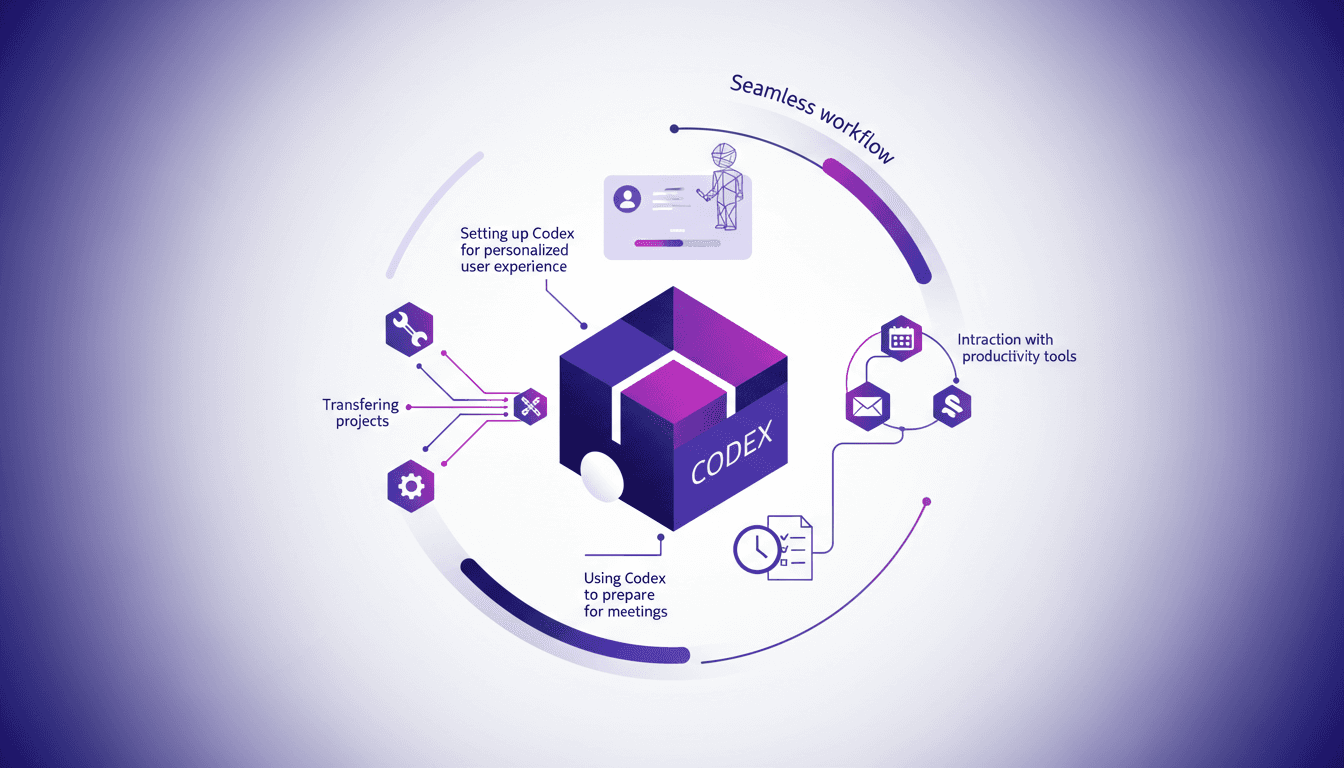
Set Up Codex in a Few Clicks for Time Savings
I remember the first time I set up Codex. It felt like unlocking a new level of productivity. With just a few clicks, I had my projects and tools seamlessly integrated. Let me show you how I did it, and how you can too. Codex is all about streamlining your workflow—whether you're transferring projects, integrating systems, or prepping for meetings, it's a game changer. The key is setting it up efficiently. I connected my systems to Codex, integrated Google Calendar, Gmail, and Slack, and saw an immediate transformation in my time management. I'll walk you through these steps so you can maximize your efficiency with Codex.
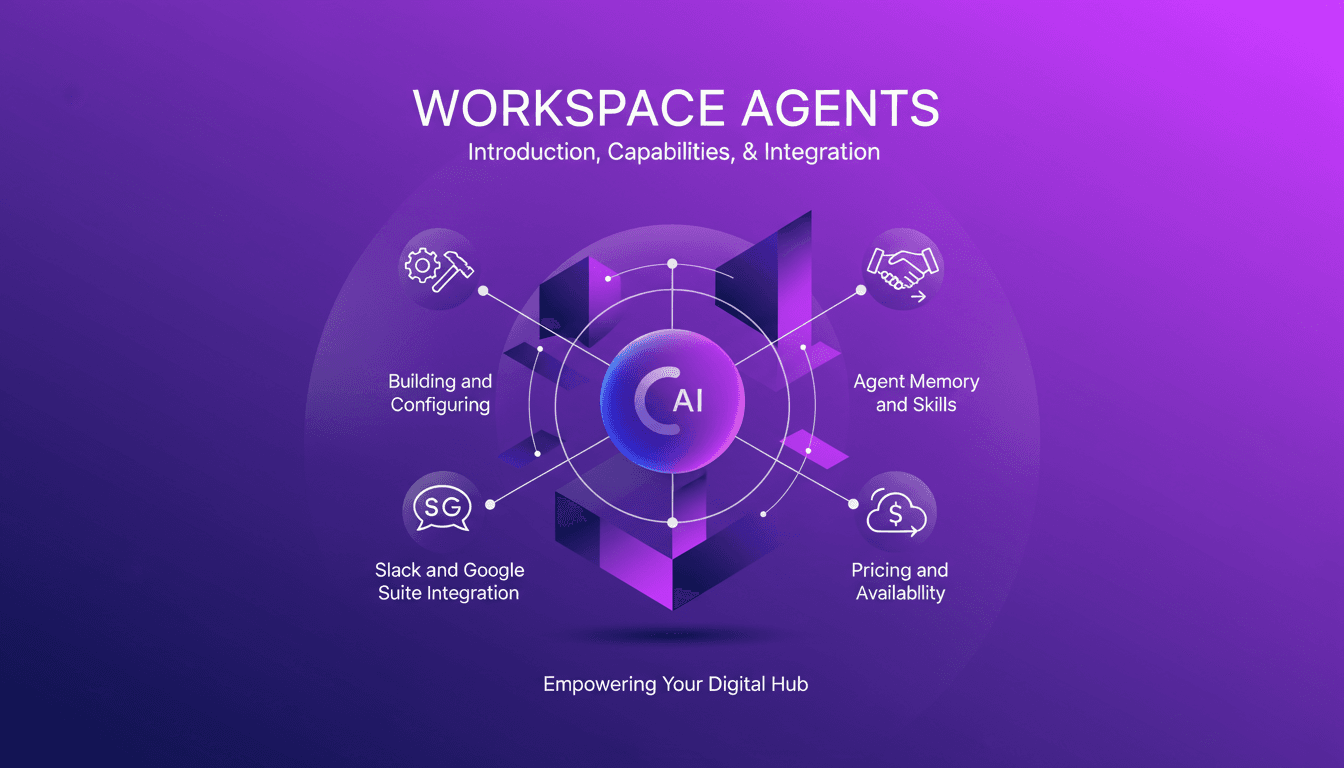
Workspace Agents in ChatGPT: Practical Guide
I've spent countless hours finetuning Workspace Agents in ChatGPT, and let me tell you, once you get the hang of it, it's a game changer. But beware, the path isn't without its bumps. Let's dive into how you can set up and optimize these agents for maximum efficiency. First, I connect tools like Slack and Google Suite to automate tasks. Then, I ensure each agent has well-calibrated memory and skills. A tip: don't overlook customization, it can really make a difference. Finally, we'll cover the pricing and availability of these agents to keep you well-prepared. Let's dive into this practical guide together.
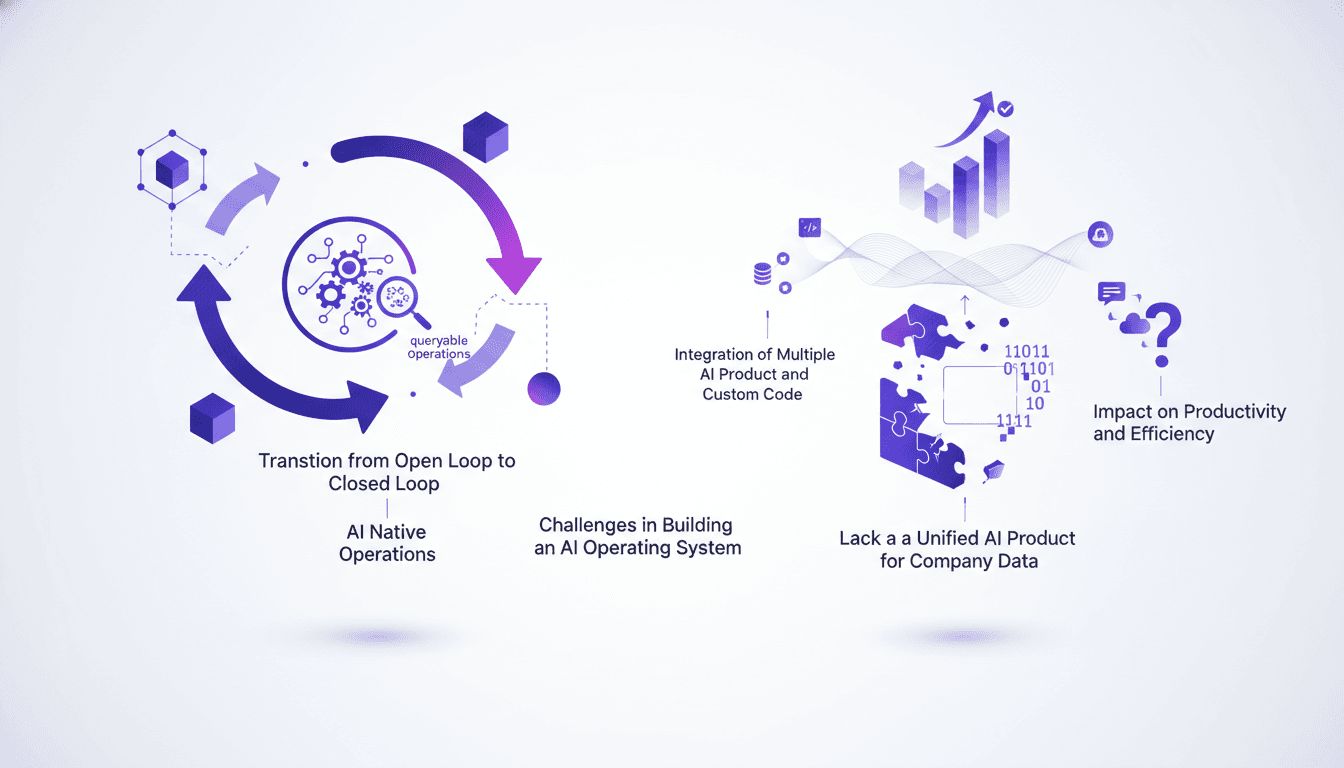
AI Operating System: Streamlining Company Ops
I clearly remember the first time I tried to make our operations fully queryable with AI. It felt like opening Pandora's box. But once I got a grip on the essentials, the transformation was undeniable. With AI becoming the backbone of modern companies, having an effective AI operating system is more critical than ever. The shift from open to closed loop systems has a massive impact on productivity. Imagine cutting your sprint time in half or increasing your shipping capacity tenfold. The challenge? Creating a connective AI layer that integrates multiple tools and custom code. That's where the real opportunity lies for an AI operating system to propel your company to new heights of efficiency.
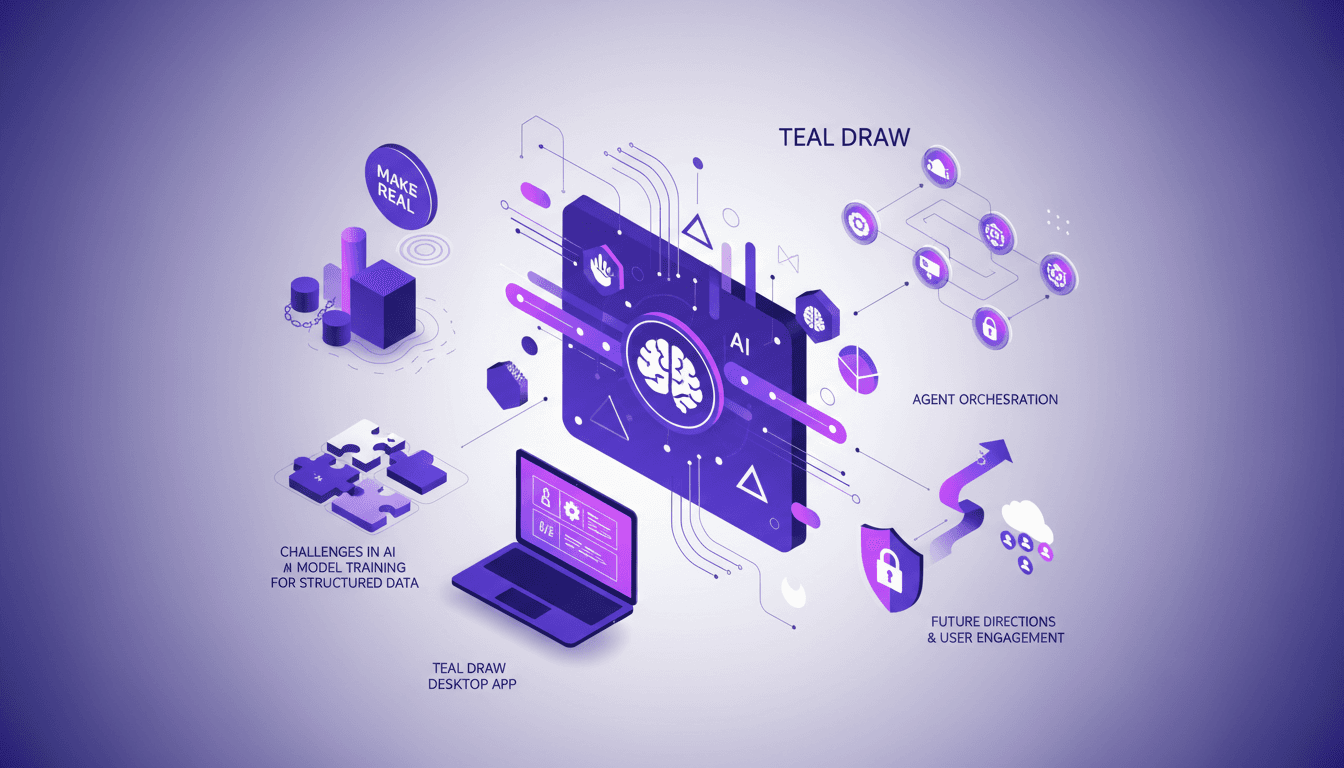
Agents on Canvas: Orchestrating in tldraw
I remember the first time I played with tldraw — I connected my React components and watched as the canvas came alive. It's not just about drawing; it's about orchestrating AI agents right there in real-time. Let's dive into how I got this setup working and what you can expect. In this journey, we'll explore AI integration, agent orchestration, and practical applications. I'll share insights from the Make Real project, AI model training challenges, and the security measures I implemented. It's all about making complex AI concepts actionable and efficient.

Boosting Team Velocity with Codex
When I first integrated Codex into our workflow at Virgin Atlantic, I didn't just see a tool; I witnessed a transformation. I started by connecting our systems, and soon enough, the boost in team velocity was remarkable. We slashed our technical debt massively, freeing our teams from unnecessary constraints. But watch out, it's not just about technical performance; our customer experience also took a leap forward. Let's dive into the details of how Codex revolutionized our way of working.