Smart Locks: A Practical Guide
I still remember the first time I installed a high-tech smart lock at home. It was like stepping into the future. But let's be honest, it's not just about the buzz—it's a practical solution to make life easier and your home safer. With features like fingerprint unlocking and palm vein recognition, these locks are transforming the way we think about security. But how do you set them up effectively? I'll walk you through my process, the mistakes to avoid, and why, despite a few early missteps, I wouldn't look back.
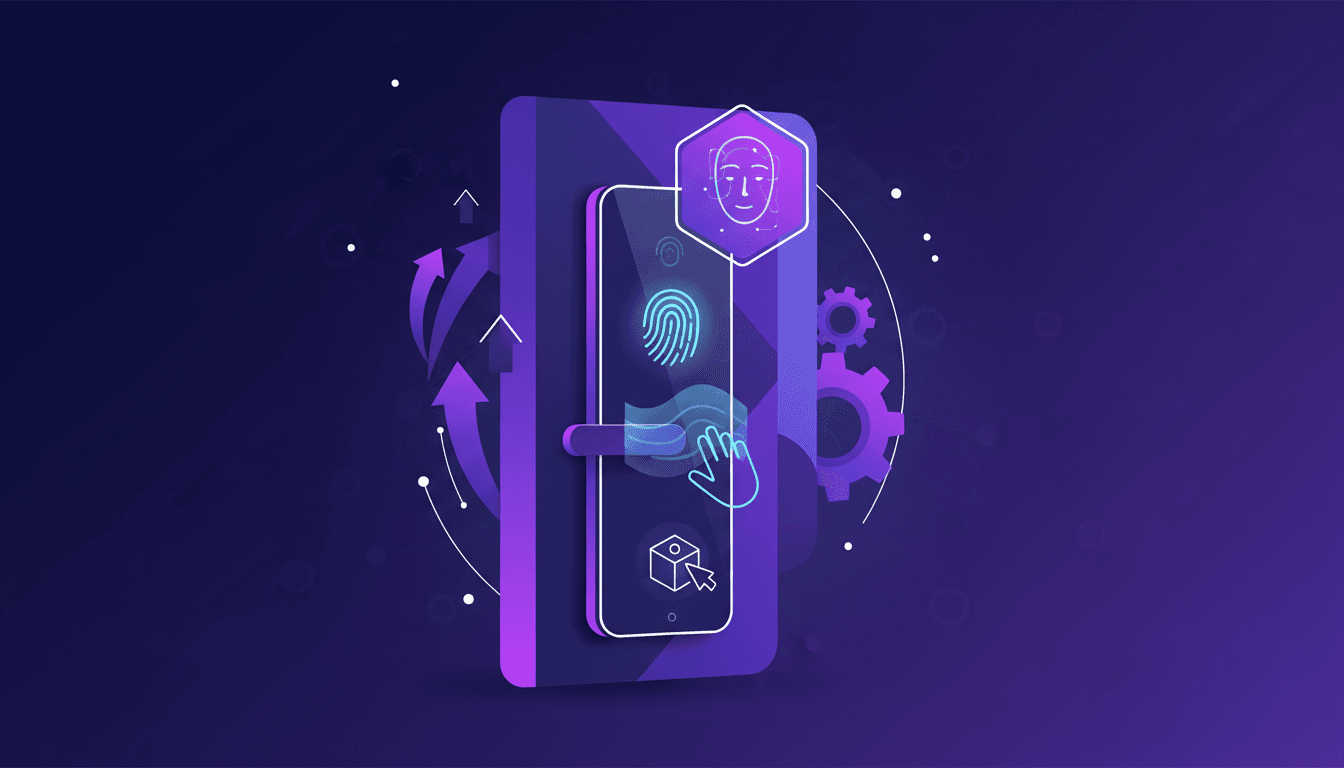
I remember the first time I installed a high-tech smart lock at home. It felt like I was stepping into a sci-fi movie. But let's be real, it's not just about flashy tech. These smart locks are genuine practical solutions to make our homes safer and our lives easier. Imagine unlocking your door with just your fingerprint or even the veins in your palm. And don't forget package detection, which alerts you the moment a delivery arrives. But watch out, installation comes with its own set of challenges. I made my fair share of mistakes before nailing the setup. I'll walk you through how I optimized the installation process, highlight the features that truly matter, and point out some common pitfalls. Ready to turn your front door into a high-tech fortress?
Fingerprint Unlocking: Setup and Benefits
First, I configured the fingerprint sensor, and let me tell you, it’s intuitive but requires some precision. Imagine the simplicity of pressing your finger on a sensor and watching the door open like magic. It’s fast, reliable, and significantly reduces the need to carry keys everywhere. However, watch out for false rejections. Make sure the sensor is clean, or you might find yourself locked out. It’s a real game changer for daily efficiency, but remember, not all fingerprints are created equal. Some folks might have less distinct prints, which can be an issue.
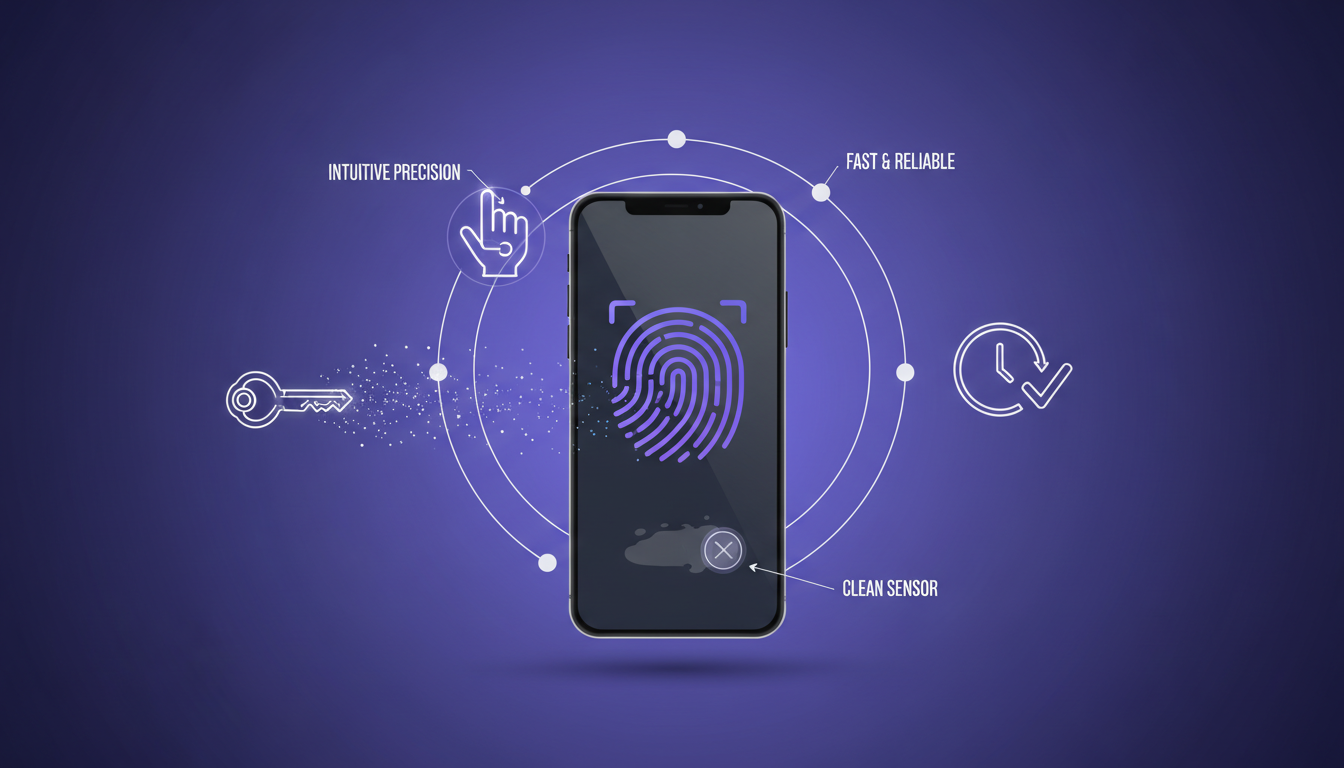
So why opt for this tech? Simply because it combines security with convenience. Fewer keys mean fewer hassles, and that’s a big win for those of us constantly on the move.
- Intuitive setup but requires precision
- Fast and reduces key usage
- Watch for false rejections if the sensor is dirty
- Doesn’t always work perfectly for all fingerprints
Palm Vein Recognition: Advanced Security
Next, I set up the palm vein recognition. Honestly, the setup was straightforward, but calibration is crucial. This technology reads the unique pattern of veins in your palm, adding an extra layer of security. It’s less common than fingerprints but offers a higher level of security. Be aware of lighting conditions during setup, as consistent lighting helps maintain accuracy.
For those looking to understand this technology more deeply, know that it relies on the structure of veins beneath the skin, which is hard to replicate or forge. Currently, its accuracy often exceeds 98.45%.
- Straightforward setup but crucial calibration
- Adds a security layer with unique vein patterns
- Less common but more secure than fingerprints
- Lighting conditions are crucial for optimal accuracy
Face Detection Features: Quick Access
Face detection is a breeze once properly configured. No more fumbling around for keys. Thanks to infrared sensors, it works even in low light conditions. However, ensure the camera angle is right; otherwise, it might not recognize you. It’s super convenient, but always have a backup method in case of tech hiccups.
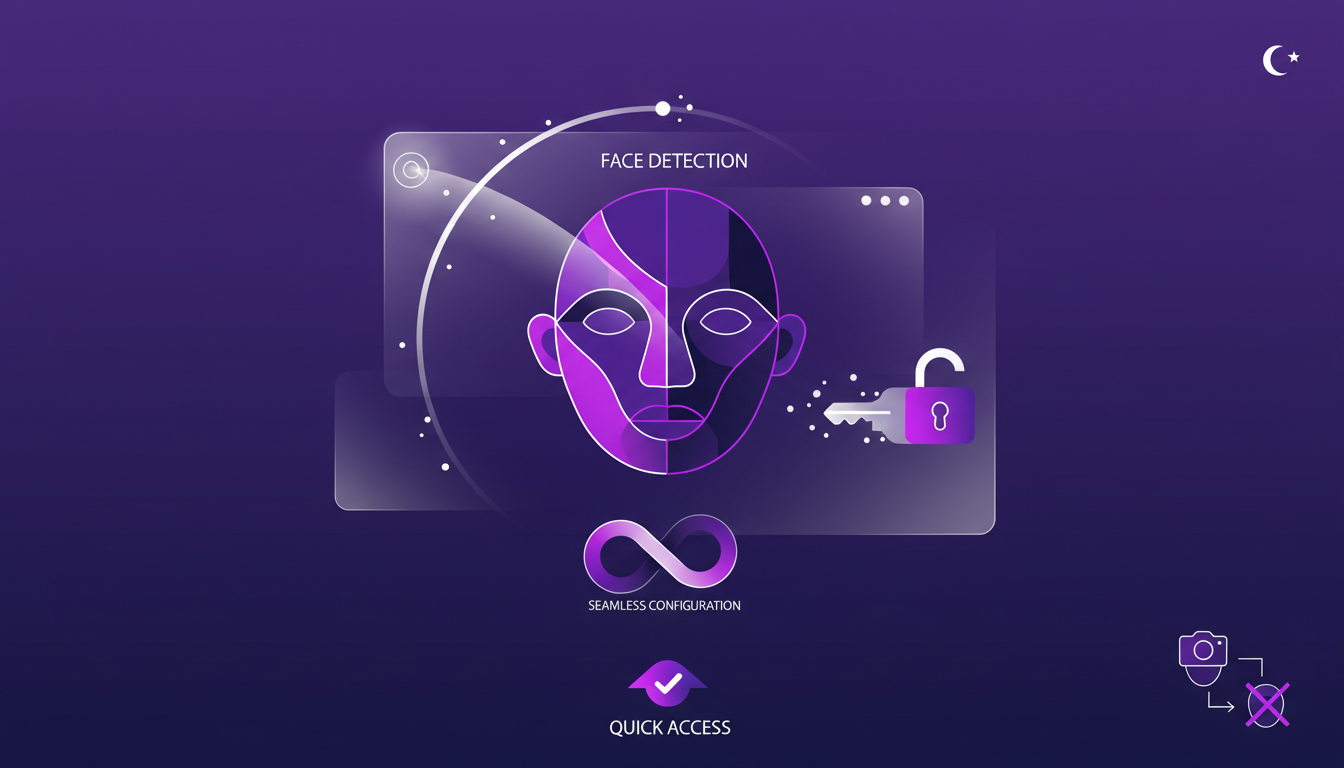
In terms of app design, this technology is akin to creating a solution that constantly adapts to its user. It learns and improves over time, much like our automation projects.
- Simple setup for quick access
- Functions in low light thanks to infrared sensors
- Camera angle crucial for effective recognition
- Have a backup method in case of failure
Package Detection: Enhancing Security
I integrated package detection with my smart lock system, and now I get alerts for deliveries. It uses motion sensors to detect and notify you of packages at the door. This feature is perfect for preventing package theft, a common issue these days. However, consider the sensor placement to avoid false positives from passing cars or pedestrians.
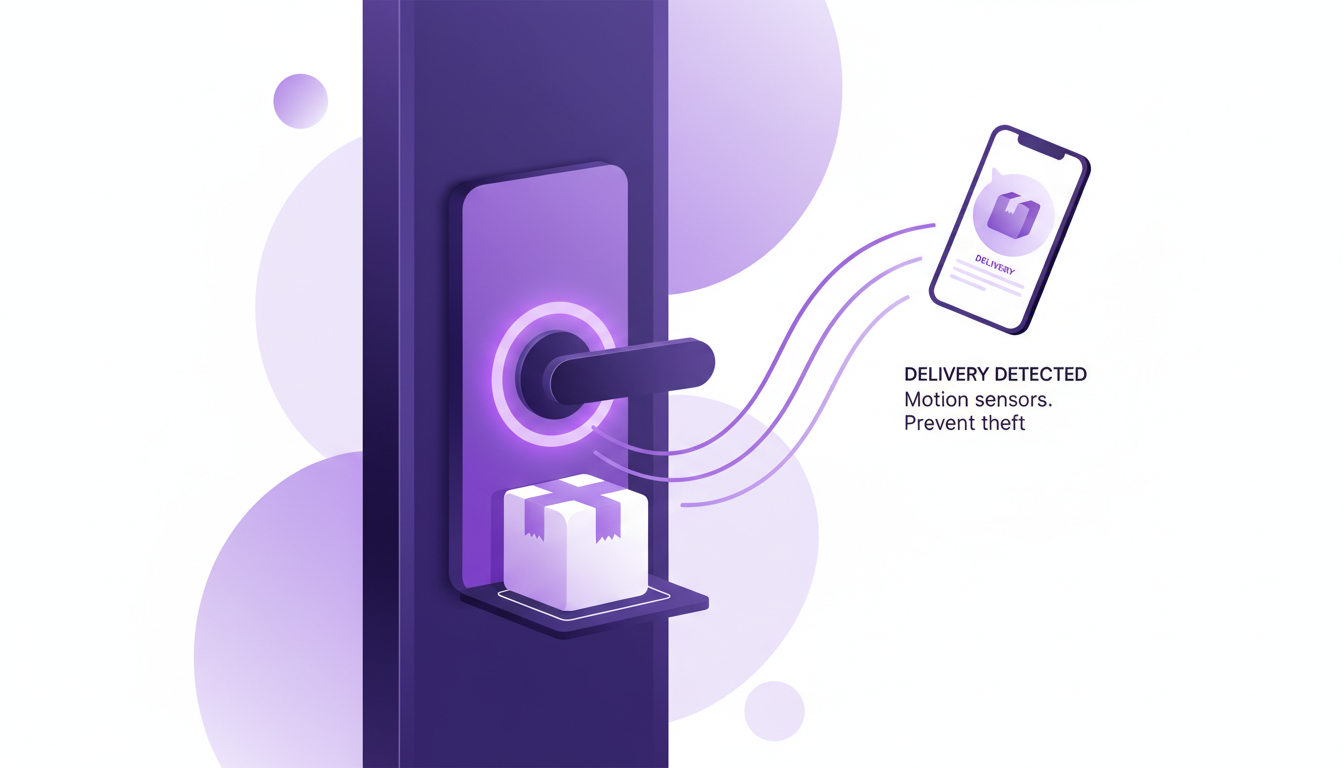
This is a great example of how a smart lock works, using technology to solve real everyday problems.
- Integration of package detection with delivery alerts
- Uses motion sensors to prevent package theft
- Sensor placement crucial to avoid false positives
Installation Enthusiasm: Getting Started
Justine’s excitement is truly contagious—installation isn’t just about security, it’s about tech empowerment. Start with a clear plan, know where each component fits before drilling holes. Allocate time for setup; rushing can lead to mistakes. Test each feature thoroughly; it’s better to troubleshoot immediately rather than later.
This process often reminds me of my mastery of diffusion in ML: every step is an opportunity to learn and improve.
- Plan clearly before starting installation
- Take your time to avoid mistakes
- Thoroughly test each feature
- Learn and improve with every step
I've installed quite a few smart locks in my time, and let me tell you, they're more than just a tech trend. First, using fingerprint unlocking has been a real game changer in terms of convenience. Then, the palm vein recognition adds a layer of security that's pretty impressive. But watch out, installation can be tricky if you're not prepared. Finally, package detection is handy, but don't expect it to perform miracles in the rain. These locks are like moving from a horse to a car in terms of evolution, but you need to know where the brakes are. So, ready to upgrade your home security? Pick the right smart lock and follow the steps to ensure a smooth installation. Before diving in, I highly recommend checking out the "New and Improved Locks For Your Home" video on YouTube (https://www.youtube.com/watch?v=kVE8c65maCQ) to see these technologies in action and avoid rookie mistakes.
Frequently Asked Questions

Thibault Le Balier
Co-fondateur & CTO
Coming from the tech startup ecosystem, Thibault has developed expertise in AI solution architecture that he now puts at the service of large companies (Atos, BNP Paribas, beta.gouv). He works on two axes: mastering AI deployments (local LLMs, MCP security) and optimizing inference costs (offloading, compression, token management).
Related Articles
Discover more articles on similar topics
Building Apps in ChatGPT: A Practical Guide
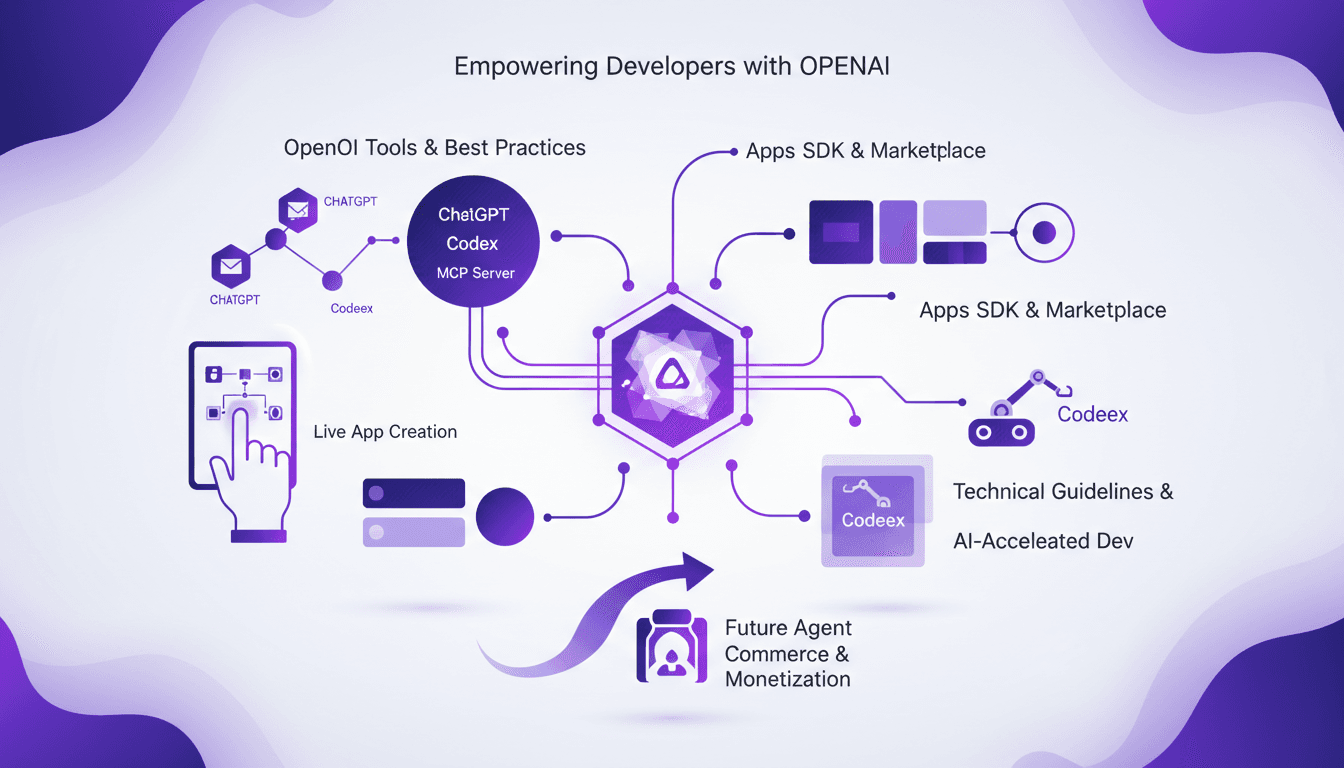
I’ve been knee-deep in the OpenAI ecosystem, and building apps in ChatGPT is like crafting a dynamic espresso shot—fast, efficient, and incredibly rewarding. With Codeex and MCP, I streamline the entire process. OpenAI's tools are game changers for developers eager to integrate AI into their apps. After hours in the trenches, today I'm sharing my workflow that makes app building not just feasible but efficient. From leveraging the OpenAI SDK to a live app creation demo, we’ll cover it all. I promise you, in two minutes, Codeex will already give you a starting scaffold.
Clone Any Voice for Free: Qwen TTS Revolutionizes
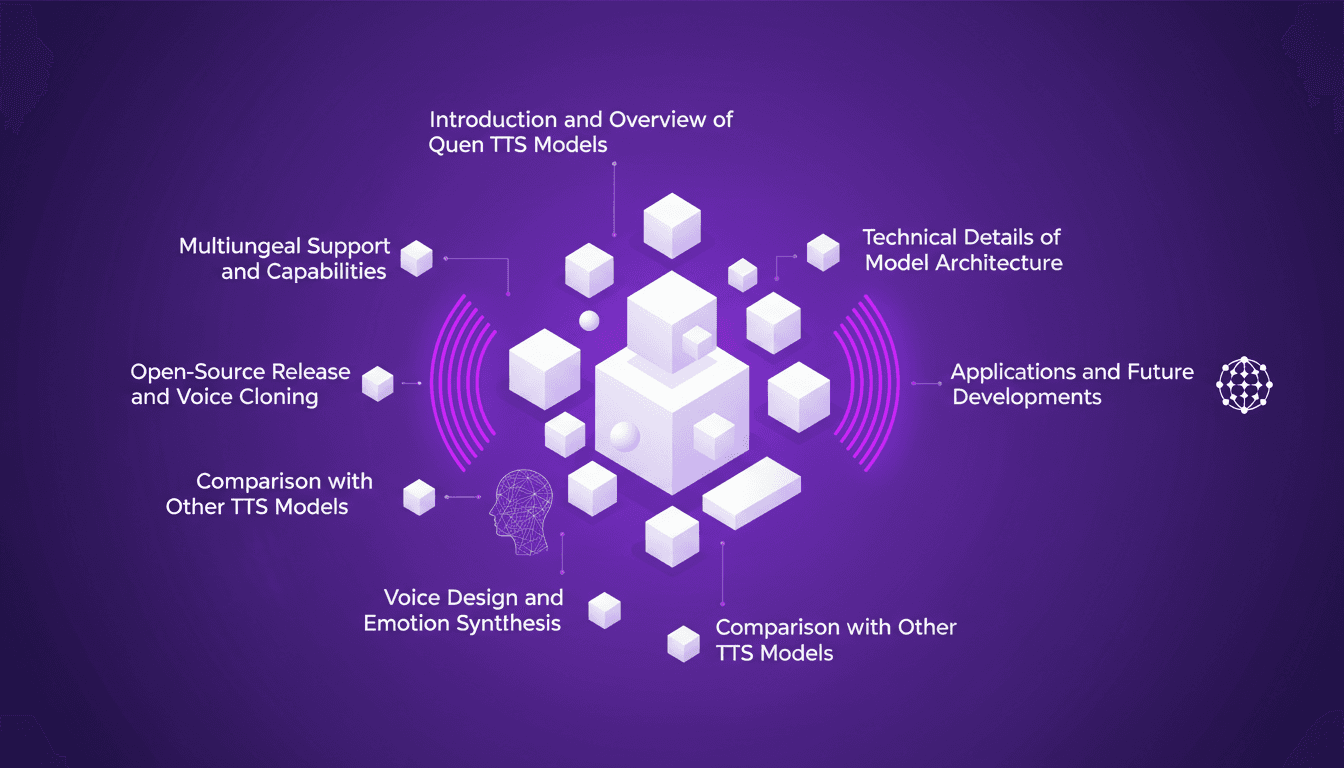
I remember the first time I cloned a voice with Qwen TTS—it was like stepping into the future. Imagine having such a powerful tool, and it's open source, right at your fingertips. This isn't just theory; it's about real-world application today. Last June, Qwen announced their TTS models, and by September, the Quen 3 TTS Flash with multilingual support was ready. For anyone interested in voice cloning and multilingual speech generation, this is a true game changer. With models ranging from 0.6 billion to 1.7 billion parameters, the possibilities are vast. But watch out, there are technical limits to be mindful of. In this article, I'll guide you through multilingual capabilities, open-source release, and emotion synthesis. Get ready to explore how you can leverage this tech today.
Mastering /remember: Deep Agent Memory in Action
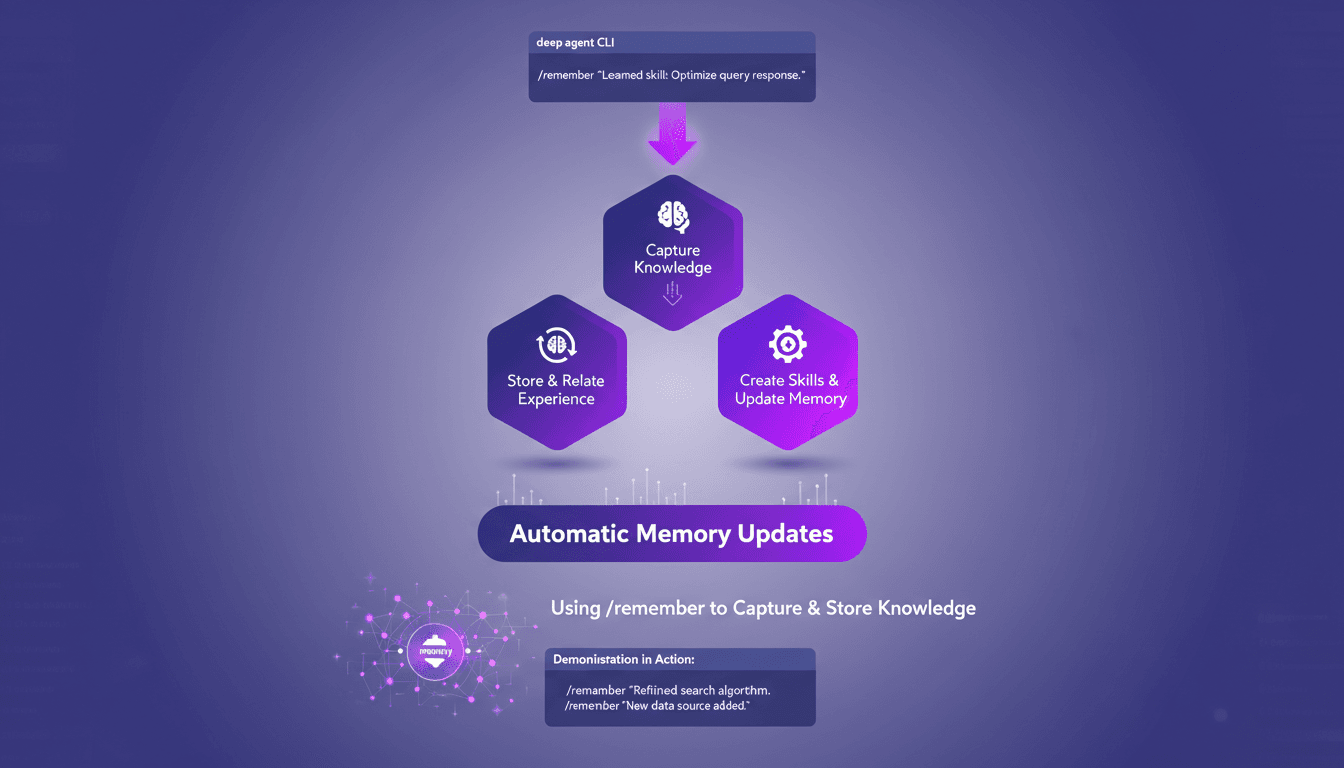
I've spent countless hours tweaking deep agent setups, and let me tell you, the /remember command is a game changer. It's like giving your agent a brain that actually retains useful information. Let me show you how I use it to streamline processes and boost efficiency. With the /remember command in the deep agent CLI, you can teach agents to learn from experience. Let's dive into how this works and why it's a must-have in your toolkit.
Codex Integration in JetBrains IDEs
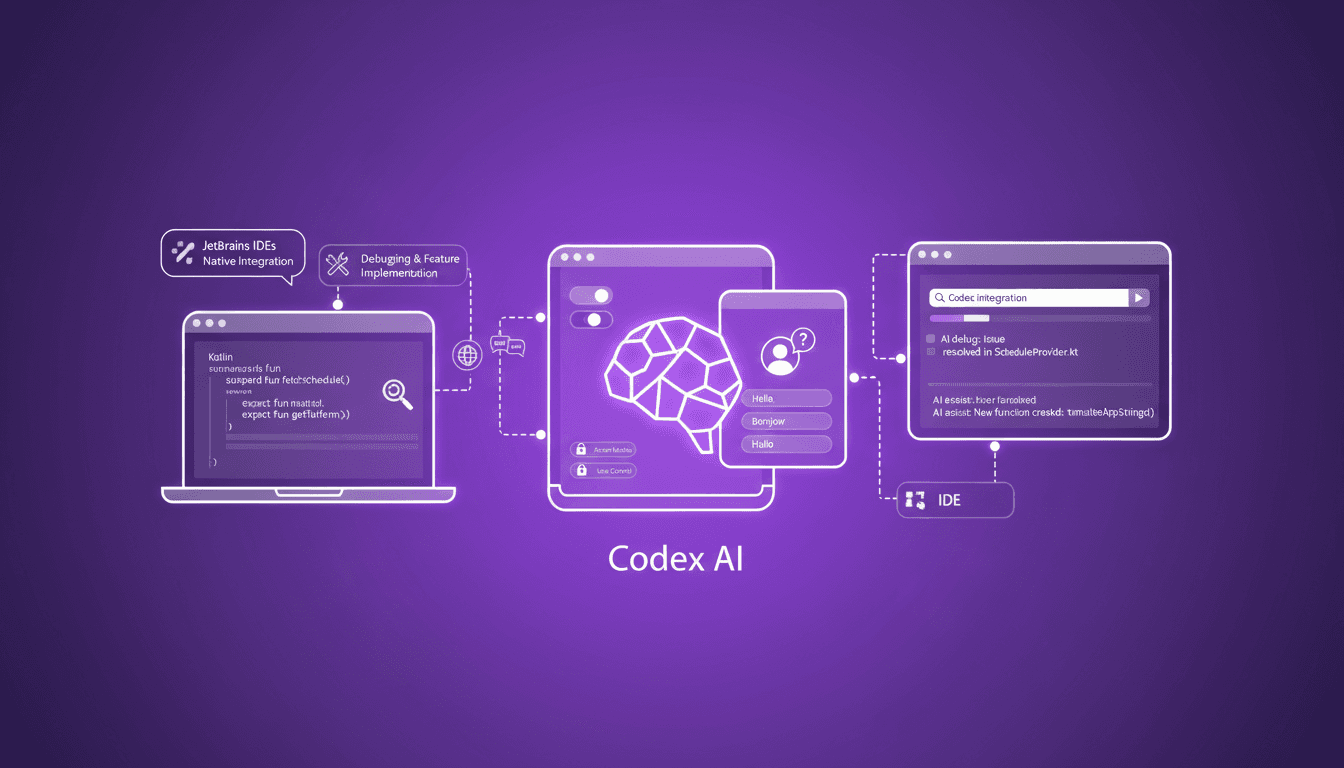
I've been knee-deep in JetBrains IDEs, and integrating Codex has been a game changer for my Kotlin projects. Here's the thing: first, I'll walk you through the setup process, then we'll dive into how it has streamlined my workflow. Whether you're debugging or implementing new features, Codex is here to help. For a multi-platform conference app that runs on mobile, web, and desktop, Codex makes life easier. I'll also show you how we handle localization tasks and how Codex integrates natively with JetBrains products. Simply put, if you haven't yet explored how Codex can boost your productivity, now's the time to dive in.
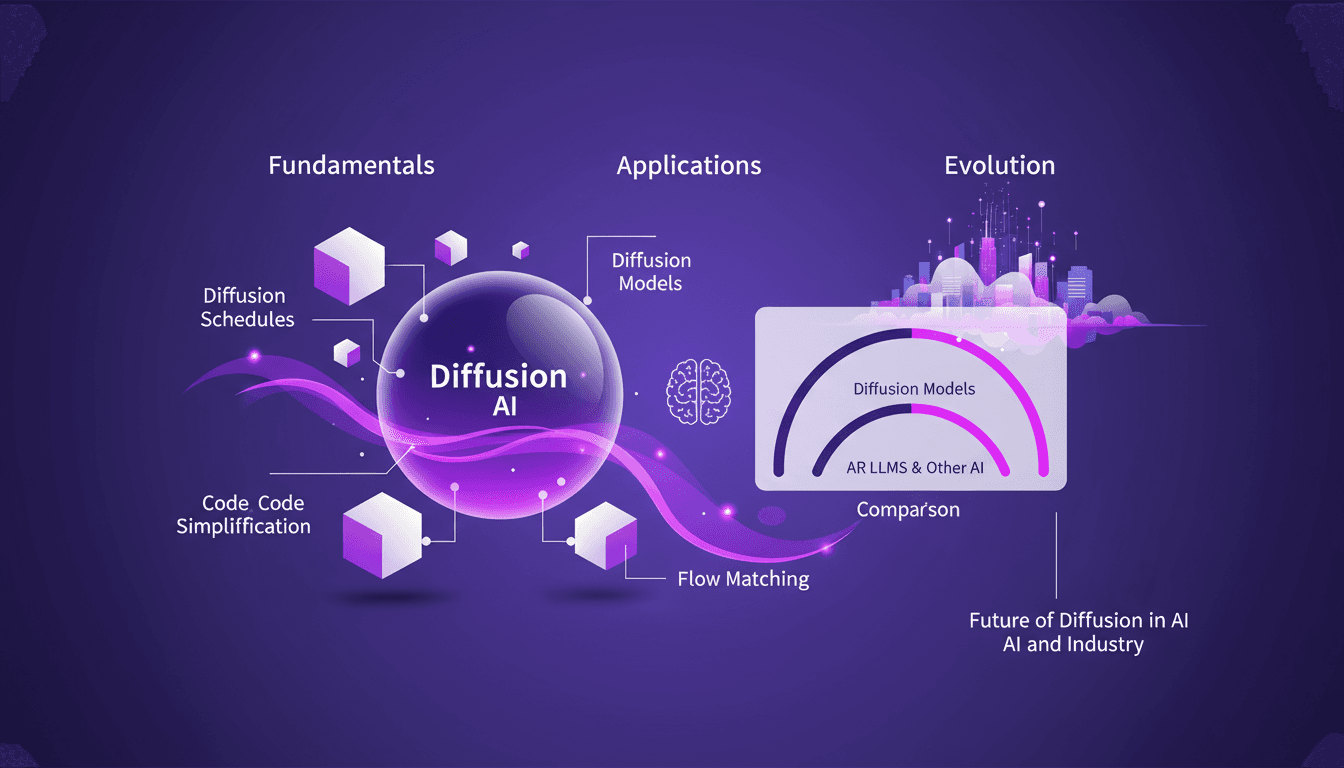
Mastering Diffusion in ML: A Practical Guide
I've been knee-deep in machine learning since 2012, and let me tell you, diffusion models are a game changer. And they're not just for academics—I'm talking about real-world applications that can transform your workflow. Diffusion in ML isn't just a buzzword. It's a fundamental framework reshaping how we approach AI, from image processing to complex data modeling. If you're a founder or a practitioner, understanding and applying these techniques can save you time and boost efficiency. With just 15 lines of code, you can set up a powerful machine learning procedure. If you're ready to explore AI's future, now's the time to dive into mastering diffusion.