Codex Integration in JetBrains IDEs
I've been knee-deep in JetBrains IDEs, and integrating Codex has been a game changer for my Kotlin projects. Here's the thing: first, I'll walk you through the setup process, then we'll dive into how it has streamlined my workflow. Whether you're debugging or implementing new features, Codex is here to help. For a multi-platform conference app that runs on mobile, web, and desktop, Codex makes life easier. I'll also show you how we handle localization tasks and how Codex integrates natively with JetBrains products. Simply put, if you haven't yet explored how Codex can boost your productivity, now's the time to dive in.
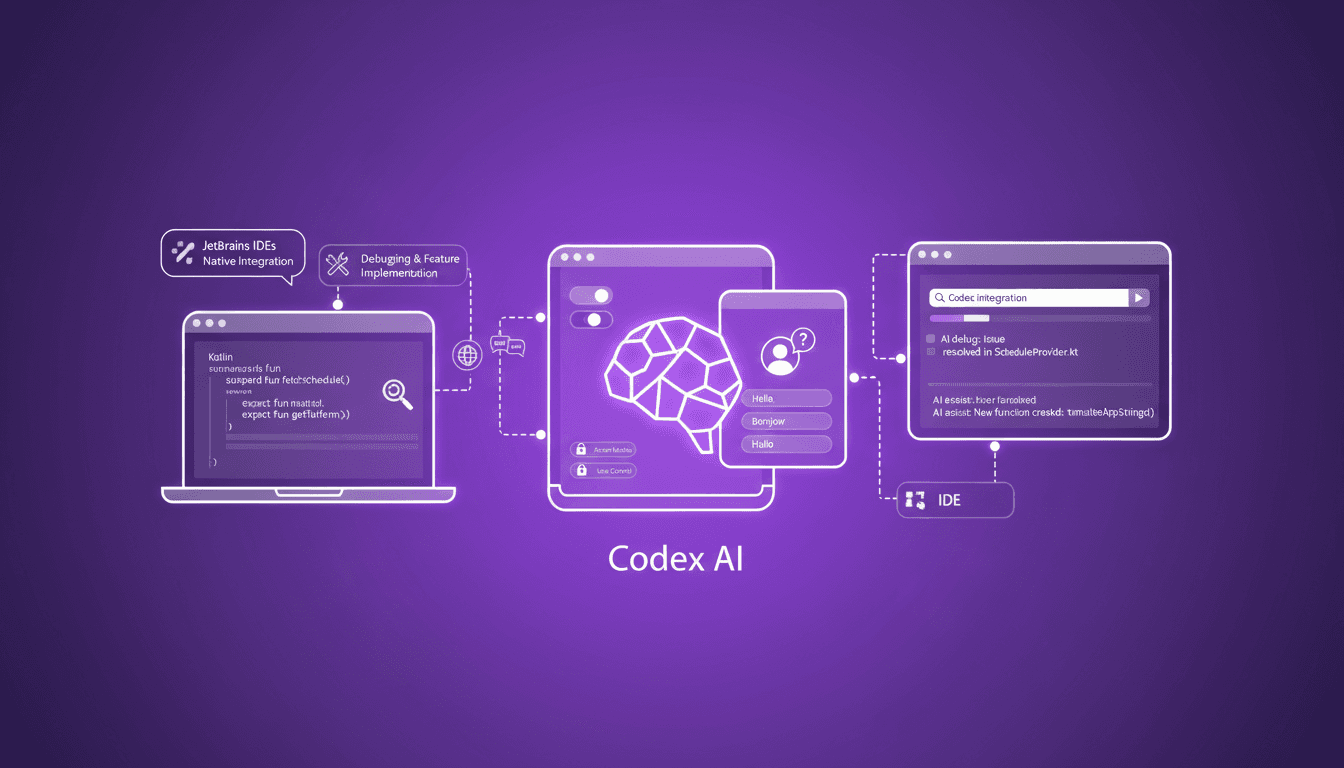
I've been knee-deep in JetBrains IDEs, and integrating Codex has transformed my workflow on my Kotlin projects. Seriously, it's been a game changer. First, I'll walk you through how I've set up Codex in my IDEs. Then, we'll explore how it's streamlined my work, whether I'm debugging or implementing new features. For a multi-platform conference app like the one I'm developing, running on mobile, web, and desktop, Codex is a lifesaver. We're compiling with Gradle, and honestly, handling that for iOS was a headache before Codex. Oh, and don't overlook its capabilities for localization tasks. Codex integrates natively with JetBrains products, making a real difference. So, if you haven't explored Codex yet, trust me, you're missing out.
Setting Up Codex in JetBrains IDEs
First off, connecting Codex to my JetBrains environment was a game changer. I used my ChatGPT subscription to log in, but you can also opt for an API key or JetBrains AI subscription, which is pretty flexible. The initial configuration steps were crucial: choosing the right access modes to avoid surprises. Watch out for access rights errors; I got caught by that initially. Moreover, customization plays a key role. You can control the level of interaction Codex has, which is essential to prevent unwanted modifications. Once configured, Codex starts exploring your project, gathering contexts, and you're ready to code efficiently.
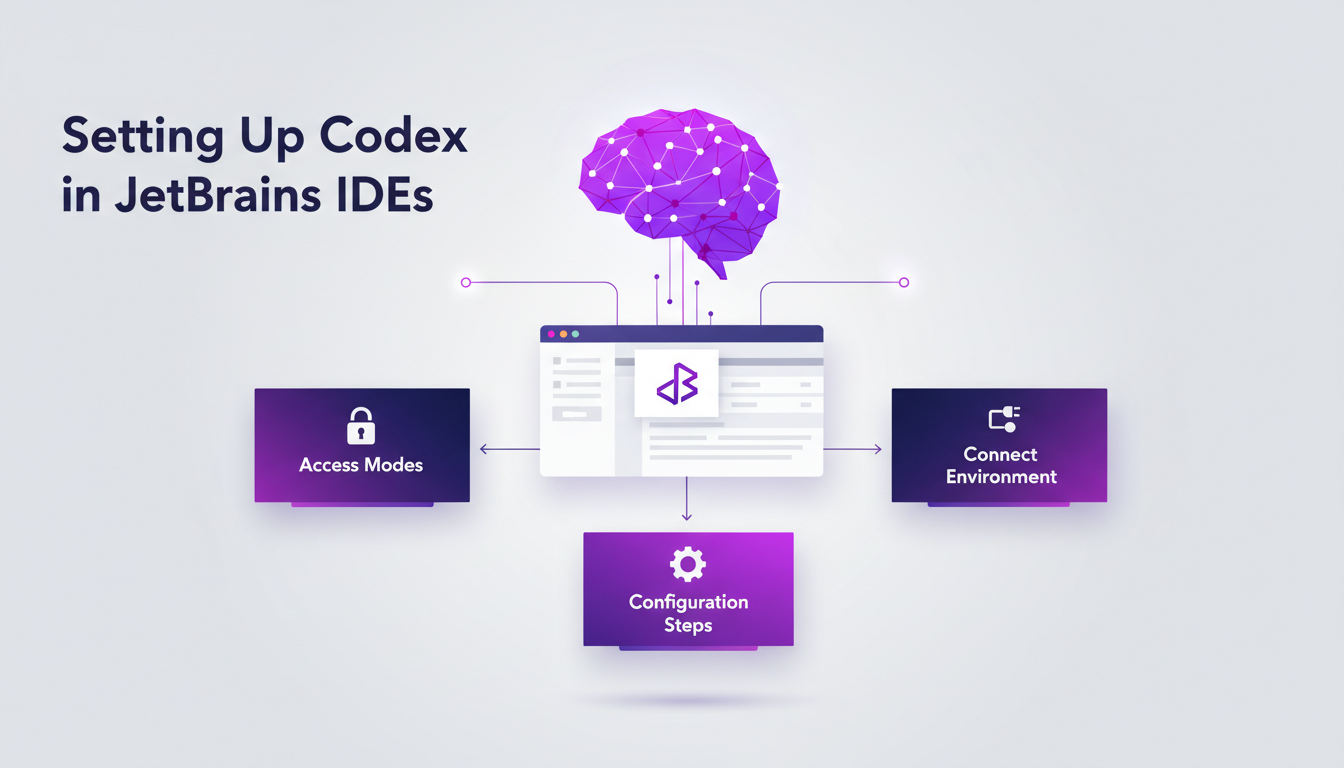
One thing to watch out for is resource consumption. Codex, while exploring files, can tax your system. But once you've got everything under control, the impact on your productivity is direct.
Harnessing Codex for Multi-platform Kotlin Projects
Next, integrating Codex into a multi-platform Kotlin codebase was another fascinating step. For our conference app, which runs on mobile, web, and desktop, Codex made the process smoother. Using Gradle for iOS compilation was already complex, but with Codex, I navigated warnings and stack traces more efficiently. The tool enabled me to resolve build errors with increased precision.
One trade-off here is processing time; Codex can be a bit slow on large codebases. But the advantage is that it helps you understand errors you might have otherwise overlooked. I often found myself fixing issues in no time thanks to its relevant suggestions.
Debugging and Feature Implementation with Codex
When it comes to debugging, Codex proves to be a powerful ally. In our project, build errors cropped up often, and Codex helped me identify them quickly. It sifts through files, understands stack traces, and suggests fixes. This is a huge time saver because I don’t have to manually dig through each file to find the problem source.
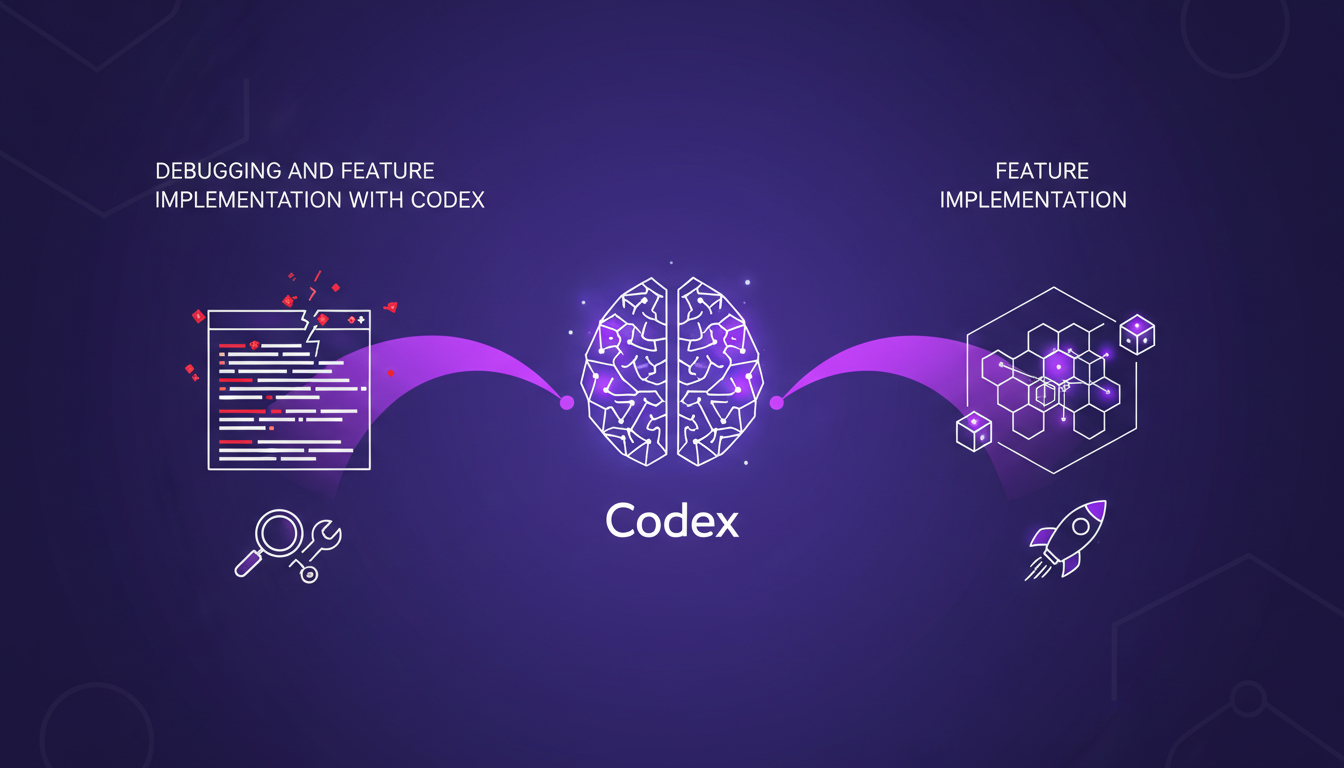
For implementing new features, Codex offers suggestions based on existing code context. However, it's essential to manually validate its changes to avoid unintended effects. In sum, it reduces the time spent digging into documentation and allows focusing on adding value.
Localization Tasks Made Easy with Codex
Another area where Codex shines is localization. For our app, creating Spanish localization was simplified with Codex. It identifies relevant files, executes necessary bash commands, and proposes modifications. However, it's crucial to manually check these changes to ensure their relevance, as automation has its limits.
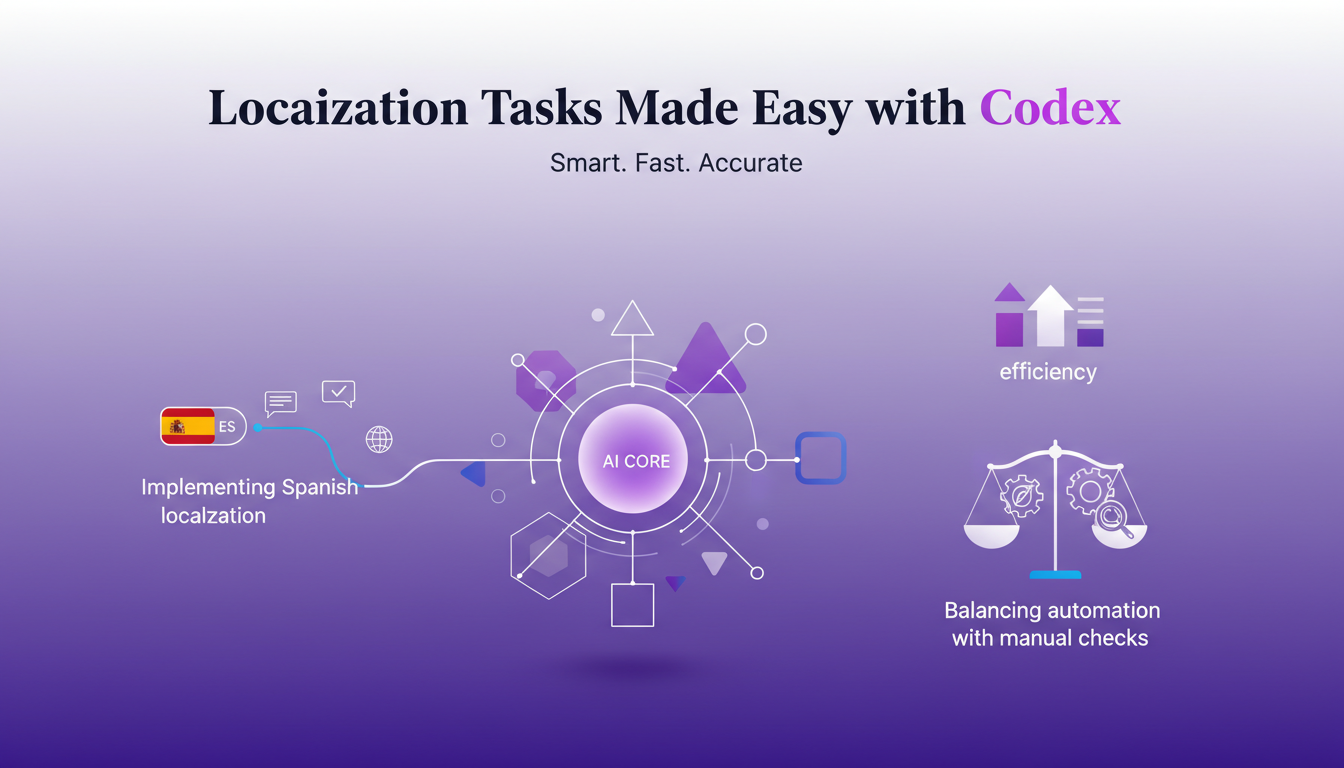
One of the challenges is ensuring all strings are translated correctly. Codex does a great job, but a human check is indispensable to guarantee the final product's quality.
Codex's Seamless Integration Across JetBrains Products
Finally, Codex's native integration in JetBrains products like IntelliJ, PyCharm, WebStorm, and Rider is a real asset. This allows for cross-product functionality, facilitating the orchestration of complex workflows. With Codex, I navigate tasks across different IDEs without losing coherence.
While Codex offers enormous potential for the future, current limitations exist, particularly in terms of performance on massive projects. But the impact on productivity and code quality is undeniable, and I'm eager to see how it evolves to meet developers' growing needs.
Integrating Codex into JetBrains has been a real game changer for me. First, our multi-platform Kotlin codebase for the conference app runs seamlessly on mobile, web, and desktop. That's efficiency at its best, but remember, manual intervention is still key at times. Next, compiling the project for iOS using Gradle is a big plus. Just don't forget that Codex has its limits. For example, in debugging and feature implementation, understanding its access modes and user controls is crucial. Lastly, it's not just about productivity; it's about smarter workflows and fewer headaches along the way. So, ready to supercharge your coding with Codex? Dive into your JetBrains IDE and start exploring its potential today. And for a deeper understanding, go check out the original video on YouTube. It's worth it!
Frequently Asked Questions

Thibault Le Balier
Co-fondateur & CTO
Coming from the tech startup ecosystem, Thibault has developed expertise in AI solution architecture that he now puts at the service of large companies (Atos, BNP Paribas, beta.gouv). He works on two axes: mastering AI deployments (local LLMs, MCP security) and optimizing inference costs (offloading, compression, token management).
Related Articles
Discover more articles on similar topics
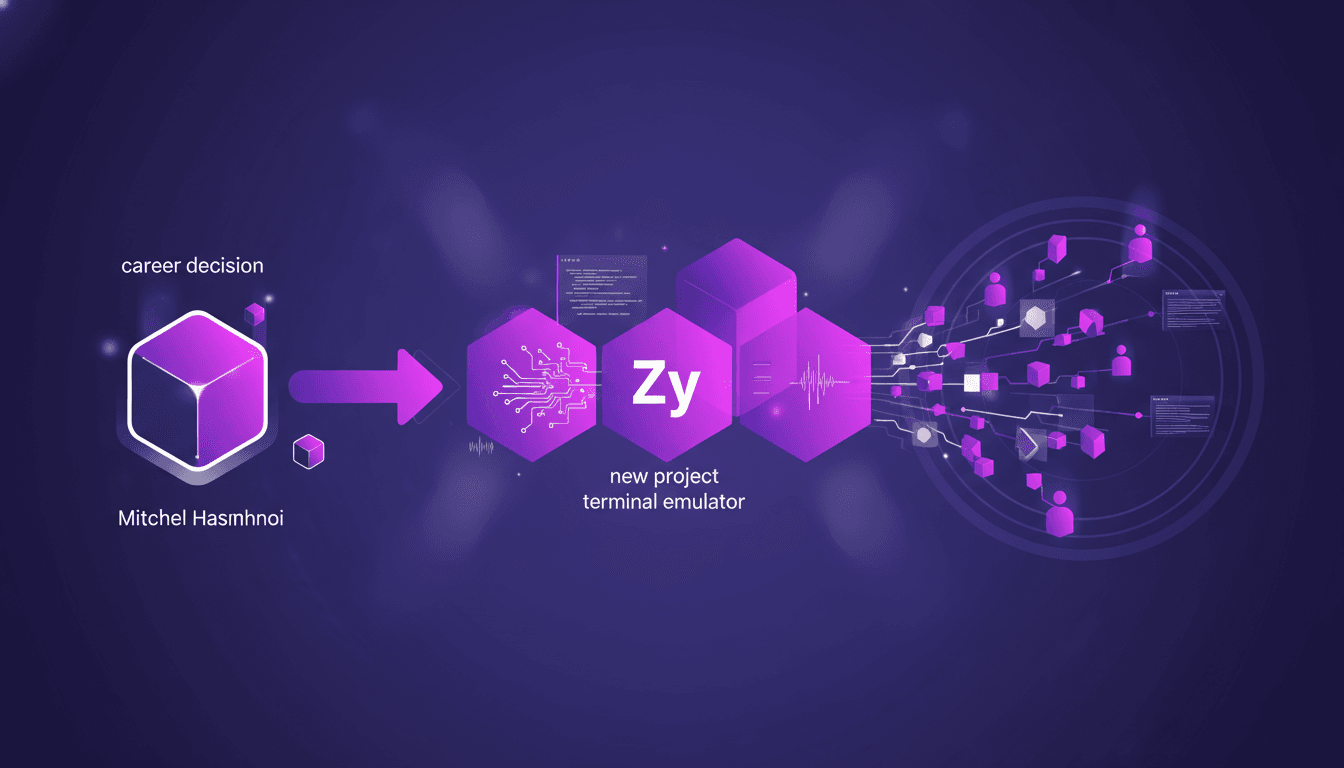
Terminal Emulator: Mitchel Hashimoto's Journey
I remember the day I first heard about Mitchel Hashimoto's new terminal emulator. As someone who's lived and breathed code, the idea of a terminal built from the ground up was intriguing. Mitchel, known for founding HashiCorp, made a bold pivot, leaving everything to focus on creating this tool. He didn't just code another terminal; he redefined how we interact with our development environments. Developed in Zy, this terminal promises impressive technical performance, and I can tell you, its adoption in the tech community is starting to make waves. I dove into analyzing this tool, and here's what I found.
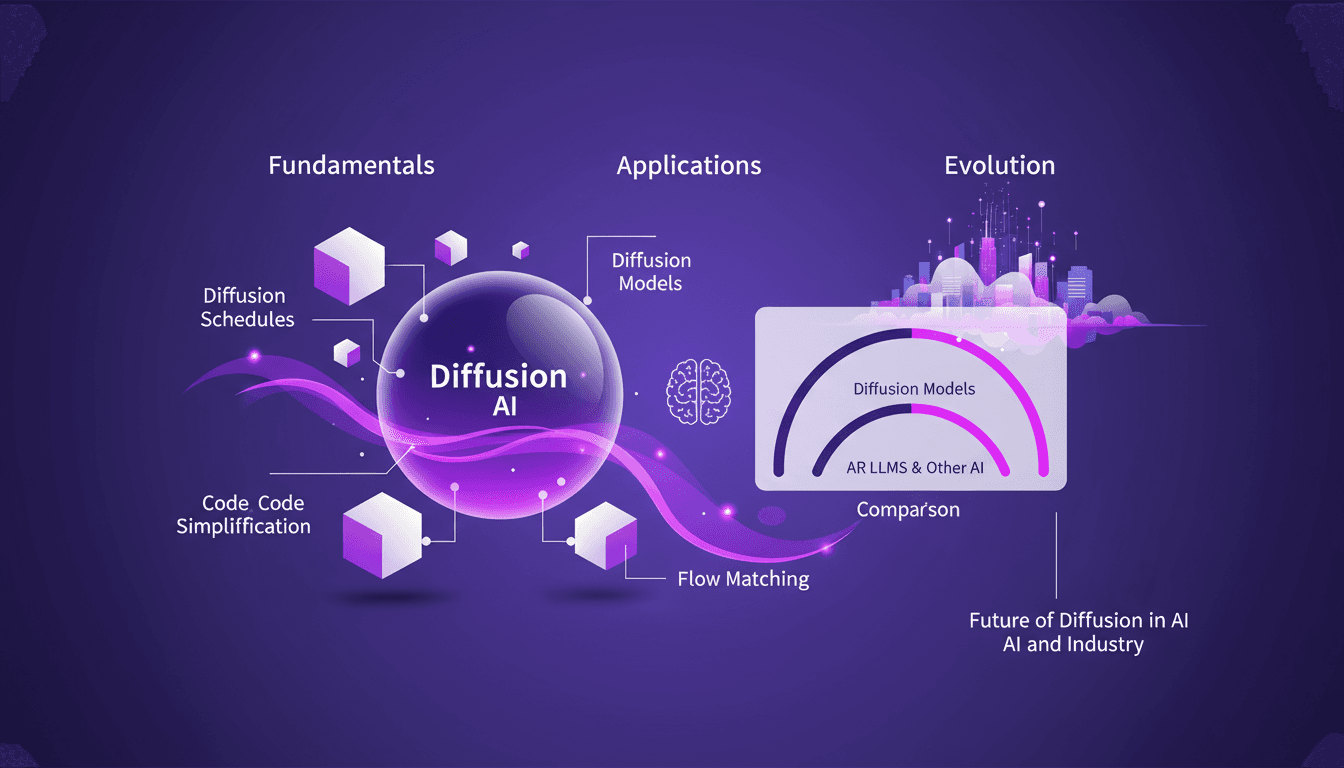
Mastering Diffusion in ML: A Practical Guide
I've been knee-deep in machine learning since 2012, and let me tell you, diffusion models are a game changer. And they're not just for academics—I'm talking about real-world applications that can transform your workflow. Diffusion in ML isn't just a buzzword. It's a fundamental framework reshaping how we approach AI, from image processing to complex data modeling. If you're a founder or a practitioner, understanding and applying these techniques can save you time and boost efficiency. With just 15 lines of code, you can set up a powerful machine learning procedure. If you're ready to explore AI's future, now's the time to dive into mastering diffusion.
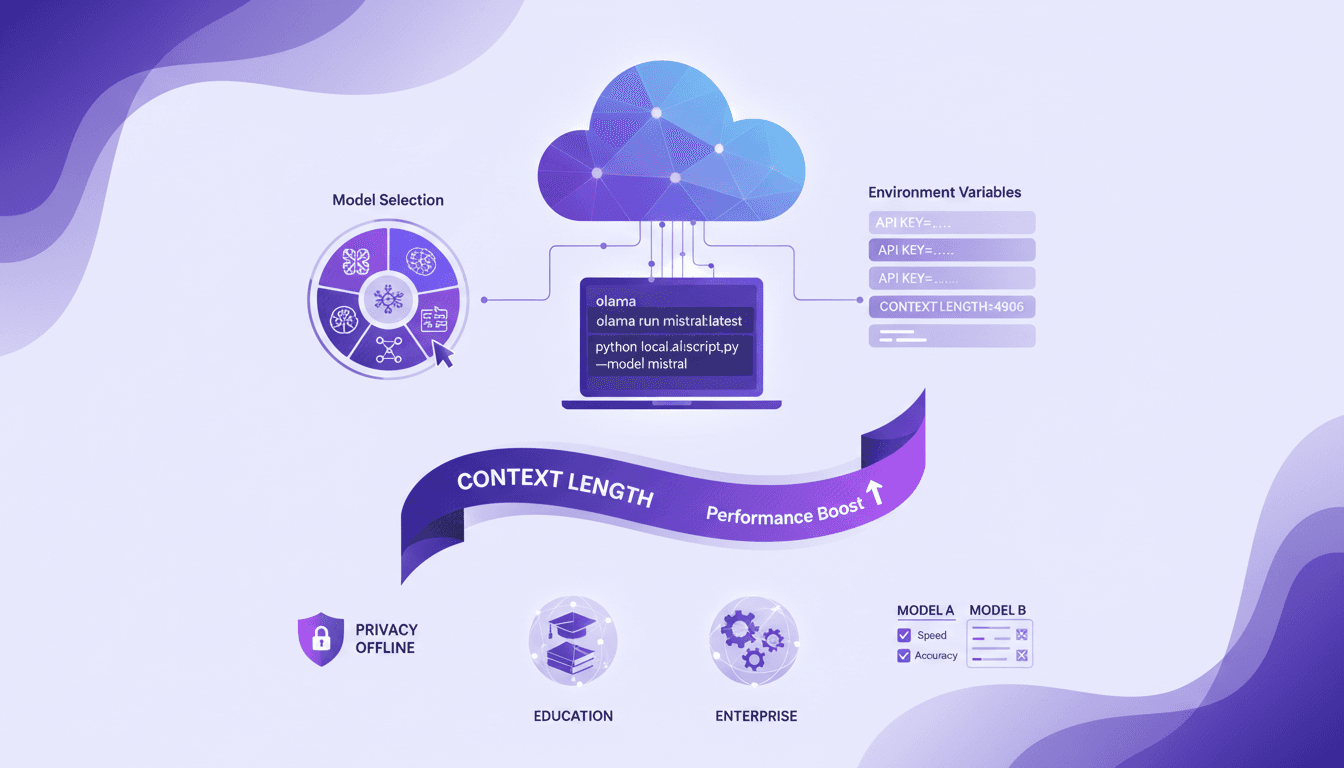
Run Cloud Code Locally with Olama: Tutorial
I've been running cloud code locally to boost efficiency and privacy, and Olama has been a real game changer. Imagine handling AI models with 4 billion parameters, all without leaving your desk. I'll show you how I set it up, from model selection to tweaking environment variables, and why it’s a game changer for education and enterprise. But watch out for context limits: beyond 100K tokens, things get tricky. By using Olama, we can compare different AI models for local use while ensuring enhanced privacy and offline capabilities. The goal here is to give you a practical, hands-on look at how I orchestrate these technologies in my professional life.
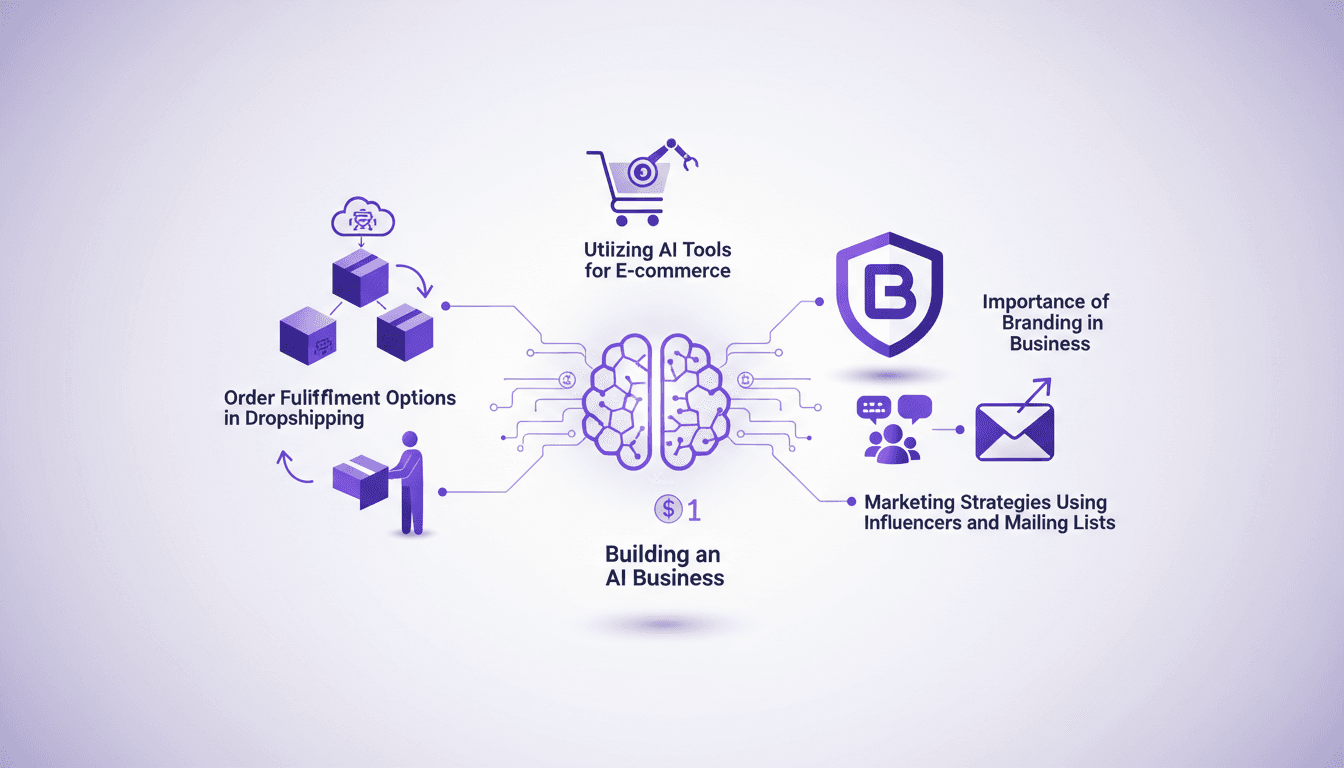
Build an AI Business for $1 in 2026
I started my AI business with just a dollar. Sounds crazy? Well, in 2026, thanks to AI tools, it's not only possible but practical. I orchestrated everything using dropshipping platforms, marketing strategies with influencers, and mailing lists. Every dollar counts, especially when it comes to AI and branding. Leveraging free trials and tools like AutoDS, I turned that initial dollar into thousands in monthly sales. Let me show you how I did it, step by step, so you can embark on this journey too.
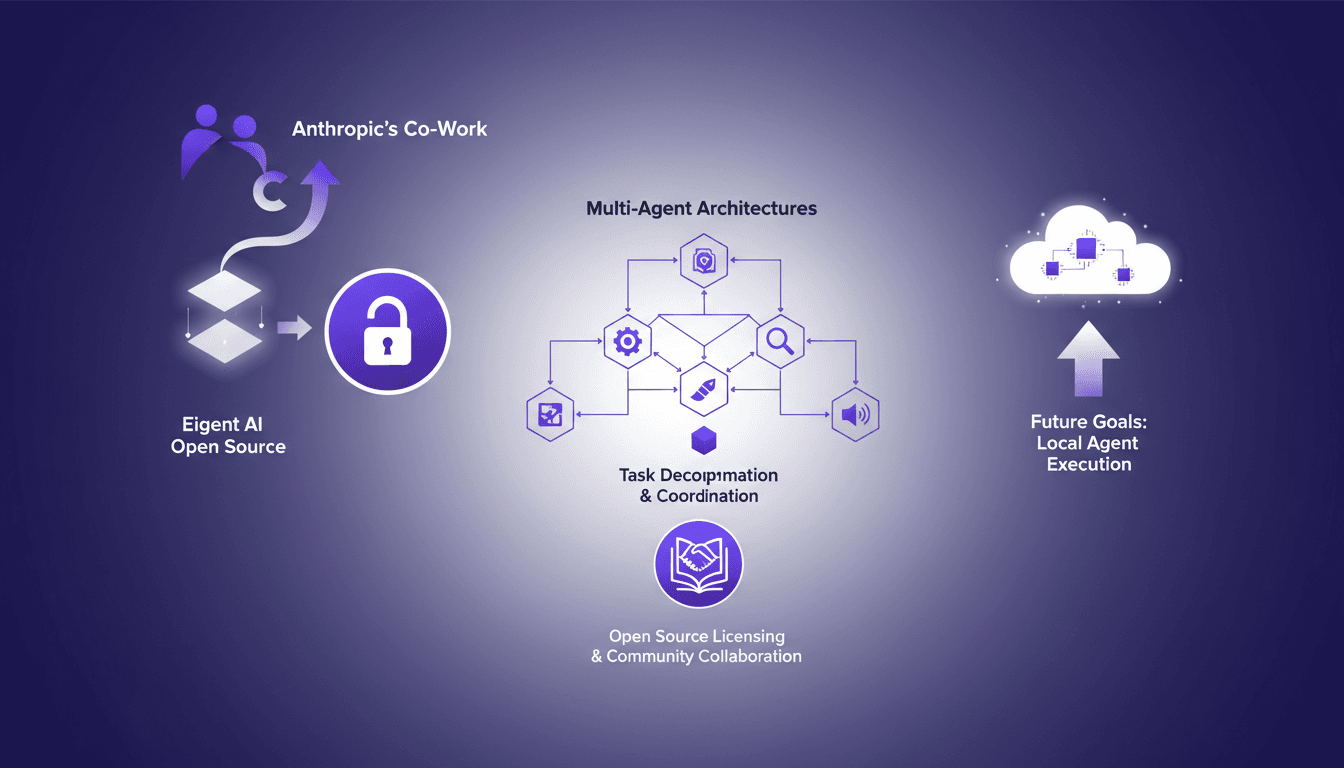
Eigent AI Open Sources to Challenge Claude Cowork
I remember the day Eigent AI decided to open source our product. It was a bold move, inspired by Anthropic's co-work release. This decision reshaped our approach to multi-agent architectures. By opening up our architecture, we aimed to leverage community collaboration and enhance our multi-agent systems. The challenge was significant, but the results were worth it, especially in terms of task decomposition and coordination using DAG. If you're curious about how this has shaken up our development process, let's dive into this transformation together.