Grok TTS: Fast and Cost-Effective API Integration
Ever been burned by overpriced TTS solutions that don't deliver? I have. That's why I switched to Grok TTS. It's fast, cheap, and integrates like a dream. With support for over 20 languages and inline emotion tags, it's a game changer. But watch out, don't get dazzled just by the price; it's crucial to know how to integrate it effectively into your applications. Let's compare it with 11 Labs and see why Grok TTS might be the solution you've been waiting for.
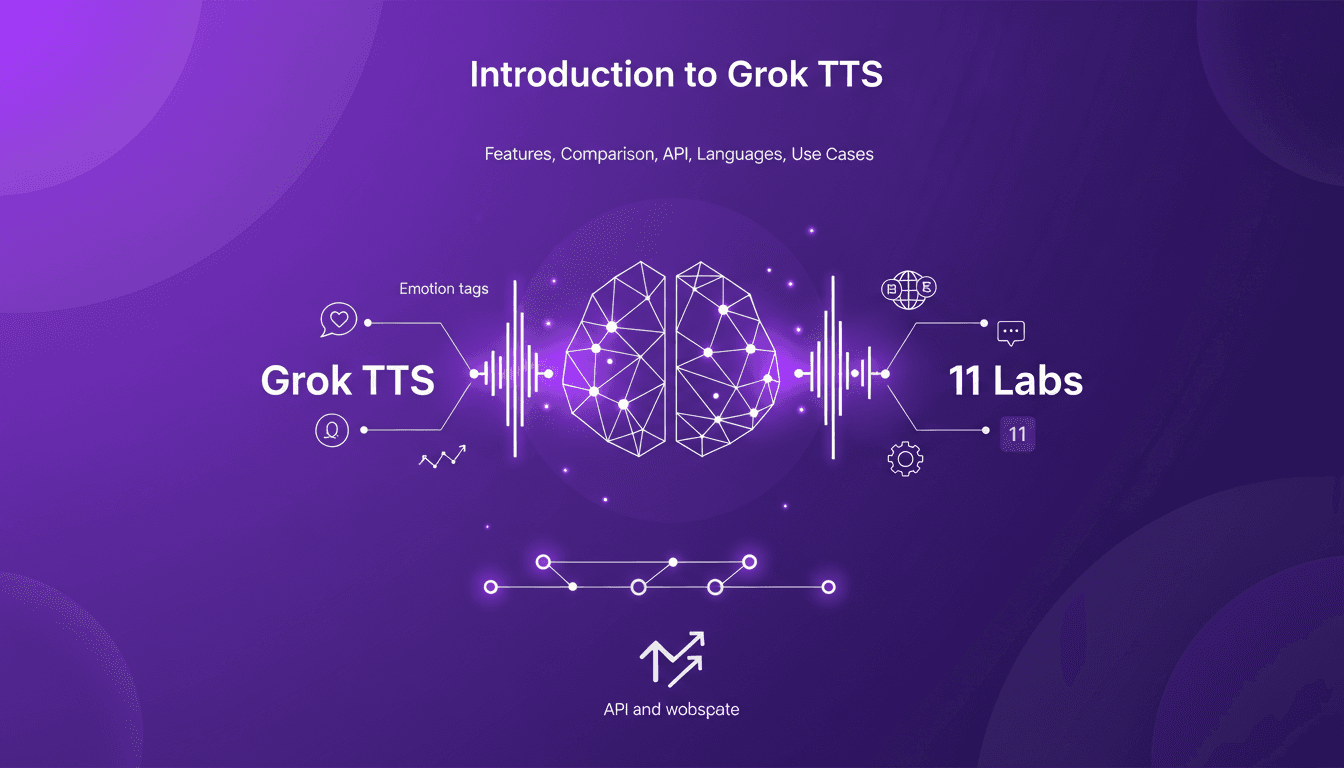
I've been burned by TTS solutions that promise the world but end up costing a fortune without delivering. That's exactly why Grok TTS caught my eye. It's not just about the cost - though their model is financially appealing - but also about performance and integration. Supporting over 20 languages and offering inline emotion tags, Grok TTS gives you something many pricier options don't even have. But beware, there are pitfalls to avoid. For instance, knowing how to use it effectively in your applications via API and websocket. I'll walk you through why it can be a real game changer, but also how to dodge the mistakes I've made. And of course, we'll see how it stacks up against 11 Labs. Ready to explore what Grok TTS has to offer?
Getting Started with Grok TTS
Connecting Grok TTS to my app was a breeze. I plugged into their API within minutes, and the setup process was refreshingly straightforward. No need for complex configurations. But beware, the authentication process, while simple, is crucial—miss a step, and you're out. Once I was connected, I could immediately test the expressive voices, and let me tell you, they were impressive.
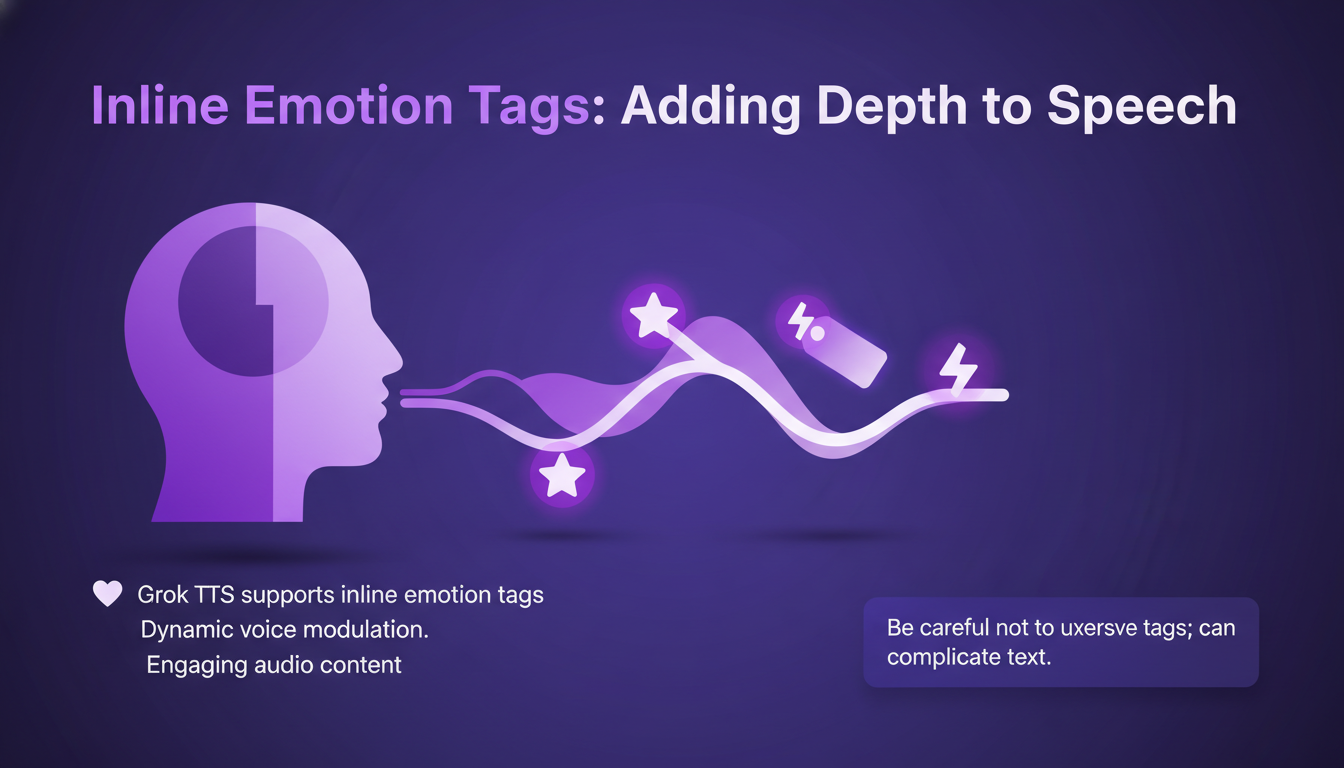
Inline Emotion Tags: Adding Depth to Speech
Grok TTS supports inline emotion tags, which allow for dynamic voice modulation. I found them particularly useful for creating engaging audio content. But don't go overboard; too many tags can complicate the text. Testing different emotions can significantly enhance user experience, adding a layer of authenticity where other TTS systems fall short.
Comparing Grok TTS with 11 Labs
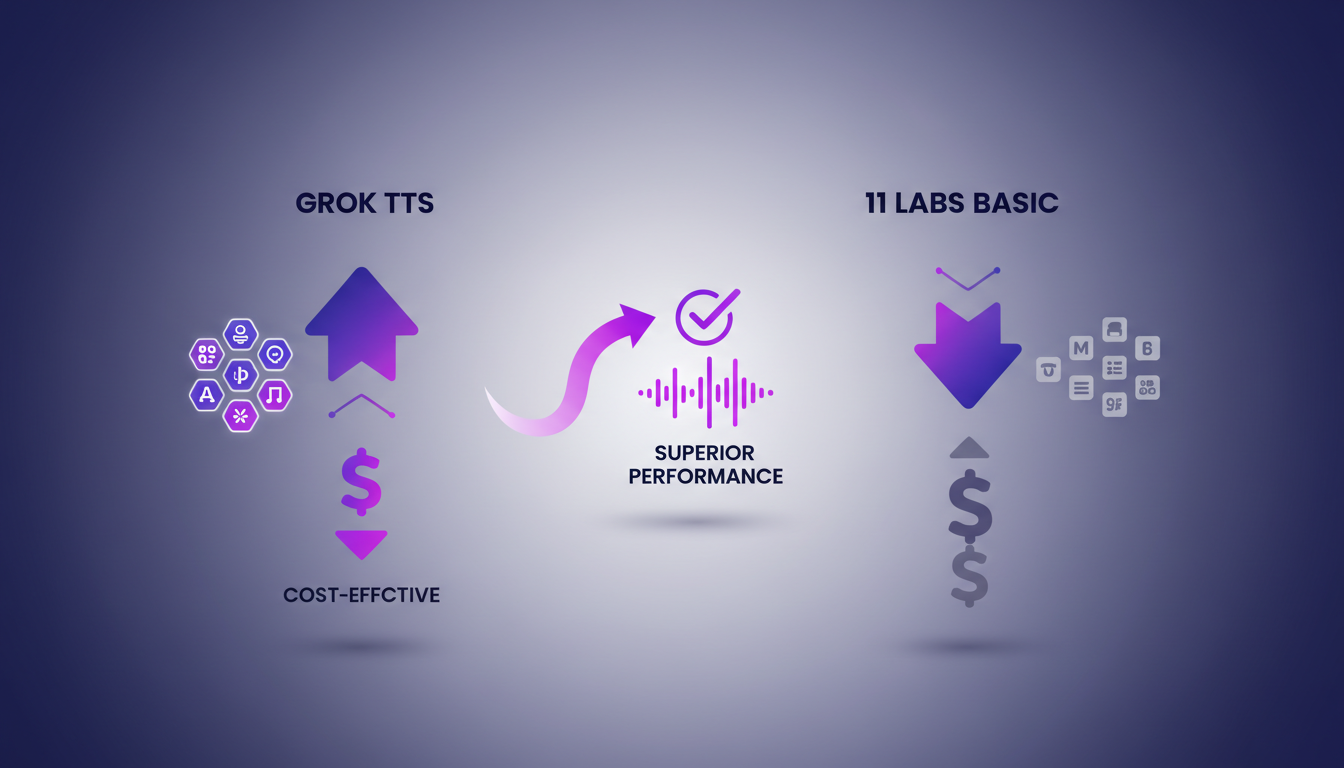
When it comes to comparing, Grok TTS offers more voices and languages than 11 Labs' basic model. Pricing is where Grok TTS truly shines. At just 0.0042 per 1,000 characters, it’s a bargain compared to the competition. I tested both services with complex texts, and Grok TTS outperformed. But keep an eye on language support limits; Grok covers over 20 languages, but make sure yours is included.
Integration with API and Websocket
Real-time websocket support is a standout feature for live applications. I integrated it into my app's backend with minimal latency issues. The API is robust, but make sure your requests are optimized for speed. Sometimes it's faster to batch requests depending on your use case. Don't underestimate the available documentation for easily integrating Grok TTS into your Python projects.
Use Cases and Industry Applications
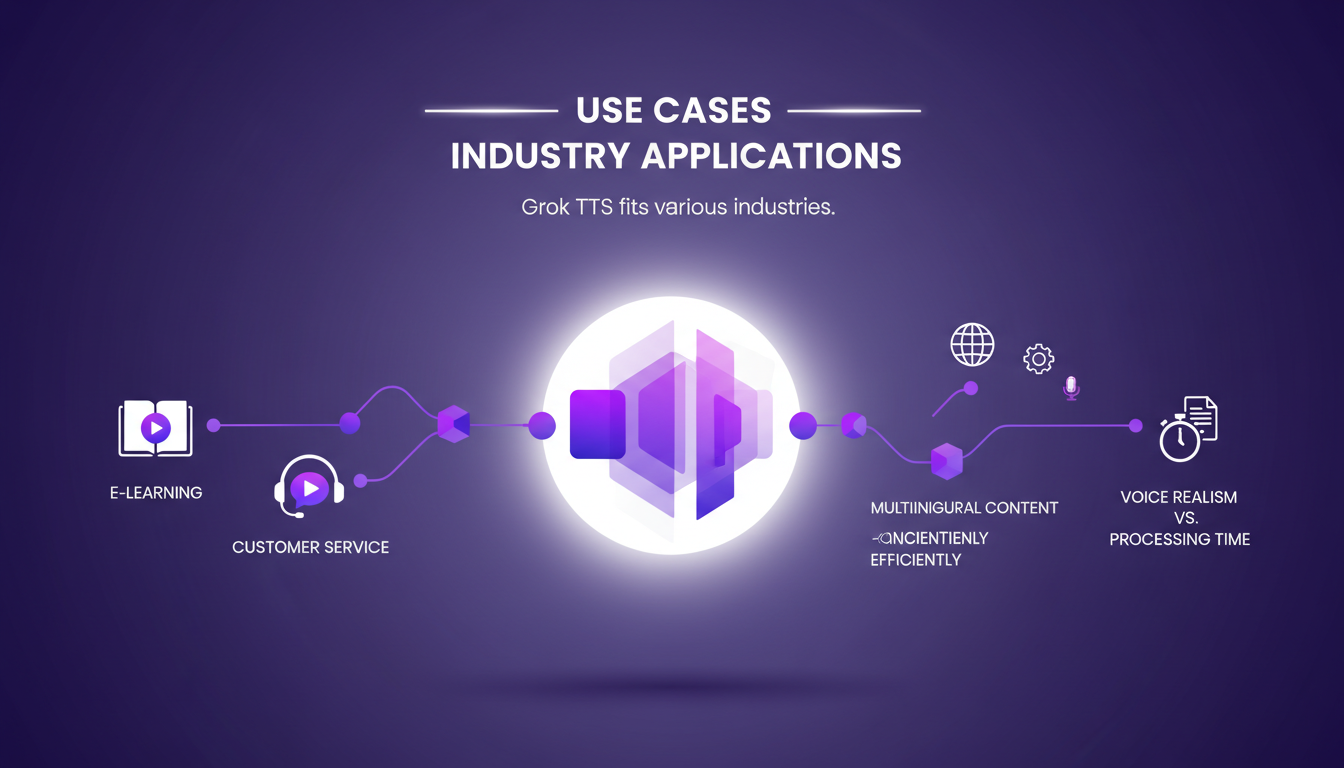
From e-learning to customer service, Grok TTS fits various industries. I use it in my agency for creating multilingual content efficiently. Consider the trade-offs between voice realism and processing time. It's a game changer for startups looking to scale audio content. For more on deploying agents easily, check out Langraph CLI Guide.
So, Grok TTS is really a powerful tool that combines cost-effectiveness with advanced features. I integrated their API into an app, and honestly, the inline emotion tags are a game changer for making speech more dynamic. The real-time websocket support is also great for instant updates. But watch out—beyond 100K tokens, things get tricky.
- Compared to 11 Labs, Grok offers unbeatable value for money, especially if you're managing expressive voices (five in total).
- Supporting over 20 languages significantly broadens your application scope, whether for an app or content.
- API and websocket integration simplify technical implementation, but don't overuse it with excessive calls.
I think we've got a real lever here to boost voice content creation. Start integrating today and see the impact on your workflow efficiency. For a deeper look, watch the original video—we're talking pro-to-pro here, it's worth it: Grok TTS is Cheap & Fast!!!.
Frequently Asked Questions

Thibault Le Balier
Co-fondateur & CTO
Coming from the tech startup ecosystem, Thibault has developed expertise in AI solution architecture that he now puts at the service of large companies (Atos, BNP Paribas, beta.gouv). He works on two axes: mastering AI deployments (local LLMs, MCP security) and optimizing inference costs (offloading, compression, token management).
Related Articles
Discover more articles on similar topics
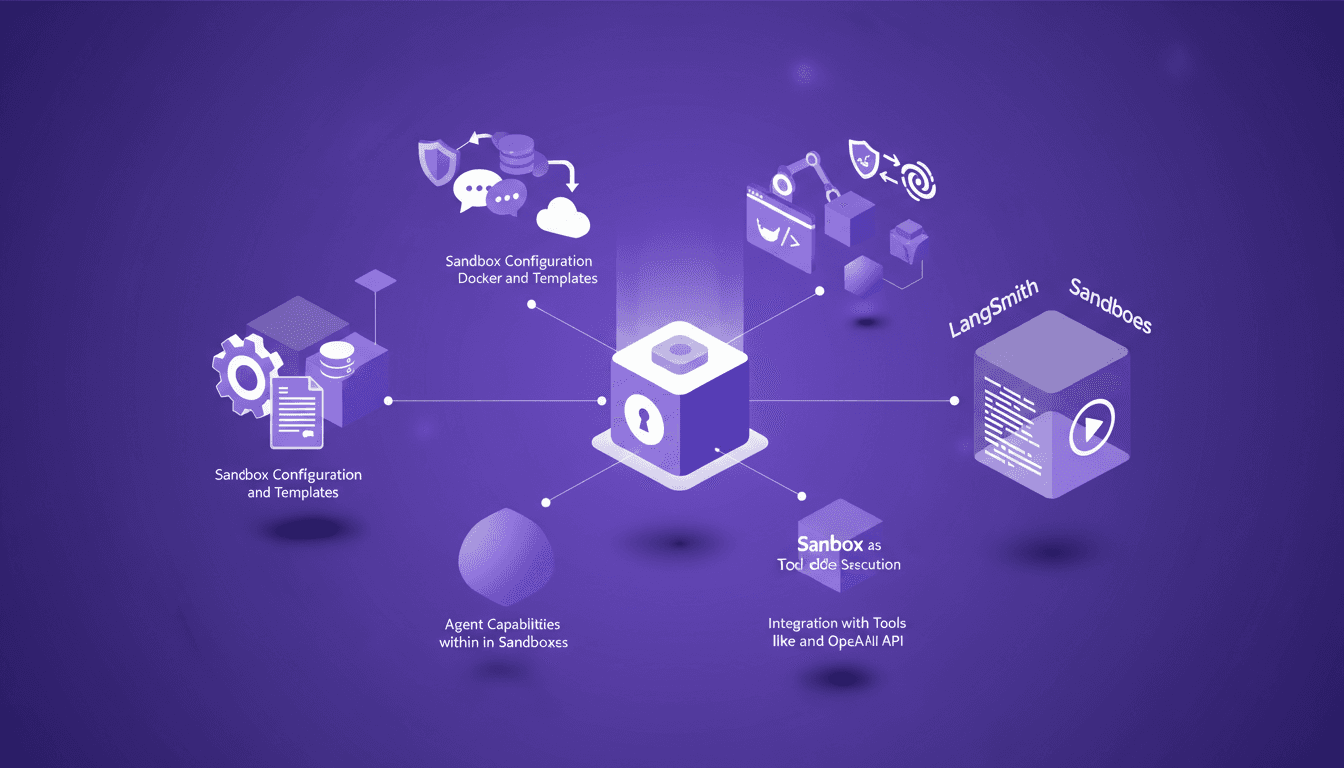
LangSmith Sandboxes: Secure Code Execution
I've been hands-on with LangSmith Sandboxes for a while now, and let me tell you, spinning up a secure environment in just a second or two is a game changer. But there's more under the hood that makes this tool indispensable for secure code execution. Whether you're testing new code snippets or running complex simulations, understanding how to configure and leverage these sandboxes can save you time and headaches. We'll dive into agent capabilities, security measures, and integration with tools like Docker and the OpenAI API. Ready to transform your workflow?
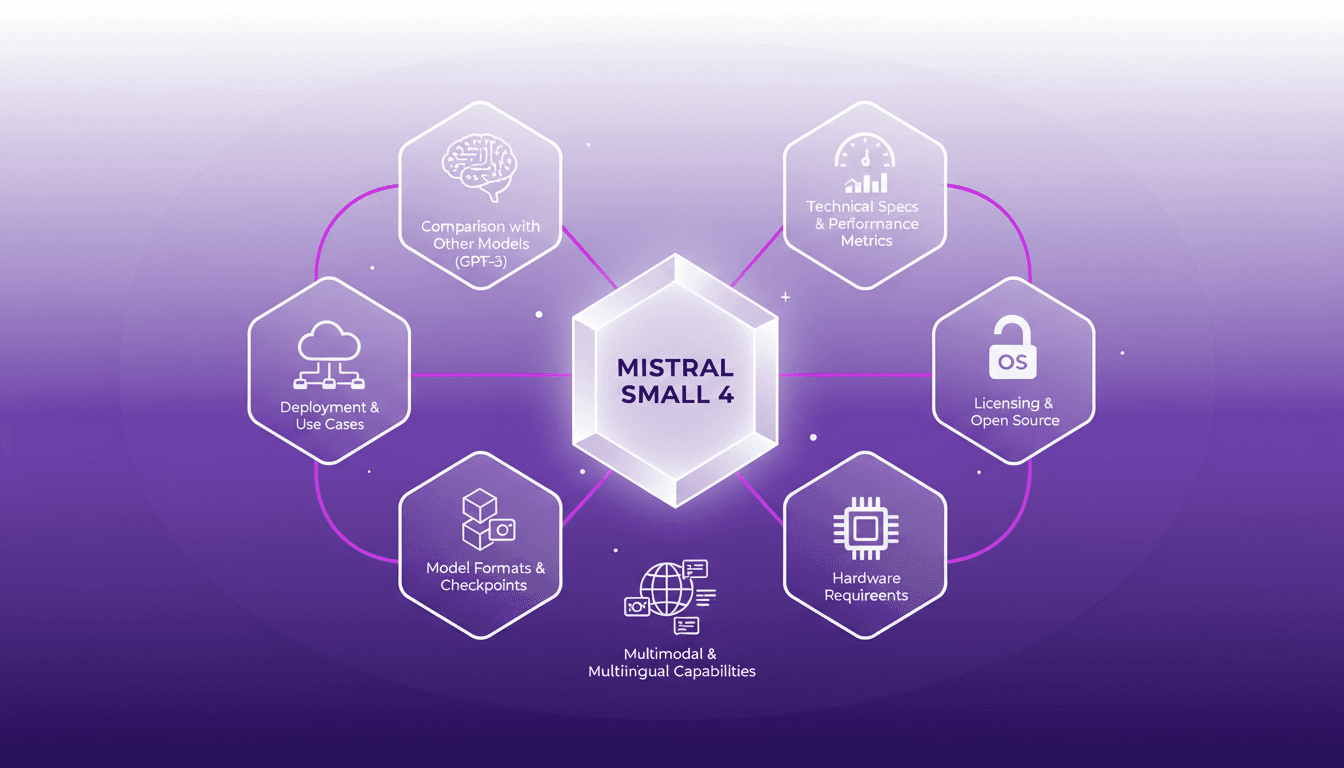
Deploying Mistral Small 4: Practical Use Cases
I dove into the Mistral Small 4 model recently, and let me tell you, it's a beast with its 119 billion parameters. But don't let that scare you; it’s all about how you harness it. With its multimodal and multilingual capabilities, this model is truly a game changer. I'll walk you through its setup, the trade-offs I encountered, and where it truly shines. Whether you're comparing it to GPT-3 or trying to grasp the hardware requirements, there's plenty here to optimize your AI approach. Watch out, though—underestimating the technical specs can hit you hard on performance.
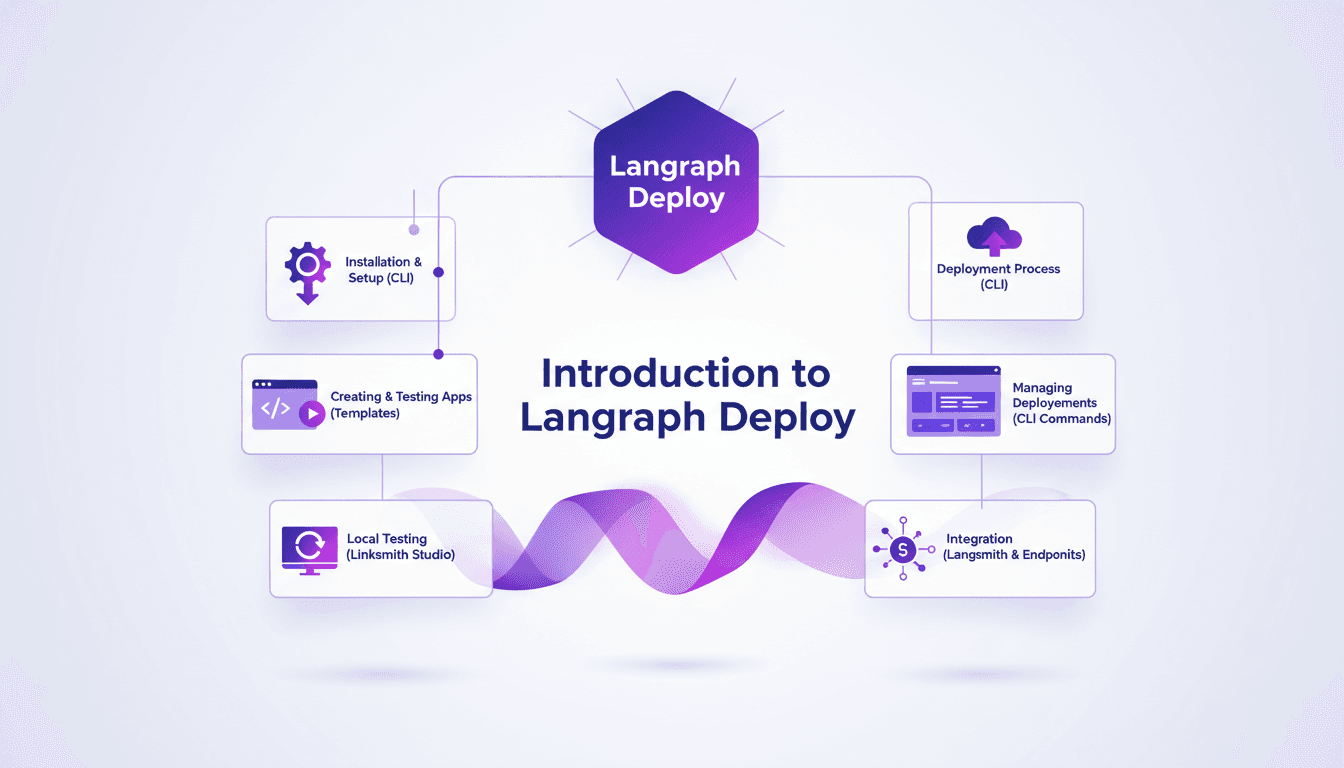
Deploy Agents Easily with Langraph CLI: A Practical Guide
Deploying agents shouldn't be a pain. With Langraph CLI, I've slashed my deployment time down to mere minutes. First, I set up the CLI installation with the straightforward 'uv tool install langraph cli' command. Then, I test my applications locally using Langsmith Studio, allowing for quick iterations (essential to dodge any production mishaps). After that, I spin up a new Langraph application with 'langraph new' and I'm ready for deployment. I'll walk you through how I integrated with Langsmith, managed my deployments, and used the available endpoints—all from the terminal in just a few commands. Trust me, once you experience this ease, there's no going back.
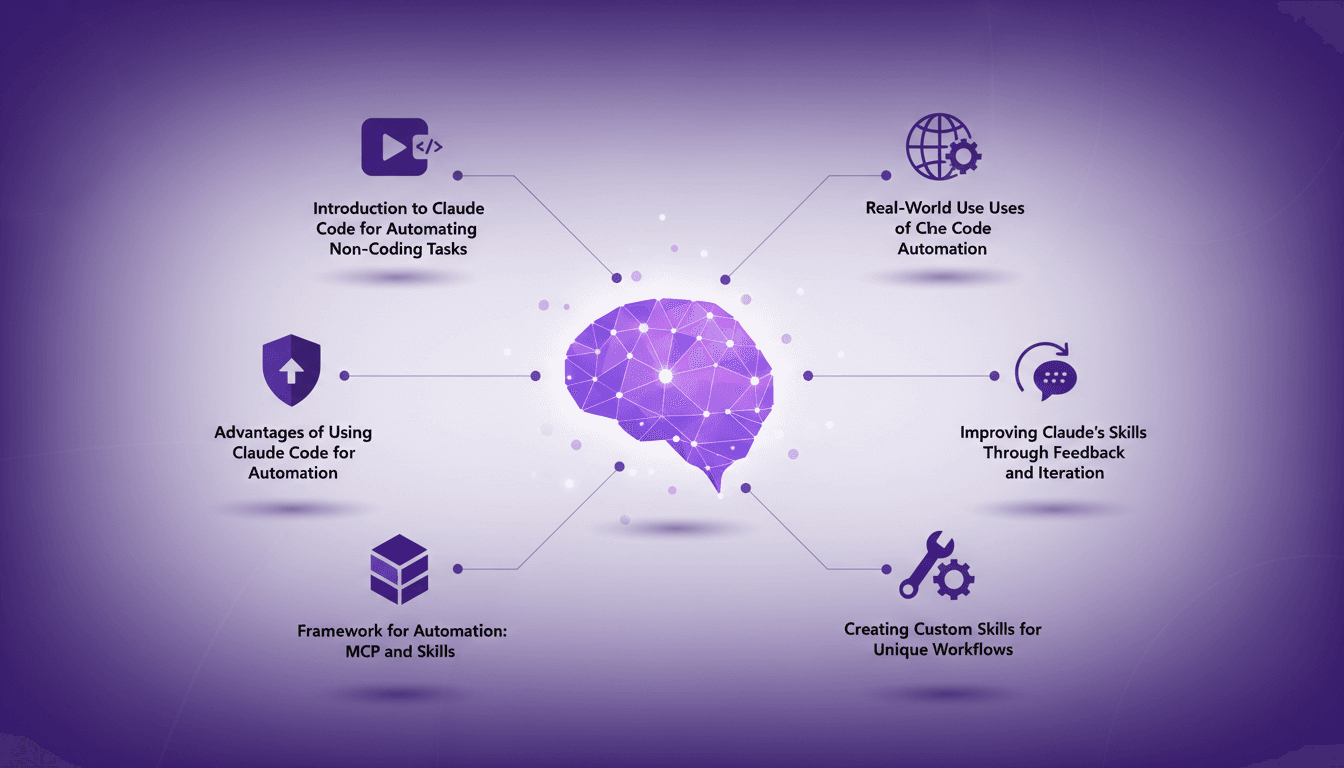
Automate Without Coding Using Claude Code
I still remember the moment I realized I could automate my tasks without writing a single line of code. It felt like uncovering a secret weapon. With Claude Code, I turned repetitive tasks into efficient workflows, saving time and reducing errors. In this article, I'll show you how I did it, covering the frameworks, real-world applications, and how you can tailor it to your unique needs. If efficiency is your goal, you won't want to miss this.
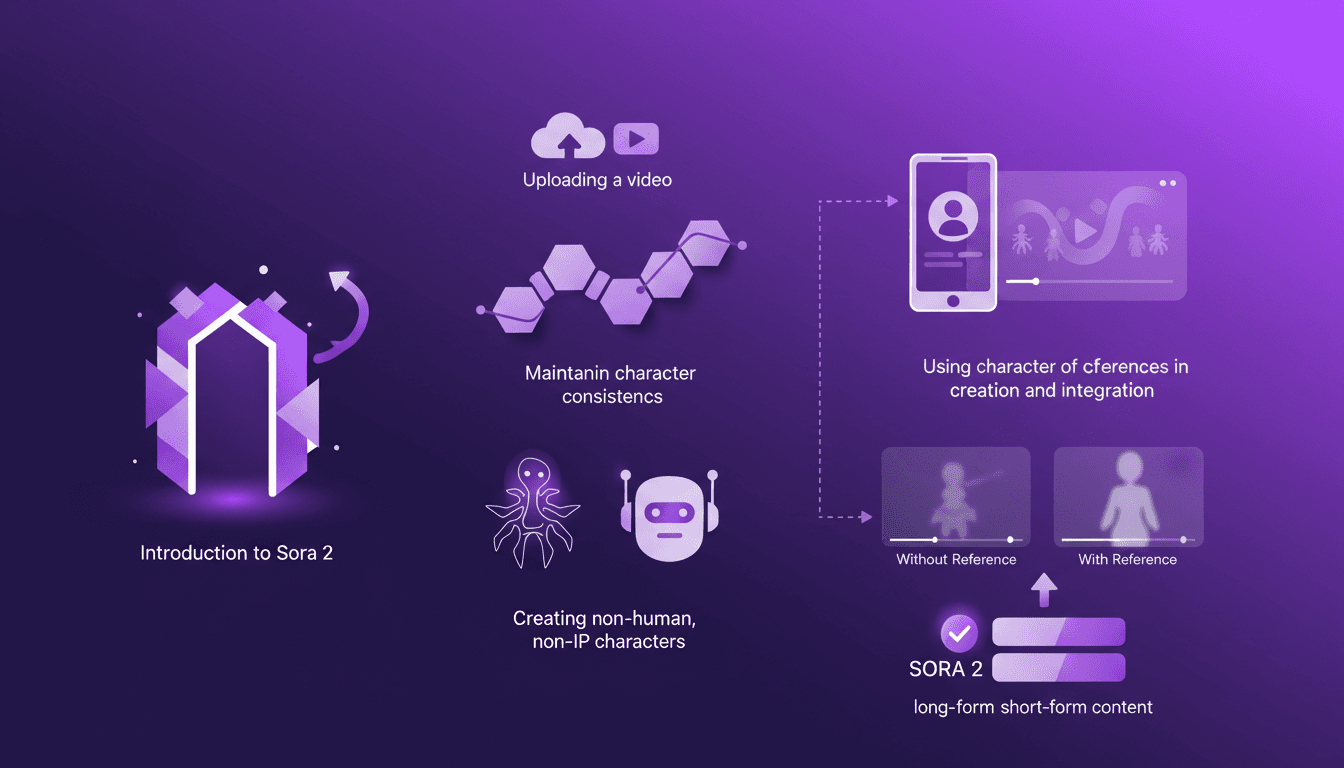
Building Consistent Characters with Sora 2
I've been diving into Sora 2, and let me tell you, the character creation functionality is a game changer for anyone serious about video consistency. You know how frustrating it is when your AI-generated characters look different in every scene? Sora 2 tackles that head-on. In this piece, I’ll walk you through how I use Sora 2 to maintain character consistency, even when creating non-human, non-IP characters. We’ll explore the workflow from uploading your initial video to seeing the final consistent output. I’ll demonstrate character creation and integration, and compare video outputs with and without character references. Sora 2 is a major asset for long-form and short-form content. Buckle up, this is hands-on.