Automate Without Coding Using Claude Code
I still remember the moment I realized I could automate my tasks without writing a single line of code. It felt like uncovering a secret weapon. With Claude Code, I turned repetitive tasks into efficient workflows, saving time and reducing errors. In this article, I'll show you how I did it, covering the frameworks, real-world applications, and how you can tailor it to your unique needs. If efficiency is your goal, you won't want to miss this.
I remember the first time I realized I could automate my tasks without writing a single line of code. It felt like uncovering a secret weapon. With Claude Code, I turned repetitive tasks into efficient workflows, and honestly, it was a game changer for me. Imagine: 50 personalized emails crafted in a snap, without errors and without stress. I'm going to walk you through my journey with Claude Code, explain why I prefer it for automating my work, and how I've integrated it into my daily processes. We'll talk about frameworks like MCP and Skills, real-world use cases, and even how to improve Claude's skills through feedback and iteration. So, if you're looking to boost your productivity without diving into code, stick with me.
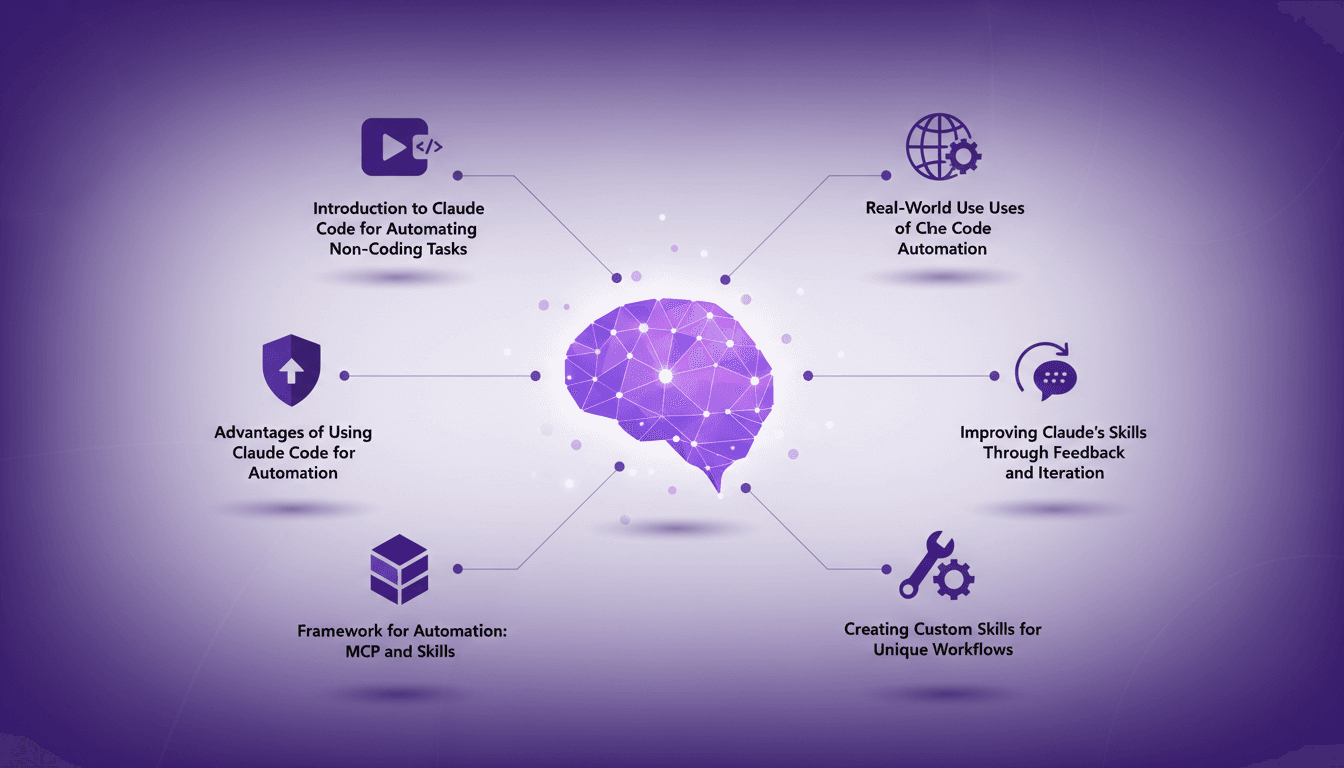
Introduction to Claude Code for Automating Non-Coding Tasks
If you'd told me a few years ago that I could automate a large portion of my work without writing a single line of code, I would have laughed. But Claude Code has been a game changer for non-coders like myself. When I first started exploring this tool, I was skeptical. Yet, I dove in and quickly saw its potential for automating tasks that would otherwise require coding skills.
The initial setup process is straightforward: first, you download Claude onto your local machine, enabling it to directly access your files and tools. Then, you configure your preferred tools via the Model Context Protocol (MCP) to give Claude the capability to use them. There are several key reasons why Claude Code has become my go-to for automation, but three stand out clearly.
Advantages of Using Claude Code for Automation
Let's start with efficiency. Claude Code allows me to craft 50 personalized emails effortlessly. What used to take hours now takes seconds. Imagine the time savings: reducing a task from 30 minutes to just 30 seconds. It's a complete game changer. Next, there's cost-effectiveness. I rely less on external developers, which cuts down my development costs. Finally, Claude Code excels in advanced tool calling, giving me greater visibility and control over the automation process.
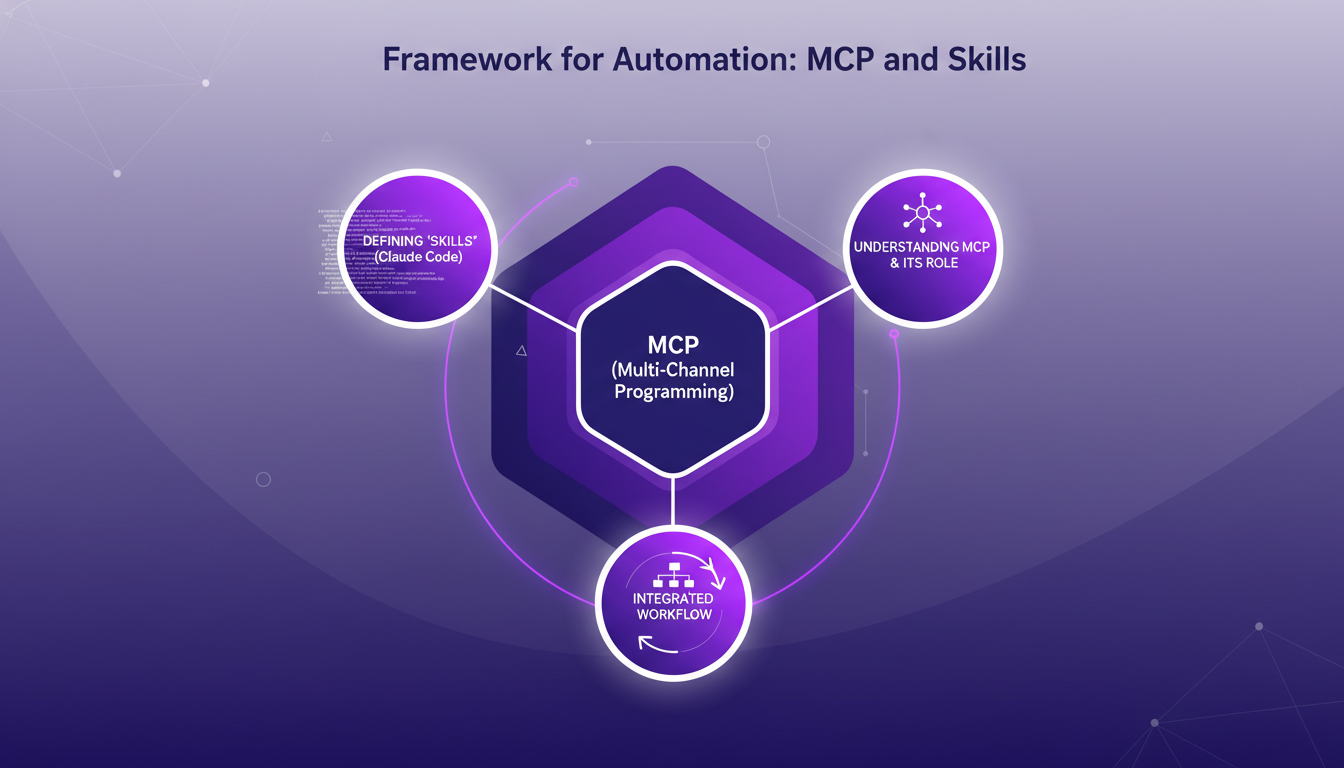
Framework for Automation: MCP and Skills
With Claude Code, it all starts with Multi-Channel Programming (MCP). This is the mechanism that allows Claude to access external tools. But having access doesn't mean knowing how to use them effectively. That's where 'skills' come in. They teach Claude how to use its tools competently.
I've integrated MCP and skills into my daily workflow. This has enabled me to automate complex tasks with simple commands. However, there are trade-offs: too many skills can slow down Claude, and one must be wary of context overload.
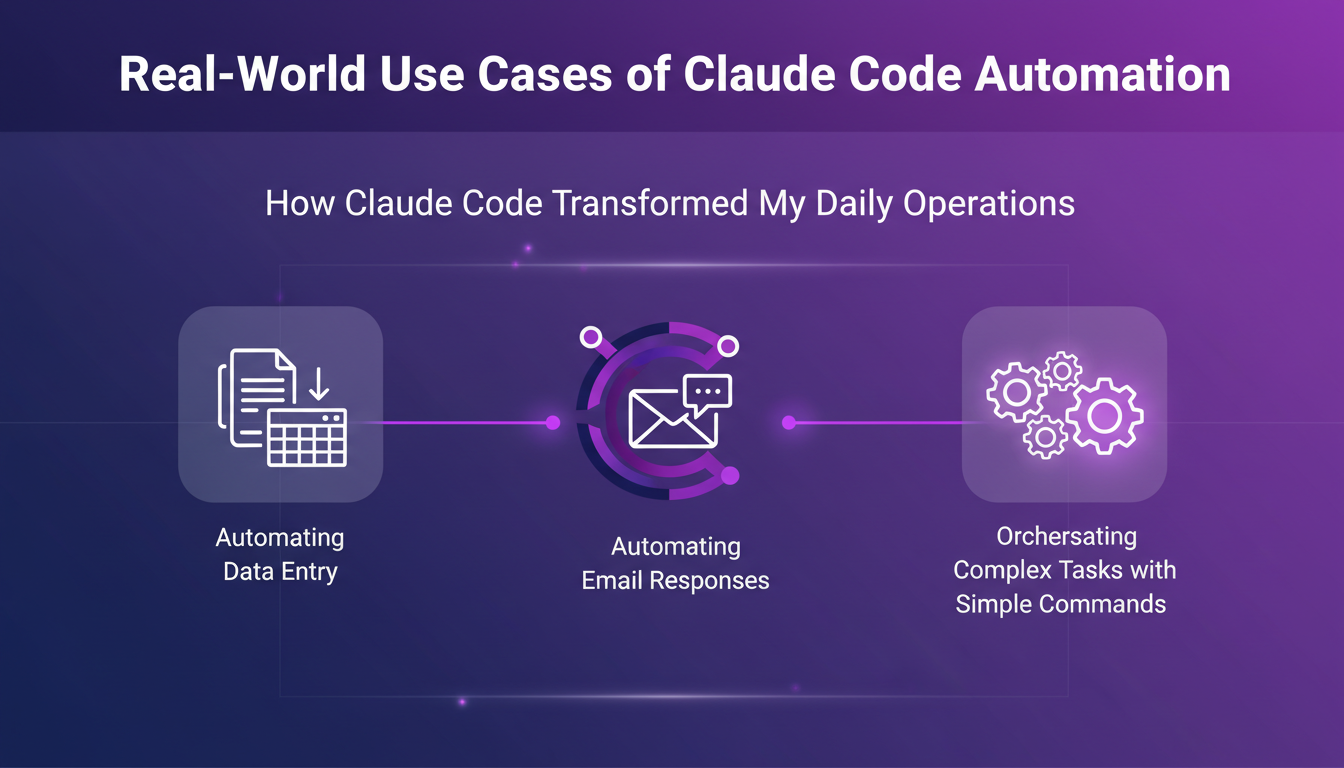
Real-World Use Cases of Claude Code Automation
In my day-to-day operations, Claude Code has transformed how I approach data entry and email responses. Imagine orchestrating complex tasks with simple commands. I've been able to automate sending sales outreach emails and even creating keynote presentations without writing code.
The lessons learned are clear: every failure is an opportunity for improvement. Automation doesn't replace human expertise but complements it.
Improving Claude's Skills Through Feedback and Iteration
I'm a big believer in continuous improvement. With Claude, each iteration is a chance to refine its skills. Feedback is crucial in this process. Claude learns in context, improving over time.
However, watch out for diminishing returns. Too many iterations can lead to counterproductive results. Sometimes, it's better to pause and assess before continuing to iterate.
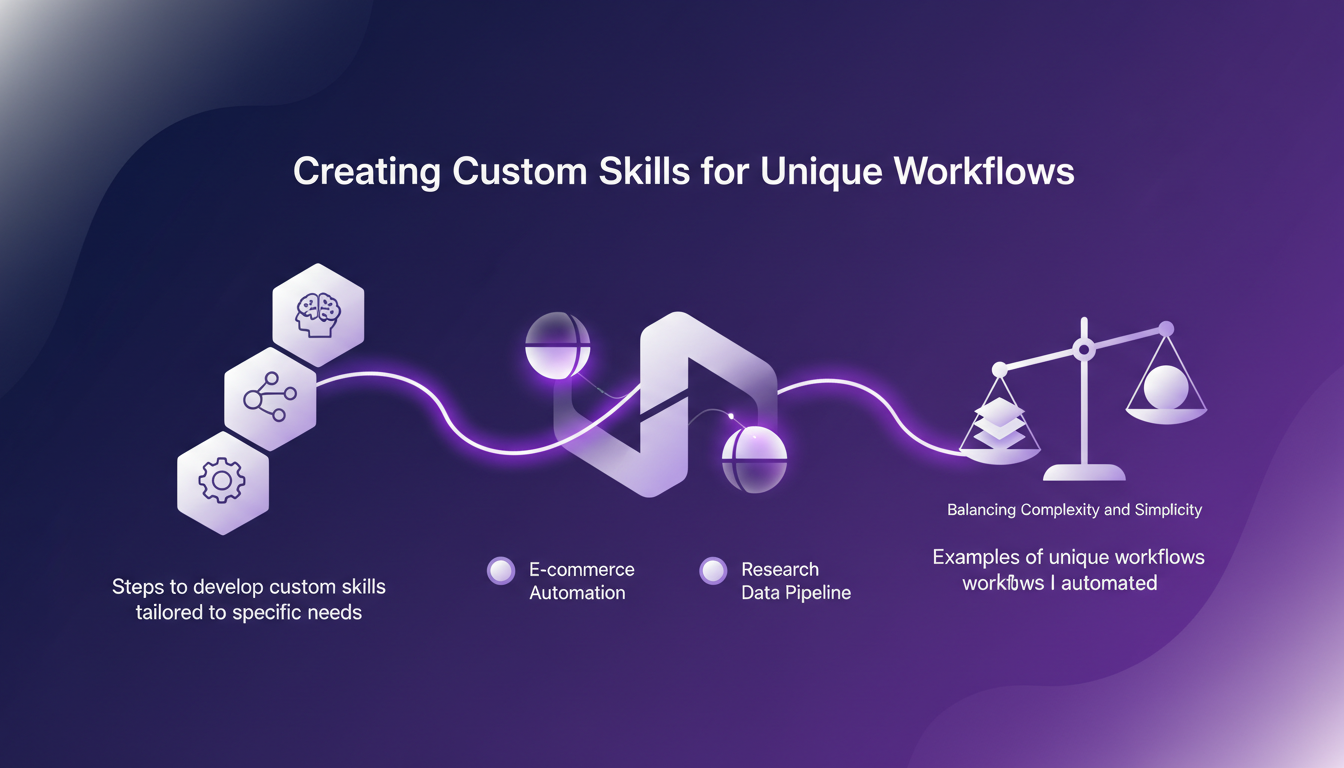
Creating Custom Skills for Unique Workflows
Creating custom skills is essential for meeting specific needs. I've automated unique workflows, balancing complexity and simplicity. But beware of potential pitfalls: making a skill too complex can render it unusable.
In conclusion, Claude Code is a powerful tool for anyone looking to automate tasks without coding skills. But like any tool, it needs to be used judiciously.
Claude Code has really transformed how I work. First, I automated tasks I never thought possible without coding. Then, by leveraging tools like MCP and custom skills, I maximize efficiency for each task. Picture this: Claude crafted 50 personalized emails for me without a hitch. It's a game changer! But don't get carried away—every tool has its limits, and you've got to balance those trade-offs. Still, the automation possibilities are expanding daily. Ready to take the leap? Start experimenting with Claude Code and see how it can revolutionize your work process. Check out the full video for concrete tips and let's share our experiences to push the boundaries of what's possible without code. [YouTube link: https://www.youtube.com/watch?v=XLilQNKy7mk]
Frequently Asked Questions

Thibault Le Balier
Co-fondateur & CTO
Coming from the tech startup ecosystem, Thibault has developed expertise in AI solution architecture that he now puts at the service of large companies (Atos, BNP Paribas, beta.gouv). He works on two axes: mastering AI deployments (local LLMs, MCP security) and optimizing inference costs (offloading, compression, token management).
Related Articles
Discover more articles on similar topics
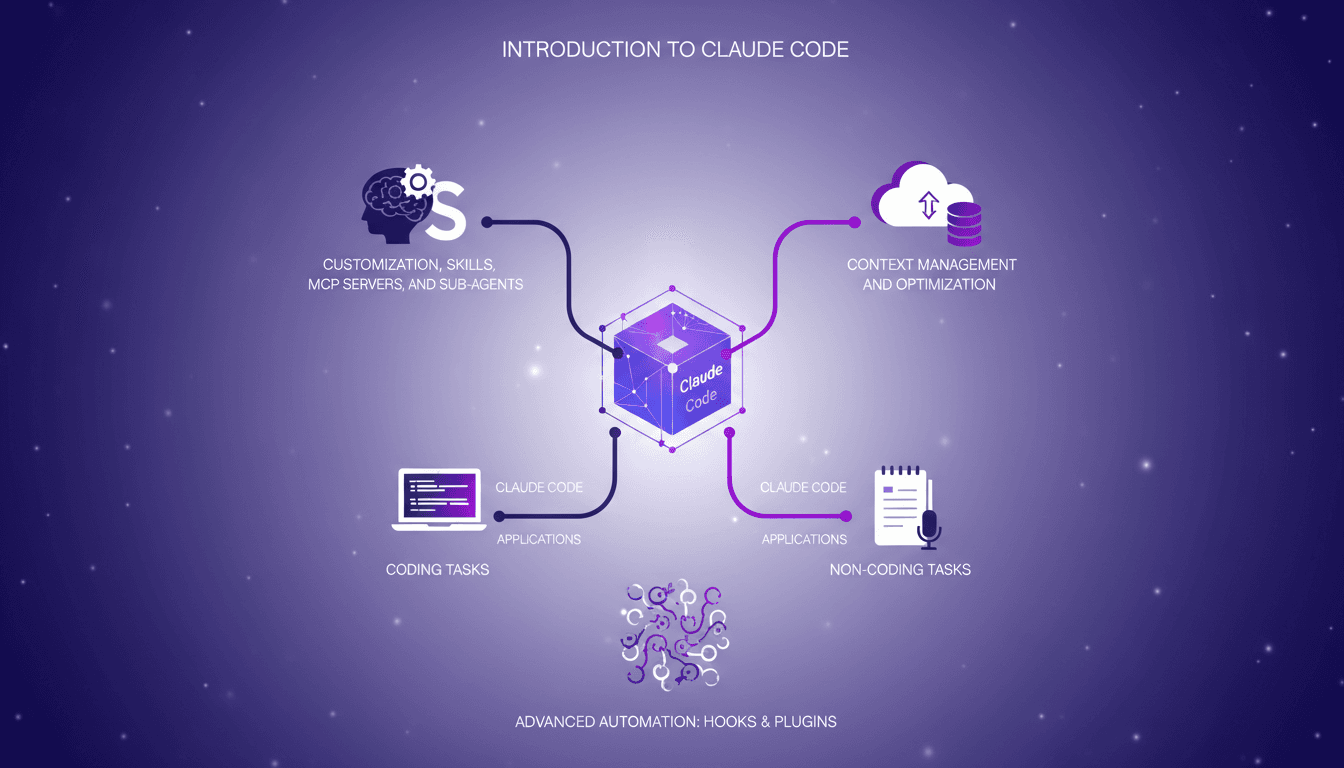
Mastering Claude Code: Basics and Beyond
I remember the first time I dived into Claude Code. It was like opening a toolbox I didn't know I needed. Claude Code isn't just a coding tool; it's a powerhouse for both coding and non-coding tasks. Whether you're customizing with skills or optimizing context windows, this 47-minute guide walks you through practical steps and strategies. From context management to advanced features like hooks and plugins, we cover it all. This is an intermediate to advanced level dive, so get ready to transform your workflow drastically!
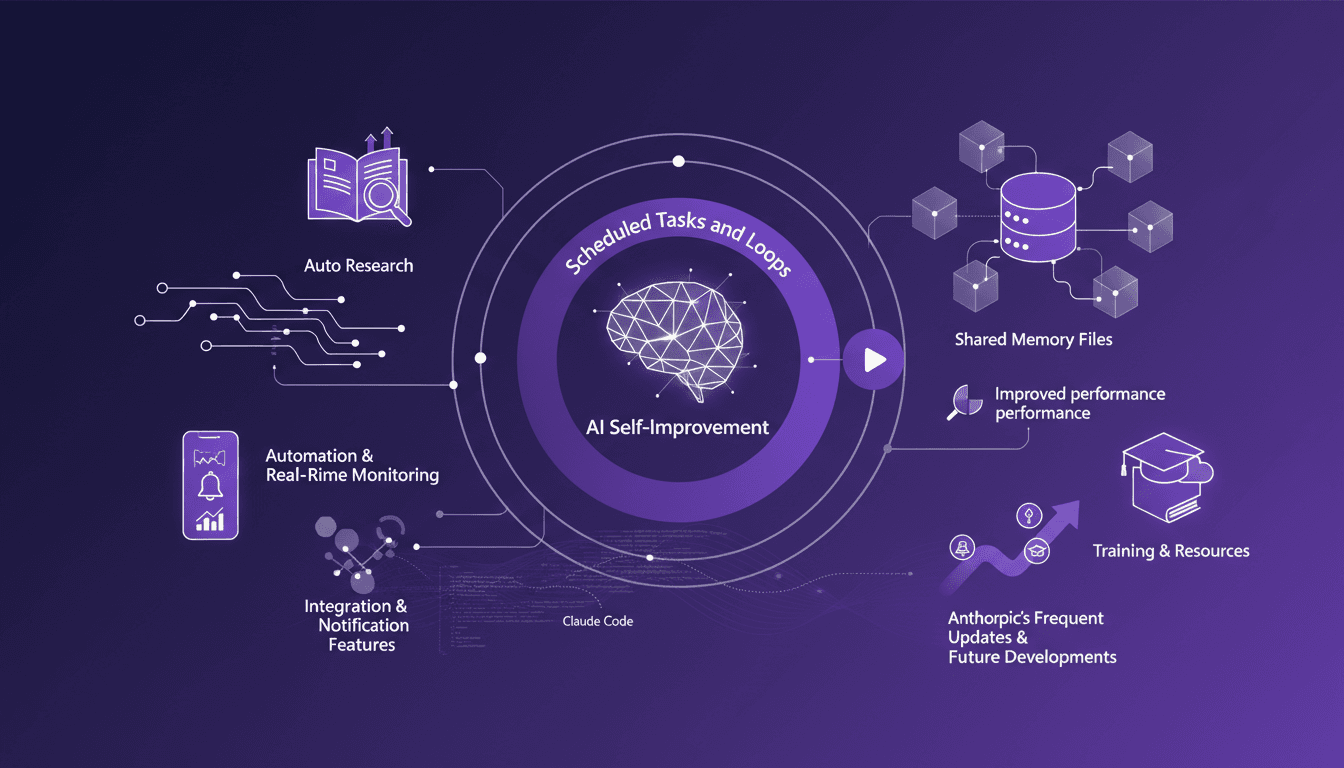
Automate Claude Code: Scheduled Tasks
I've spent nights tweaking Claude Code so it works while I sleep. I connect scheduled tasks, orchestrate loops, and optimize performance to keep everything running smoothly. Claude Code can be a real game changer if set up right. Imagine your code reviews happening automatically at 6 AM while you're still asleep. But watch out—you don't want to be digging through logs three days later to understand what went wrong. Let's dive into auto-research, self-improvement, and how Anthropic keeps the updates coming. I'll share my strategies for integration, notifications, and real-time monitoring with Cloud Code. If you're ready to unlock the potential of Claude Code, join me on this technical journey.
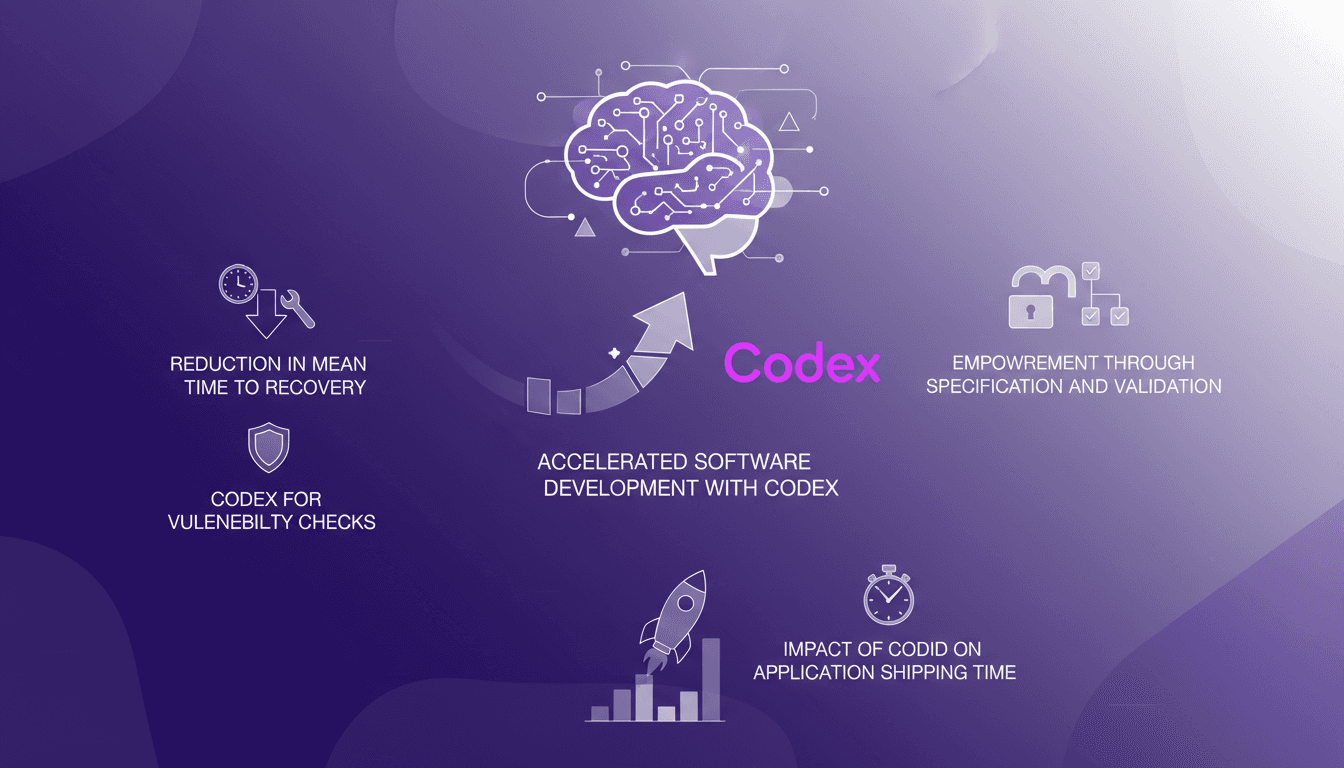
Accelerate Software Development with Codex
I've been deep in the trenches with Rakuten, navigating the labyrinth of software development, and I can tell you Codex has revolutionized our workflow. Cutting our mean time to recovery by 50% isn't just a theoretical win—it's a real-world game changer. Picture this: I connect Codex for vulnerability checks, I orchestrate it for specification and validation, and suddenly, our product application shipping time shrinks dramatically. It's been a true game changer for us, and I'm going to walk you through how we've tapped into this goldmine.
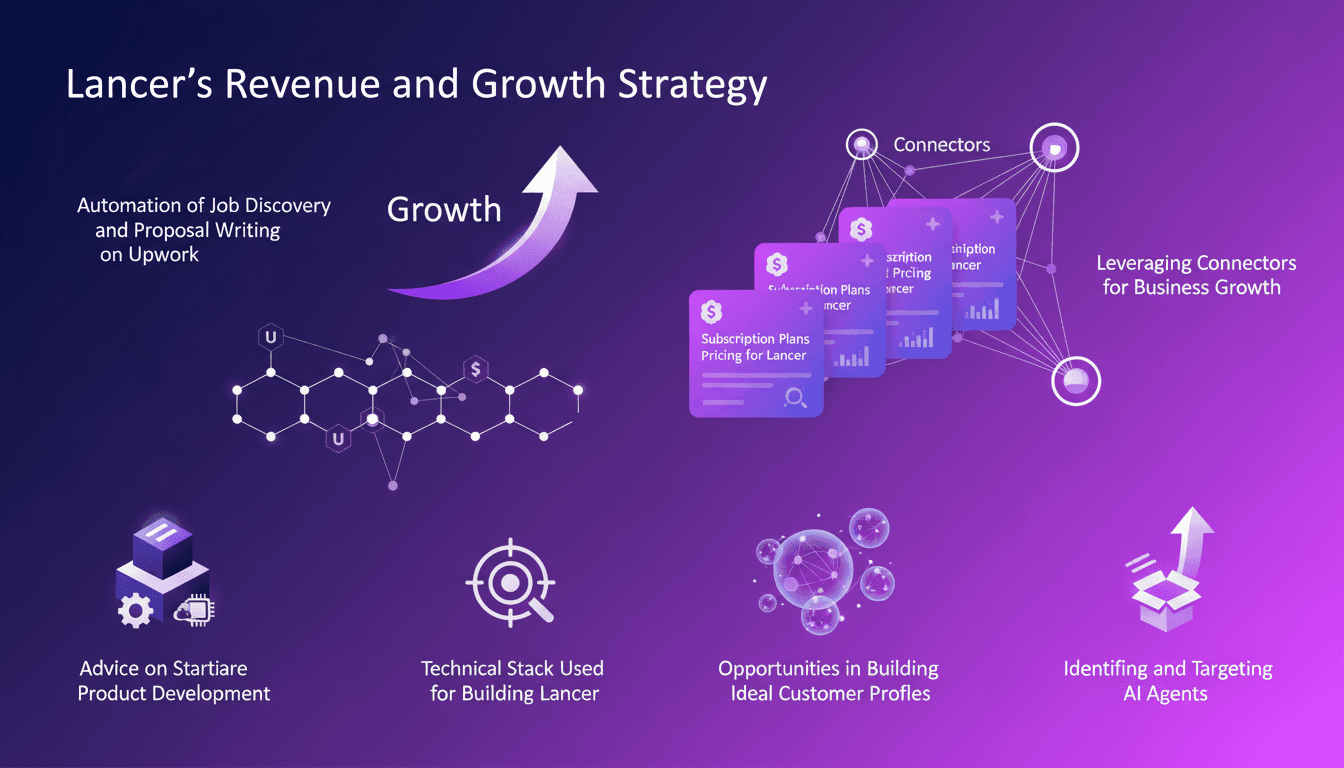
Profitable AI Agent: Strategies and Tools
I built an AI agent that rakes in $10K a month without spending a dime on ads. Sounds crazy? Here’s how I did it. In a world where efficiency and automation are key, I developed Lancer, an AI agent that transforms how freelancers and agencies operate on platforms like Upwork. By automating job discovery and proposal writing, Lancer has revolutionized our approach. I share how I leveraged connectors for business growth, crafted subscription plans and pricing, and the opportunities I discovered in building AI agents. I'll also explain the mistakes I made, the tools I used, and how you can start your own software product development.
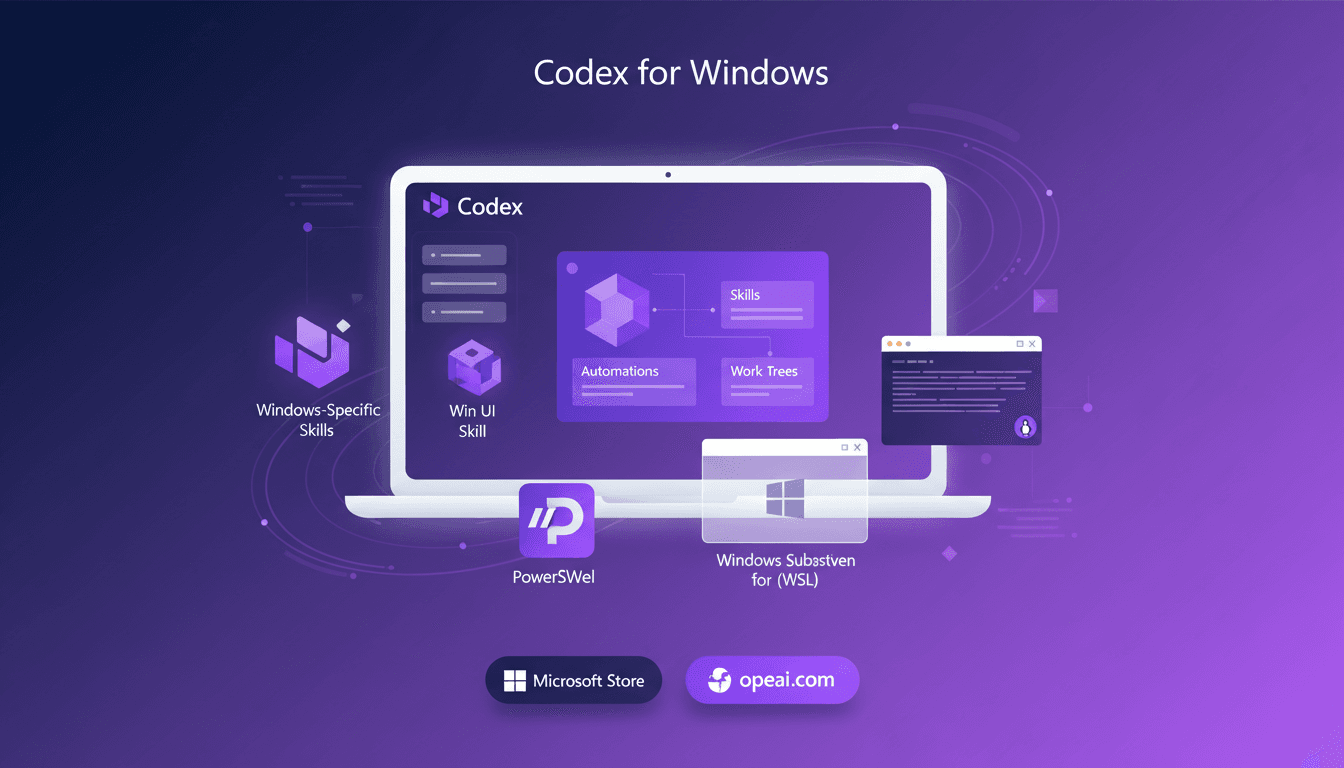
Codex on Windows: Master PowerShell
When I heard Codex was coming to Windows, my first move was to dive into its native operation with PowerShell and the Windows sandbox. Picture this: skills, automations, and work trees directly integrated into your system. It's a real game changer for us Windows users looking to streamline workflows. I'll walk you through setting it up, leveraging its full potential, and why it's a must-have tool for anyone wanting to master PowerShell and the Windows sandbox. Download it via the Microsoft Store or openai.com and let's get to work.