Deploying Mistral Small 4: Practical Use Cases
I dove into the Mistral Small 4 model recently, and let me tell you, it's a beast with its 119 billion parameters. But don't let that scare you; it’s all about how you harness it. With its multimodal and multilingual capabilities, this model is truly a game changer. I'll walk you through its setup, the trade-offs I encountered, and where it truly shines. Whether you're comparing it to GPT-3 or trying to grasp the hardware requirements, there's plenty here to optimize your AI approach. Watch out, though—underestimating the technical specs can hit you hard on performance.
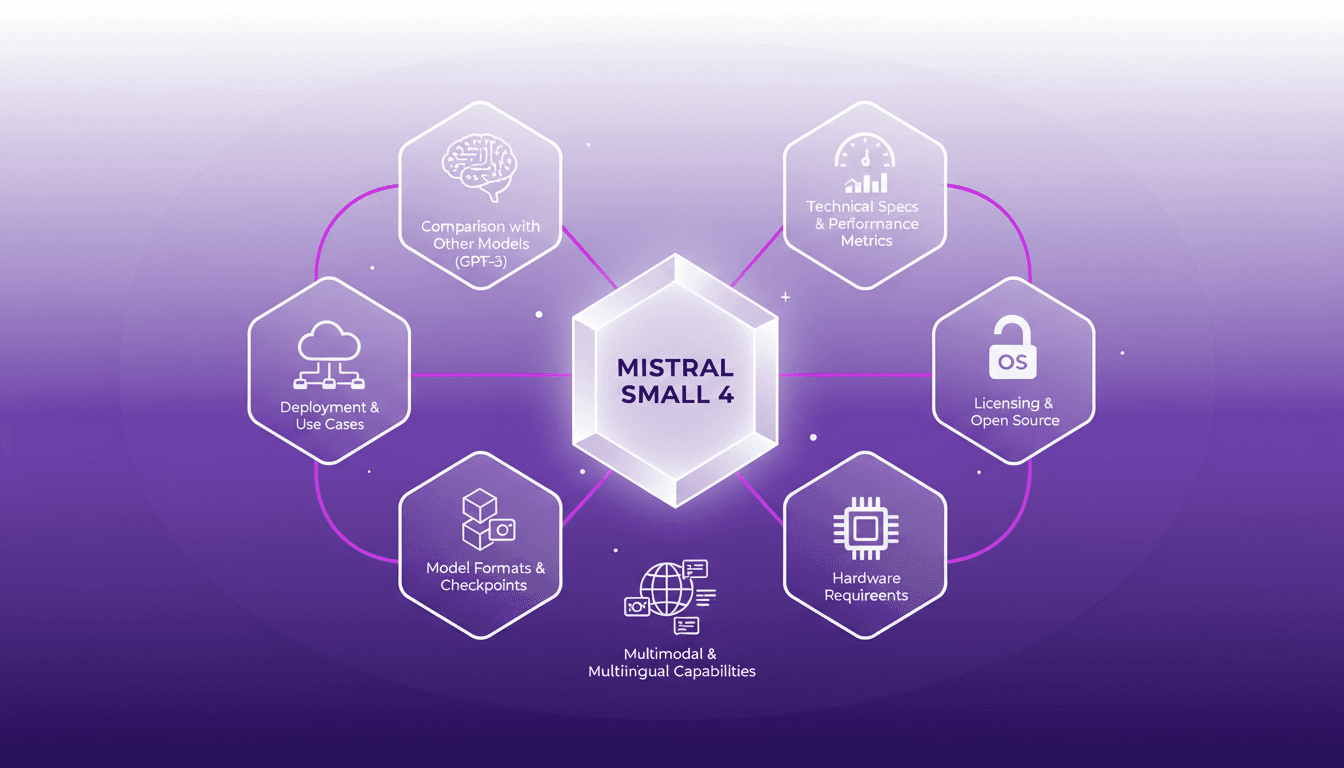
I dove into the Mistral Small 4 model recently, and let me tell you, with its 119 billion parameters, it’s quite the powerhouse. But don’t let that intimidate you; it’s all about mastering it. First, I had to juggle its 6 billion active parameters to nail the deployment. Then, it was about getting into the technical specs and comparing it with other models like GPT-3. That's where the trade-offs come in: performance versus complexity. I also explored practical use cases, and honestly, its multimodal and multilingual potential is impressive. Watch out for the hardware requirements—they're serious business. For those curious about open source, the model offers interesting formats and checkpoints. In short, Mistral Small 4 isn’t just a model, it’s a transformative tool for those who know how to wield it.
Understanding the Mistral Small 4 Model
When I first started working with the Mistral Small 4 model, I quickly realized it's much more than just another AI model. With its 119 billion parameters, of which 6 billion are active, we're dealing with a technological powerhouse. Yet, despite this impressive figure, only 4 out of the 128 experts are active at any one time. This is where the Mixture of Experts (MoE) model truly shines: it allows for dynamic resource allocation, optimizing performance based on specific tasks.
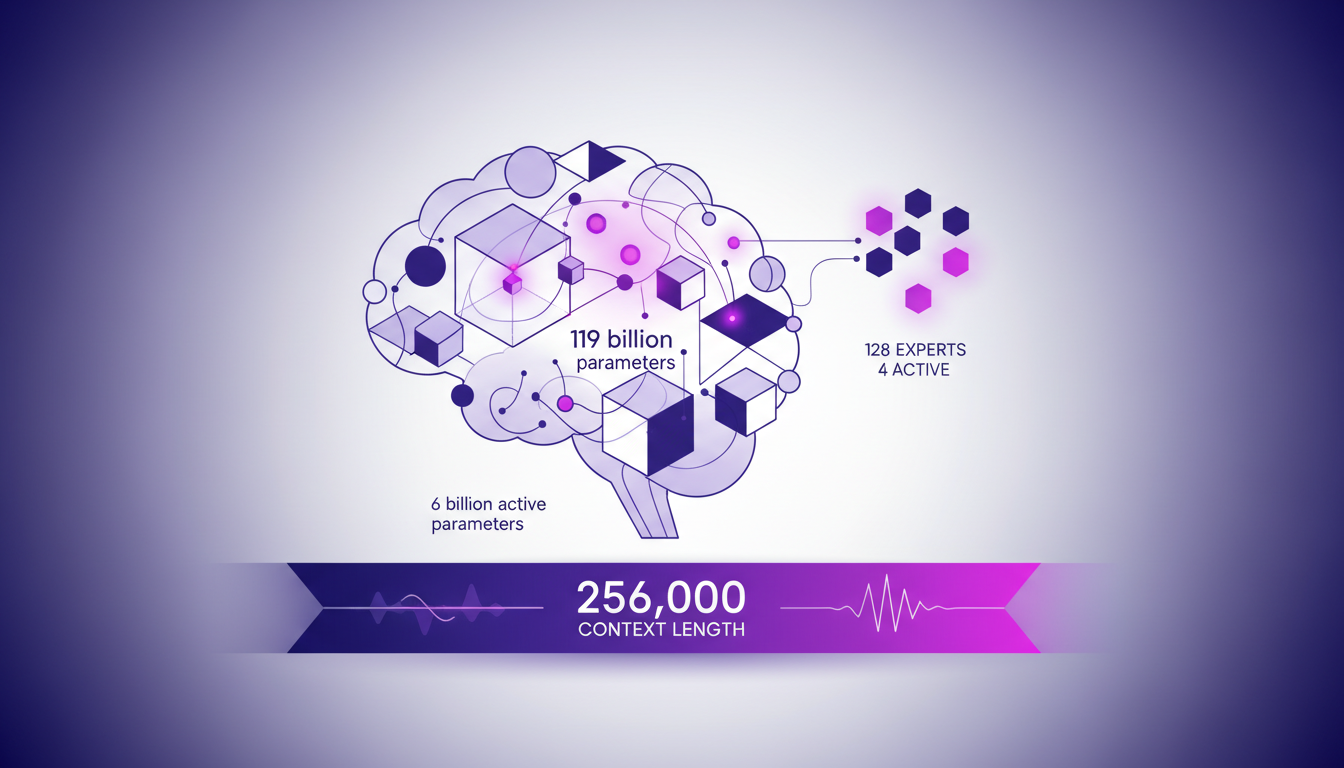
This model also stands out with a context length of 256,000, meaning that in real-world applications, it can handle enormous amounts of data simultaneously. This is a game changer, especially in complex applications requiring extensive contextual understanding.
Technical Specifications and Performance Metrics
The first time I dove into the technical specs, I was struck by the numbers: 196 tokens per second and a time to first token (TTFT) of just 8 milliseconds. That's fast, really fast. But be cautious, performance also depends on the precision of the calculations. The model uses FP8 and NVFP4 floating point precision formats, which reduce memory usage and improve throughput.
In practice, this means that when deployed, you can expect a 40% reduction in end-to-end completion time, particularly if using the Eagle checkpoint for speculative decoding. However, these gains can vary depending on the hardware infrastructure.
- 119 billion parameters total, 6 billion active
- 256,000 context length
- 196 tokens/second speed
- 8 ms TTFT
Comparing Mistral Small 4 with GPT-3 and Others
When comparing the Mistral Small 4 with models like GPT-3, the architectural difference is striking. Where GPT-3 uses its 120 billion parameters more linearly, Mistral highlights its specialized processing capability through its 128 experts. This often makes Mistral more efficient in scenarios where customization and optimization are key.
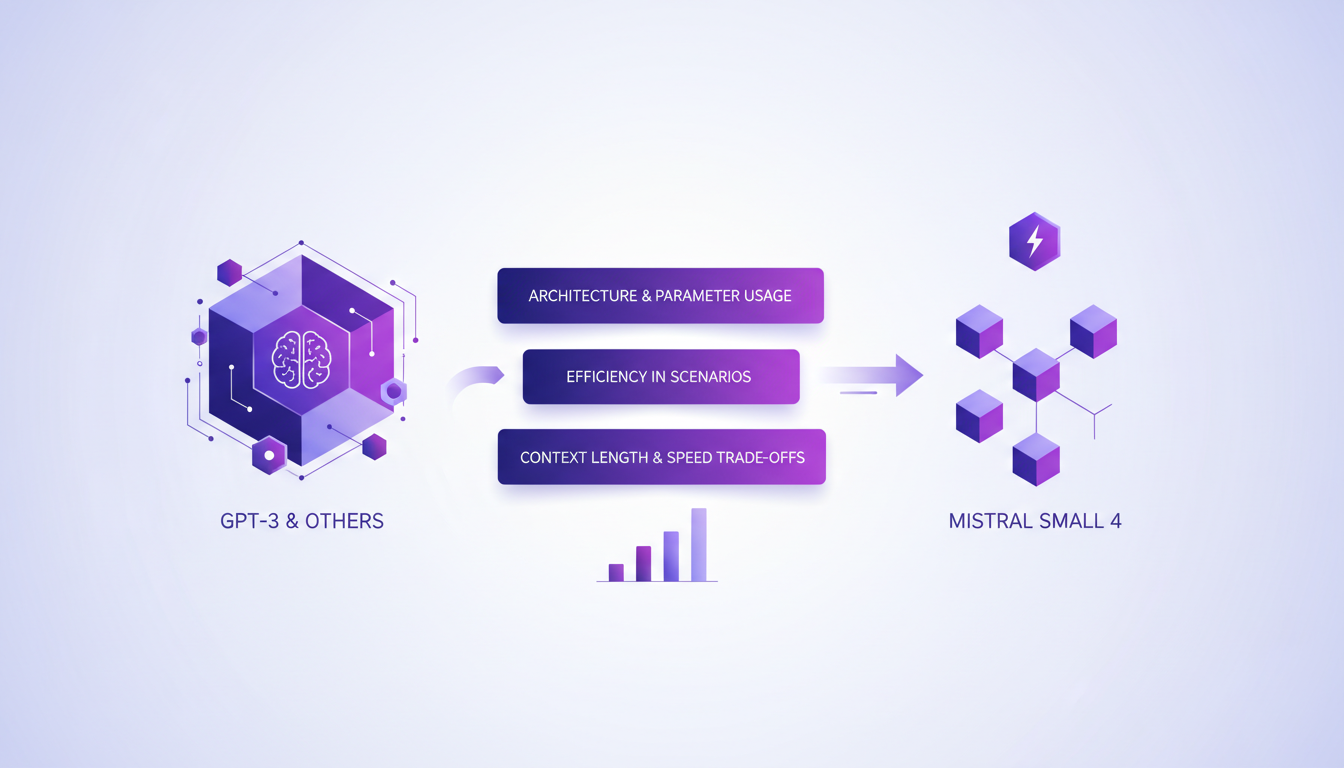
However, there are trade-offs to consider, particularly in terms of context length and processing speed. Mistral Small 4 often surpasses GPT-3 in terms of output length and response time. Yet, it requires more robust infrastructure, which can be a hurdle for some companies.
Deployment Scenarios and Use Cases
In my experiments with Mistral Small 4, I discovered it excels in environments requiring multimodal understanding, such as document analysis or internal chat assistants. Its ability to handle both text and visual inputs makes it particularly versatile.
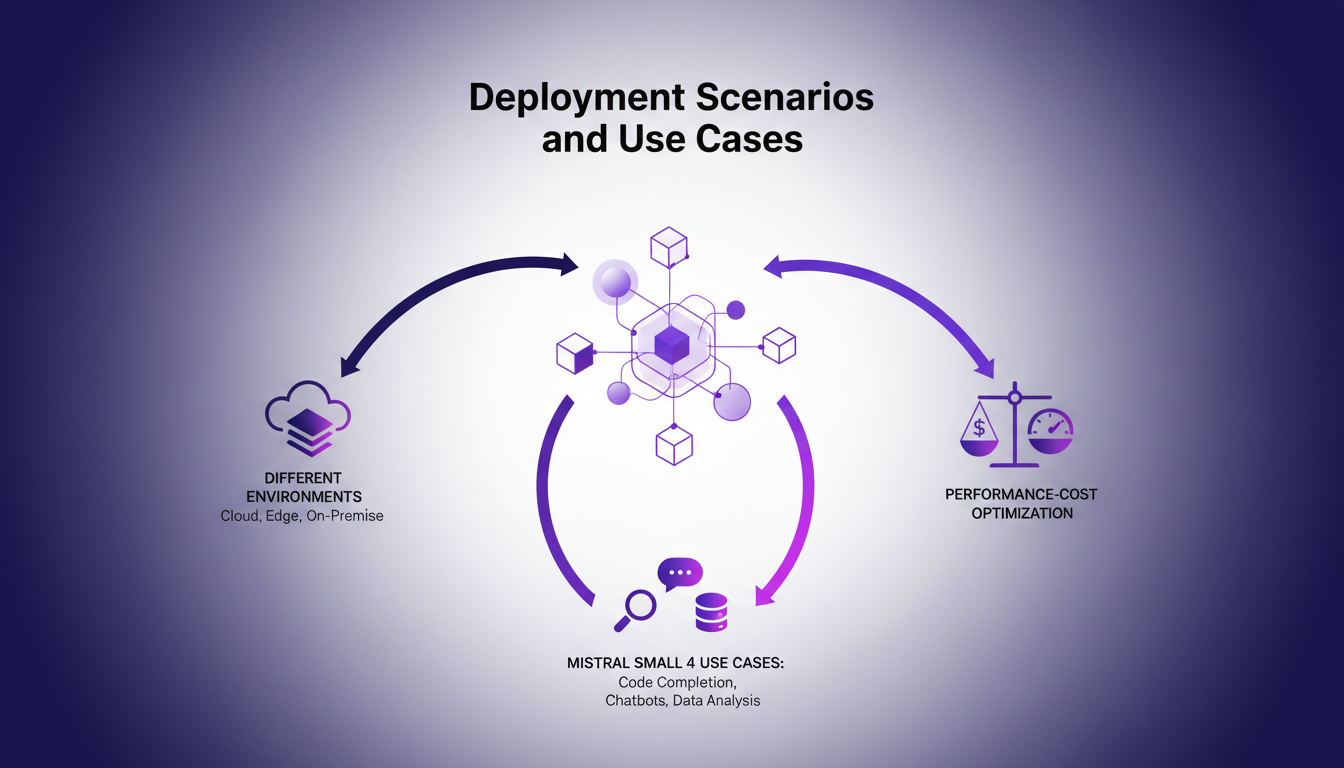
In terms of costs, it's crucial to find a balance between performance and expenses. I've learned the hard way that underestimating hardware needs can quickly blow the budget. The key is to pilot the model in a suitable cloud environment, as I did during my tests.
- Multimodal usage: text and image
- Applications: document analysis, chat assistant
- Need for balance between cost and performance
Licensing, Open Source, and Model Formats
The fact that Mistral Small 4 is under an Apache 2.0 license is a significant advantage. It paves the way for customized adaptations without the hassle of restrictive licenses. As a developer, this is a major asset for integration and fine-tuning within enterprises.
In terms of model formats, Mistral offers FP8, NVFP4, and the Eagle checkpoint. This allows flexibility based on optimization needs and hardware constraints. However, it's essential to ensure that the hardware used meets the requirements to leverage these formats.
"The model offers vision, multilingual, and multimodal capabilities, facilitating adaptation to specific enterprise needs."
- Apache 2.0 license: freedom of use and adaptation
- Formats: FP8, NVFP4, Eagle Checkpoint
- Need for appropriate hardware for optimal performance
With all this in mind, I can only emphasize the importance of thoroughly understanding the technical specifications and project needs before choosing a model like Mistral Small 4. It can make the difference between a successful deployment and an expensive, inefficient project.
Mistral Small 4 is a beast with its 119 billion parameters, but let's be clear, it's not just about size. Here's what I took away:
- With only 6 billion active parameters, you can really fine-tune performance, but you've got to grasp the specs and limits to unlock its full potential.
- The 256,000 context length is a game changer for complex use cases. But remember, every project comes with its own set of constraints.
- Compared to other models like GPT-3, Mistral Small 4 offers interesting options, but it's crucial to gauge your deployment needs carefully.
This model can really shake things up if used wisely. Ready to dive into the Mistral Small 4 model? Start by assessing your deployment needs and see where this model can make a difference. For deeper insights, I highly recommend watching the original video "Mistral Small 4 in 8 mins!" on YouTube. It's a treasure trove to put everything into perspective. YouTube link.
Frequently Asked Questions

Thibault Le Balier
Co-fondateur & CTO
Coming from the tech startup ecosystem, Thibault has developed expertise in AI solution architecture that he now puts at the service of large companies (Atos, BNP Paribas, beta.gouv). He works on two axes: mastering AI deployments (local LLMs, MCP security) and optimizing inference costs (offloading, compression, token management).
Related Articles
Discover more articles on similar topics
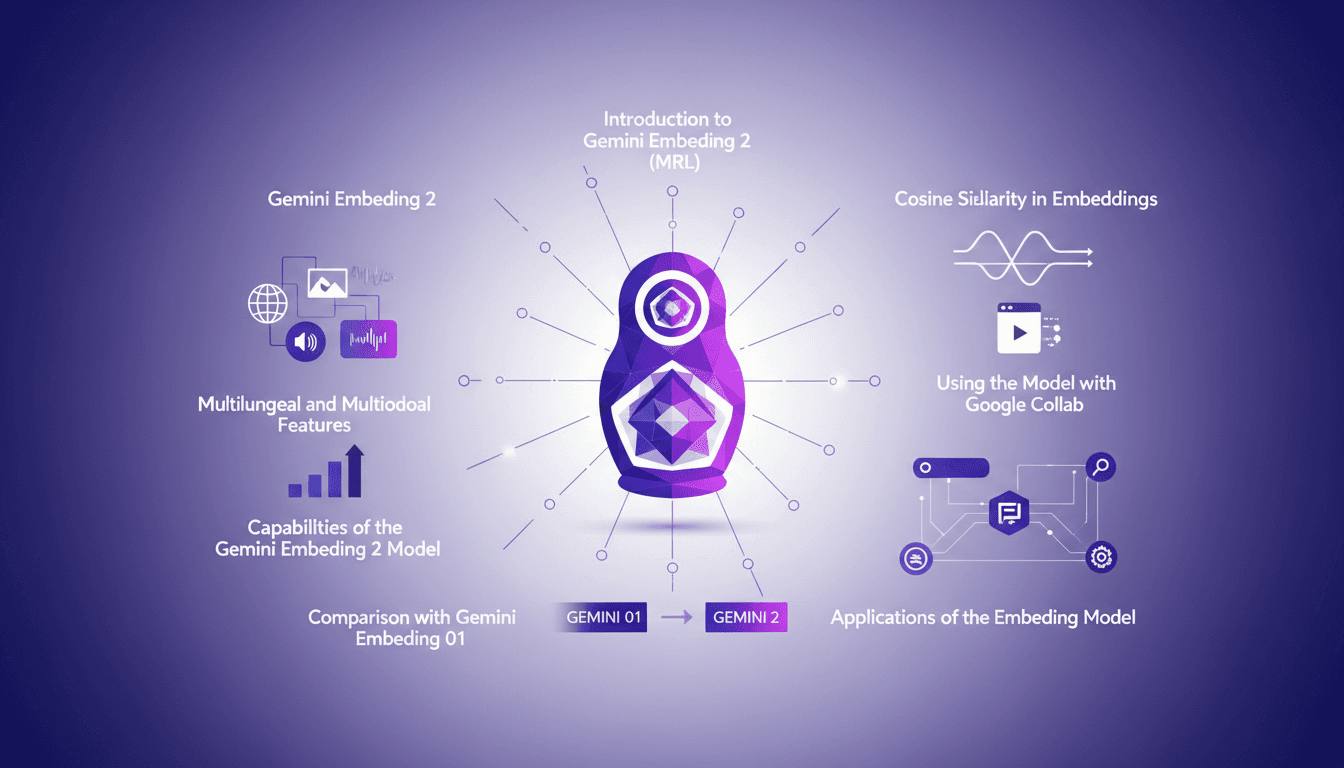
Hands-On with Gemini Embedding 2: A Practical Guide
I dove into Gemini Embedding 2 with both excitement and skepticism. Having been burned by overhyped models before, I needed to check if this one lived up to its promises. Spoiler: it has some game-changing features, but there are limits you need to know. Gemini Embedding 2 promises advanced capabilities in multilingual and multimodal embedding, but how does it really perform in practice? In this hands-on guide (in just 8 minutes), I walk you through its capabilities, how to leverage Matrioska Representation Learning, and compare it with the previous model. We also cover using it with Google Collab and the importance of cosine similarity. Let's dive into a straightforward overview together!
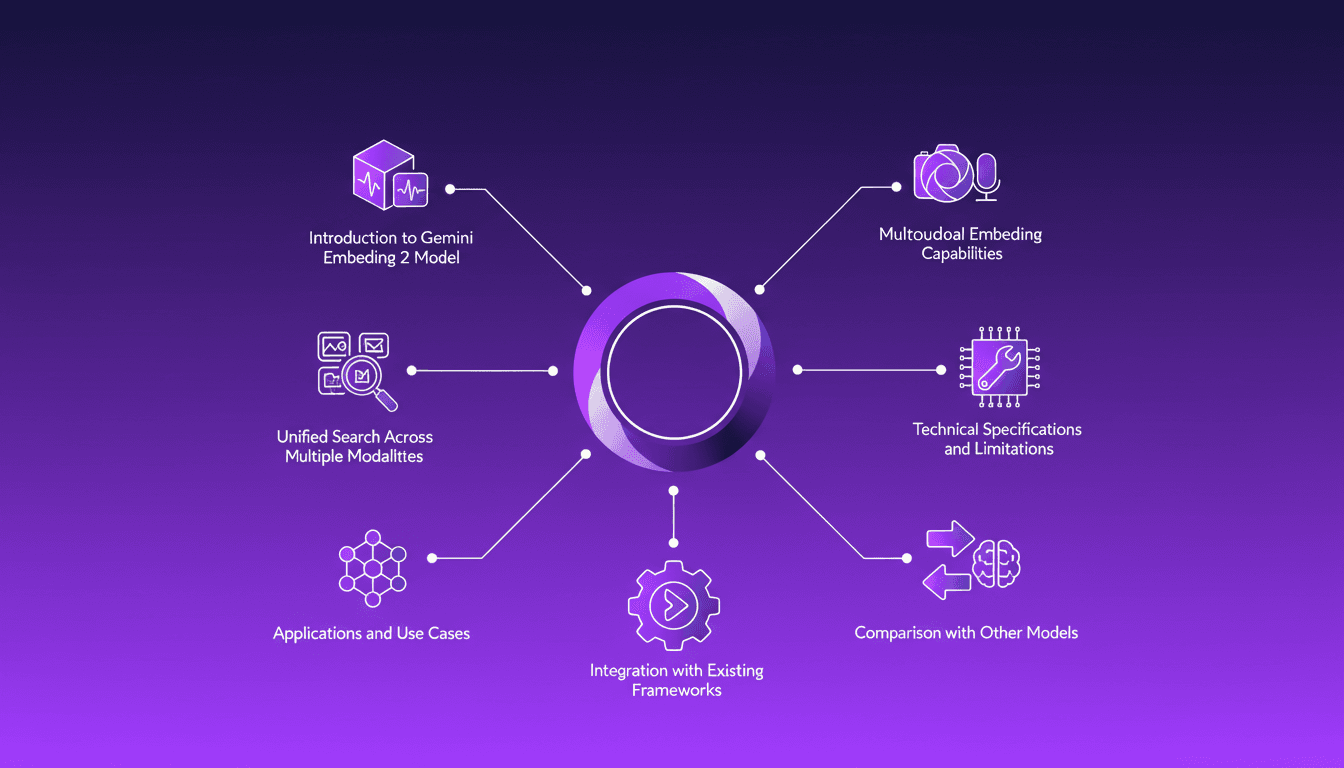
Integrating Gemini Embedding 2: A Practical Guide
I dove into Gemini Embedding 2 to streamline how I handle audio, text, images, and videos. Imagine this: a unified approach to multimodal embedding that actually delivers. I put this promise to the test myself, and trust me, there are critical nuances you'll need to leverage its full potential. Whether you're looking to unify your searches across multiple media types or integrate this model into your existing frameworks, this practical guide will show you how. Be wary of some technical limitations that might catch you off guard, but with the right orchestration, the results speak for themselves. Let's dive in, and I'll show you how I've integrated it into my workflows for direct, measurable impact.
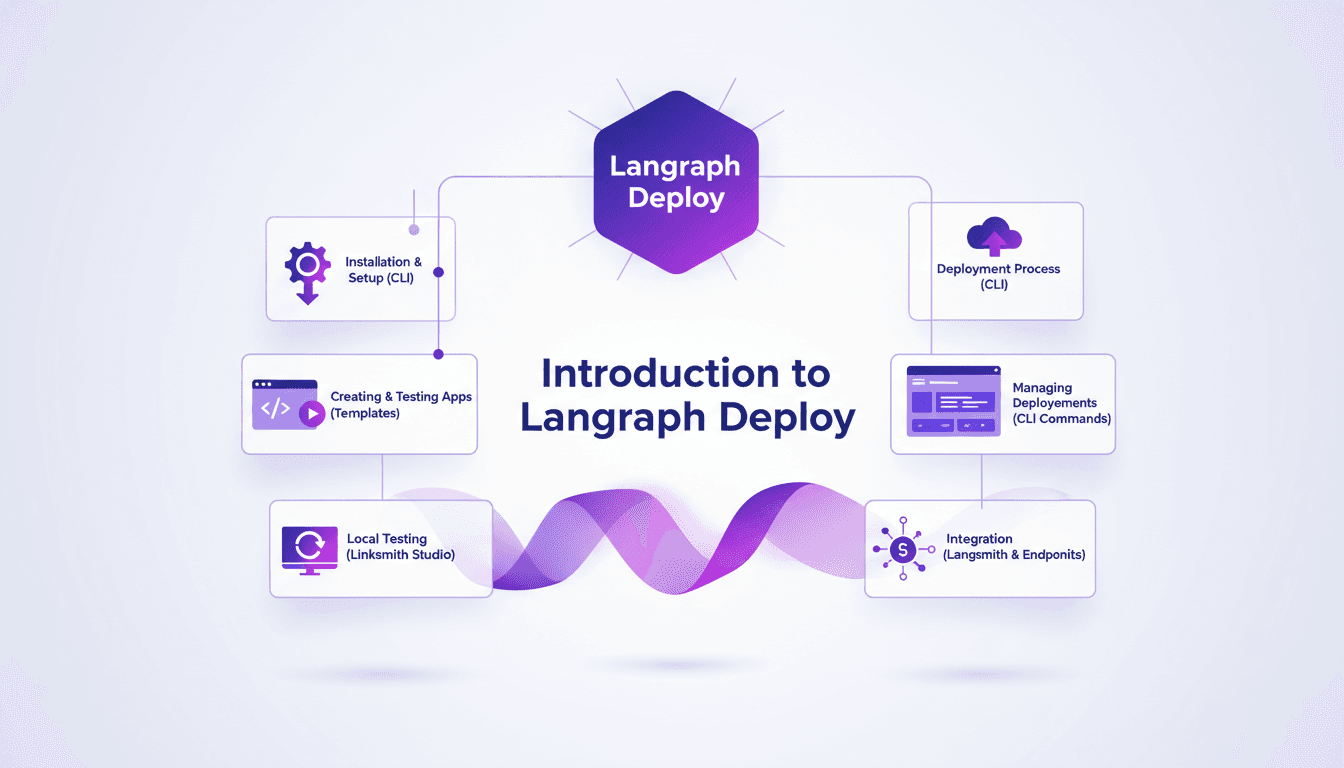
Deploy Agents Easily with Langraph CLI: A Practical Guide
Deploying agents shouldn't be a pain. With Langraph CLI, I've slashed my deployment time down to mere minutes. First, I set up the CLI installation with the straightforward 'uv tool install langraph cli' command. Then, I test my applications locally using Langsmith Studio, allowing for quick iterations (essential to dodge any production mishaps). After that, I spin up a new Langraph application with 'langraph new' and I'm ready for deployment. I'll walk you through how I integrated with Langsmith, managed my deployments, and used the available endpoints—all from the terminal in just a few commands. Trust me, once you experience this ease, there's no going back.
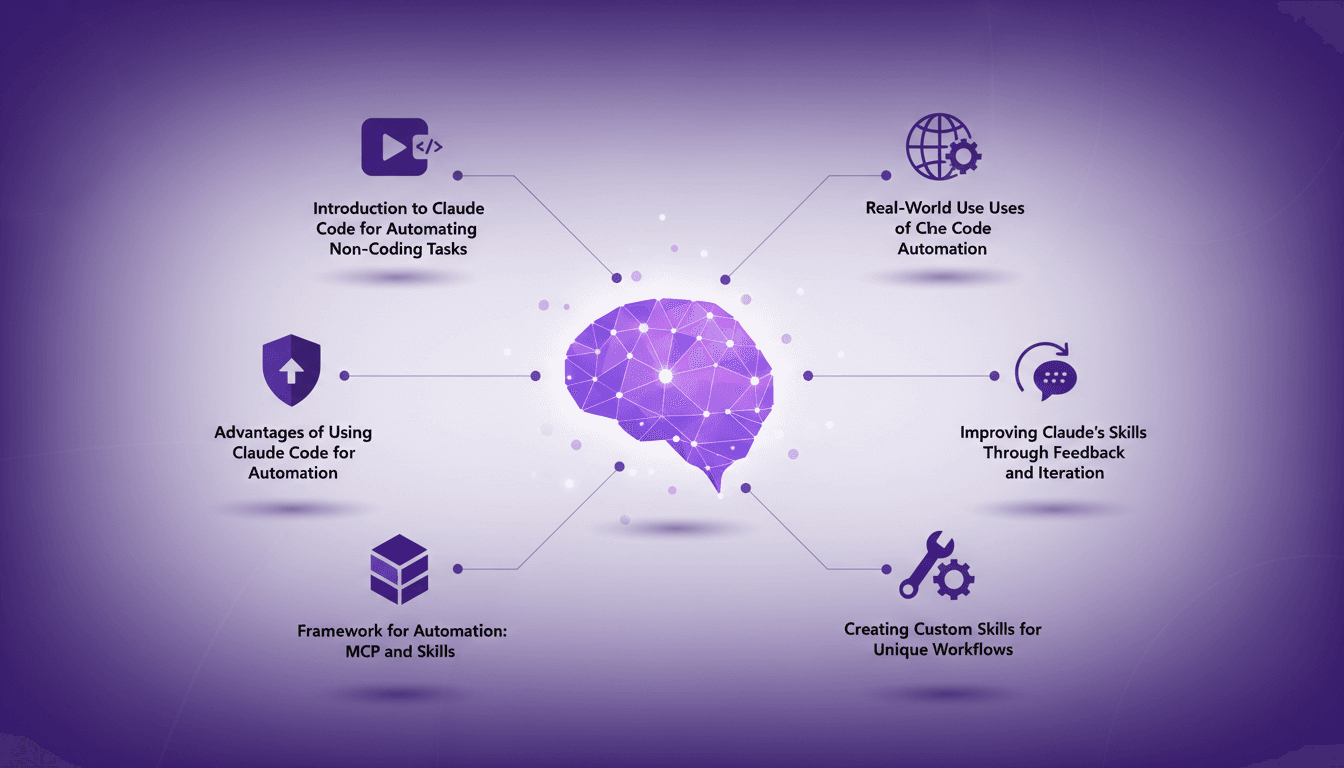
Automate Without Coding Using Claude Code
I still remember the moment I realized I could automate my tasks without writing a single line of code. It felt like uncovering a secret weapon. With Claude Code, I turned repetitive tasks into efficient workflows, saving time and reducing errors. In this article, I'll show you how I did it, covering the frameworks, real-world applications, and how you can tailor it to your unique needs. If efficiency is your goal, you won't want to miss this.
Building Consistent Characters with Sora 2
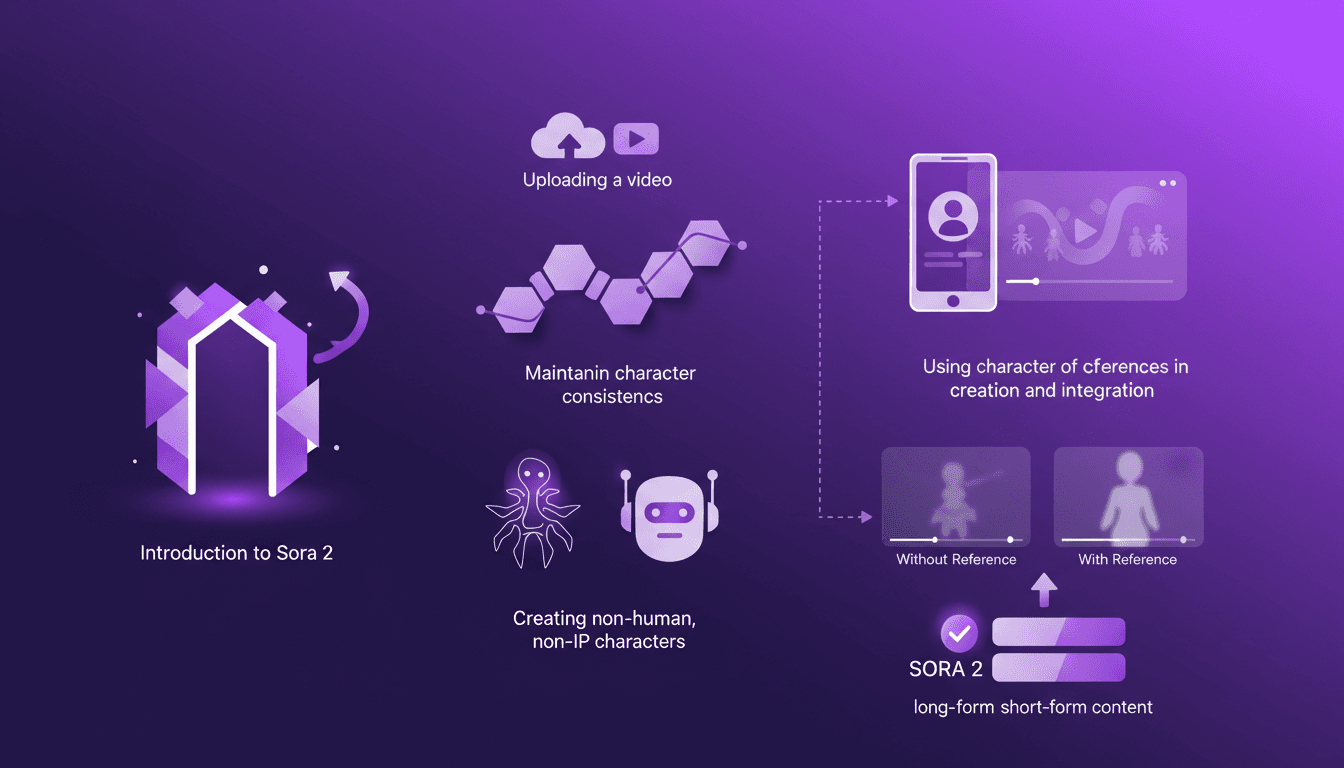
I've been diving into Sora 2, and let me tell you, the character creation functionality is a game changer for anyone serious about video consistency. You know how frustrating it is when your AI-generated characters look different in every scene? Sora 2 tackles that head-on. In this piece, I’ll walk you through how I use Sora 2 to maintain character consistency, even when creating non-human, non-IP characters. We’ll explore the workflow from uploading your initial video to seeing the final consistent output. I’ll demonstrate character creation and integration, and compare video outputs with and without character references. Sora 2 is a major asset for long-form and short-form content. Buckle up, this is hands-on.