Translate Gemma: Multimodal Capabilities in Action
I've been diving into Translate Gemma, and let me tell you, it's a real game changer for multilingual projects. First, I set it up with my existing infrastructure, then explored its multimodal capabilities. With a model supporting 55 languages and training data spanning 500 more, it's not just about language—it's about how you deploy and optimize it for your needs. I'll walk you through how I made it work efficiently, covering model variant comparisons, training processes, and deployment options. Watch out for the model sizes: 4 billion, 12 billion, up to 27 billion parameters—this is heavy-duty stuff. Ready to see how I used it with Kaggle and Hugging Face?
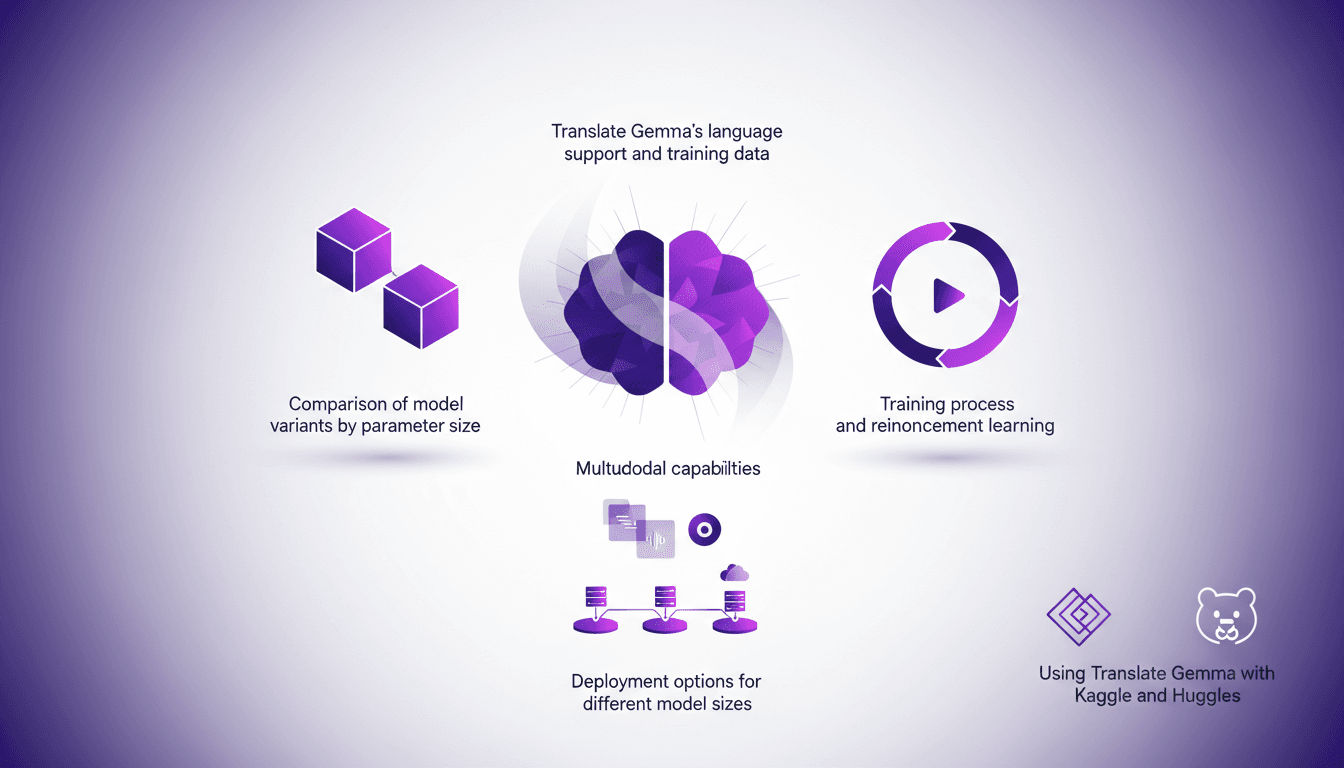
I've been working with Translate Gemma, and let me tell you, it's a game changer for multilingual projects. I started by integrating it into my existing infrastructure (no small feat), then dove into its multimodal capabilities. Picture this: a model supporting 55 languages, with training data for 500 more. But it's not just about language; it's about deployment and optimization too. After some trial and error (and getting burned a couple of times), I figured out how to make it efficient. We're talking models ranging from 4 billion to 27 billion parameters. I'll walk you through comparing the variants, the training process, and how I deployed these models using Kaggle and Hugging Face. And remember, each deployment option comes with its own set of trade-offs. Ready to dive into Translate Gemma with me?
Understanding Translate Gemma's Model Variants
Translate Gemma is a significant advancement for translation tasks. But how do you choose between its three variants: 4, 12, and 27 billion parameters? Firstly, parameter size directly impacts accuracy and resource requirements. I've found the 12 billion parameter model optimal for mid-sized projects. It strikes a good balance between performance and cost.
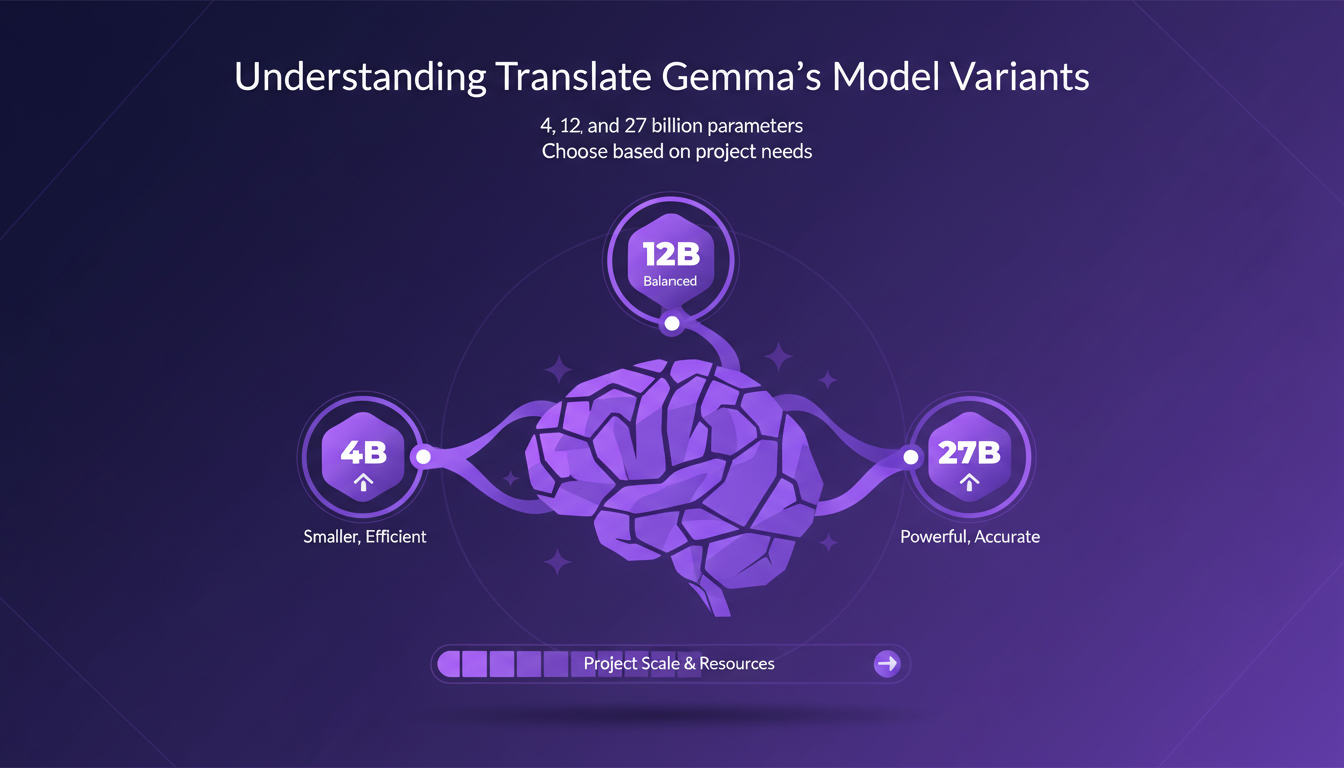
The 4 billion model is lightweight and fast, but lacks precision for complex tasks. Meanwhile, the 27 billion model demands heavy infrastructure, making it costly. Thus, the model choice depends on project scale and resource availability.
- 4 billion parameters: Lightweight, fast but less precise.
- 12 billion parameters: Optimal balance for most projects.
- 27 billion parameters: Superior precision, but costly.
Training Process: Supervised Fine-Tuning and Reinforcement Learning
Supervised fine-tuning is essential to tailor the model to specific tasks. I've integrated reinforcement learning to enhance adaptability and translation accuracy. This approach allows the model to produce more natural outputs.
Efficient training reduces resource consumption and speeds up deployment. But watch out for overfitting during fine-tuning. It’s crucial to keep datasets varied to prevent the model from becoming too specific to a particular dataset.
- Supervised fine-tuning: Customizes the model.
- Reinforcement learning: Enhances adaptability and naturalness of translations.
- Vary datasets to avoid overfitting.
Exploring Multimodal Capabilities
Translate Gemma is not confined to text alone. Its multimodal capabilities allow it to process both text and images. In my applications, I used these features to enhance user interaction and deepen context understanding.
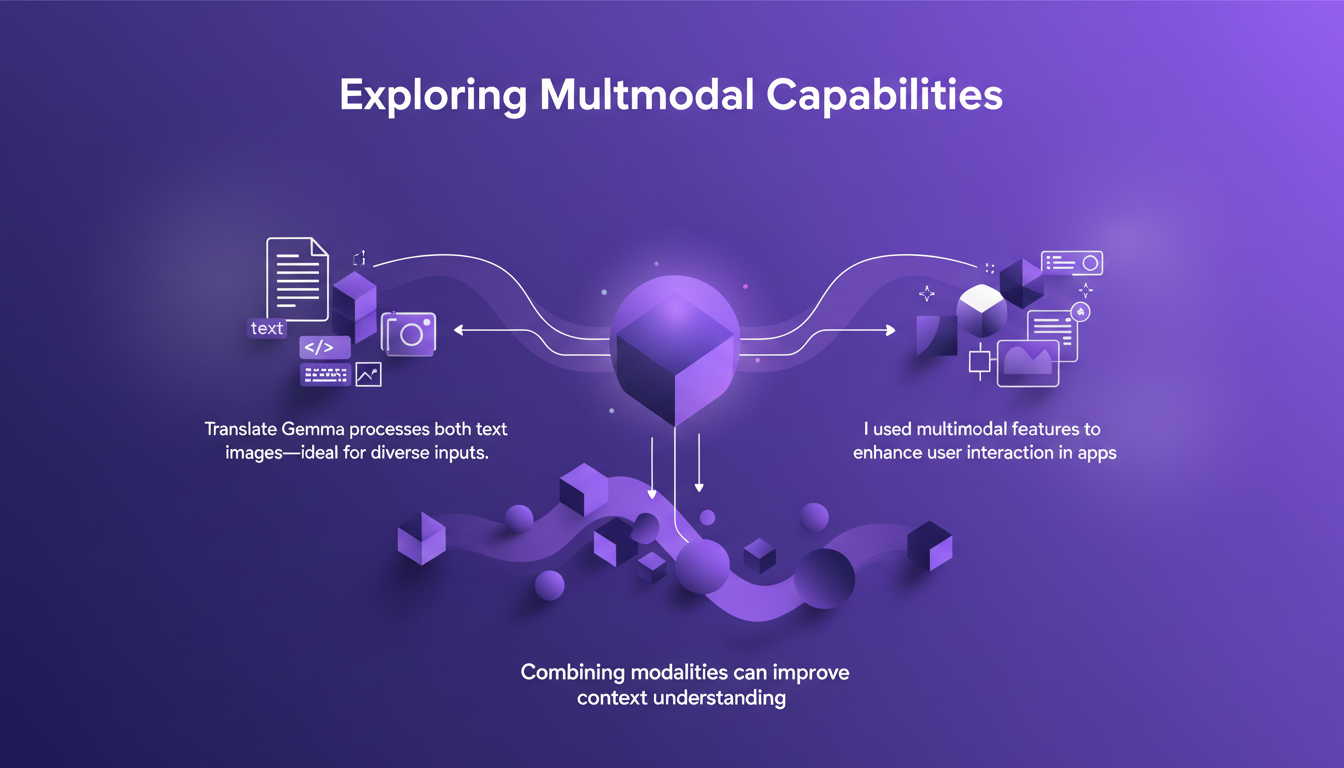
However, be cautious about balancing multimodal use with processing speed. Multimodal capabilities open new avenues for creative applications but demand additional resources.
- Text and image: Enhances user interaction.
- Improved context understanding by combining modalities.
- Balance multimodal use with processing speed.
Deployment Options for Different Model Sizes
Each model size offers different deployment options. Smaller models deploy quickly but lack precision. Larger models require more computational power. I tested deployment on both local servers and cloud platforms.
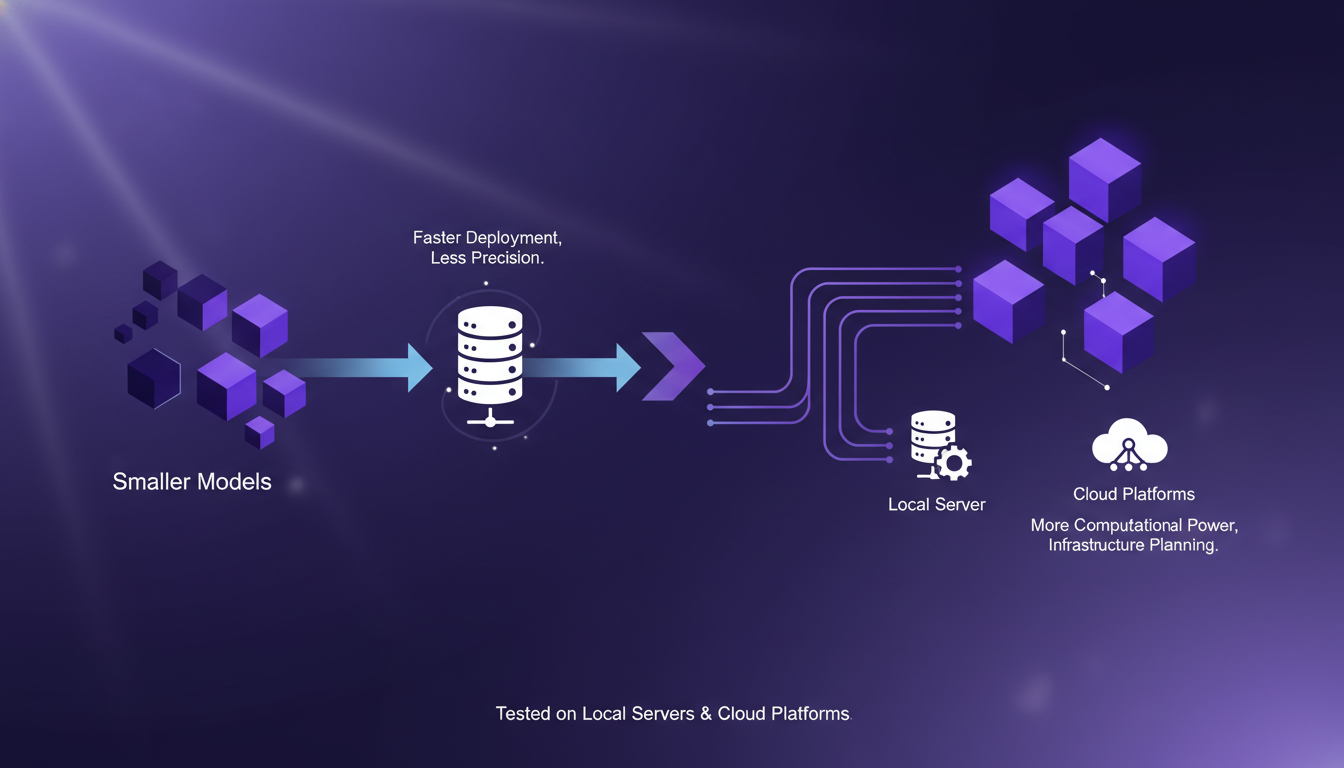
The deployment choice affects latency and user experience. Consider the cost implications of cloud deployment, especially for large models.
- Smaller models: Quick deployment but limited precision.
- Larger models: More power needed, higher costs.
- Deployment strategy impacts latency and user experience.
Integrating with Kaggle and Hugging Face
Kaggle offers a collaborative platform for model experimentation, while Hugging Face provides tools for seamless model integration. I've leveraged these platforms to streamline my workflow and testing.
However, be aware of data privacy concerns when using third-party platforms. These tools can significantly reduce setup and iteration time.
- Kaggle: Collaborative platform for experimentation.
- Hugging Face: Seamless model integration.
- Be cautious about data privacy on third-party platforms.
For more on choosing the right multi-agent architecture, check out this guide, or explore Google’s new open translation models.
Translate Gemma is a versatile tool, and when used correctly, it can truly transform multilingual tasks. First, I select the model size based on my needs—whether it's 4, 12, or 27 billion parameters—each choice affects performance and resource usage. Then, I deploy efficiently, making sure to balance performance with capacity. But, watch out—don't underestimate the limits of available resources. Here's what I learned:
- Model size directly influences efficiency and costs.
- Gemma's multimodal capabilities add a layer of flexibility.
- Training and reinforcement learning are key steps to optimize outcomes.
Translate Gemma is a game changer for optimizing multilingual workflows, provided you balance performance with resources. I recommend diving into Translate Gemma, experimenting with its capabilities, and adapting your workflows. For a deeper understanding, watch the video "TranslateGemma in 7 mins!" on YouTube: link.
Frequently Asked Questions

Thibault Le Balier
Co-fondateur & CTO
Coming from the tech startup ecosystem, Thibault has developed expertise in AI solution architecture that he now puts at the service of large companies (Atos, BNP Paribas, beta.gouv). He works on two axes: mastering AI deployments (local LLMs, MCP security) and optimizing inference costs (offloading, compression, token management).
Related Articles
Discover more articles on similar topics
Choosing the Right Multi-Agent Architecture
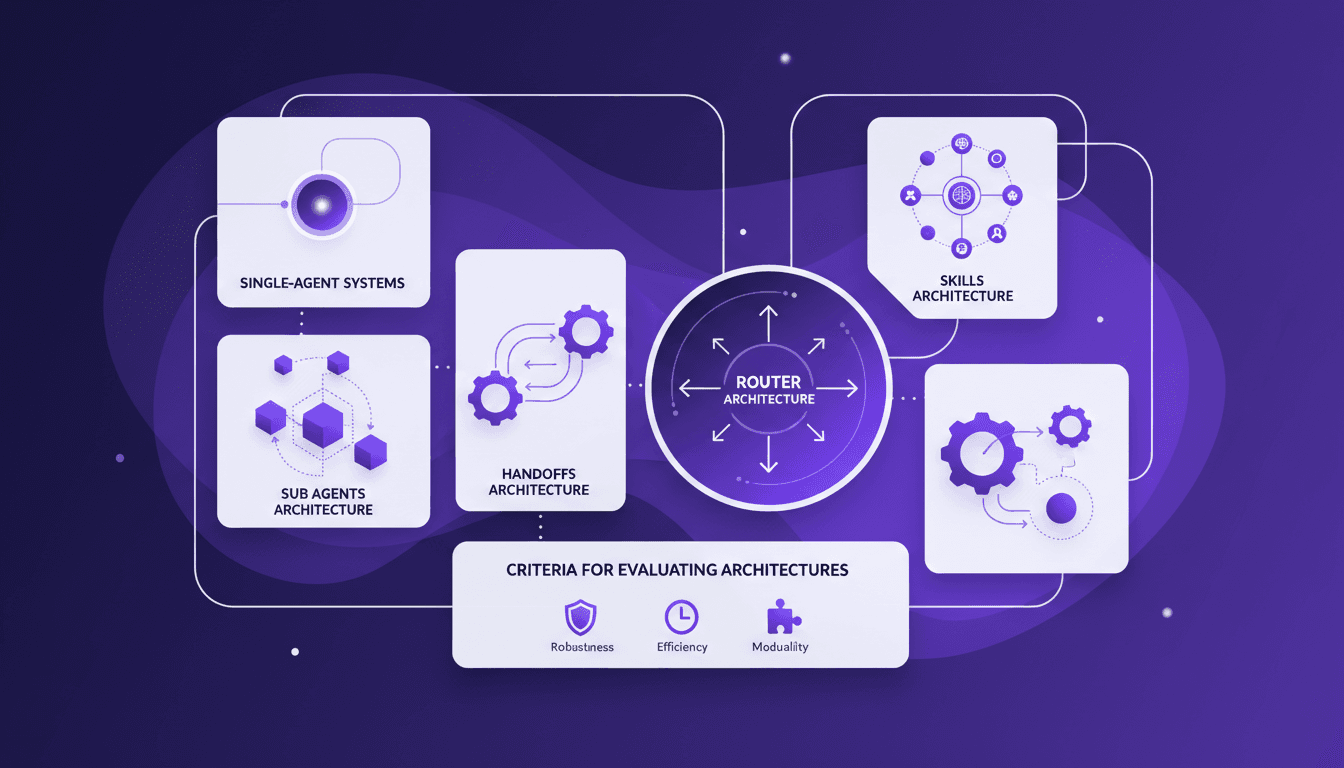
I remember the first time I tried to implement a multi-agent system. Overwhelmed by the architecture choices, I made a few missteps before finding a workflow that actually works. Here’s how you can choose the right architecture without the headaches. Multi-agent systems can really change how we tackle complex tasks by distributing workload and enhancing interaction. But pick the wrong architecture, and you could face an efficiency and scalability nightmare. We'll explore sub agents, handoffs, skills, and router architectures, plus criteria for evaluating them. And why sometimes, starting with a single-agent system is a smart move. I'll share where I stumbled and where I succeeded to help you avoid the pitfalls. Ready to dive in?
Interactive TV Ads: Maximizing Engagement
I remember the first time an interactive TV ad genuinely made me want to click. It was a BrightLine ad, and it shifted my view on what's possible in this space. Instead of being a gimmick, interactive TV advertising is reshaping viewer experiences, boasting click-through rates as high as 15% (compared to the usual 1%). BrightLine is leading the charge, leveraging AI to enhance user experience while pushing sustainability boundaries. In this article, I'll walk you through how they're orchestrating this transformation and why the future of TV advertising is already here.
Enhance Agent UX: Stream Events with LangChain
I remember the first time I faced lagging user interfaces while working with agent tools. It was frustrating, especially when you're trying to impress a client with real-time data processing. That's when I started integrating custom stream events with LangChain. In this article, I'll walk you through setting up a responsive user interface using LangChain, React, and Typescript. We'll dive into custom stream events, the config.writer function, and deploying with the langraph dev server. If you've ever lost time to sluggish tool calls, this tutorial is for you.
Harnessing Quen 3 Multimodal Embeddings
I dove into Qwen 3's multimodal embeddings, aiming to streamline my AI projects. The promise? Enhanced precision and efficiency across over 30 languages. First, I connected the embedding models, then orchestrated the rerankers for more efficient searches. The results? A model reaching 85% precision, a real game changer. But watch out, every tool has its limits and Qwen 3 is no exception. Let me walk you through how I set it up and the real-world impact it had.
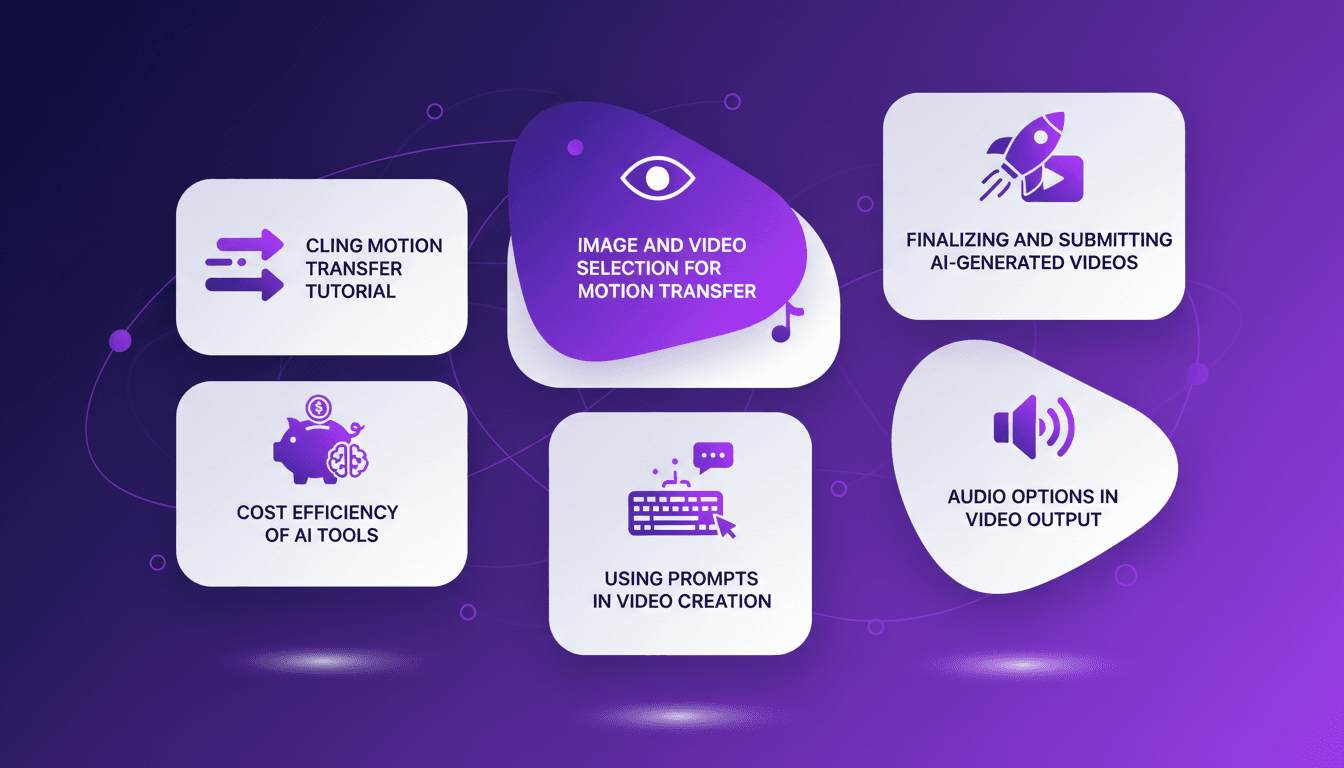
Mastering Cling Motion Transfer: A Cost-Effective Guide
I still remember the first time I tried Cling Motion Transfer. It was a game-changer. For less than a dollar, I turned a simple video into viral content. In this article, I'll walk you through how I did it, step by step. Cling Motion Transfer is an affordable AI tool that stands out in the realm of video creation, especially for platforms like TikTok. But watch out, like any tool, it has its quirks and limits. I'll guide you through image and video selection, using prompts, and how to finalize and submit your AI-generated content. Let's get started.