Boost Your Code with Codex: Validation and Testing
I've been in the trenches of software development long enough to know when a tool is more than just hype. Codex changed the game for me, especially in how I validate and test code. This isn't just theory—it's my daily workflow. Codex has allowed me to cut validation tasks down to less than ten minutes, which is a real win. Using Python, I've orchestrated code refactorings that were previously nightmares. But watch out, there are performance limits, especially when pushing automation capabilities to the max. Here, I'll share how Codex has transformed my approach to coding, efficiency, and risk management.
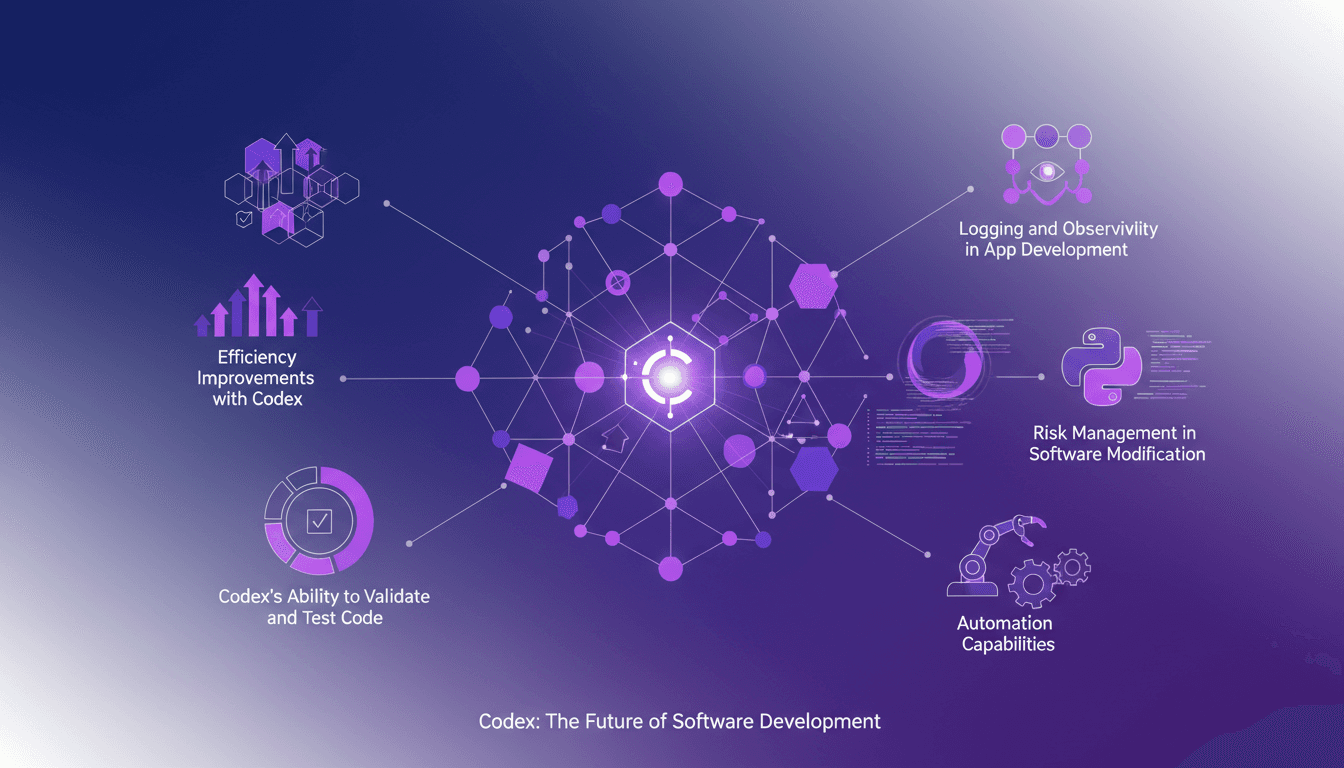
I've been burned more than once in software development before finding a tool that goes beyond empty promises. Codex, this tool from OpenAI, genuinely changed the game for me, especially in code validation and testing. I'm not talking theory here—this is my daily workflow. Imagine cutting validation time to under ten minutes. Yes, Codex does that, and so much more. Using Python, I've orchestrated refactorings that used to take me hours. But watch out, don't push automation too far without understanding the limits, or performance might take a hit. In this video, I'll show you how Codex transformed my approach to coding, efficiency, and risk management. You'll see why, for me, it's more than just a tool; it's a real revolution in my developer toolkit.
Codex's Impact on My Workflow
Codex has dramatically changed how I work. I seamlessly integrate it into my development process, and it acts as a second pair of eyes for code validation. Thanks to Codex, my error rate has significantly dropped, allowing me to focus more on strategic tasks rather than tedious debugging. By integrating Codex, I’ve been able to cut down on routine tasks and delve into more creative and complex aspects of software development.
"I noticed a significant reduction in my errors, allowing me more time for strategic tasks."
Codex has not only improved my work efficiency but also my job satisfaction. In one specific refactoring task, I completed what would have otherwise taken much longer in just 10 minutes. This time-saving is not trivial, especially when it accumulates across multiple projects.
Validating and Testing Code with Codex
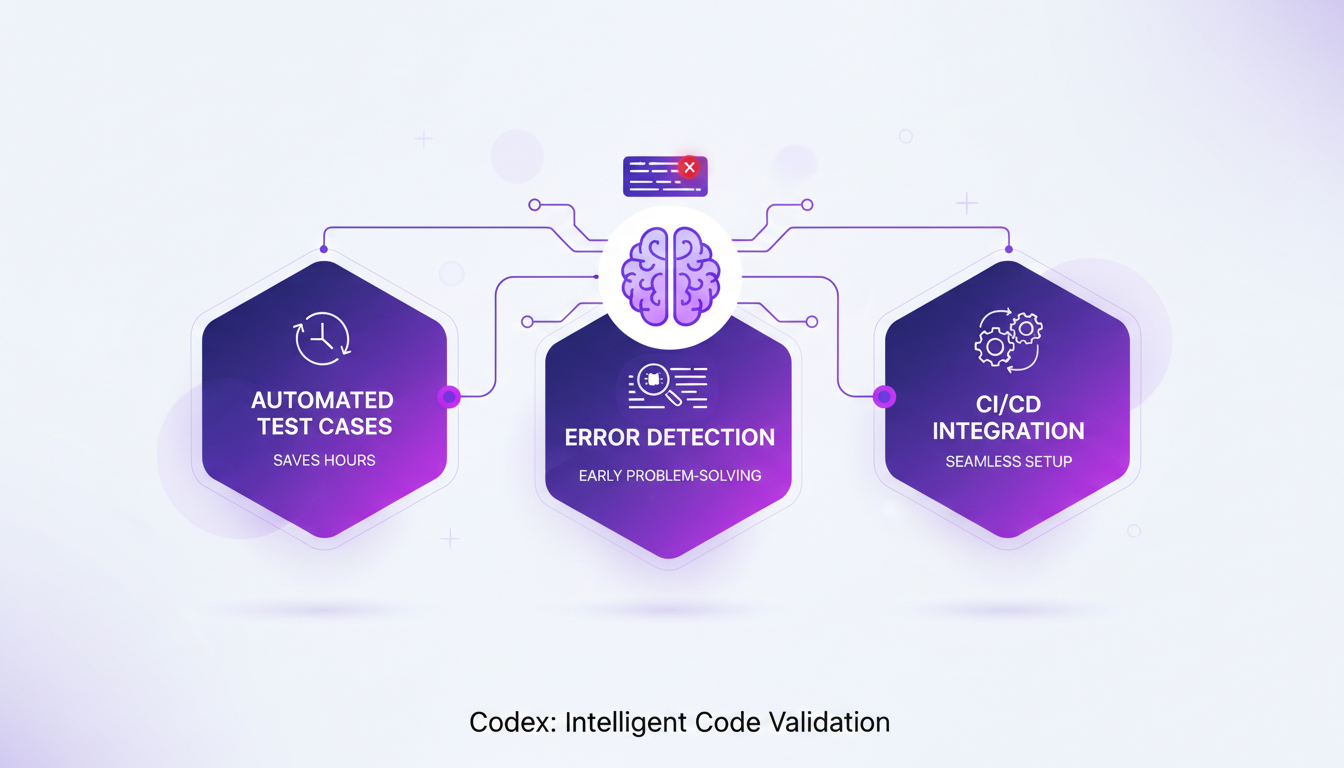
Codex automates test case generation, saving me precious hours. It identifies potential errors before they become problems. Its integration with existing CI/CD pipelines is straightforward, allowing me to maintain a smooth workflow. However, watch out: Codex isn't perfect—manual checks are still essential to ensure code quality.
With Codex, I can focus on other aspects of development while trusting it to handle automated testing. However, I've learned not to rely too heavily on automation and always verify results, as it can sometimes miss nuances that only a human developer might catch.
- Test automation: significant time saver.
- Easy integration with CI/CD.
- Manual checks still necessary.
Efficiency Gains in Refactoring
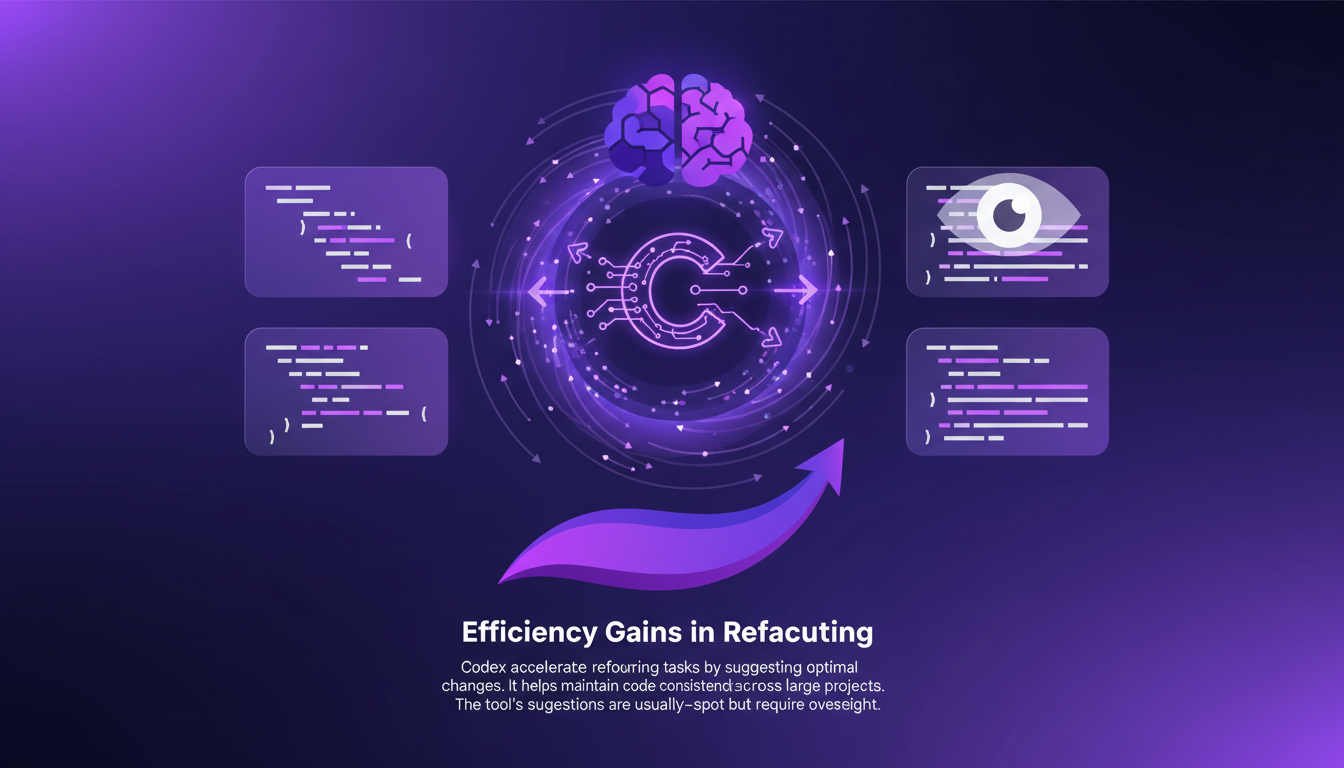
Codex accelerates refactoring tasks by suggesting optimal changes. It helps maintain code consistency across large projects. While its suggestions are usually spot-on, they require oversight to avoid subtle errors. In one session, Codex cut my refactoring time by 10 minutes, which is significant when working on large-scale projects.
Refactoring is a crucial step to maintain long-term code quality. Codex provides suggestions that are generally relevant but require final validation from me. Without this step, it's easy to end up with code that works but isn’t optimized.
- Refactoring suggestions: usually accurate but need validation.
- Significant reduction in refactoring time.
- Maintains code consistency in large projects.
Managing Risks in Software Modification
Codex helps mitigate risks by simulating changes before applying them. It provides a safety net when modifying critical components. Its predictive capabilities are a game changer, but having a rollback plan is crucial. When modifying a crucial app part, errors can have disastrous consequences, so I always ensure a backup strategy is in place.
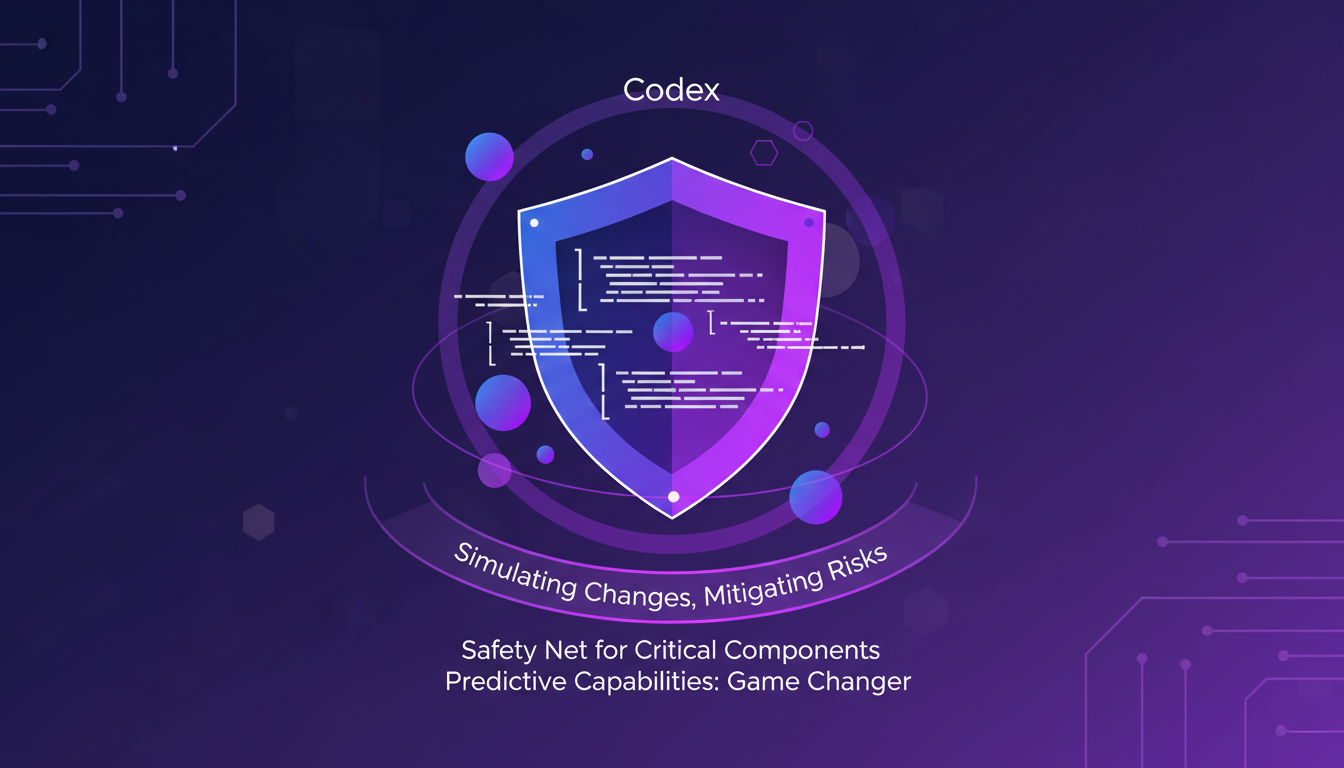
- Simulates changes to reduce risks.
- Rollback plan essential for critical modifications.
Automating Logging and Observability
Codex efficiently automates tedious logging tasks. It enhances observability by suggesting improvements in pipelines. Session ID management becomes more straightforward with Codex. However, don’t over-rely on automation—manual oversight is key. A manual check remains essential to ensure everything functions as expected.
Codex greatly facilitates log management and observability, but I've learned not to overuse it. Automation can mask underlying issues, so manual verification remains indispensable to ensure everything is in order.
- Logging automation: time saver.
- Enhanced pipeline observability.
- Manual oversight always necessary.
In conclusion, Codex has transformed how I work, allowing me to gain efficiency and job satisfaction. However, like any powerful tool, it's important to use it judiciously and not rely on it too heavily.
Codex has seriously redefined how I approach software development. First, it lets me validate and test code in no time—10 minutes flat to complete a task. Then, its efficiency in automating parts of the development process has freed up loads of time, letting me focus on what truly matters. But remember, it's no silver bullet. Understanding its limits and integrating it wisely is crucial. So, ready to transform your coding workflow? Give Codex a try and see the difference in your daily tasks. For deeper insights, I suggest watching the video "Codex checks its work for you" on YouTube (link: https://www.youtube.com/watch?v=dHCNpcNyoFM). It's a valuable resource to understand how to make the most of it.
Frequently Asked Questions

Thibault Le Balier
Co-fondateur & CTO
Coming from the tech startup ecosystem, Thibault has developed expertise in AI solution architecture that he now puts at the service of large companies (Atos, BNP Paribas, beta.gouv). He works on two axes: mastering AI deployments (local LLMs, MCP security) and optimizing inference costs (offloading, compression, token management).
Related Articles
Discover more articles on similar topics
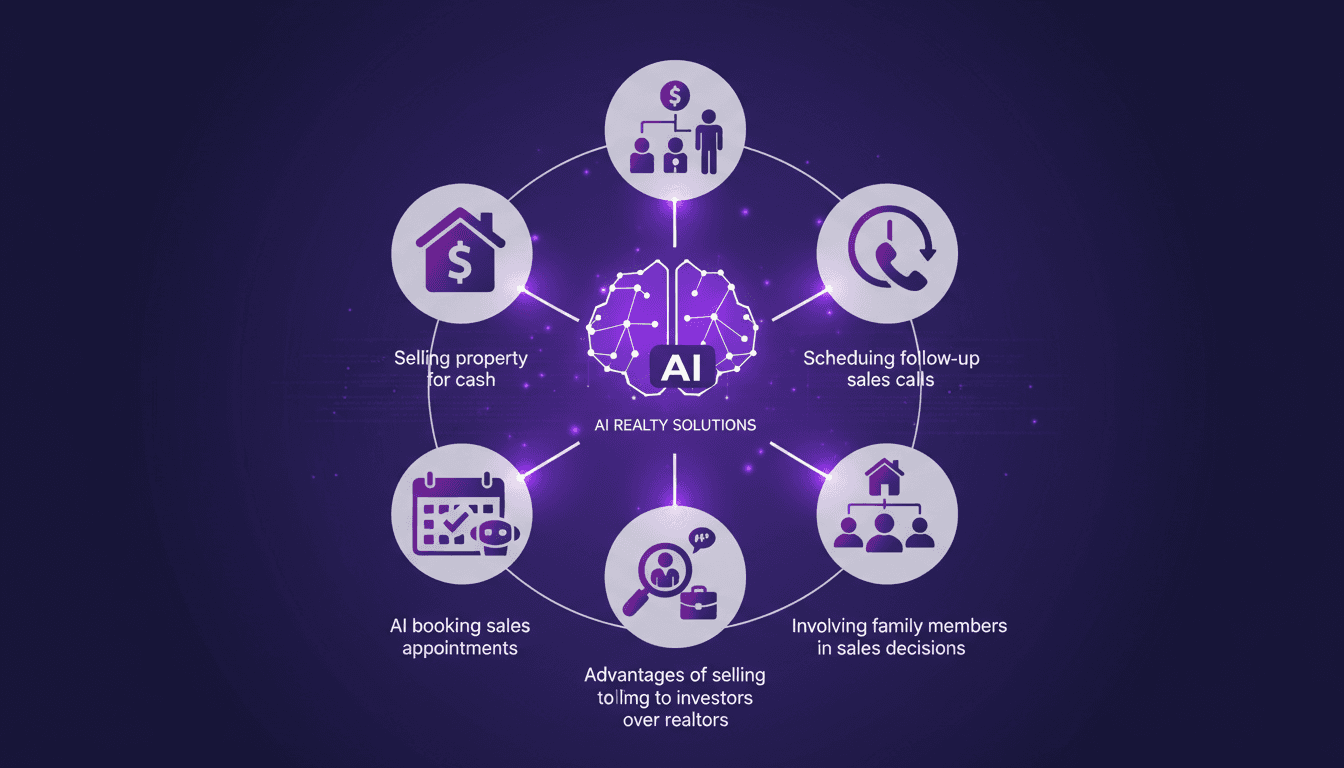
AI-Driven Sales: Booking Appointments Efficiently
I still remember when our AI booked a sales appointment without any human touch. That was a real game changer! In real estate, where speed and efficiency are key, integrating AI can truly transform how we operate. Imagine a tool that handles calls, schedules appointments, and even assists in closing deals. But it's not all smooth sailing. There are limits and pitfalls to watch out for. Let's dive into how I integrated this tech into my agency and the tangible results it brought.
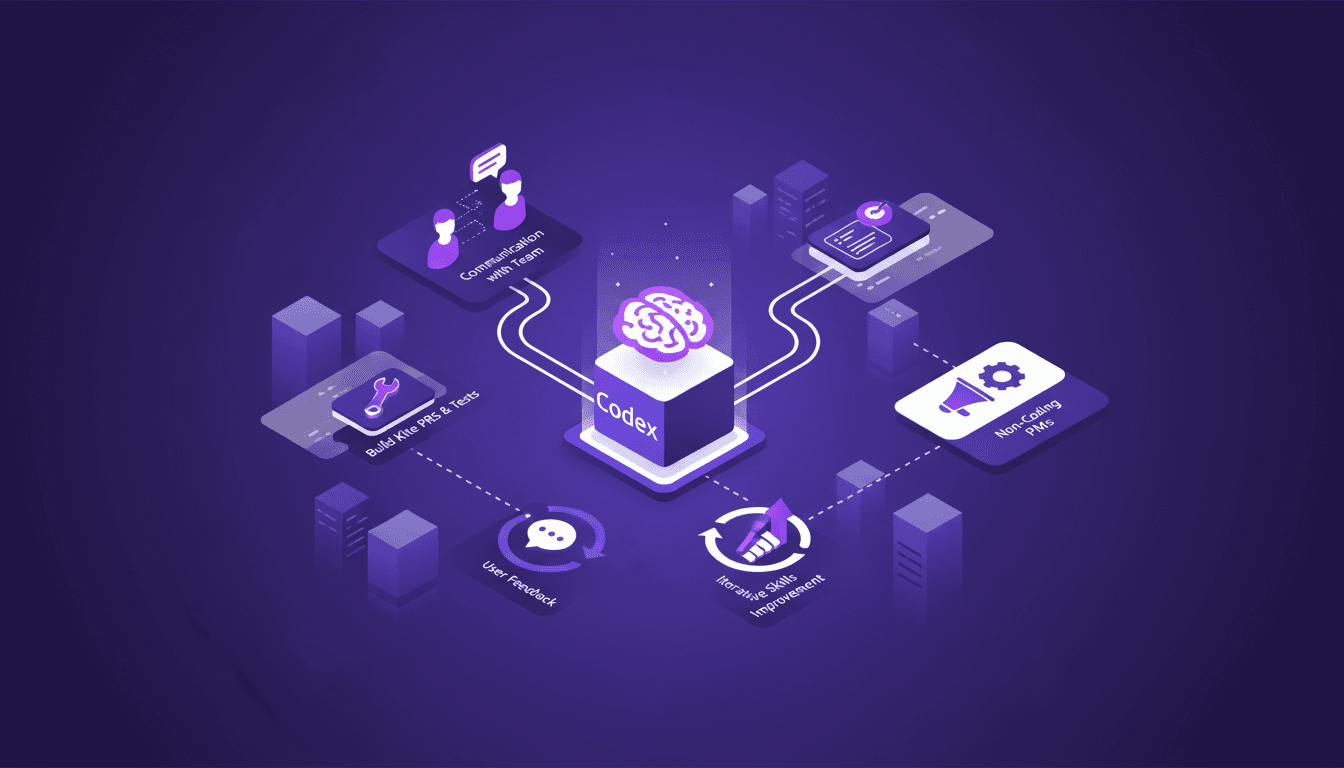
Codex: Code Navigation and Understanding
I've been knee-deep in codebases that felt like labyrinths. Then I found Codex—it was like finding the map I needed. Navigating code, managing PRs with Build Kite, everything started making sense. As a PM, diving into technical environments without coding can be daunting, but Codex bridges that gap. It's more than just a tool; it's a bridge between code navigation and team collaboration. Here’s how I use it to optimize code understanding, streamline team communication, and continuously improve my Codex skills. And even if you're not coding, a PM’s role in these environments can be really impactful.
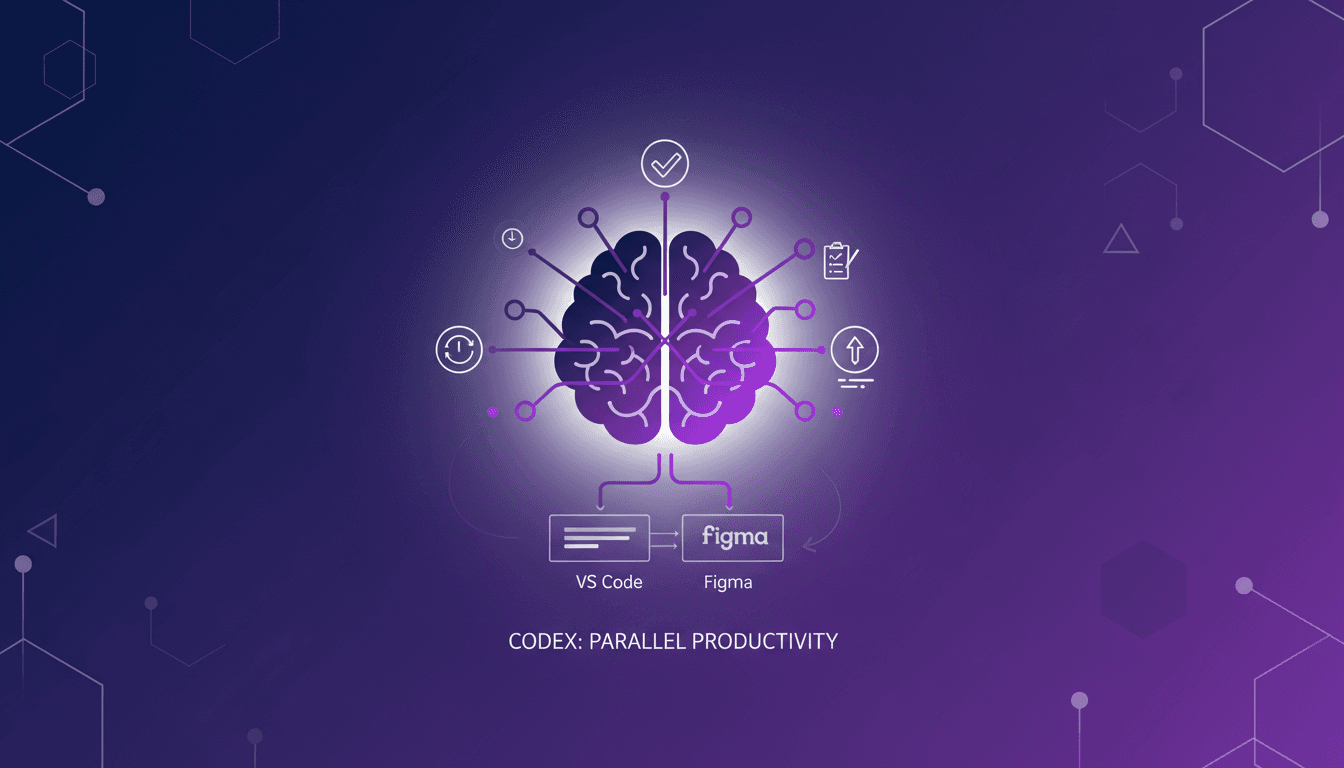
Managing Parallel Tasks with Codex
I remember when I first stumbled upon worktrees in the Codex app. It was like discovering a hidden toolkit that changed how I managed tasks. Now, I juggle multiple projects without losing my mind. In our fast-paced software engineering world, efficient task management is crucial. Codex's worktrees offer a unique way to save time and boost productivity. Let me walk you through how I leverage this feature daily, and how it integrates seamlessly with tools like VS Code and Figma.
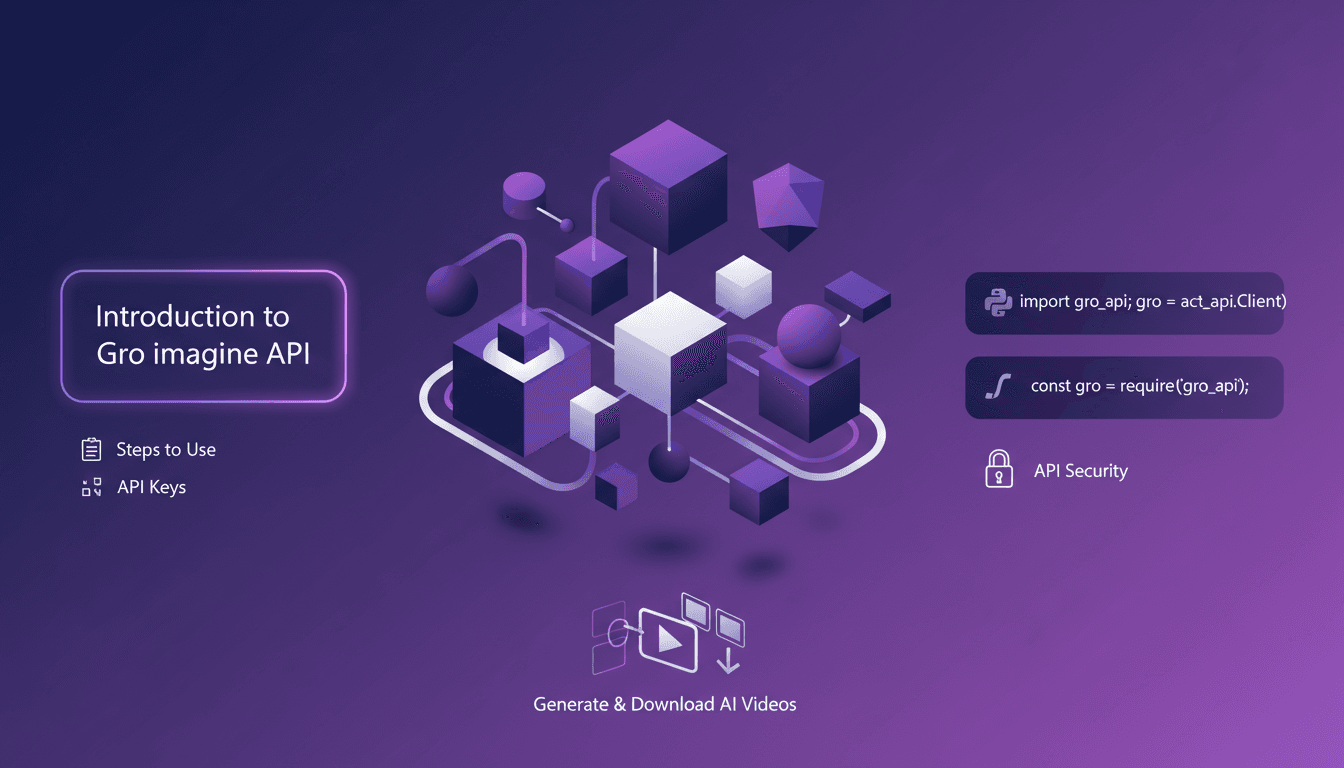
Gro Imagine API: Use Effectively
I dove straight into the Gro Imagine API and found it surprisingly straightforward once I got my hands dirty. This API turns text into video, and it’s truly a game changer. But watch out for the quirks: over 15 seconds and you're in trouble. Let me walk you through how I set it up, step by step, with Python and JavaScript snippets for interaction. Securing your API keys is essential, and I’ll guide you on generating and downloading your AI-generated videos without a hitch.
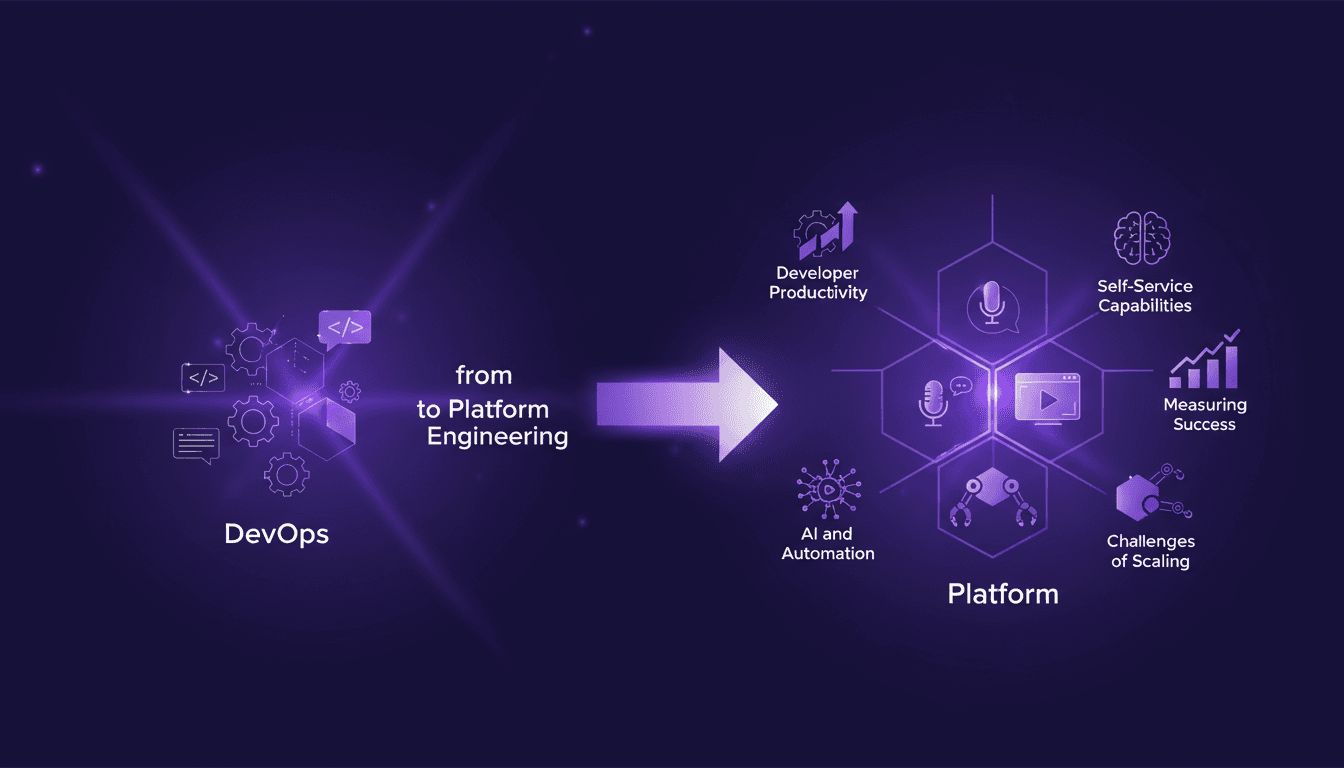
Transitioning from DevOps to Platform Engineering
I remember when DevOps was the buzzword. Now, platform engineering is taking the spotlight, and I've been right in the thick of it. With a decade of tech evolution under our belts, it’s more than just swapping buzzwords; it’s about real change. I’ve navigated this transition, and it’s been a game-changer for our productivity as software engineers. We’ll dive into what tools actually work, traps to avoid, and how AI and automation fit into the picture. In a nutshell, how we transition from DevOps to effective platform engineering without getting burned.