Codex: Code Navigation and Understanding
I've been knee-deep in codebases that felt like labyrinths. Then I found Codex—it was like finding the map I needed. Navigating code, managing PRs with Build Kite, everything started making sense. As a PM, diving into technical environments without coding can be daunting, but Codex bridges that gap. It's more than just a tool; it's a bridge between code navigation and team collaboration. Here’s how I use it to optimize code understanding, streamline team communication, and continuously improve my Codex skills. And even if you're not coding, a PM’s role in these environments can be really impactful.
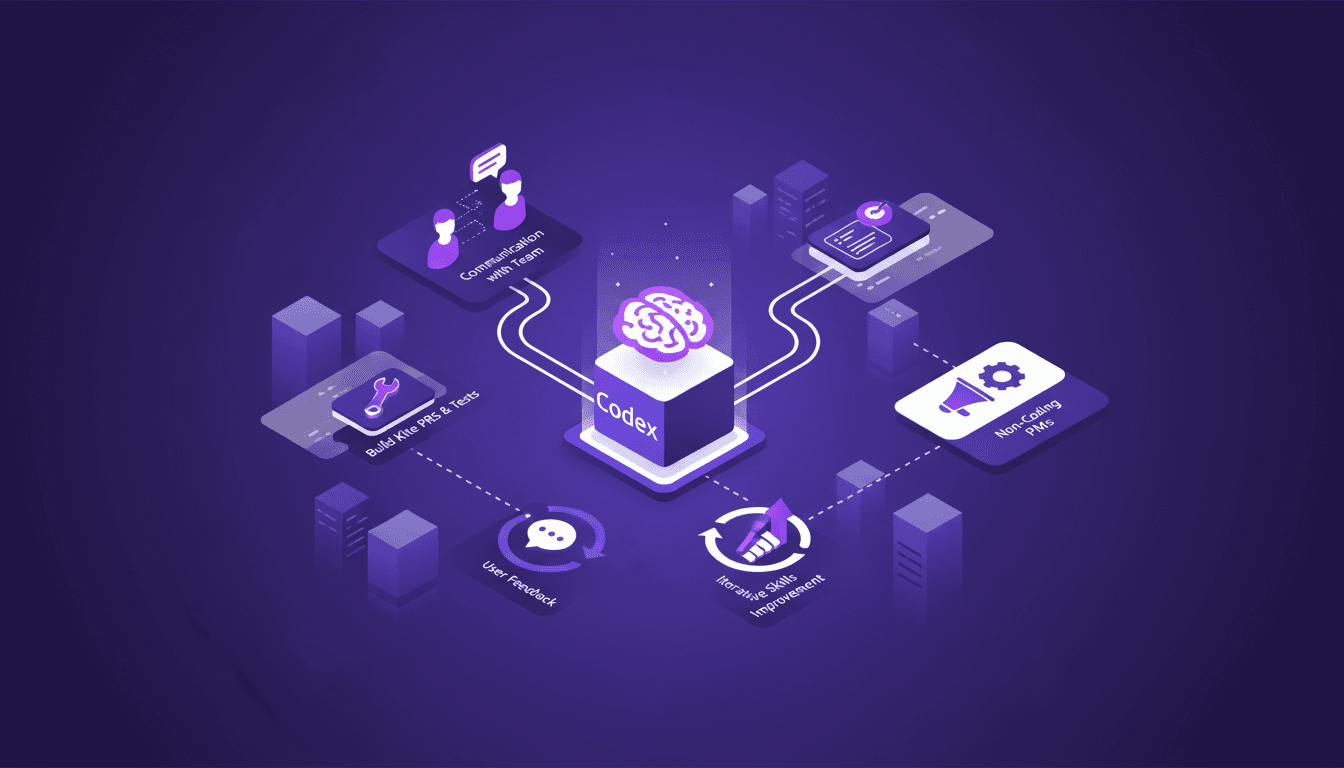
I've been knee-deep in codebases that felt like labyrinths. Codex turned out to be the map I needed. As a PM, diving into technical environments without coding can be daunting (I've been there). But with Codex, navigating code and managing PRs with Build Kite became smoother. I connect the dots between understanding the code and collaborating with the team. First, I use Codex to break down code faster. Then, I clarify doubts with the team through more targeted communication. Managing PRs and resolving test failures with Build Kite are no longer uphill battles. I keep iterating and enriching my Codex skills while integrating user feedback to enhance its development. So, even if you're not coding, know that your role as a PM can be really impactful in these technical environments.
Mastering Code Navigation with Codex
Jumping into a complex codebase as a PM who doesn't code often feels like diving into a sea of confusion. With Codex, it's like having a GPS for code. I connect Codex to my repo, and suddenly, I can see the relationships between different code segments. It's a game changer for understanding complex structures without getting lost. First, I use Codex to map out these structures, which saves me from looking foolish in team meetings.
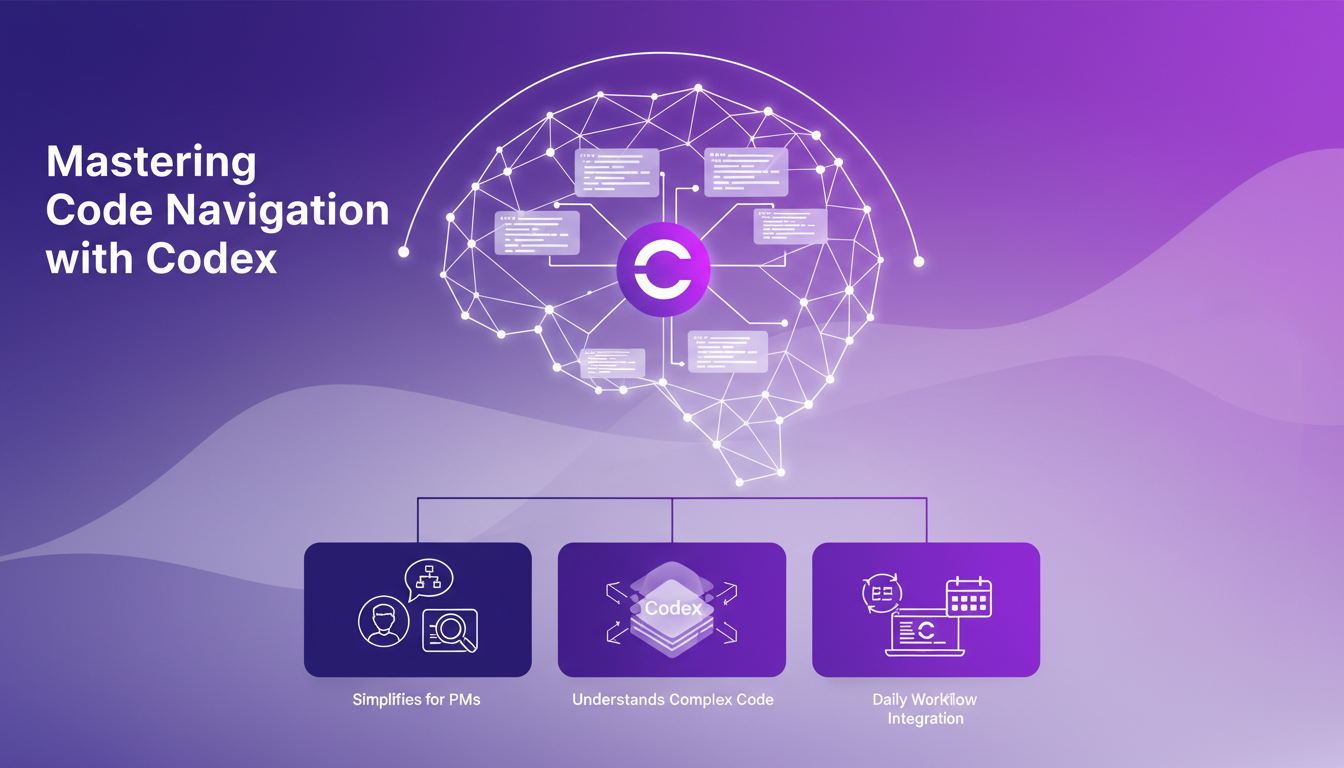
However, watch out for Codex's limits when dealing with large codebases. Beyond 100K lines, performance can become sluggish, requiring a different orchestration to prevent token usage from spiraling out of control. By embedding Codex into my daily workflow, I first navigate the code, then ask the team precise questions, avoiding silly mistakes like inadvertently deleting essential elements.
Key Takeaways:
- Codex simplifies understanding of complex code structures.
- Be mindful of performance limits with large codebases.
- Integrate it into daily routine for maximum efficiency.
Effective Team Communication for Code Clarification
Codex is great, but it doesn't replace direct communication with the team. When I stumble upon confusing code, I make sure to discuss it with developers. A quick ping can prevent misinterpretations that might lead to bugs. I ensure to ask the right questions without overwhelming my colleagues with excessive technical details.
Balancing technical and non-technical communication is crucial. Codex provides an overview, but it's through team discussions that I get the nuances needed to make informed decisions. However, relying solely on Codex for all clarifications can be risky, especially if the context exceeds the tool's limits.
Techniques to Remember:
- Use Codex to prepare for clarification questions.
- Maintain a balance between technical and non-technical communication.
- Don't rely solely on Codex for all clarifications.
Managing PRs and Test Failures with Build Kite
Integrating Build Kite with Codex has revolutionized how I manage PRs. First, I run tests and monitor Build Kite logs for failures. I've been burned before by PRs that looked perfect until the tests failed.
Build Kite tokens play a critical role here. I need to configure them correctly to avoid repetitive errors. This is where Codex steps in: by checking the logs, I can adjust settings and retry without wasting time. That said, for someone who's not a coder, understanding the full scope of the logs can be challenging.
Key Points:
- Build Kite is essential for tracking and resolving test failures.
- Importance of tokens for effective PR management.
- Non-coders may find the logs complex.
Iterative Improvement of Codex Skills
Building skills with Codex doesn't happen overnight. I work iteratively, integrating feedback and PR failures to refine my skills. Sometimes, stepping back and analyzing why something didn't work offers more insights than an immediate success.
I establish feedback loops to identify where Codex can improve. It's important not to get overwhelmed by PM responsibilities and forget the importance of continuous improvement. By balancing Codex learning with my other tasks, I ensure continued progress without sacrificing other duties.
Improvement Strategies:
- Integrate feedback loops to refine Codex usage.
- Balance learning new skills with other PM tasks.
- Analyze failures for deeper insights.
Integrating User Feedback in Codex Development
Gathering and analyzing user feedback is essential for Codex's evolution. I regularly collect feedback and incorporate it into product iterations. It requires balancing user demands with technical feasibility, but impactful changes are often those that directly address user needs.
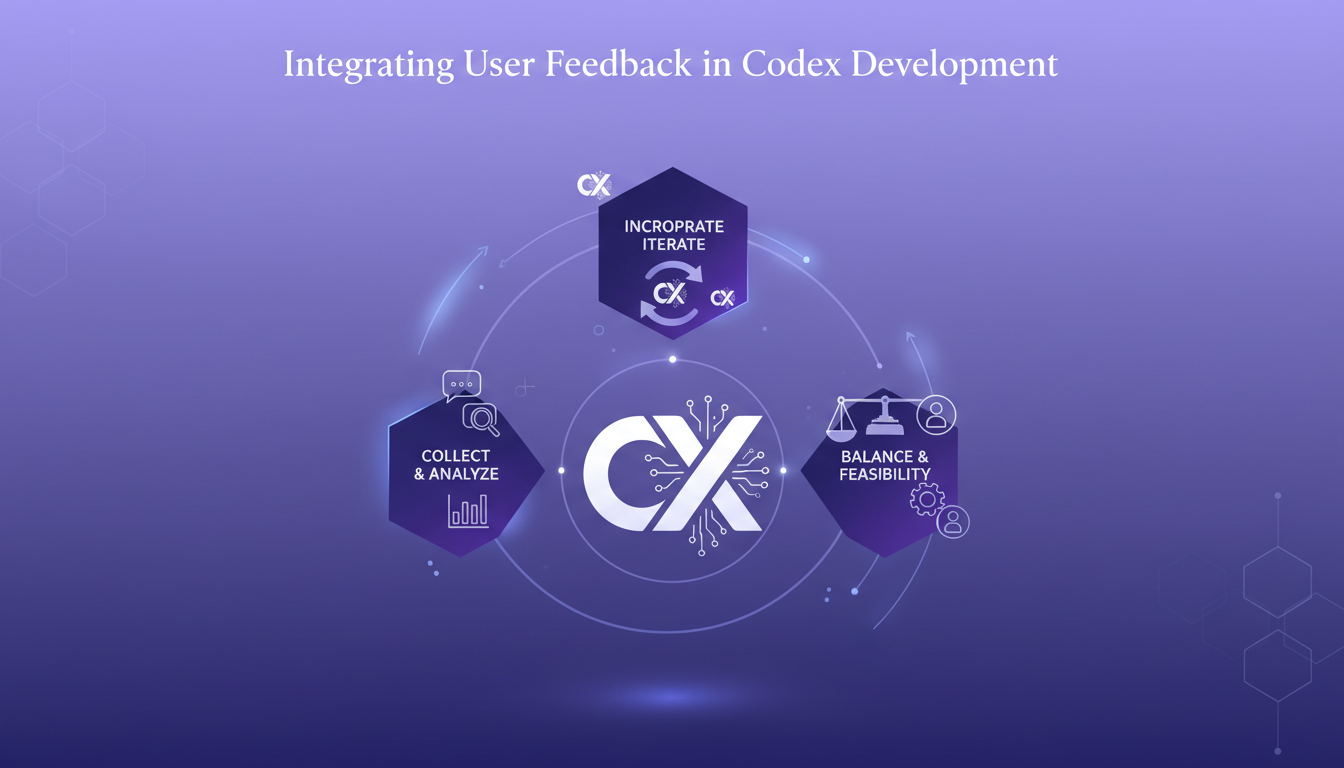
For instance, feedback on the complexity of code navigation led to modifications that simplified the user interface. Every piece of feedback is an opportunity for improvement, and while not all suggestions are feasible, it's crucial to evaluate them objectively.
Key Takeaways:
- Regular collection and analysis of user feedback.
- Balance user demands with technical feasibility.
- Impactful changes often stem from user needs.
Bringing Codex into your environment is more than just adding a tool; it's about building a bridge between project management and technical processes. I've navigated complex code with Codex, and this clarity has transformed my decision-making. First, I use it to clarify PRs and better handle test failures with Build Kite. Then, I rely on Codex to continually improve my skills and integrate team feedback more effectively. But watch out, you need to manage Build Kite token usage wisely to avoid surprises.
- Code navigation and understanding become much more fluid.
- Team feedback integration for more informed decisions.
- Simplified PR management and optimized test failure resolution.
Codex could be a real game changer for code management and team collaboration, but you need to be mindful of its limits. Try integrating Codex into your workflow and see how it can transform your code management and team collaboration.
For a deeper understanding of how this works, I recommend watching the original video: it offers valuable insights you won't want to miss. Watch here.
Frequently Asked Questions

Thibault Le Balier
Co-fondateur & CTO
Coming from the tech startup ecosystem, Thibault has developed expertise in AI solution architecture that he now puts at the service of large companies (Atos, BNP Paribas, beta.gouv). He works on two axes: mastering AI deployments (local LLMs, MCP security) and optimizing inference costs (offloading, compression, token management).
Related Articles
Discover more articles on similar topics
Managing Parallel Tasks with Codex
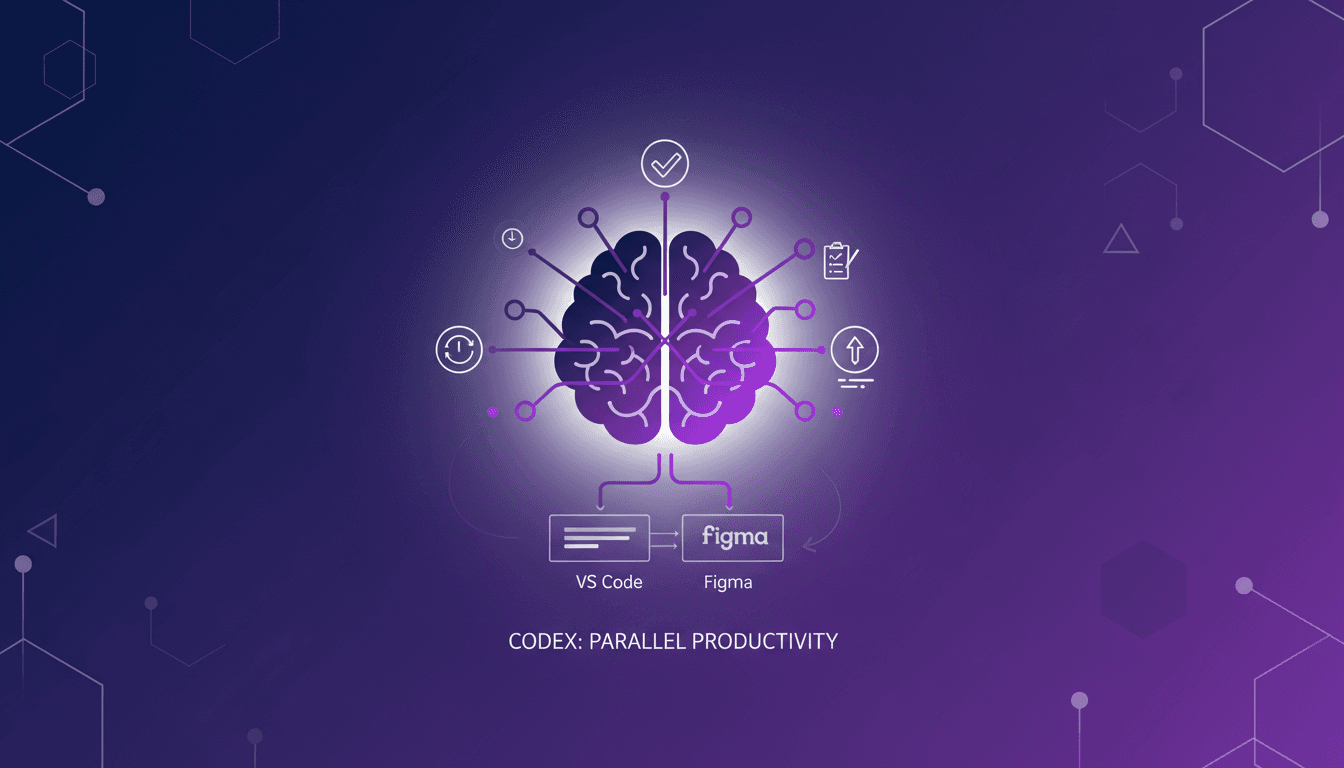
I remember when I first stumbled upon worktrees in the Codex app. It was like discovering a hidden toolkit that changed how I managed tasks. Now, I juggle multiple projects without losing my mind. In our fast-paced software engineering world, efficient task management is crucial. Codex's worktrees offer a unique way to save time and boost productivity. Let me walk you through how I leverage this feature daily, and how it integrates seamlessly with tools like VS Code and Figma.
SaaS Growth: Real Strategies and Challenges
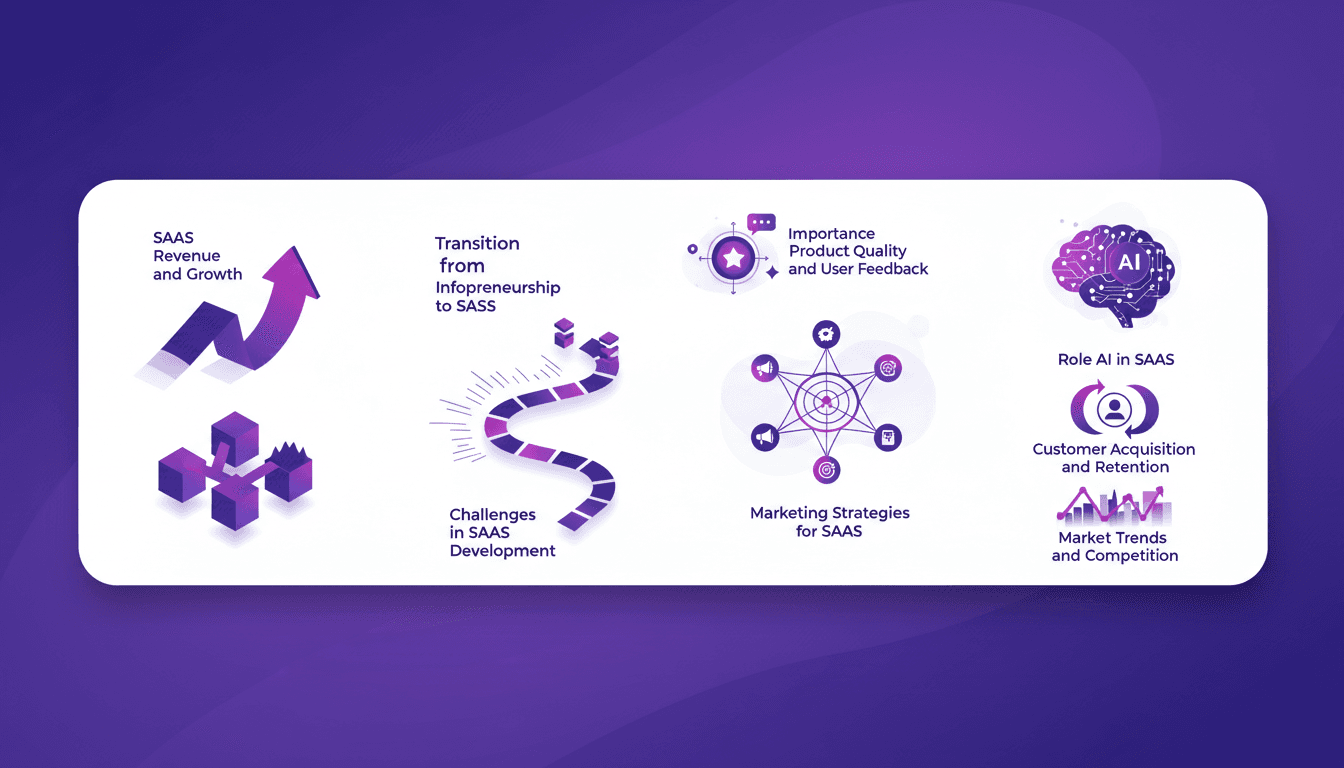
I stopped all my training sessions to dive headfirst into building my SaaS. It wasn't just a pivot; it was a complete overhaul of how I approached business. Picture this: going from 3000 non-paying users to earning €25,000 in the first month, only to see it drop to €6,000 by the year's end. I share the real challenges I faced, the strategies I crafted (and re-crafted), and why product quality and user feedback are critical. The role of AI in all this? Essential, but watch out for the pitfalls.
Agent Observability: Evaluate and Optimize
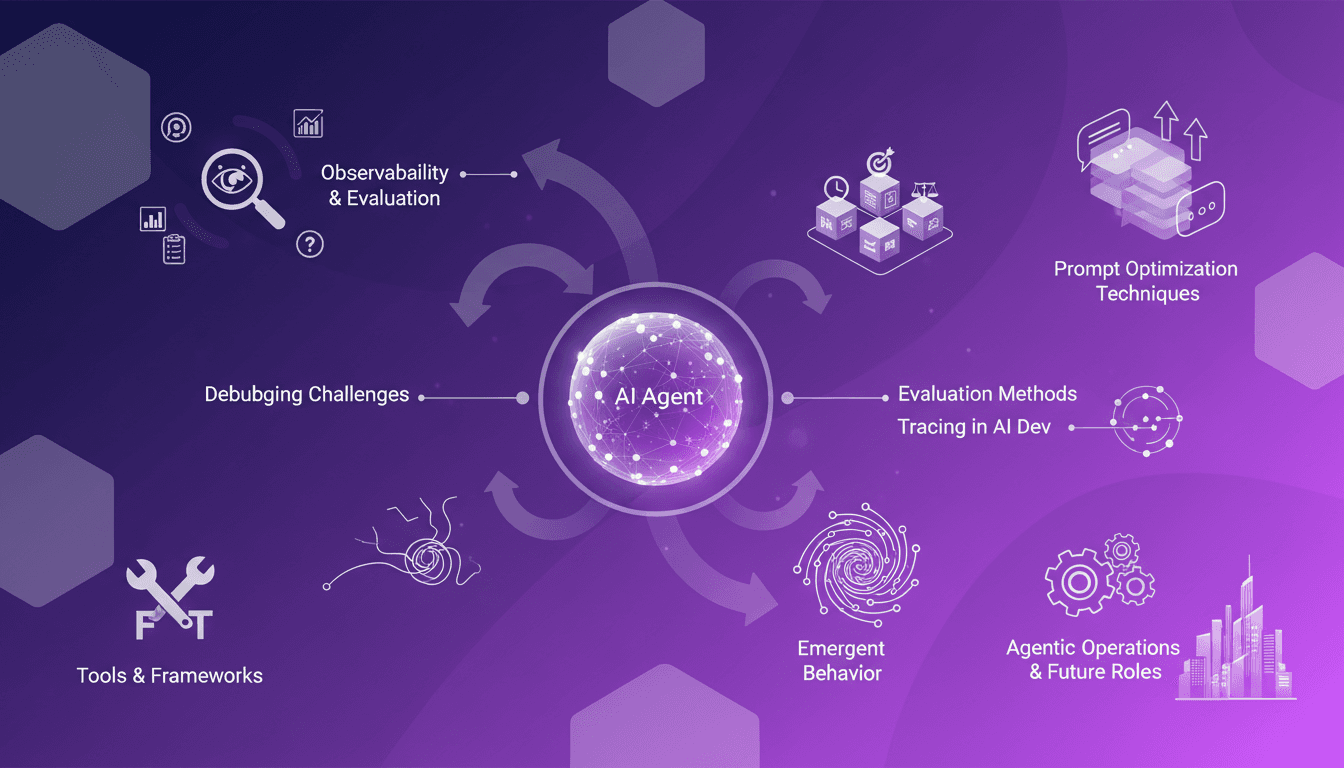
I remember the first time I got burned by non-deterministic errors in AI agents. Debugging felt like chasing shadows. But then I discovered the power of agent observability, and everything changed. In this article, I'll walk you through how agent observability can transform your debugging and evaluation processes, making them more efficient and reliable. We'll dive into the challenges of debugging AI agents, methods of evaluation, and the crucial role of tracing in AI development. If you're like me, you know that optimizing prompts and understanding emergent behavior are key, especially when it comes to agentic operations and future roles of these technologies. Get ready to discover tools and frameworks that will revolutionize your workflow.
LLMs Optimization: RLVR and OpenAI's API
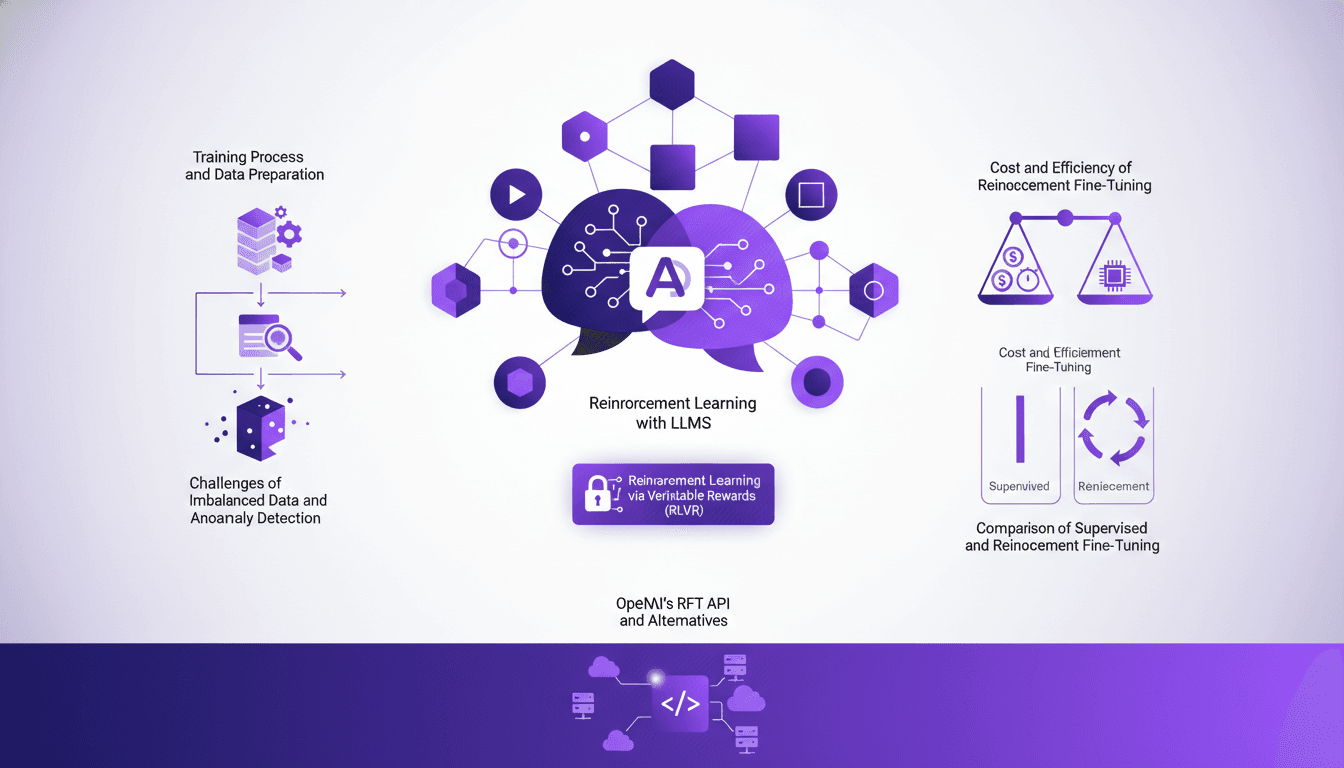
I've been knee-deep in fine-tuning large language models (LLMs) using Reinforcement Learning via Verifiable Rewards (RLVR). This isn't just theory; it's a game of efficiency and cost, with OpenAI’s RFT API as my main tool. In this tutorial, I'll walk you through how I make it work. We're diving into the training process, tackling imbalanced data, and comparing fine-tuning methods, all while keeping a close eye on costs. This is our third episode on reinforcement learning with LLMs, and we'll also discuss OpenAI's RFT API alternatives. Quick heads up: at $100 per hour, it escalates fast!
Reinforcement Learning for LLMs: New AI Agents
I remember the first time I integrated reinforcement learning into training large language models (LLMs). It was 2022, and with the development of ChatGPT fresh in my mind, I realized this was a real game-changer for AI agents. But be careful—there are trade-offs to consider. Reinforcement learning is revolutionizing how we train LLMs, offering new ways to enhance AI agents. In this article, I'll take you through my journey with RL in LLMs, sharing practical insights and lessons learned. I'm diving into reinforcement learning with human feedback (RLHF), AI feedback (RLIF), and verifiable rewards (RLVR). Get ready to explore how these approaches are transforming the way we design and train AI agents.