Managing Parallel Tasks with Codex
I remember when I first stumbled upon worktrees in the Codex app. It was like discovering a hidden toolkit that changed how I managed tasks. Now, I juggle multiple projects without losing my mind. In our fast-paced software engineering world, efficient task management is crucial. Codex's worktrees offer a unique way to save time and boost productivity. Let me walk you through how I leverage this feature daily, and how it integrates seamlessly with tools like VS Code and Figma.
I remember when I first stumbled upon worktrees in the Codex app. It was like discovering a hidden toolkit that changed how I managed tasks. Suddenly, juggling multiple projects wasn't a nightmare anymore. As a software engineer, I know how crucial efficient task management is in our fast-paced world. Codex's worktrees have allowed me to manage tasks in parallel and boost productivity. No bullshit here, just a method that works. Imagine being able to switch between projects without losing your train of thought. And when you can integrate this with tools like VS Code and Figma, it's a real game changer. But watch out, the feature to sort pinned tasks is still missing. Yet, with a bit of strategy, these worktrees can transform how you work. Let's dive into this method together and see how it can boost your efficiency.
Understanding Worktrees in Codex
The introduction of worktrees in the Codex app has been a game changer for managing multiple tasks without losing context. These isolated environments are ideal for juggling projects without interference. But setting them up requires a bit of planning, especially if you find yourself constantly shifting from one task to another.
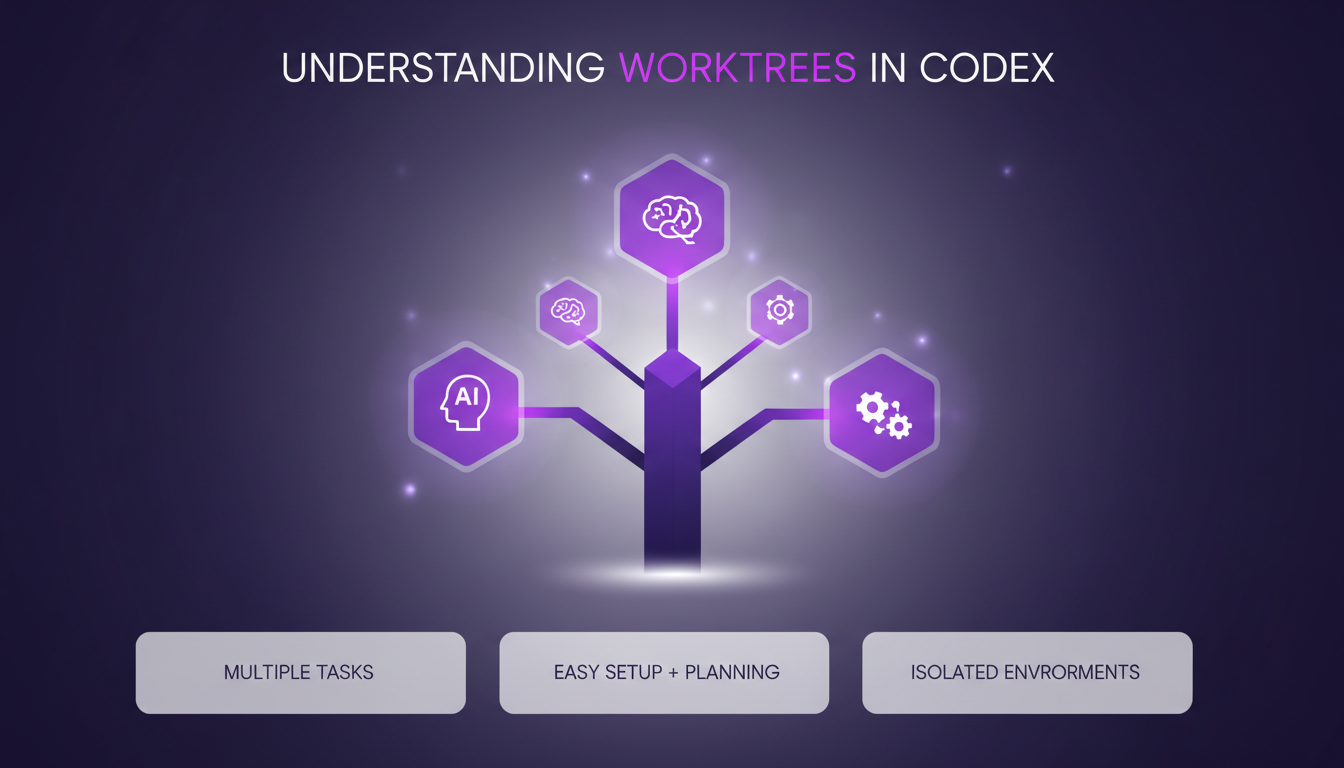
Watch out, though—if not organized properly, worktrees can become chaotic. They let you delegate more work, but the key is to stay methodical.
- Advantage: Manage multiple tasks simultaneously without losing context.
- Warning: Requires rigorous organization to avoid confusion.
Managing Tasks in Parallel
Using worktrees to juggle tasks across different projects has been a paradigm shift for me. For example, while Codex is working on the VS Code extension, I can continue improving other features. This parallel task management significantly reduces downtime and boosts productivity.
One feature I wish Codex had is the ability to sort pinned tasks, similar to how we can sort workspaces. It would simplify task management even more.
- Pro-tip: Don't overuse worktrees to avoid diluting your focus.
- Tip: Clearly identify priority tasks to maximize focus.
Impact of Worktrees on Software Engineering
Worktrees have a direct impact on workflow by reducing context switching time. I've noticed a significant improvement in code quality as I can focus on the overall architecture rather than individual lines of code.
In teams, introducing worktrees requires some initial learning, but once mastered, they greatly facilitate collaboration. The impact is notable, but beware of the initial learning curve.
- Advantage: Reduced context switching time.
- Limit: Learning curve for new users.
Effective Context Switching for Productivity
Context switching can be a real productivity killer if not managed well. Worktrees help maintain mental focus when switching tasks. I've found setting clear boundaries for each worktree essential.
Sometimes, it's faster to wrap up a task before switching to another. This approach has helped me avoid unnecessary interruptions and maintain a smooth workflow.
- Strategy: Set clear stopping points before switching tasks.
- Tip: Assess opportunity cost before changing tasks.
Integrating Codex with VS Code and Figma
Integrating Codex with VS Code is a real asset for enhancing coding efficiency. Similarly, using Figma alongside Codex streamlines design tasks. Although setting up these integrations requires some initial time, the investment is worth it in the long run.
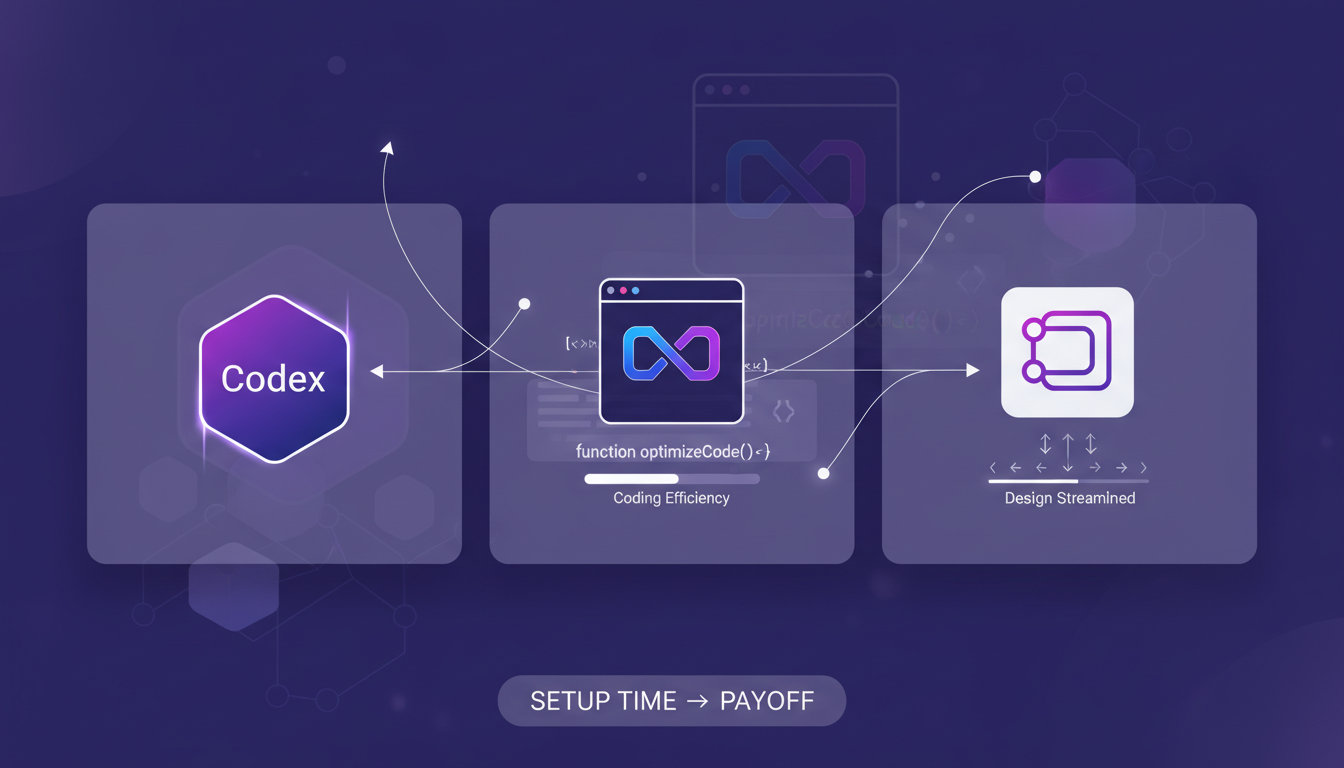
These integrations open the door to improved cross-platform workflows, which is a significant advantage in our increasingly connected world.
- Benefit: Improved cross-platform workflows.
- Investment: Initial setup time offset by increased efficiency.
For a deeper dive into these concepts, check out this article on AI's transformative impact on software engineering or explore OpenAI's worktrees for developers.
Using Codex worktrees has completely changed how I handle tasks. First, being able to tackle multiple tasks simultaneously without constant context switching is a huge win. It cuts down interruptions significantly. Then, even though there's a learning curve and some limitations (like the current inability to sort pin tasks), the productivity boost makes it all worthwhile. Finally, I highly recommend integrating Codex with your current tools to see how it can elevate your workflow. Efficiency is key in our field. These worktrees are a true game changer, but don't underestimate the time it takes to master them. For a deeper dive into these ideas, check out the original video 'Multitasking with the Codex app' on YouTube. It's packed with practical tips!
Frequently Asked Questions

Thibault Le Balier
Co-fondateur & CTO
Coming from the tech startup ecosystem, Thibault has developed expertise in AI solution architecture that he now puts at the service of large companies (Atos, BNP Paribas, beta.gouv). He works on two axes: mastering AI deployments (local LLMs, MCP security) and optimizing inference costs (offloading, compression, token management).
Related Articles
Discover more articles on similar topics
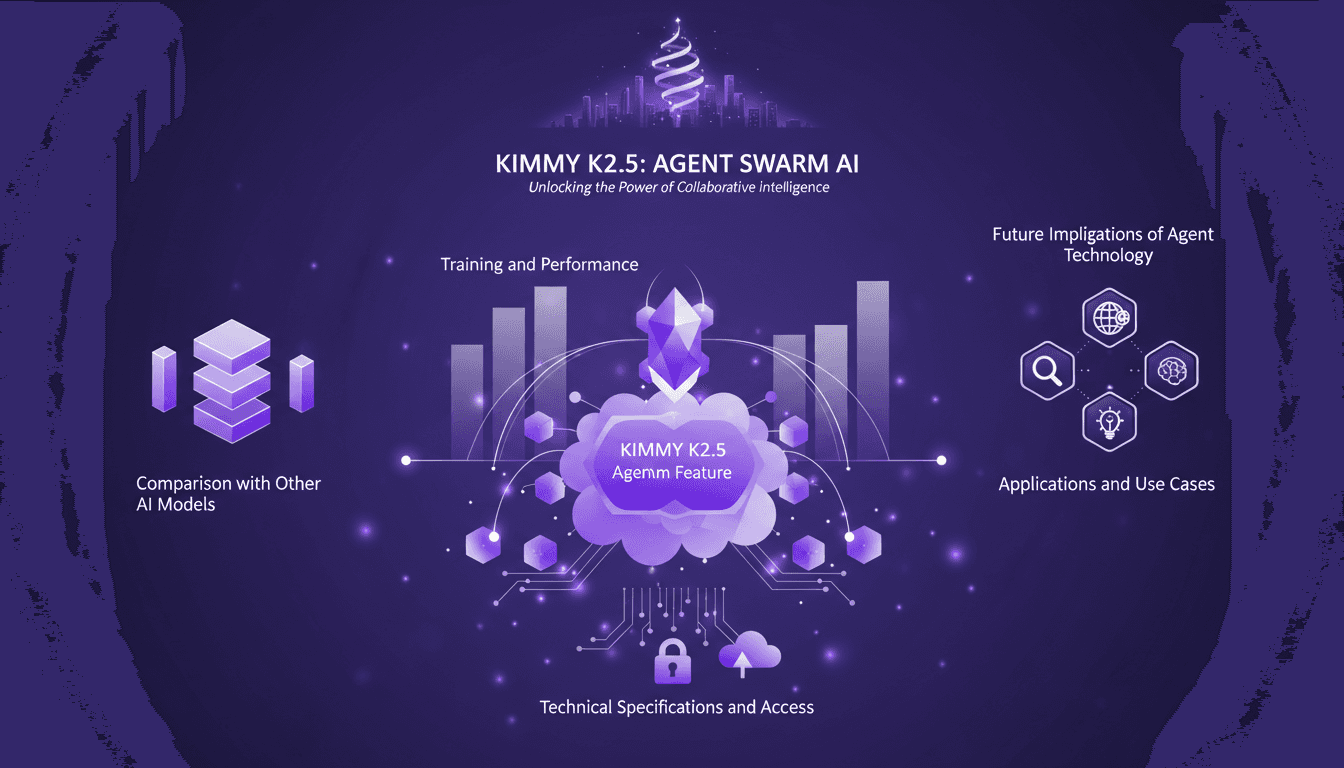
Kimmy K2.5: Mastering the Agent Swarm
I remember the first time I dove into the Kimmy K2.5 model. It was like stepping into a new AI era, where the Agent Swarm feature promised to revolutionize parallel task handling. I've spent countless hours tweaking, testing, and pushing this model to its limits. Let me tell you, if you know how to leverage it, it's a game-changer. With 15 trillion tokens and the ability to manage 500 coordinated steps, it's an undisputed champion. But watch out, there are pitfalls. Let me walk you through harnessing this powerful tool, its applications, and future implications.
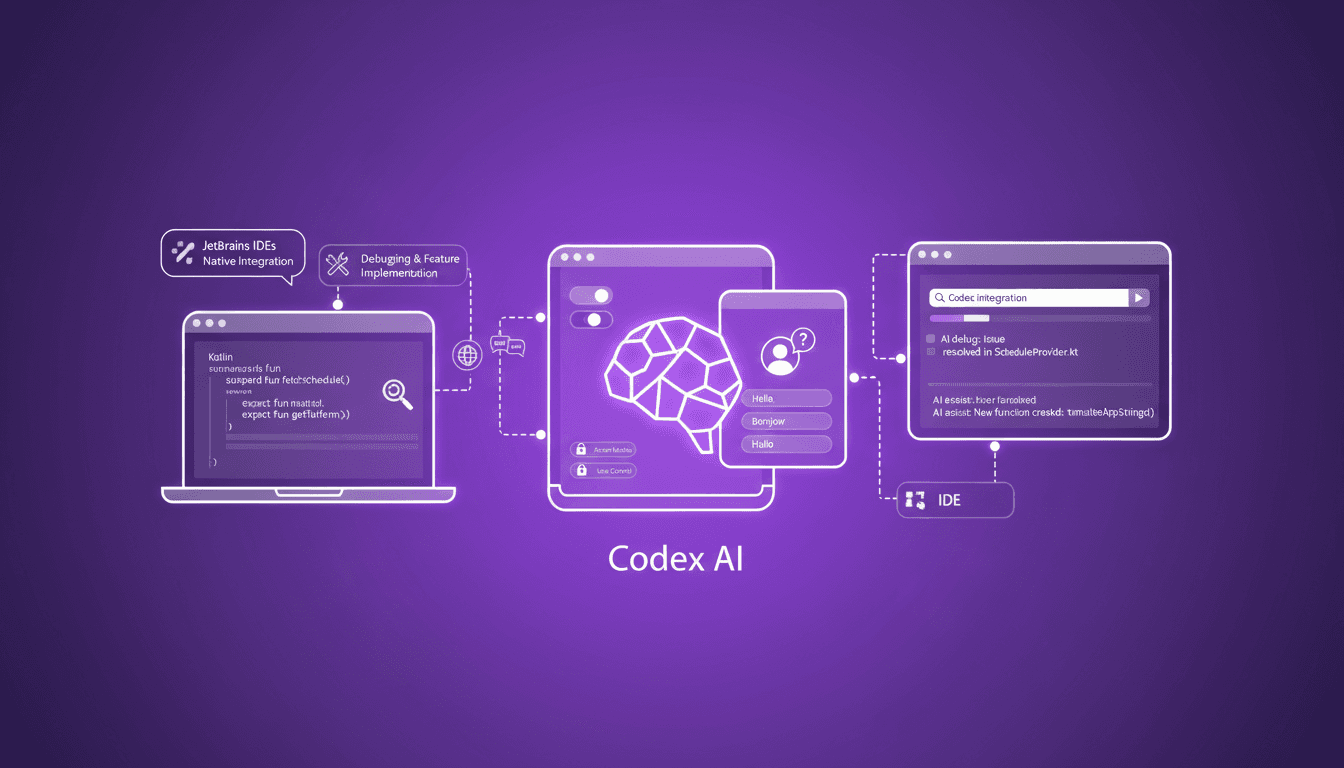
Codex Integration in JetBrains IDEs
I've been knee-deep in JetBrains IDEs, and integrating Codex has been a game changer for my Kotlin projects. Here's the thing: first, I'll walk you through the setup process, then we'll dive into how it has streamlined my workflow. Whether you're debugging or implementing new features, Codex is here to help. For a multi-platform conference app that runs on mobile, web, and desktop, Codex makes life easier. I'll also show you how we handle localization tasks and how Codex integrates natively with JetBrains products. Simply put, if you haven't yet explored how Codex can boost your productivity, now's the time to dive in.
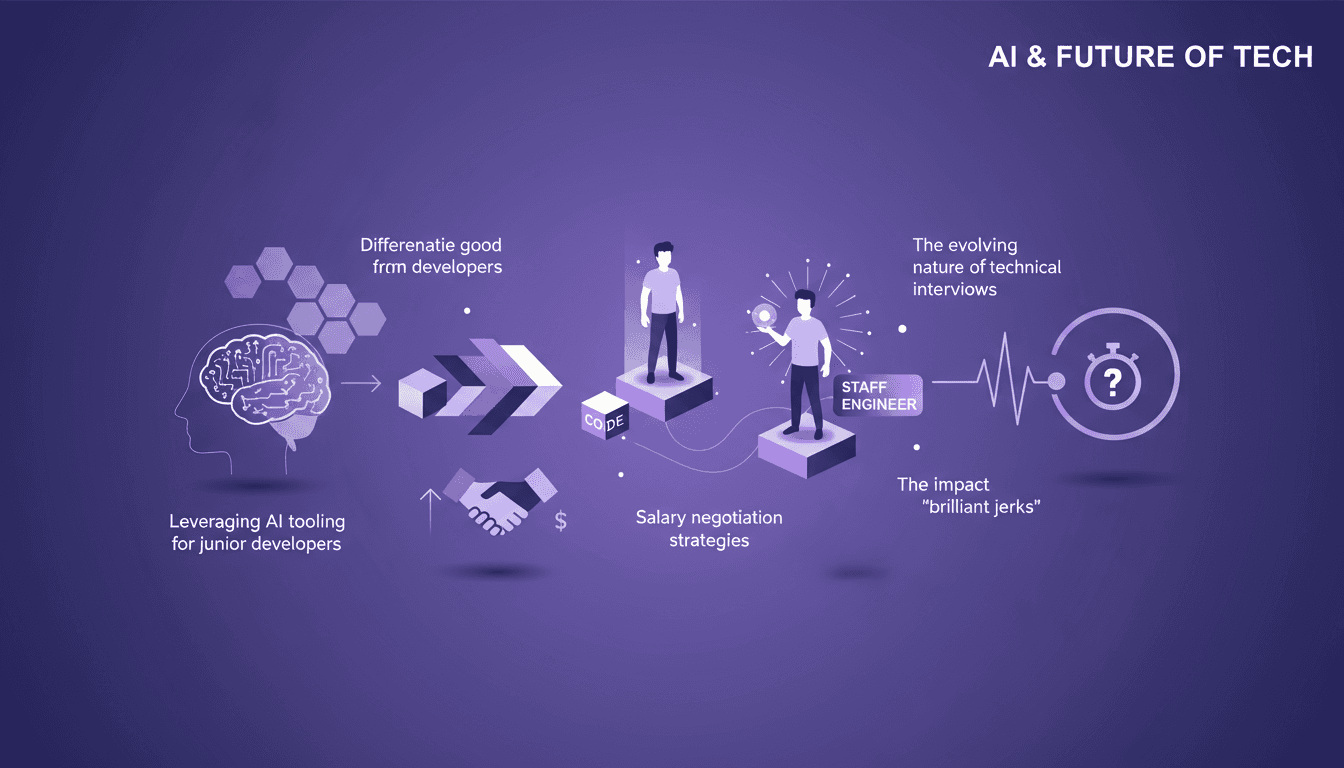
Mastering AI in Coding: Key Skills to Develop
I've been in the trenches, watching AI transform how we code. It's not just about lines of code anymore; it's about leveraging AI to elevate junior devs and redefine what it means to be a great developer. With AI tooling becoming more prevalent, the landscape of technical skills and team dynamics is shifting quickly. How are these changes impacting developers, and which skills truly matter? Let's dive into leveraging AI tools, evolving technical interviews, and why continuous learning and soft skills are more crucial than ever.
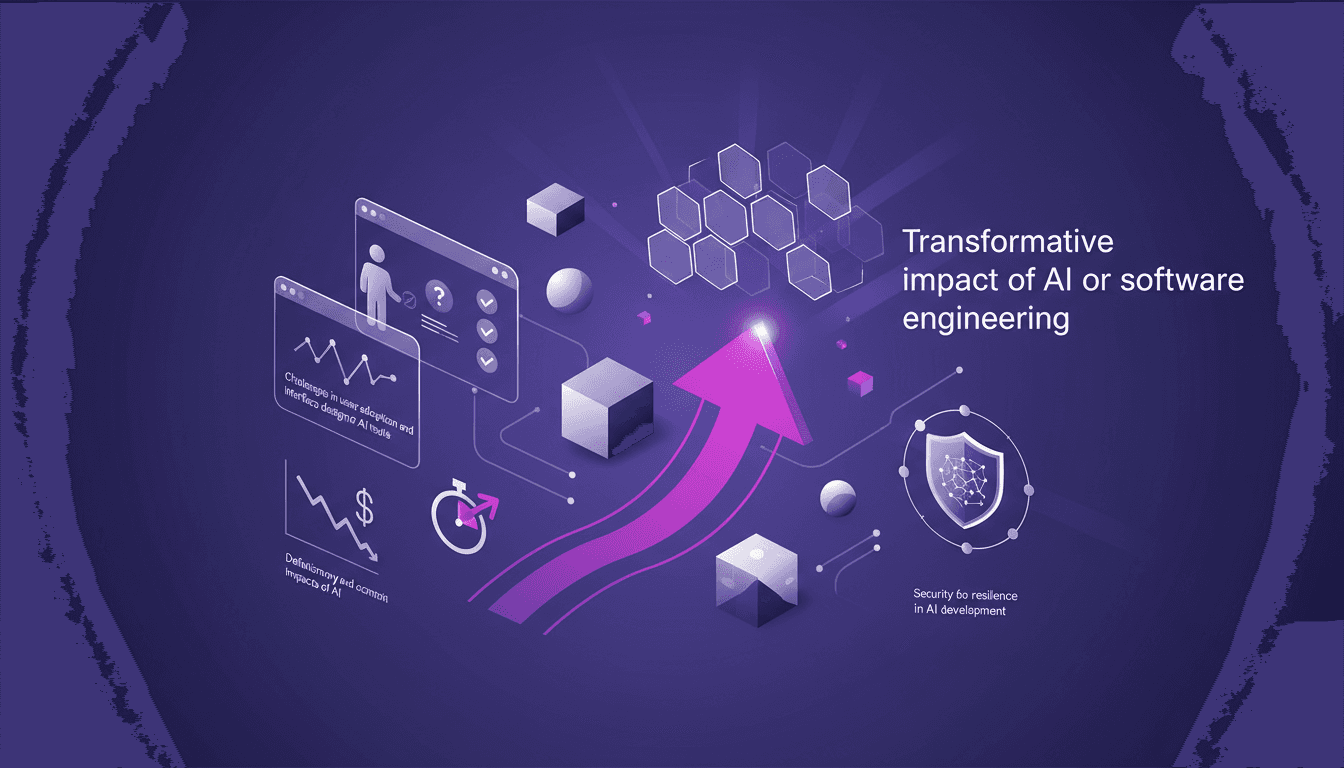
AI's Transformative Impact on Software Engineering
I vividly remember the first time I integrated AI into my software engineering workflow. It felt like moving from a bicycle to a jet. But let's be honest, it's not all smooth sailing. Navigating AI's transformative impact requires overcoming user adoption hurdles and understanding the trade-offs between generalized and specialized models. In the OpenAI Town Hall with Sam Altman, we dive into how AI is revolutionizing software engineering, the challenges, and the real gains in efficiency and cost. From cost reduction to personalization and deflationary economic impacts, it's about steering this tech smartly. But watch out, every technical choice comes with its own limits and constraints. Let's dive into what's genuinely useful and what's just noise.
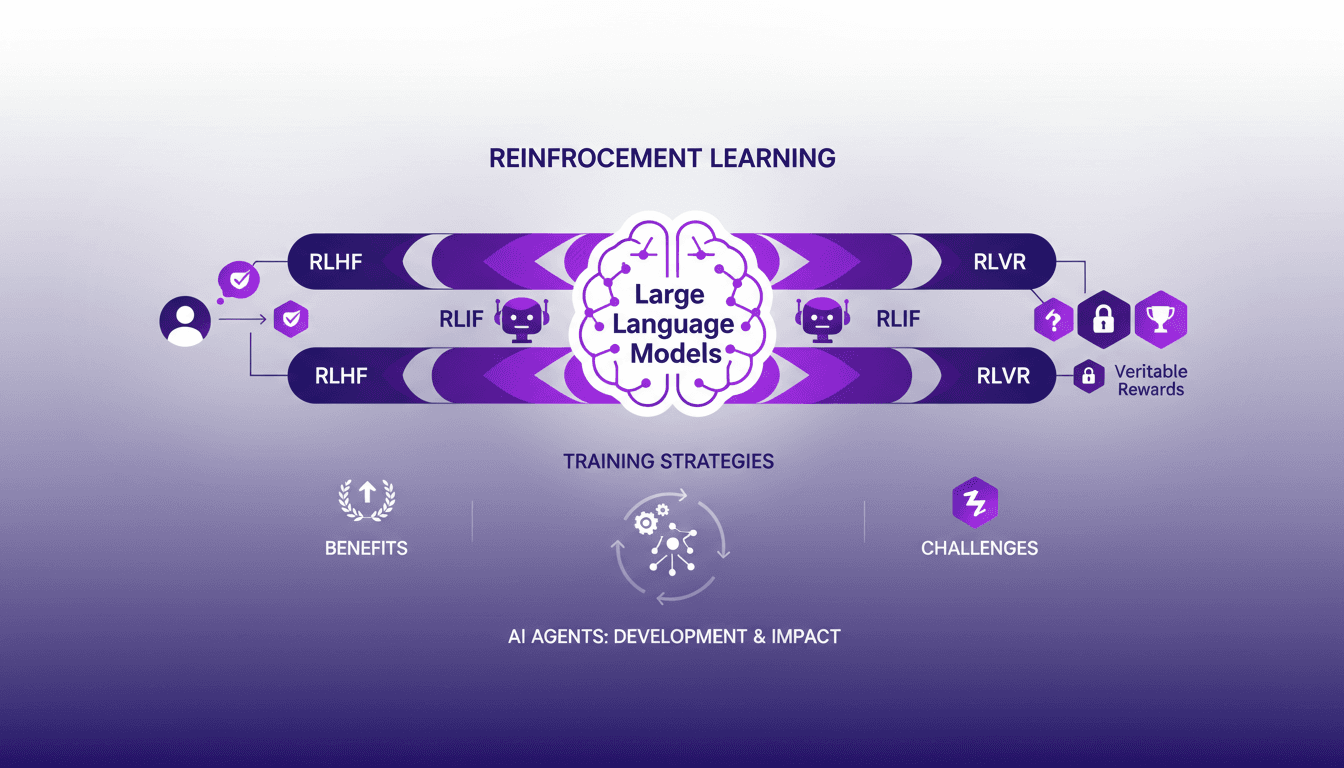
Reinforcement Learning for LLMs: New AI Agents
I remember the first time I integrated reinforcement learning into training large language models (LLMs). It was 2022, and with the development of ChatGPT fresh in my mind, I realized this was a real game-changer for AI agents. But be careful—there are trade-offs to consider. Reinforcement learning is revolutionizing how we train LLMs, offering new ways to enhance AI agents. In this article, I'll take you through my journey with RL in LLMs, sharing practical insights and lessons learned. I'm diving into reinforcement learning with human feedback (RLHF), AI feedback (RLIF), and verifiable rewards (RLVR). Get ready to explore how these approaches are transforming the way we design and train AI agents.