Running Deepseek OCR on Cloud GPU: A Hands-On Guide
I've been diving into OCR solutions for a while, but when I ran Deepseek OCR on a cloud GPU, things got real. In this hands-on guide, I'll walk you through how I set it up using Data Crunch and why it's a game changer for privacy and sustainability. We'll dig into configuration, costs, and how to optimize your GPU usage. With Deepseek OCR, we're talking about an open-source tool that's perfect for medical transcription and handwriting recognition. I'll share the technical steps on Jupyter Lab and how to effectively manage instances to maximize your ROI.
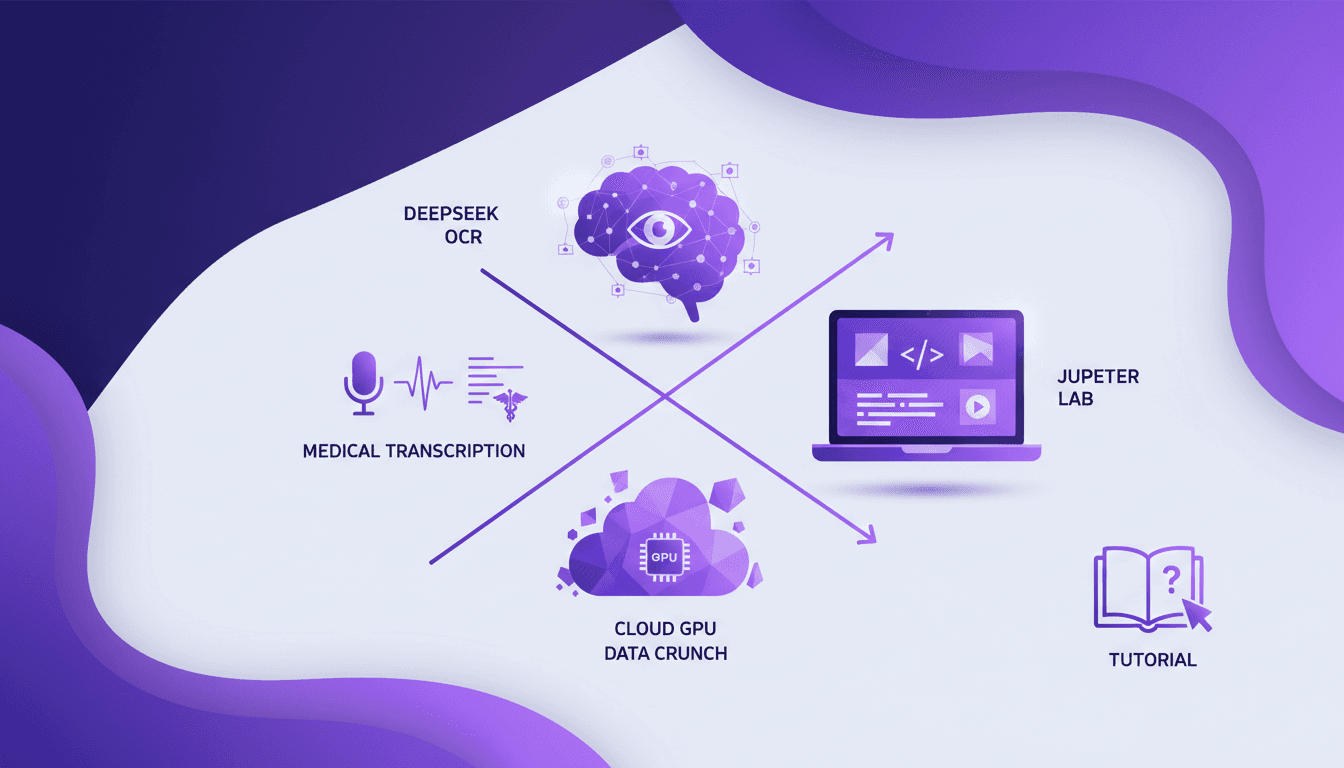
I've been diving into OCR solutions for a while, but when I ran Deepseek OCR on a cloud GPU, things got real. Why? Because it let me combine performance, privacy, and sustainability like never before. First, I connected to Data Crunch, which kindly offered $75 credit (thank you, promo code!), and I kicked off with a 16GB Tesla V100 instance. This isn't just theoretical talk, it's hands-on, and believe me, it makes a difference. We'll talk about how to set up Deepseek OCR effectively for tasks like medical transcription and handwriting recognition. You'll see, we can manage GPU costs smartly by orchestrating our instances. And for those interested in open source, Deepseek OCR is a model to follow. Join me as we explore these technical steps on Jupyter Lab and, crucially, how to maximize your cloud investment.
Setting Up Deepseek OCR on Data Crunch
First, I created an account on Data Crunch and took advantage of their $75 signup bonus. It's a great perk to get started. Then, I selected a Tesla V100 instance with 16GB memory and 100GB storage — perfect for heavy OCR tasks. The setup costs less than 20 cents per hour, which is unbeatable for the performance you get. But watch out, if you're processing thousands of documents, storage limits can quickly become a hurdle to manage.
Running Deepseek OCR: Technical Workflow
I launched Jupyter Lab on the instance to manage my OCR tasks. Deepseek OCR integrates with VLM, significantly enhancing document processing capabilities. I demonstrated OCR on sample documents, and the real-time results were impressive. The key here is managing the instance well to optimize costs. Don't leave the instance running unnecessarily, as it can add up quickly.
Cost Management and Optimization Strategies
Managing instance uptime is crucial — turn off when not in use to save costs. For high-volume tasks (10,000+ documents), consider using A100s or H100s for better performance. Data Crunch's pricing is competitive, but always balance cost versus performance needs. Additionally, privacy and sustainability benefits align well with GDPR standards.
Applications and Future of Deepseek OCR
Deepseek OCR excels in medical transcription and handwriting recognition. The open-source model and technical paper offer opportunities for customization. Future updates could enhance capabilities further — it's worth keeping an eye on. Community contributions are encouraged for continuous improvement.
Technical Challenges and Trade-offs
Initial setup can be complex, but follow the steps closely for smooth execution. Performance can dip if storage or memory limits are exceeded — plan accordingly. Balancing cost and performance is a constant trade-off — monitor your usage. Stay updated with Data Crunch's offerings for potential cost-saving features.
So, I dove into Deepseek OCR on a cloud GPU like Data Crunch, and honestly, it's a game changer for performance and cost-efficiency. Here's what I learned:
- Outstanding Performance: The Tesla V100 machine with its 16GB memory does an incredible job on heavy OCR tasks. But watch out for the costs if you don't manage your usage time well.
- Cost-effectiveness: With the $75 offered by Data Crunch when signing up with a promo code, it's a great chance to test without too much risk.
- Capacity and Storage: The 100GB allocated is more than enough for medium-sized projects, but if you're aiming bigger, plan your storage needs.
Looking ahead, I see huge potential to extend these capabilities to other applications. Setting up on cloud GPU is the future if we know how to optimize it.
I encourage you to set up your own instance and explore what Deepseek OCR can do. Share your experiences, and let's push the boundaries of OCR technology together. For a detailed walkthrough on setting it all up, check out the full video on YouTube here.
Frequently Asked Questions

Thibault Le Balier
Co-fondateur & CTO
Coming from the tech startup ecosystem, Thibault has developed expertise in AI solution architecture that he now puts at the service of large companies (Atos, BNP Paribas, beta.gouv). He works on two axes: mastering AI deployments (local LLMs, MCP security) and optimizing inference costs (offloading, compression, token management).
Related Articles
Discover more articles on similar topics
Nano Banana Hackathon: Strategies and Tips
I dove headfirst into the Nano Banana Hackathon, and let me tell you, it's a wild ride. With just 48 hours on the clock and fierce competition from 99 other participants, I had to act fast. In this high-stakes event, the right strategy can earn you significant API credits and valuable recognition. I'm breaking down how I navigated the chaos, aiming for a spot in the top 50. We'll explore the prizes, tools like the Gemini 2.5 Flash Image Preview API, and how I optimized my chances despite the tough judging criteria. Let's dive into the strategies and tips that can turn this experience into a real springboard.
Continual Learning with Deep Agents: My Workflow
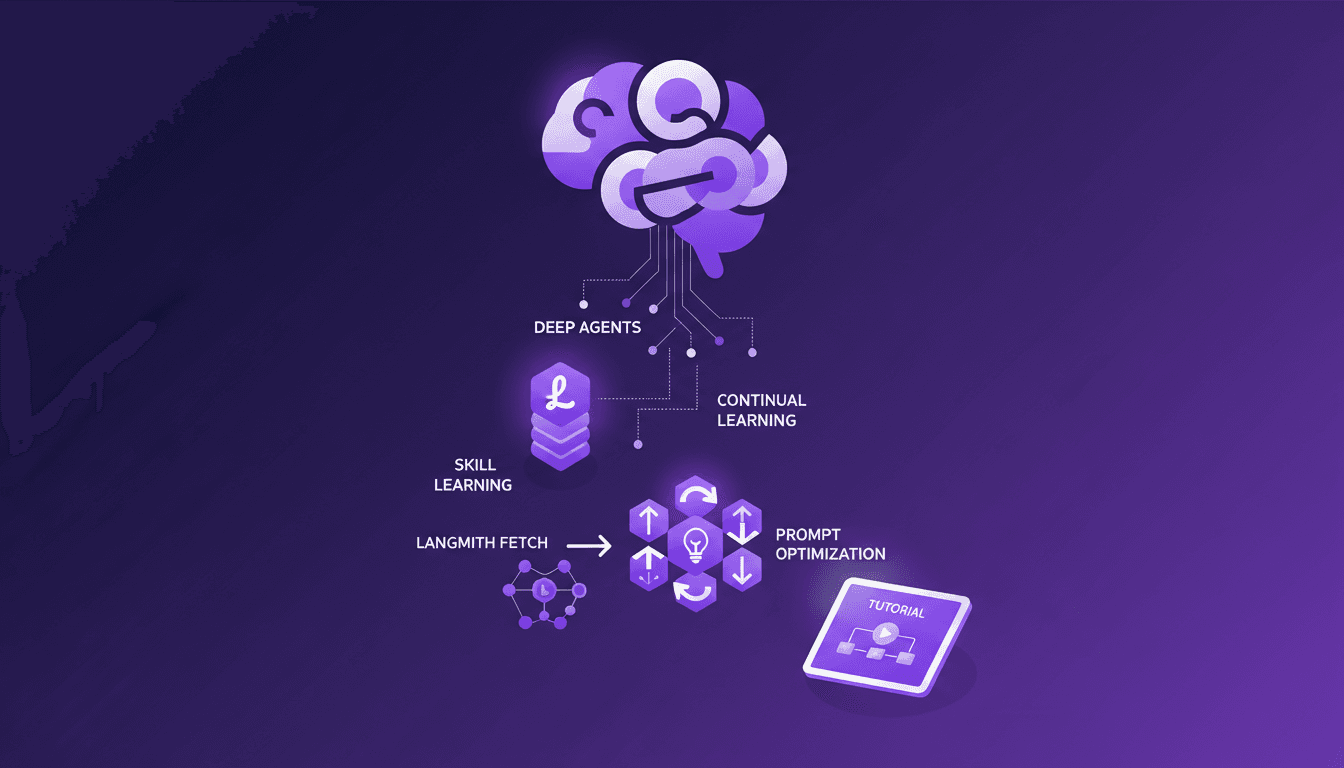
I jumped into continual learning with deep agents, and let me tell you, it’s a game changer for skill creation. But watch out, it's not without its quirks. I navigated the process using weight updates, reflections, and the Deep Agent CLI. These tools allowed me to optimize skill learning efficiently. In this article, I share how I orchestrated the use of deep agents to create persistent skills while avoiding common pitfalls. If you're ready to dive into continual learning, follow my detailed workflow so you don't get burned like I did initially.
Continual Learning with Deepagents: A Complete Guide
Imagine an AI that learns like a human, continuously refining its skills. Welcome to the world of Deepagents. In the rapidly evolving AI landscape, continual learning is a game-changer. Deepagents harness this power by optimizing skills with advanced techniques. Discover how these intelligent agents use weight updates to adapt and improve. They reflect on their trajectories, creating new skills while always seeking optimization. Dive into the Langmith Fetch Utility and Deep Agent CLI. This complete guide will take you through mastering these powerful tools for an unparalleled learning experience.
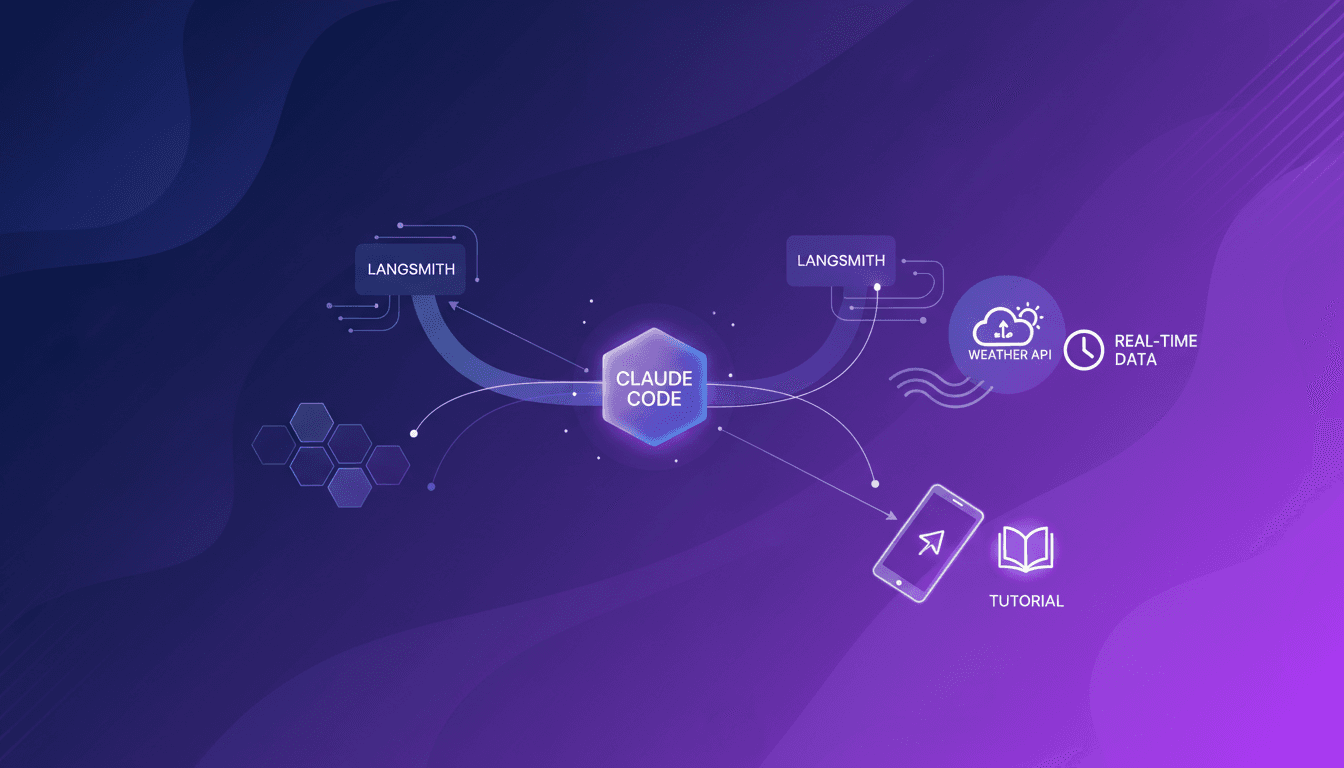
Integrate Claude Code with LangSmith: Tutorial
I remember the first time I tried to integrate Claude Code with LangSmith. It felt like trying to fit a square peg into a round hole. But once I cracked the setup, the efficiency gains were undeniable. In this article, I'll walk you through the integration of Claude Code with LangSmith, focusing on tracing and observability. We’ll use a practical example of retrieving real-time weather data to show how these tools work together in a real-world scenario. First, I connect Claude Code to my repo, then configure the necessary hooks. Watch out, tracing can quickly become a headache if poorly orchestrated. But when well piloted, the business impact is direct and impressive.
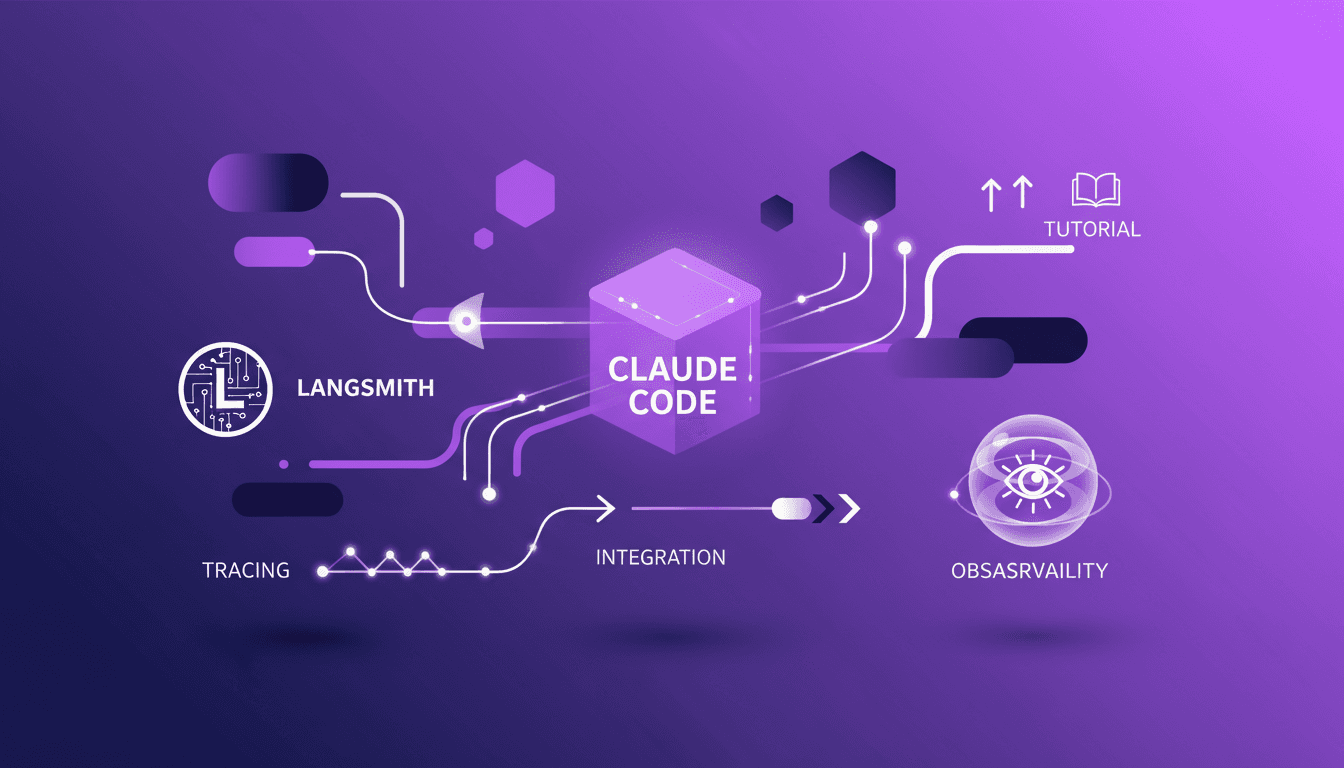
Claude Code-LangSmith Integration: Complete Guide
Step into a world where AI blends seamlessly into your workflow. Meet Claude Code and LangSmith. This guide reveals how these tools reshape your tech interactions. From tracing workflows to practical applications, master Claude Code's advanced features. Imagine fetching real-time weather data in just a few lines of code. Learn how to set up this powerful integration and leverage Claude Code's hooks and transcripts. Ready to revolutionize your digital routine? Follow the guide!