Exploring Gemma 4: Google's Multimodal Model
I just got my hands on Gemma 4, Google's latest AI model, and it's a true multimodal powerhouse! I've started testing it on my mobile devices, and honestly, it's impressive. It's not just about flashy tech; it's about practical applications and efficiency, even on older devices like the Pixel 8. Imagine planning your next trip with an AI that understands not just text but images and voice as well: that's what Gemma 4 promises. I was pleasantly surprised by its performance on older devices. In this tutorial, I'll show you how to make the most of Gemma 4 with the Google AI Edge Gallery. Ready to see how it works?
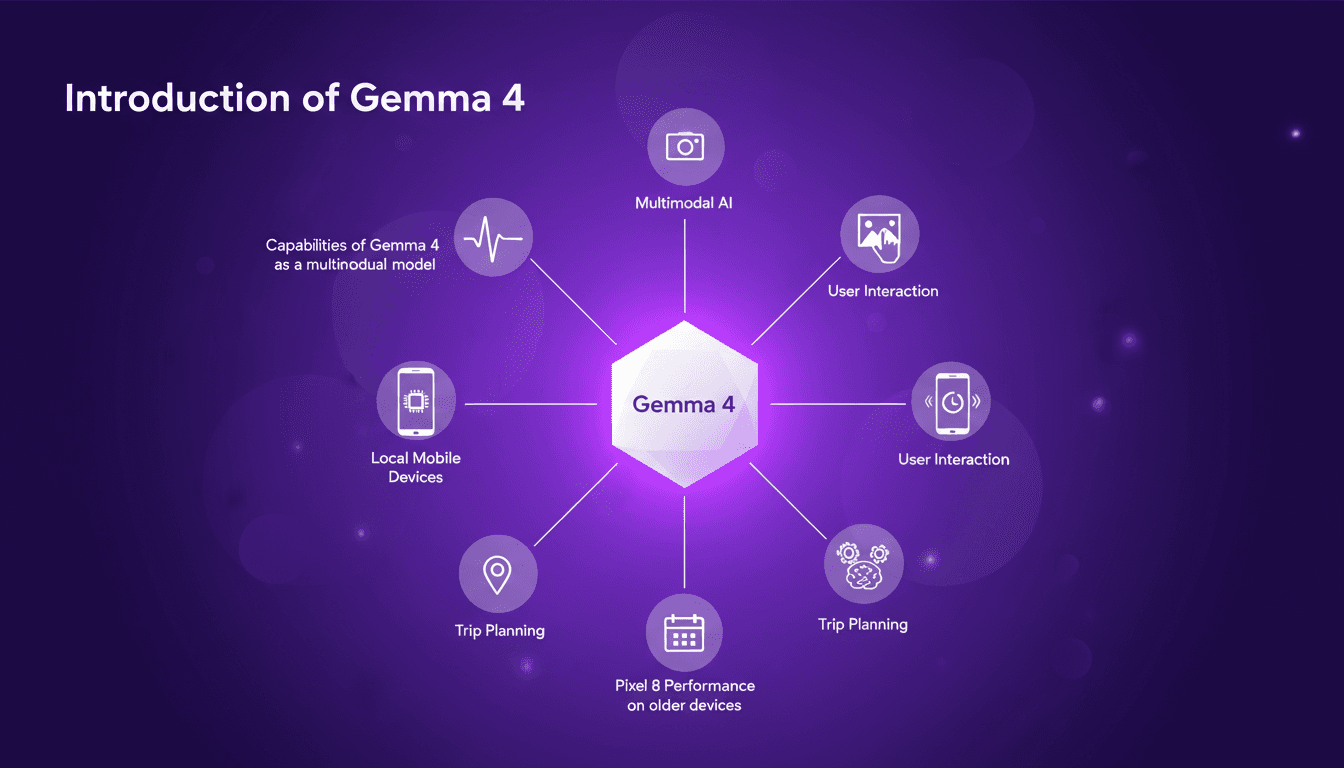
I just got my hands on Gemma 4, Google's latest AI model, and let me tell you, it's a true multimodal powerhouse. You know, it's not just about flashy tech; it's about practical applications. I immediately started testing it on my mobile devices, and even on an old Pixel 8, it runs like a charm! With Gemma 4, we're talking about understanding text, images, and voice simultaneously—a huge advantage for tasks like trip planning. I integrated it with the Google AI Edge Gallery to really see what it's capable of. And watch out, even though it processes 12 tokens per second, it doesn't heat up your battery much. In this video, I'll show you how you can harness all the potential of Gemma 4, even on not-so-new devices. Ready to see what it can do?
Understanding Gemma 4's Multimodal Capabilities
Gemma 4, Google's latest open model, is a game-changer in data processing. As a multimodal model, it simultaneously processes multiple data types, making it particularly efficient for complex tasks. Imagine integrating Gemma 4 into your applications, orchestrating textual, visual, and even auditory data all at once. It's a real time-saver for us developers juggling multiple formats.
But watch out for the token limits. With a processing capability of 12 tokens per second, you can quickly hit constraints in some applications. This is crucial to consider when planning demanding projects, like trip planning or multimedia processing. In these contexts, Gemma 4 offers a real advantage, but resource management needs to be optimized.
Running Gemma 4 Locally on Mobile Devices
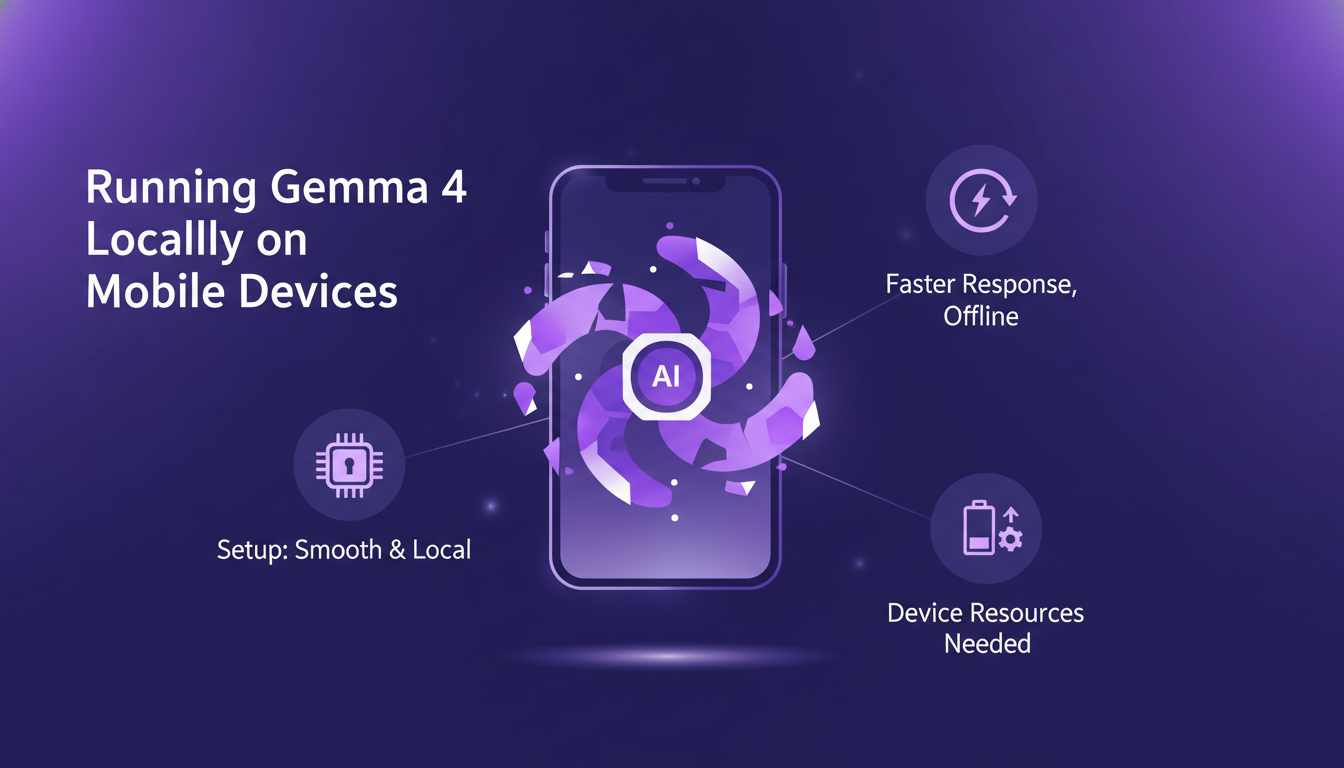
Setting up Gemma 4 on my mobile was surprisingly smooth. Running the model locally offers a significant advantage: faster response times and less reliance on the internet. It's like having a personal assistant always at hand, ready to respond instantly.
However, it demands significant device resources. On an old Pixel 8, the model runs, but performance is reduced. Be prepared for a substantial battery impact and slowdowns during intensive tasks.
Interacting with Gemma 4 via Google AI Edge Gallery
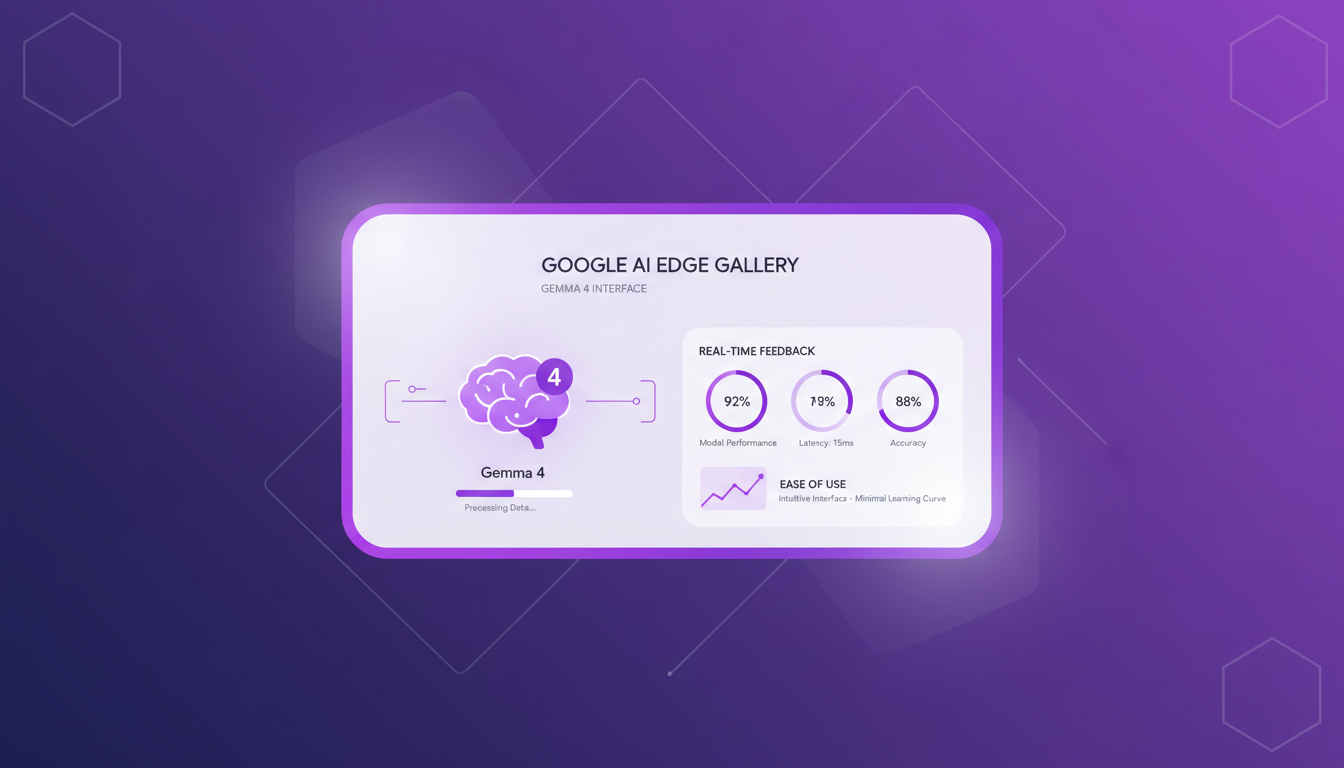
The Google AI Edge Gallery tool greatly simplifies interaction with Gemma 4. I found the interface intuitive, with a minimal learning curve. What's really handy is the real-time feedback on model performance, a crucial feature for those of us who like to fine-tune our AI models.
However, the cloud dependency can become a bottleneck, especially if your internet connection isn't stable. Despite this, for quick testing and AI model deployment, this tool is ideal.
Performance Insights: Gemma 4 on Older Devices
I tested Gemma 4 on a Pixel 8, and while it's manageable, it's not optimal. The main limitations are processing speed and memory usage. To maximize performance, I had to cut down background processes and manage app usage more strictly.
If you're in the same situation, consider upgrading your device to make the most out of Gemma 4. The challenge is finding a balance between performance and resource availability.
Practical Applications: Using Gemma 4 for Trip Planning
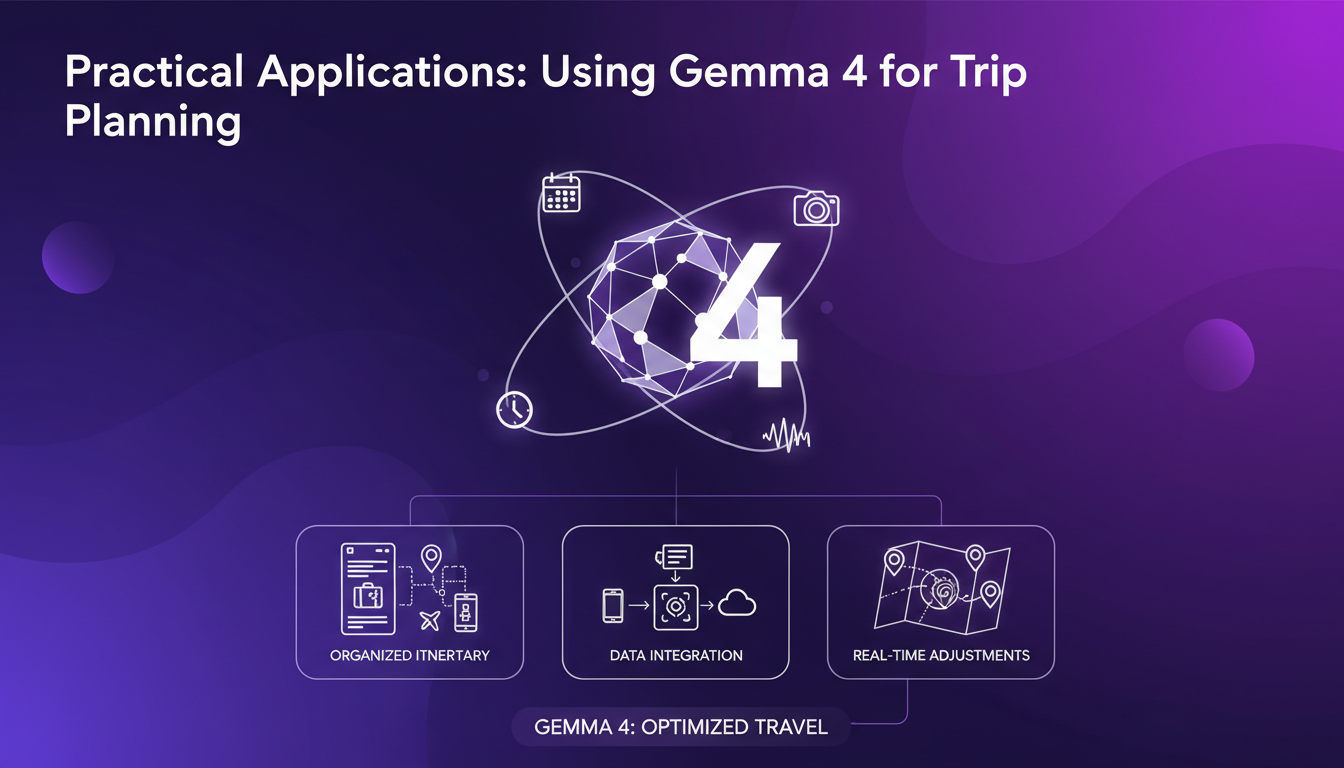
Gemma 4 excels in organizing and optimizing travel plans. Its multimodal capabilities seamlessly integrate data from various sources, offering real-time updates and adjustments that make planning dynamic.
Beware of data privacy concerns when integrating personal info. Efficiency gains are significant but require careful setup.
Gemma 4 is really a game changer for multimodal AI, especially when it comes to mobile use. But be mindful of device constraints and setup complexities – they can catch you off guard if you're not prepared. First, I ran Gemma 4 on my device, and I noticed it processes 12 tokens per second. That's fast! Then, I dived into the Google AI Edge Gallery, and that's where it clicked: the potential to streamline daily tasks using this tech is massive. But don't get carried away; every device has its limits, and they can bottleneck performance if you’re not careful about resources. Now, picture future use cases with Gemma 4 — that's where it gets exciting. Try running Gemma 4 on your device and explore the Google AI Edge Gallery. It's worth the effort. For more insights, I recommend watching the original video on Gemma 4: it’ll help you understand how to maximize its potential.
Frequently Asked Questions

Thibault Le Balier
Co-fondateur & CTO
Coming from the tech startup ecosystem, Thibault has developed expertise in AI solution architecture that he now puts at the service of large companies (Atos, BNP Paribas, beta.gouv). He works on two axes: mastering AI deployments (local LLMs, MCP security) and optimizing inference costs (offloading, compression, token management).
Related Articles
Discover more articles on similar topics
Deploying and Optimizing Gemma 4
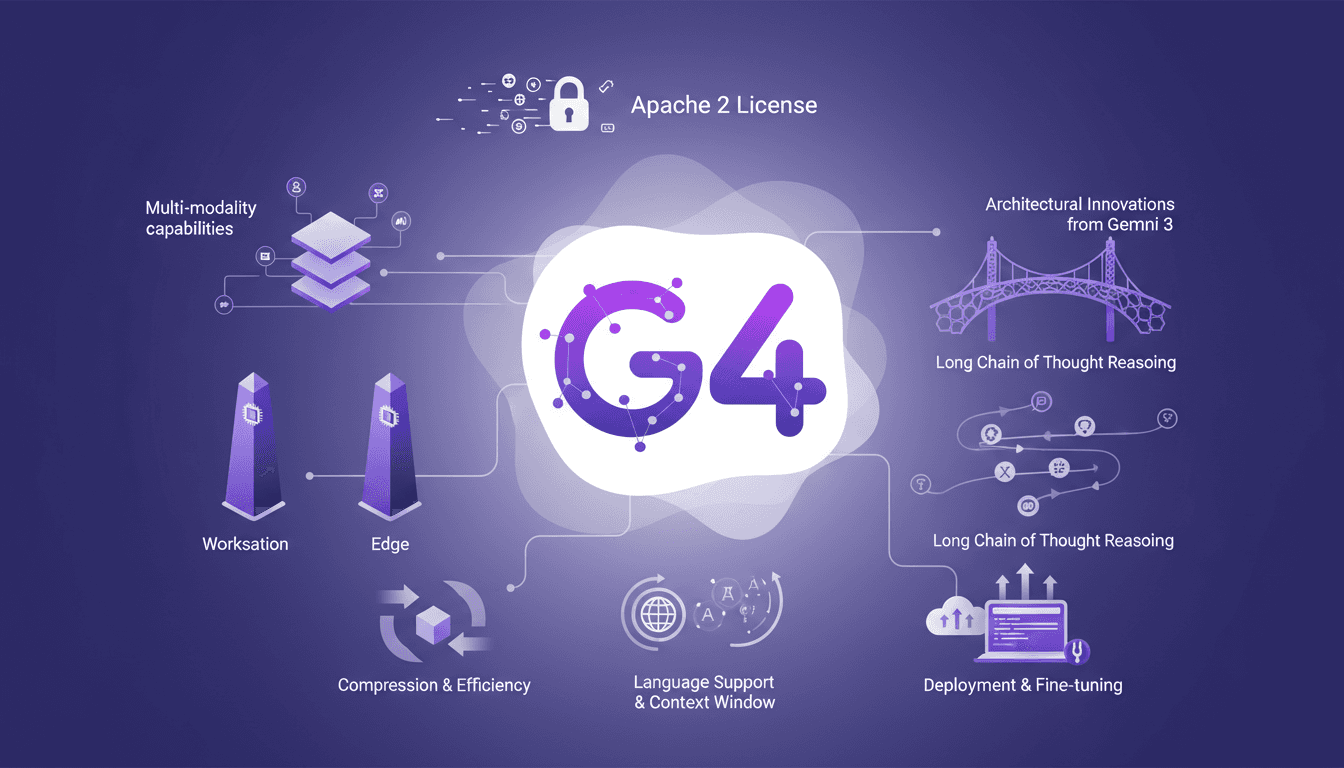
When Gemma 4 landed, I knew it was time to dive in. With its Apache 2 license, it's not just about access but what you can build. Let me walk you through my journey with Gemma 4, from deployment to fine-tuning. The new features, multi-modality capabilities, and architectural innovations from Gemini 3 are all here. But watch out, those 128K context windows and 26 billion parameters require real expertise to master. I'll share how I navigated these waters, from deploying Gemma models for workstations to optimizing for edge models.

AI Auto-Evolution: Towards Autonomy
I remember the first time I saw an AI tweak its own code. It was like watching a child learn to walk—thrilling and a bit terrifying. In this article, I'm diving into the world of AI self-improvement, where machines aren't just executing tasks but redefining their capabilities. With AI systems now capable of modifying their own source code, we're witnessing a shift in software evolution. This isn't just a theoretical leap; it's a practical reality impacting industries like e-commerce and automotive. Discover how this AI auto-evolution is transforming key players like Shopify, Stripe, and Tesla, and what it means for the future of AI-driven development.
Automate Anything with Claude: 4-Step Framework
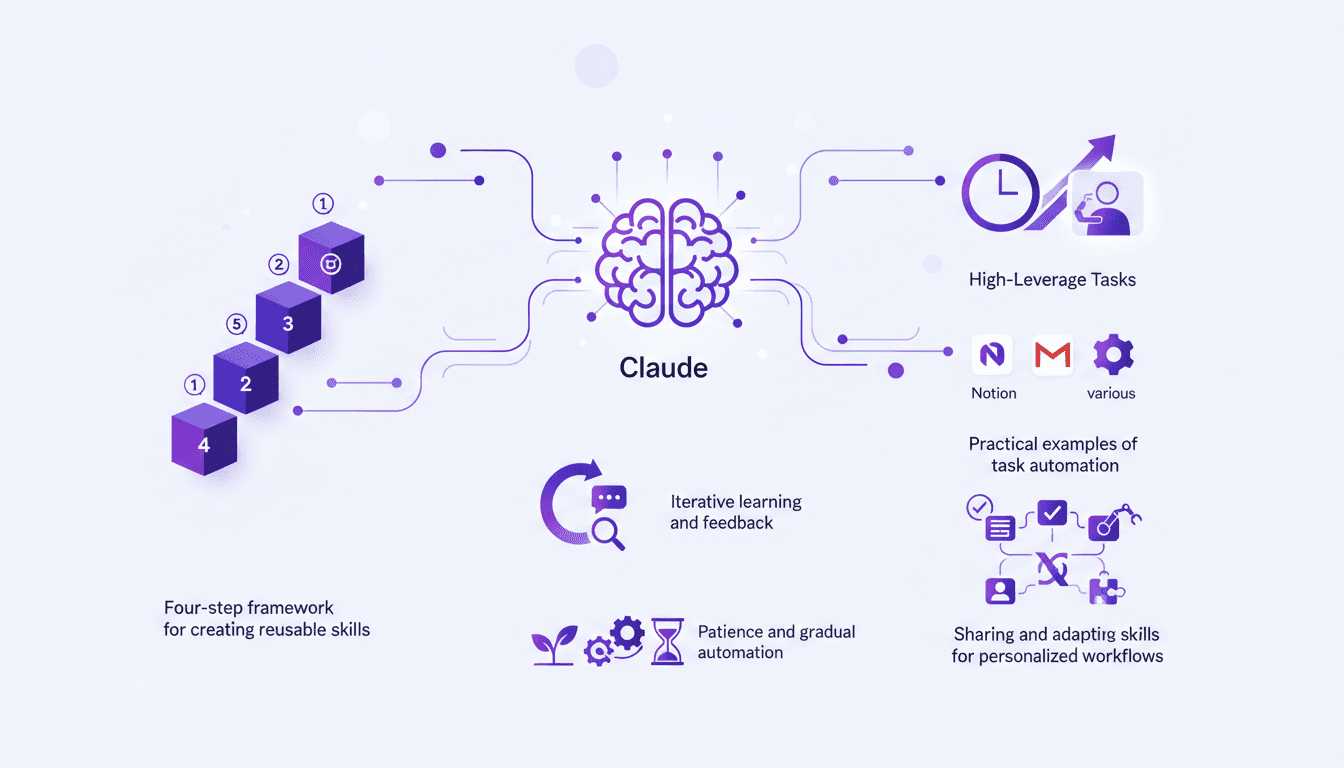
I vividly remember the first time I automated my email management with Claude. It was like unlocking a superpower. Suddenly, my mornings weren't bogged down by mundane tasks anymore. With Claude, I reclaimed my time and focused on what truly mattered—growing my business. In this article, I'll guide you through how I use Claude to automate tasks, saving hours each week. We're diving into a four-step framework that turns repetitive tasks into automated workflows. We'll talk integrations, iterative learning, and how patience in automation can significantly boost your productivity.
Harnessing CRM: $200K from Dead Real Estate Leads
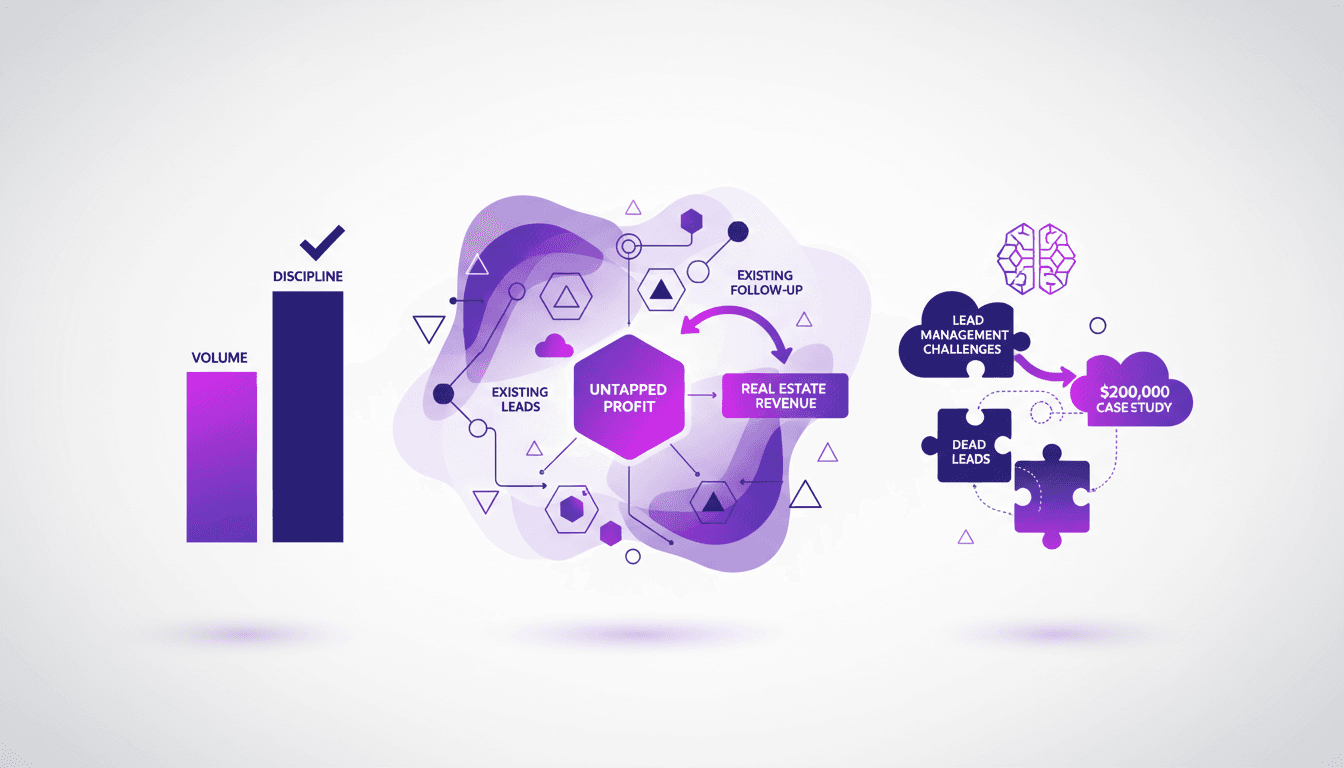
I plugged my supposedly dead real estate leads into an AI-driven CRM and walked away with $200K. Here's how I did it. In real estate, we often chase new leads while ignoring the goldmine sitting in our CRM. Let's talk about how follow-up can transform 'dead' leads into significant revenue. From my experience, 70% of deals come from follow-up. So I thought, why not revisit those forgotten leads? The result: $200,000 generated. It's not rocket science, but it requires discipline and a rigorous follow-up strategy. Want to know how to harness this untapped potential? Join me in this case study.
Reviving Dead Leads: AI in Real Estate
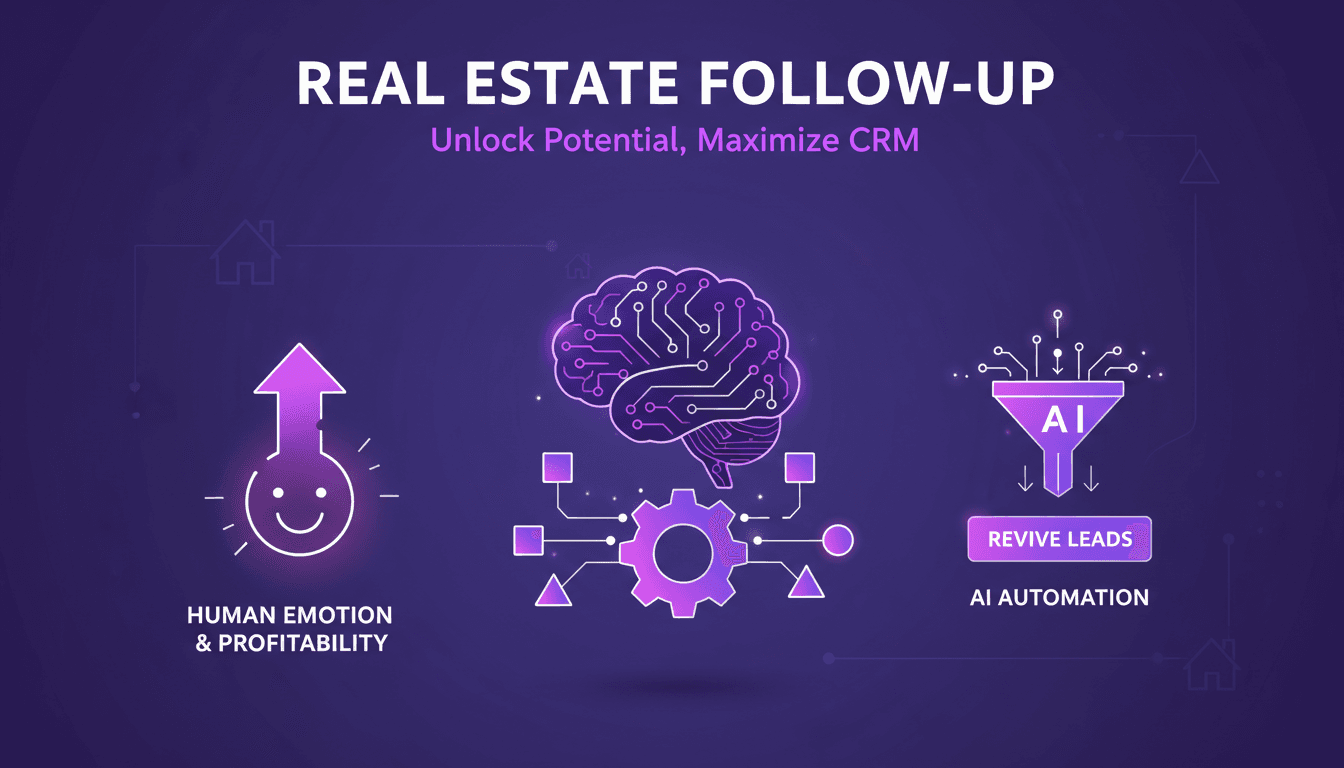
I remember staring at a list of 'dead leads', convinced they were a lost cause. Then it hit me: what if I could automate a follow-up system with AI? I dove in, connected our CRM to an AI model, orchestrated the whole thing, and boom, $200K in revenue. Think your dead leads are hopeless? Think again. In real estate, follow-up is often the game changer. With AI, I transformed forgotten contacts into a goldmine. We often underestimate the hidden potential in our databases. Don't just watch your prospects fade away. Revive them, reinvent your strategy with AI, and watch the magic happen.