Automate Anything with Claude: 4-Step Framework
I vividly remember the first time I automated my email management with Claude. It was like unlocking a superpower. Suddenly, my mornings weren't bogged down by mundane tasks anymore. With Claude, I reclaimed my time and focused on what truly mattered—growing my business. In this article, I'll guide you through how I use Claude to automate tasks, saving hours each week. We're diving into a four-step framework that turns repetitive tasks into automated workflows. We'll talk integrations, iterative learning, and how patience in automation can significantly boost your productivity.
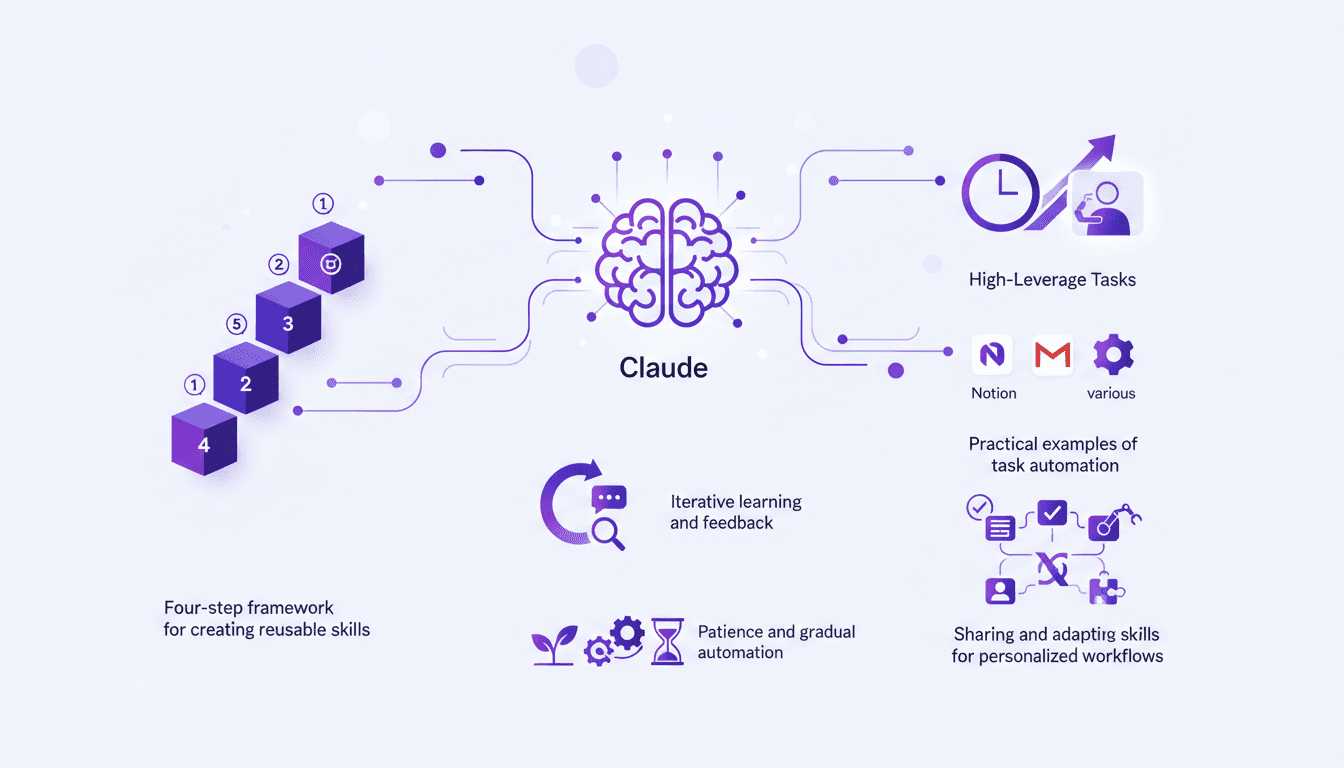
I remember the first time I automated my email management with Claude. It felt like discovering a new superpower. Suddenly, my mornings weren't cluttered with mundane tasks anymore. Instead, I had the time to focus on what truly mattered—growing my business. In this article, I'm going to walk you through how I use Claude to automate tasks and save hours each week. We'll dive into a four-step framework to transform repetitive tasks into automated workflows using Claude's skills. If you're looking to reclaim your time and boost productivity, you're in the right place. We'll also talk about integrating with tools like Notion and Gmail and the iterative learning process to refine these skills. Here's a tip: patience is key, but every minute saved is worth it.
Understanding Claude's Role in Automation
Think of Claude as your tireless personal assistant. It executes tasks using reusable skills—detailed instructions that automate specific tasks. Once you create a skill, Claude handles it autonomously. For example, in my agency, Claude has saved me around 5 hours a week just on video editing, boosting my productivity by 25%. And that's just one area where Claude excels in automation.
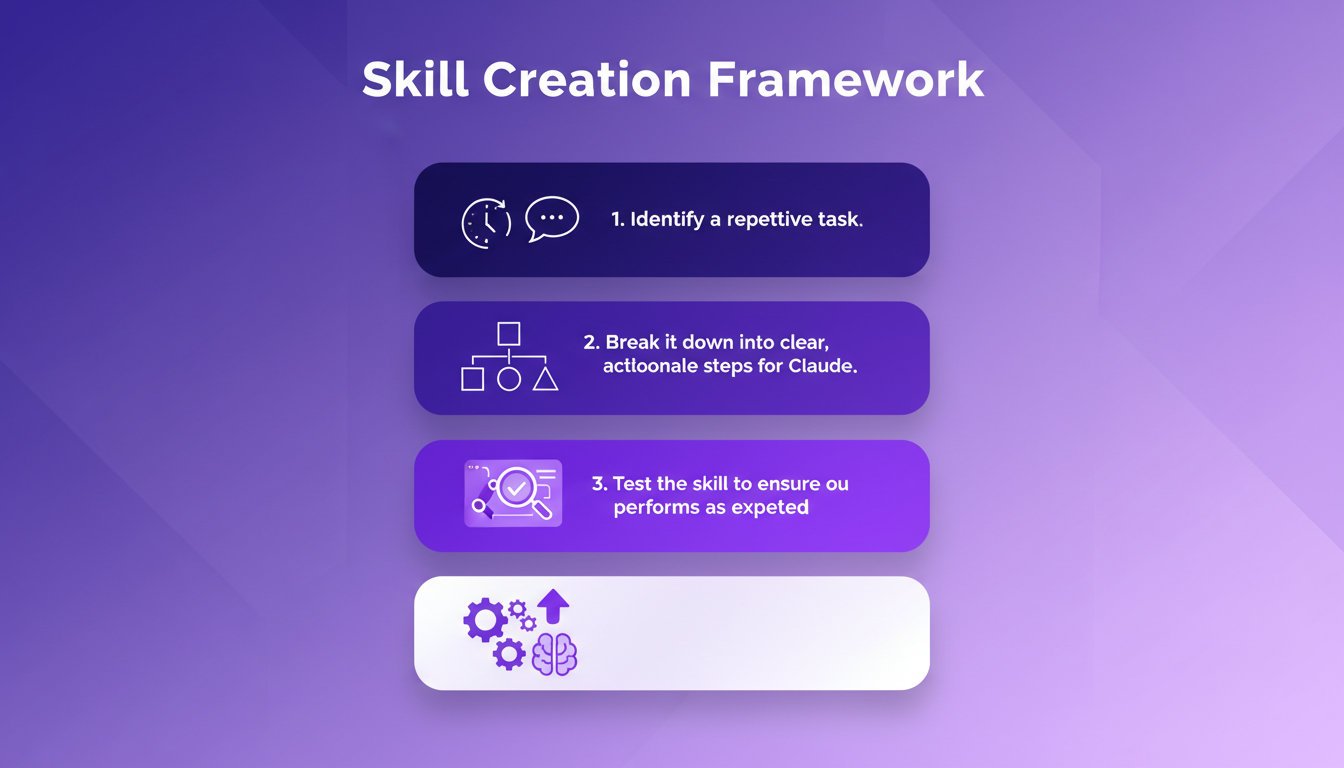
Claude's skills are like scripts you can reuse to automate tasks. These skills allow Claude to efficiently take over repetitive tasks. For me, it's a breath of fresh air. No more endless hours spent on repetitive work. Claude takes over, freeing me to focus on high-value activities.
The Four-Step Framework for Skill Creation
Creating a skill with Claude starts with identifying a repetitive task that consumes your time. Then, I break it down into clear, actionable steps for Claude. Take video editing for example: I've broken down the process into steps Claude can execute without intervention. Once the skill is ready, I test it to ensure it performs as expected. But be prepared to iterate and refine based on feedback and results.
Here's my process:
- Identify the task: What consumes your time unnecessarily?
- Break down the steps: Make the steps clear for Claude.
- Test the skill: Ensure it functions correctly.
- Iterate and refine: Adjust based on feedback.
This framework has reduced my LinkedIn post writing time from 30 minutes to just 5 minutes. Once you've automated a task with Claude, it's like having an employee who never makes mistakes.
Integrating Claude with Your Favorite Tools
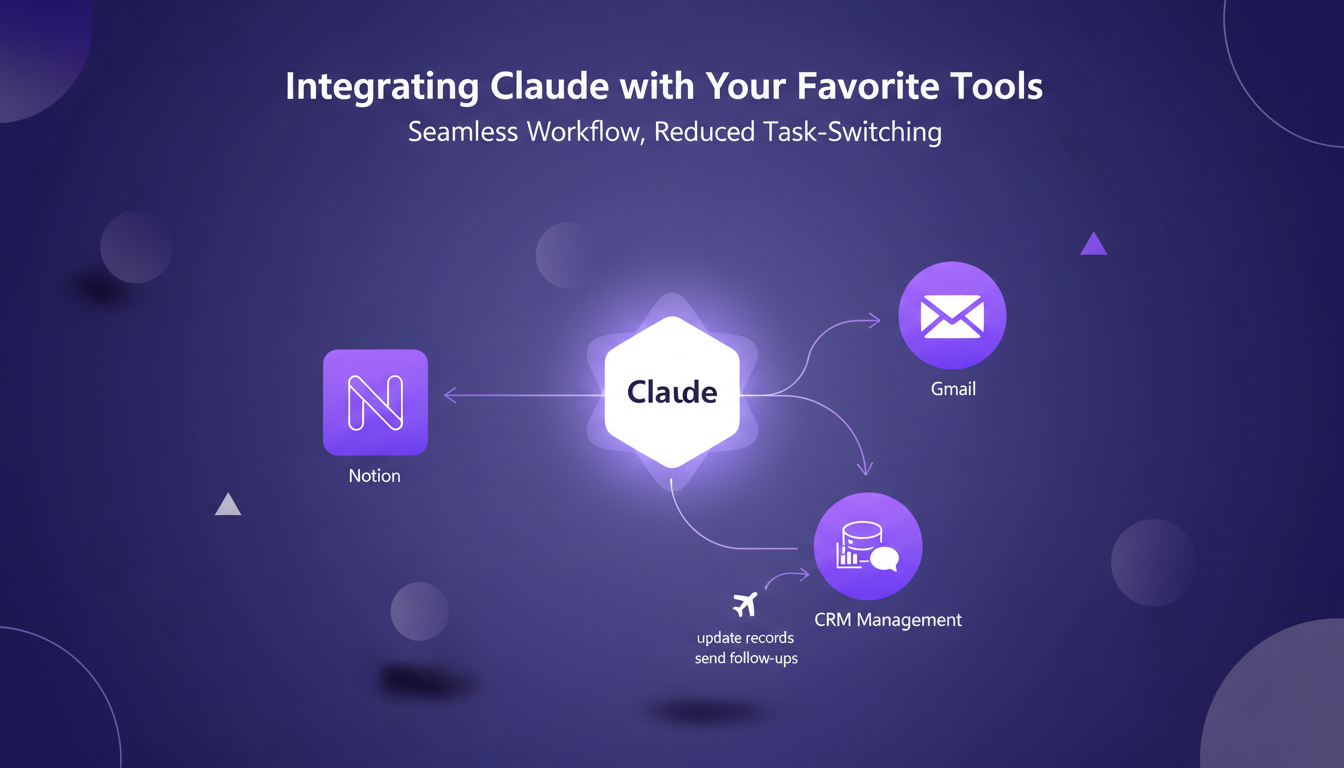
Claude integrates seamlessly with tools like Notion and Gmail. For CRM management, Claude can update records and send follow-ups. This integration allows for a smooth workflow, reducing the interruptions caused by switching tools.
Imagine a CRM that updates itself automatically—you no longer need to juggle between emails and notes. Claude extracts necessary data from connected applications to execute tasks efficiently, allowing you to focus on strategy rather than operations.
Iterative Learning and Feedback Loops
After creating a skill, it's crucial to observe its performance in real scenarios. Feedback is essential to adjust the skill to better meet your needs. This is where iterative learning comes into play.
With each task, Claude becomes smarter, accumulating knowledge to make fewer mistakes. It's a progressive learning process that leads to more efficient and reliable automation. Be patient: gradual adjustments yield the best long-term results.
Sharing and Adapting Skills for Personalized Workflows
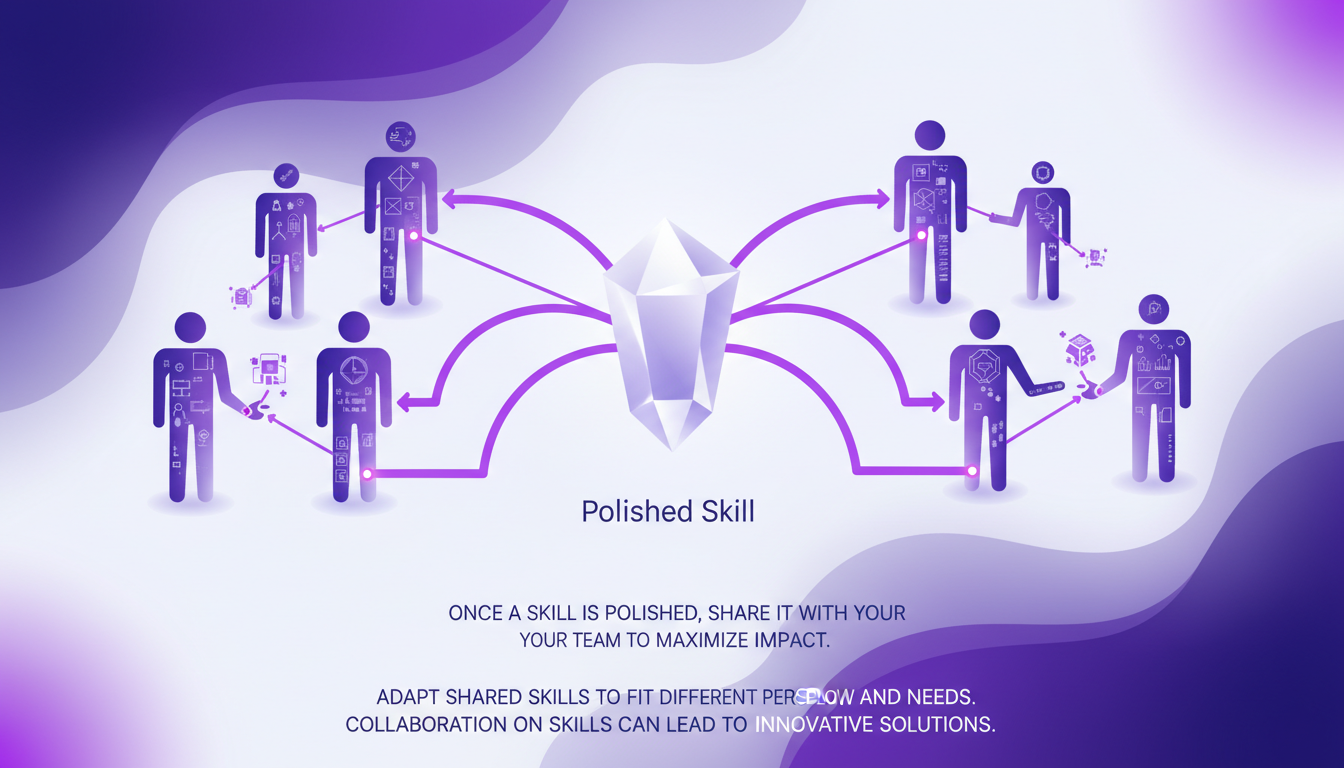
Once a skill is polished, it's wise to share it with your team to maximize impact. Adapting shared skills to fit different personal workflows can lead to innovative solutions.
Collaboration on skills can turn simple automation into a powerful tool for innovation. Don't miss the opportunity to maximize your productivity with Claude.
By weaving Claude into my daily routine, I've reclaimed precious hours and ramped up my productivity. Here’s what I nailed down:
- First, with Claude, you only need one run-through of a task to create a skill. It's a game changer, but remember to test, test, test to avoid pitfalls.
- Next, follow the four-step framework. It's your roadmap for effective automation.
- Finally, dedicating a week to automating everything might seem intense, but the impact is direct and immediate.
Integrating with tools like Notion and Gmail is seamless, but don't try to do everything at once—start small and iterate. That's where iterative learning kicks in.
Ready to dive in? Start your first skill creation and see the impact Claude can have on your productivity. For concrete details and practical tips, watch the video "How to Automate Anything with Claude (4-Step Framework)". It’s like having a chat with a colleague, not just a theoretical tutorial. YouTube Video.
Frequently Asked Questions

Thibault Le Balier
Co-fondateur & CTO
Coming from the tech startup ecosystem, Thibault has developed expertise in AI solution architecture that he now puts at the service of large companies (Atos, BNP Paribas, beta.gouv). He works on two axes: mastering AI deployments (local LLMs, MCP security) and optimizing inference costs (offloading, compression, token management).
Related Articles
Discover more articles on similar topics
Harnessing CRM: $200K from Dead Real Estate Leads
I plugged my supposedly dead real estate leads into an AI-driven CRM and walked away with $200K. Here's how I did it. In real estate, we often chase new leads while ignoring the goldmine sitting in our CRM. Let's talk about how follow-up can transform 'dead' leads into significant revenue. From my experience, 70% of deals come from follow-up. So I thought, why not revisit those forgotten leads? The result: $200,000 generated. It's not rocket science, but it requires discipline and a rigorous follow-up strategy. Want to know how to harness this untapped potential? Join me in this case study.
Building an App Downloaded 7 Billion Times
I remember the first time I saw the download numbers for VLC skyrocket. It was a real game changer, but it wasn't all smooth sailing. This is where you realize that behind every phenomenal success, there are mountains of challenges to overcome. Between legal battles and the implications of open source, VLC's journey is anything but ordinary. As a developer, we often think the hardest part is coding, but sustaining and growing an app downloaded 7 billion times is a whole different ball game. Let's dive into the story of VLC, an adventure where technology and perseverance are tightly intertwined.

Codex: Revolutionizing Code Review at RAMP
When I first integrated Codex with GPT 5.4 at RAMP, I knew we were onto something big. The way it slashed code review times from hours to minutes was a game changer. That's not just talk. By pairing Codex with GPT 5.4, we've not only optimized our workflows but also developed an AI-driven on-call assistant that changed how we tackle complex problems. Codex has become the industry standard for code review, and at RAMP, our engineers swear by it. Let's dig into how this setup works and why it's winning over everyone here.
Harnessing Solar Energy for Space Exploration
I was there at the TERAFAB conference when Elon Musk went beyond the limits. Picture this: harnessing solar energy in space—it's not just sci-fi anymore. We're talking about 1 TW of potential energy, a figure that could redefine our future. But watch out, the technological challenges are immense, from advanced chip manufacturing to AI-driven automation. SpaceX isn't just dreaming; they're doing it. Our task is to understand how these innovations integrate into our daily lives. This is a future where an AI-based economy could multiply our current world. Buckle up, we're exploring the next frontier.

AI Lead Calls in 8 Seconds: Advantage or Disaster?
I remember the first time I set up an AI to call leads. It was a game changer—calls made in 8 seconds flat. But not everyone was thrilled. The catch? Speed isn't always the hero in sales. In a world where responsiveness is key, AI promises to revolutionize lead engagement. However, this rapidity can also backfire. As a practitioner, I've found that clients often want to tweak this speed to better match their specific needs. Let's dive into the world of AI calls: the competitive edge, client reactions to blistering speed, and how to balance responsiveness with client satisfaction.