Cloning Websites with AI: A 2025 Practical Guide
I still remember the first time I cloned a website using AI. Ten minutes—that's all it took for me to be blown away by the efficiency. In 2025, cloning websites isn't just a developer's game anymore. With tools like Replate Agent, even non-technical founders can quickly and cost-effectively build robust websites. From Stripe integration for payment processing to self-hosting, it feels like you're wielding pro-level tools. In this guide, I walk you through how to leverage these technologies to start your internet business. Watch out, the efficiency is real, but avoid the traps that can cost you in performance.
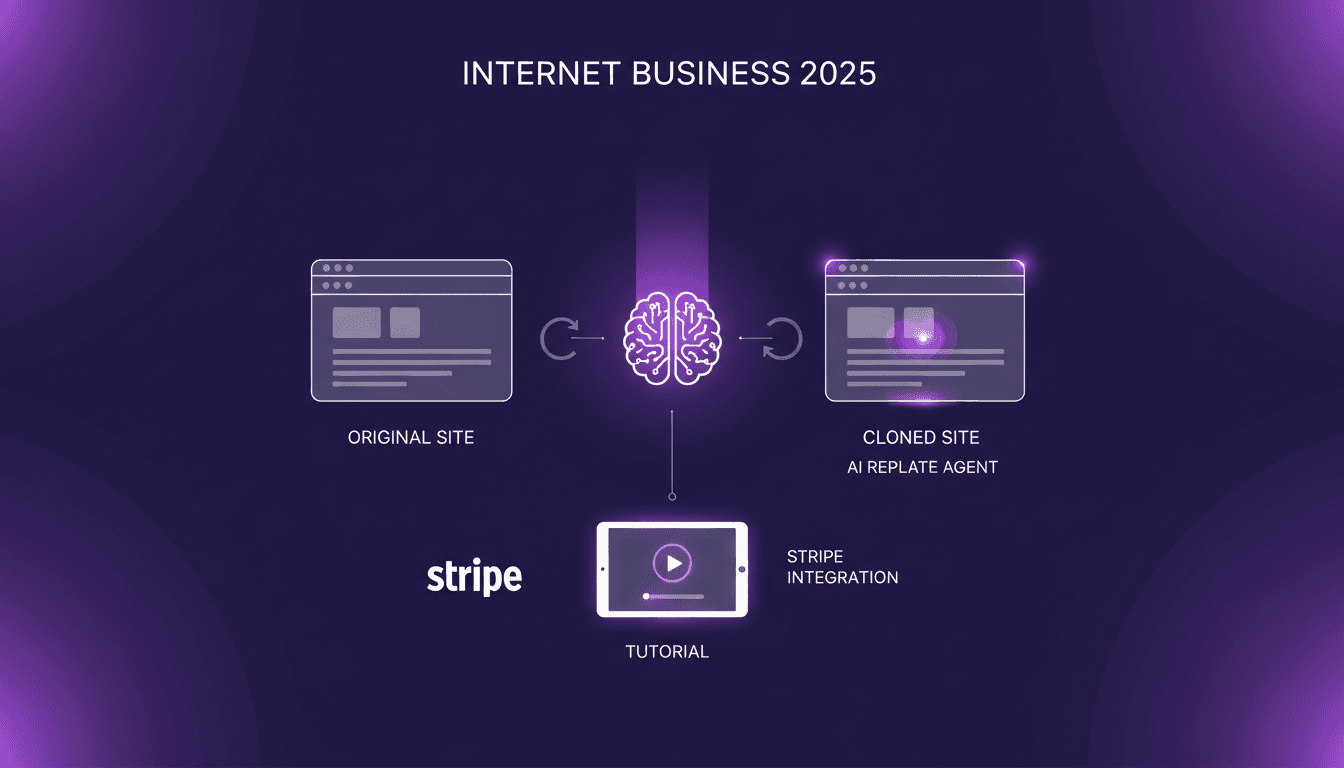
The first time I cloned a website with AI, I was astonished. Ten minutes is all it took, and the site was ready to go. In 2025, website cloning isn’t just for seasoned developers anymore. With tools like Replate Agent, even a non-technical founder can build robust sites quickly and affordably. First, I connect Replate to clone the site, then I integrate Stripe for payment processing. Self-hosting and code downloading become a breeze. But, watch out, every tool has its quirks. These tools offer incredible efficiency but can trip you up if misused. In this tutorial, I’ll guide you on how to avoid those pitfalls and truly capitalize on these technologies. Let's kickstart your internet business!
Getting Started with AI Website Cloning
AI website cloning is like having a super assistant doing the heavy lifting for you. I've dabbled with Replate Agent, and it turns the cloning process into something incredibly quick and efficient. Picture this: cloning an entire site in under 10 minutes. Yes, you read that right.
In terms of time savings, it's huge. If you compare this to traditional development, where you could spend thousands of dollars and weeks of work, the choice is clear. With Replate Agent, you can replicate the functionality and appearance of a specified site, including design and user interface, at a fraction of the cost and time.
"The best way to clone a website in less than 10 minutes is to use AI."
The cost difference is staggering. Traditionally, cloning a site might cost around $22,000, whereas with an AI tool, it's often under $500. That's a savings that can transform how startups and small businesses approach web development.
Deep Dive into Replate Agent
Let's walk through how I use Replate Agent. First, I connect the site I want to clone. Then, I configure filtering and sorting options. What I appreciate is how easy it is to add these features. A simple click and Replate takes care of the rest.
But watch out, some common pitfalls can occur. For instance, failing to check the compatibility of added elements can lead to poor performance. I've made this mistake once, and since then, I always double-check.
In practice, I've seen businesses cut their development time by more than 70% using Replate Agent. There are thousands of founders already leveraging it for both front-end and back-end capabilities. For more details, check out this comprehensive guide on Replit AI Agent.
Cost Efficiency: AI Tools vs. Dev Agencies
From a financial perspective, comparing AI tools to traditional agencies is a no-brainer. A typical project with a development agency might cost nearly $22,000, while an AI solution like Replate will run you about $500. That's a 91% cost reduction.
AI tools offer the best return on investment (ROI) when the need is to quickly create a minimum viable product without sacrificing quality. However, beware of hidden costs. Sometimes automated updates may require adjustments. But in the long run, the savings from AI-driven development are substantial.
Self-Hosting and Code Downloading
Self-hosting can be a game changer for many. Once you have cloned your site, downloading the code via Replate is straightforward. This gives you the freedom to manage your site on your terms.
For database management, I use PostgreSQL. It's robust and works well with AI clones. But caution, self-hosting means managing your own infrastructure. This can become complex if you're not prepared.
The trade-offs between self-hosting and managed services lie in flexibility versus ease of use. Personally, I often opt for self-hosting for the complete control it offers.
Integrating Payments and Expanding Features
Setting up Stripe for payment processing has become routine. With AI cloning, adding new features is just as simple. It's an encouragement for non-technical founders who hesitate to dive into web development.
For those considering expanding their online business in 2025, now is the time. The tools are here to help you become software creators, even without technical skills. Focus on marketing and product management, and let AI handle the development.
For growth and scaling strategies, I recommend reading this article on cloning websites with AI in 2025.
So, here's how I dove into website cloning with Replate Agent. First off, I was able to clone a site in just 10 minutes. That's a huge time saver compared to traditional development. Then, the cost efficiency is undeniable—not just a few bucks saved, but an entirely scalable model to launch an online business. For non-technical founders, it's a real boon: no need to dive into code, Replate handles it all. But watch out, there are limits. If you're looking for ultra-custom features, it might get pricey. And yes, thousands of founders are already using it, which proves its power. Looking toward 2025, I see a revolution in how we create online businesses thanks to AI. Ready to clone your first site? Go ahead, get started with Replate Agent today and turn your idea into reality. To grasp all this in depth, I suggest you watch the original video. It's a must to not miss out on this game changer: https://www.youtube.com/watch?v=FXr4FFoVfzs.
Frequently Asked Questions

Thibault Le Balier
Co-fondateur & CTO
Coming from the tech startup ecosystem, Thibault has developed expertise in AI solution architecture that he now puts at the service of large companies (Atos, BNP Paribas, beta.gouv). He works on two axes: mastering AI deployments (local LLMs, MCP security) and optimizing inference costs (offloading, compression, token management).
Related Articles
Discover more articles on similar topics
Clone Websites with AI in 2025: A Practical Guide
I remember the first time I cloned a website in under ten minutes. Yes, it was 2025, and I was using Replet Agent, an AI tool that made the process incredibly smooth. Gone were the days of relying on expensive development agencies. In this article, I'll show you how I did it. I'll guide you through integrating essential features like Stripe and encourage you to focus your energy on creation rather than technical complexities.
Launch Your SaaS Without Code Using Data Button
Ever been stuck paying for tools that promise the world but deliver little? I was there too, until I discovered how to launch a SaaS product without writing a single line of code, using Data Button and Firebase. First, I set up Firebase authentication for social logins. Then, I connected my app to Data Button, and it changed everything. Building your startup is about orchestration. Launch without breaking the bank, and let me show you how I turned this idea into reality.
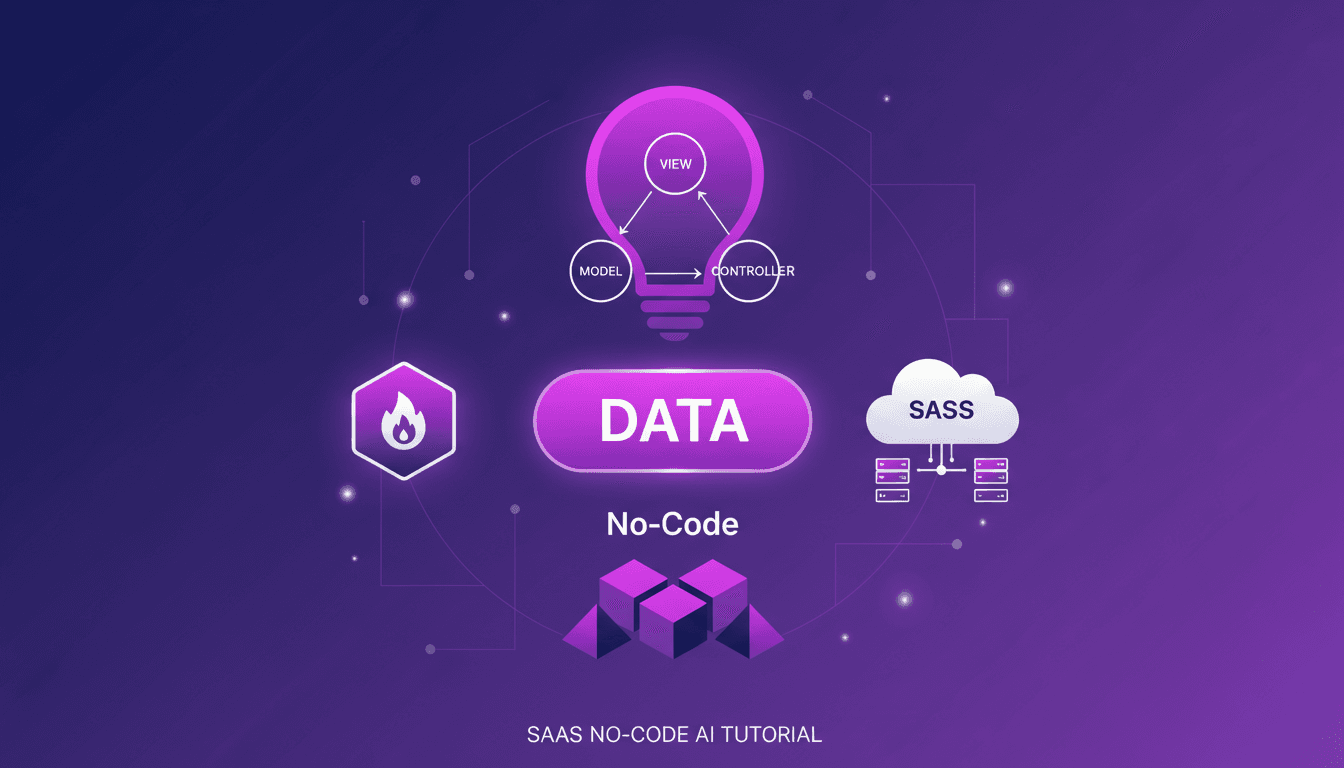
Launch SaaS Without Code Using Data Button
Ever thought launching a SaaS without writing a single line of code was a pipe dream? I did too, until I stumbled upon a game-changer: Data Button. Let me walk you through how I launched my own SaaS, integrating Firebase authentication and deploying it seamlessly, all without touching a line of code. In today's tech world where time and efficiency are crucial, this approach not only saves time but also drastically cuts costs, making it perfect for startups with limited resources. By organizing my files using the MVC design pattern and deploying directly to a custom domain, I've simplified the SaaS deployment process with AI.
Build Your Own AI Fashion Influencer
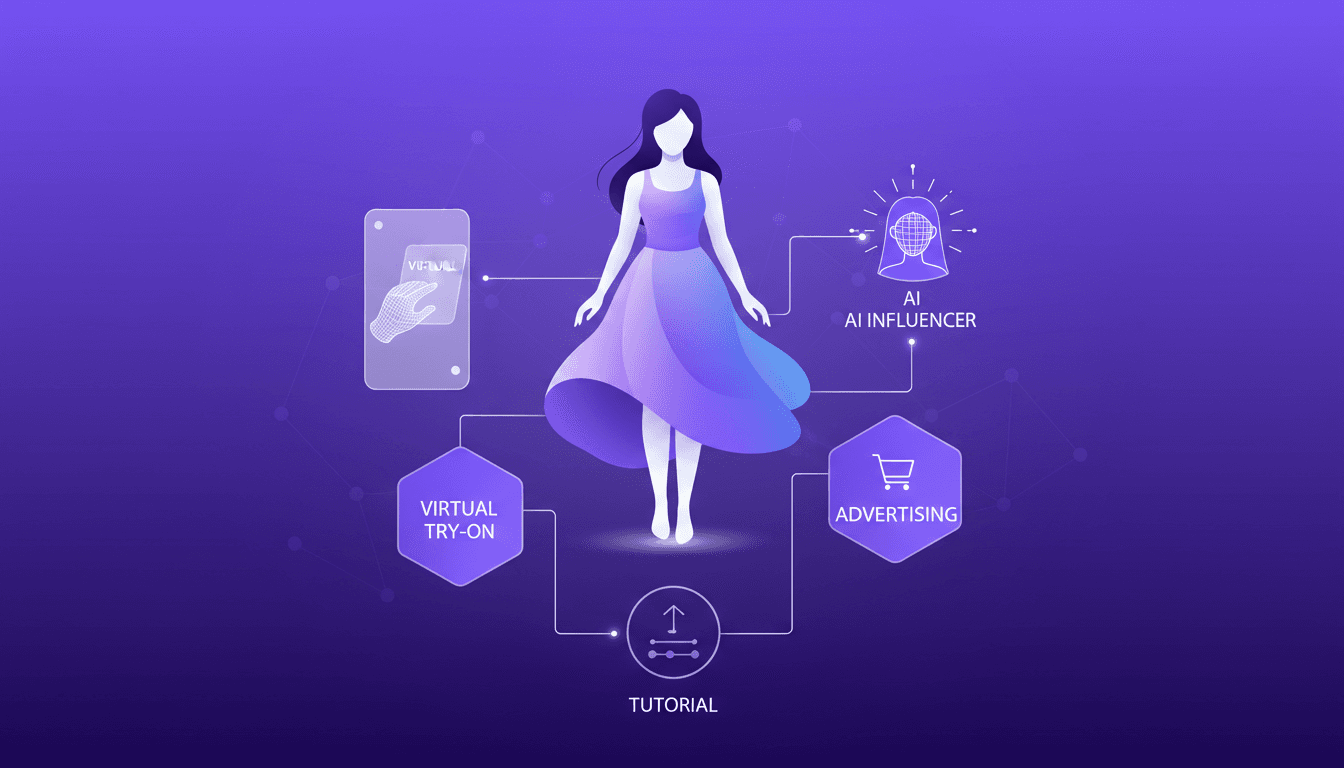
I dove into the world of virtual try-on tech to build my own AI fashion influencer. It's like playing dress-up, but with code. First, I integrated an AI model using tools that cost less than a dollar per virtual try. Each generation takes about 40 seconds and costs just 4 cents. It's a real game changer for fashion advertising. I'll walk you through how I orchestrated everything—from model integration to cost management—and how this opens up new monetization opportunities in the industry. Don't get burned by context limits; beyond 100K tokens, it gets tricky. Ready to transform your fashion marketing approach with AI? Follow along, I'll show you how.
Trace OpenRouter Calls to LangSmith No-Code
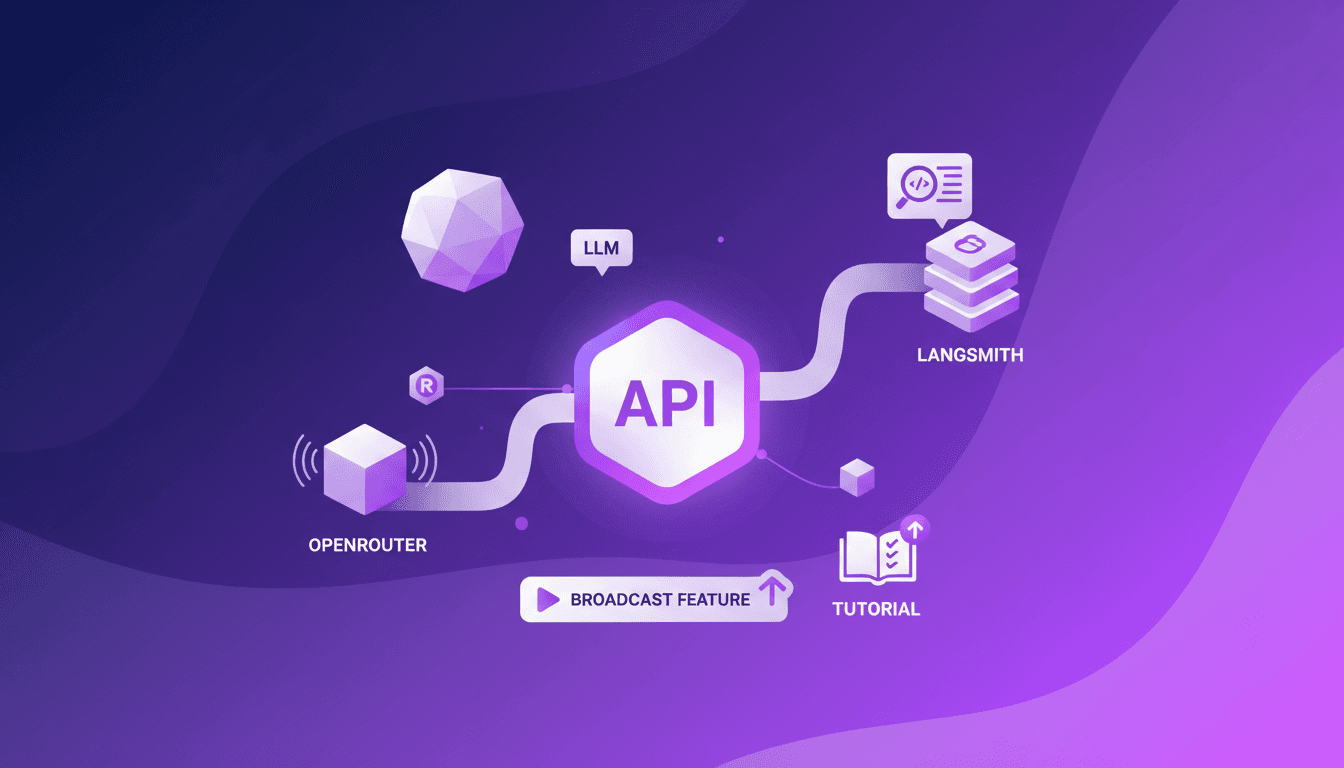
I remember the first time I tried tracing API calls without changing a single line of code. It felt impossible until OpenRouter released its new broadcast feature. I set it up with LangSmith in no time, and it was a game changer. No more hours wasted tinkering with code. I just connect OpenRouter's API, and with a few clicks, I trace calls directly to LangSmith. It's really efficient, but watch out for managing API keys and LLM costs. A practical solution for those looking to streamline their workflows without the hassle.