Building Durable Agents with Workflow DevKit
I've spent countless hours refining workflows, and believe me, the Workflow Development Kit and AI SDK have been game changers. Initially, I was skeptical, but diving into their features and seeing them in action convinced me otherwise. In a world where efficient workflow orchestration is critical, understanding how to leverage these tools can truly set you apart. This isn't just theory—it's about practical implementation that saves time and resources.
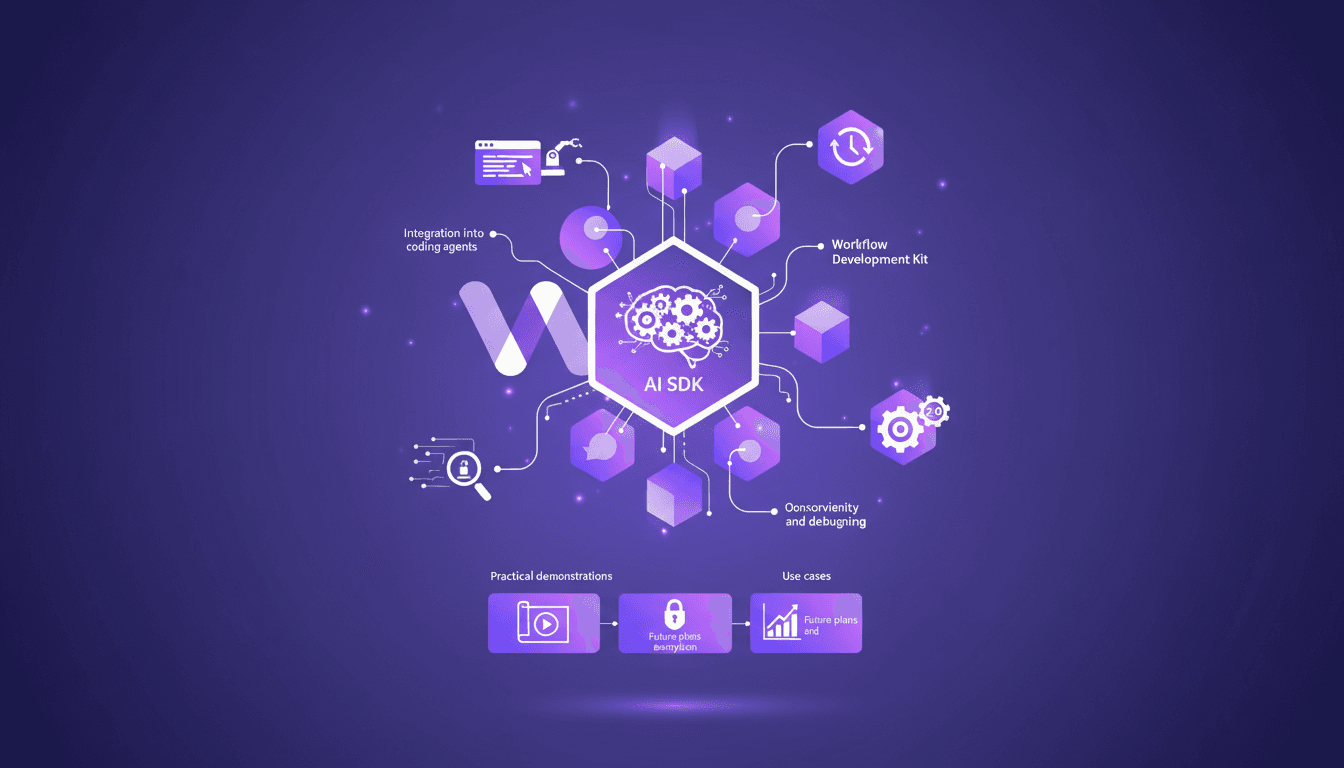
I've spent hours trying to make my workflows more efficient, and honestly, the Workflow Development Kit and AI SDK have been game changers. At first, I wondered if it was worth the effort. But once I dove into the features and saw them in action, I was convinced. First, I set up the basics with the Workflow DevKit—we're talking about making agents not just durable but also resumable. Then, I ensure that the integration of workflows goes smoothly into my coding agents. A heads up, don't underestimate the practical demonstrations and use cases; that's where the magic happens. We'll also cover observability and debugging, often overlooked but so crucial. And then there's concurrency and versioning—watch out, there's a max concurrency limit of 2 in the pro tier. In short, if you're serious about optimizing your workflows, these tools are a must-have.
Introduction to Workflow Development Kit and AI SDK
I've always been skeptical of new tools that claim to revolutionize workflow management, but discovering the Workflow Development Kit and AI SDK quickly showed me I was onto something different. These tools don't just streamline the process of moving local work into production; they transform it. With features like resumability and observability, they make the workflow not only smoother but also more reliable.
The initial impression might be overwhelming, especially with the sheer amount of information to digest. But once I dove into the process, I quickly saw how essential these tools are for modern workflow management. They streamline the setup process, letting you focus on what's essential: optimizing and deploying. I'll guide you through all this, sharing my mistakes and successes, while showing why these tools should be in your toolkit.
Features of the Workflow Development Kit
What sets the Workflow Development Kit apart is its suite of features that significantly enhance workflow efficiency. Take the durable agent class, for instance. It's a game changer for anyone who's ever lost data due to an interruption. This class allows you to mark calls as distinct steps, meaning you can deterministically rerun them.
Serverless functions are another key feature. They solve the scalability issue by allowing workflows to run without managing the underlying infrastructure. Imagine a scenario where you need to manage coding agents requiring long-running execution. Where you'd typically need a complex queue management system, serverless functions simplify it all.
- Durable agent: for deterministic reruns
- Serverless functions: for scalability without infrastructure management
- Native observability: for real-time tracking
Integrating Workflows into Coding Agents
Integrating workflows into coding agents seems daunting at first, but it's often simpler than you think. It all begins with installing the necessary dependencies. I add the Workflow DevKit packages to my project with a simple command: npm i workflow @workflow/ai. Then, I extend the Next.js config to transform the workflow code.

However, watch out for common pitfalls: it's easy to get lost in technical details. To avoid this, I recommend starting with simple examples and gradually increasing complexity. For instance, I integrated a basic workflow into an agent, tested its execution, then added features like state handling and timeouts.
Durability and Resumability in Workflows
Durability is crucial in workflows, especially when managing processes that can 'sleep' for several days. This is where resumability comes into play. Thanks to the Workflow Development Kit, I can suspend and resume my workflows at will, even after three days. However, be careful with resource usage. Every time you resume a workflow, it consumes resources.
To achieve this durability, the kit uses orchestration that separates code into steps that can be rerun with data persistence. The trade-off here is between durability and resource usage. The longer you keep a workflow 'sleeping,' the more memory and storage you consume.
Concurrency, Versioning, and Future Plans
Managing concurrency in workflows can be tricky. The kit imposes a maximum concurrency of two for a workflow in the pro tier. This means that while you can run multiple instances, you need to be careful not to overload the system. An effective versioning strategy is also essential to ensure your workflows remain up-to-date and functional.

Looking ahead, the goal is to integrate end-to-end encryption into workflow management. This will ensure that all processed data remains secure. But as always, there's a trade-off between increased security and resource load.
In conclusion, the Workflow Development Kit and AI SDK are powerful tools that revolutionize how we manage our workflows. But beware of falling into the trap of overuse. As with any tool, it's essential to understand its limits and know how to work around them to get the most out of it.
Integrating the Workflow Development Kit and AI SDK into your workflow management isn't just about adopting new tools—it's about transforming how you approach efficiency and durability. I jumped into these tools, and the shift in optimizing performance and resource use was immediate. Here’s what stood out:
- Keep concurrency to 2 for a workflow in the pro tier to prevent system overload.
- Utilize the 4 tools marked as steps; they orchestrate the flow without bottlenecks.
- Be aware the system might sleep for three days—plan accordingly.
Looking forward, these tools are real game changers, but you need to handle concurrency and sleep limits. Ready to revolutionize your workflow management? Dive into the Workflow Development Kit and AI SDK today. For deeper insights, I suggest watching the original video by Peter Wielander. You'll find valuable details to make this transformation concrete: YouTube.
Frequently Asked Questions

Thibault Le Balier
Co-fondateur & CTO
Coming from the tech startup ecosystem, Thibault has developed expertise in AI solution architecture that he now puts at the service of large companies (Atos, BNP Paribas, beta.gouv). He works on two axes: mastering AI deployments (local LLMs, MCP security) and optimizing inference costs (offloading, compression, token management).
Related Articles
Discover more articles on similar topics
Mastering Claude Agent SDK: Practical Guide
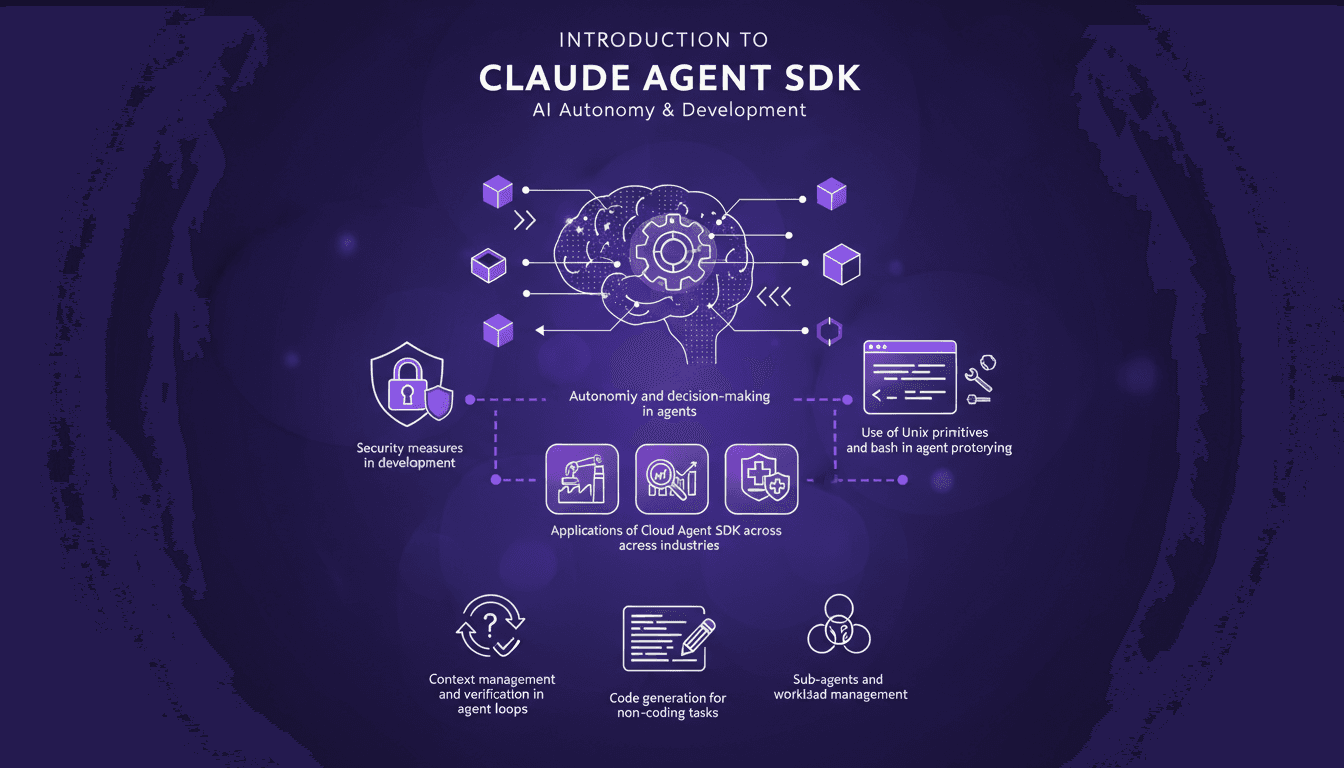
Ever tried orchestrating a team of sub-agents with Unix commands and felt like you were herding cats? I’ve been there. With Claude Agent SDK, I finally found a way to streamline decision-making and boost efficiency. Let me walk you through how I set this up and the pitfalls to avoid. Claude Agent SDK promises autonomy and decision-making power for agents across industries, but only if you navigate its complexities correctly. I connect my agents, manage their workload, and secure it all with Unix primitives and bash. But watch out, there are limits you'll need to watch. Ready to dive into the details?

Heat and Physical AI: Revolutionizing Robotics
The first time I realized that heat wasn't just a byproduct in robotics but a central theme, it was a game changer. I understood that heat is a tool, a lever to be exploited. In this article, I'll show you how we harness heat in Physical AI, integrate music for engagement, and why energy concepts are critical in modern robotics. We're talking about a true revolution with Physical AI at the core of our robots, and believe me, managing heat is an art. You'll discover how these often overlooked creative approaches are transforming the way we design robotics.

Robotics and Physical AI: Revolutionizing the Field
I've been building robots for years, but integrating Physical AI has been a game changer. It's not just about making them smarter; it's about giving them a sense of the physical world. Imagine a robot that perceives heat and reacts accordingly. That's exactly what I've managed to orchestrate in my projects. Join me as I walk you through this journey where Physical AI is redefining how we design robots, making them truly interactive with their surroundings.
Cororo: Real-Time Breastfeeding Monitoring
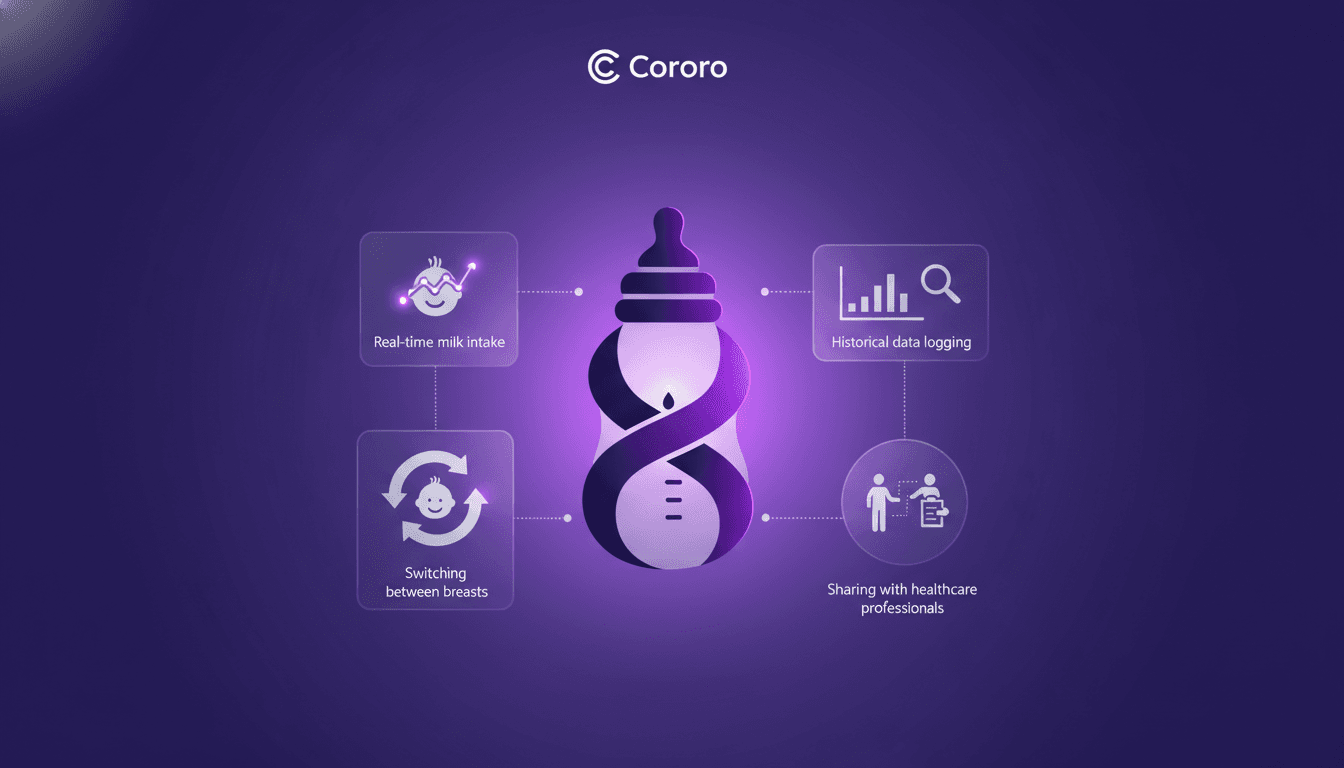
I still remember the day I first used Cororo. As a mom juggling feeding schedules, it was a game changer. First, I connect the microflow sensor, which gives real-time data on how much milk is consumed. Then, I switch breasts seamlessly using the app. But watch out, don't underestimate the power of historical analysis. By sharing this data with my pediatrician, I was able to tweak and optimize the process. Trust me, it made a real difference in my daily routine.