Optimize Your Code with Juny: Integration Efficiency
I stumbled upon Juny while looking to streamline my coding workflow. Sponsored by JetBrains, this tool promises to cut through the noise and focus on what truly matters: efficient, minimalistic coding. Picture an IDE that seamlessly integrates with IntelliJ IDEA or PyCharm to boost productivity without the usual clutter. Juny positions itself as an anti-vibe tool, perfect for professional developers aiming to optimize their code with minimal friction. Plus, it supports multiple languages and frameworks, making team onboarding and codebase understanding a breeze. Whether you're joining a new team or refining your solo project, Juny might just be the game changer you've been waiting for.

I stumbled upon Juny while looking to streamline my coding workflow. Sponsored by JetBrains, this tool is like a breath of fresh air in the IDE world. Imagine: a tool that cuts through the clutter and focuses on the essentials. I started by integrating it with IntelliJ IDEA, and the difference was palpable. Juny advertises itself as 'anti-vibe', and it delivers on that promise. It goes straight to the point without drowning you in unnecessary features. It supports a myriad of languages and frameworks, which is a big plus for teams looking to onboard efficiently. But watch out, it's not a magic wand. You need to wield it wisely to avoid getting lost in over-optimizations. In this tutorial, I'll show you how Juny can transform your coding approach and save you valuable time.
Integrating Juny with JetBrains IDEs
I connected Juny with IntelliJ IDEA and was genuinely impressed by the seamless integration. It's incredible how everything fits together. Juny doesn't just work with IntelliJ IDEA but also supports a variety of other JetBrains tools like PyCharm, PHP Storm, and Web Storm. This is a real advantage for those juggling multiple languages and frameworks.
But watch out, the initial setup requires a bit of configuration finesse. You need to dive into it for a while, but once that's done, the efficiency is undeniable. For managing large codebases, it's particularly useful. I found myself streamlining workflows and cutting down on time spent on redundant tasks, which is a real plus in a high-paced development environment.
"The initial setup might be a headache, but it's worth the effort."
Exploring Juny's Unique Features
What really stood out for me was Juny's pair programming feature. It's like having a colleague work with you in real-time, without the hassle of constant syncing. This is a major asset for collaborative work.
The ask mode is a lifesaver when you're stuck, providing instant insights as if you had a mentor looking over your shoulder. As for code optimization, Juny adopts a minimal change philosophy, avoiding unnecessary edits. This keeps the code clean and efficient. The support for multiple languages, like Rust, Kotlin, and Java, adds versatility, allowing Juny to adapt to different projects.
- Real-time collaboration with pair programming
- Instant insights through ask mode
- Minimal change philosophy
- Multi-language support
Juny vs Traditional Coding Agents
Unlike traditional agents, Juny focuses on minimalism and efficiency. I compared Juny with other tools and found it less intrusive yet highly effective. The MCP server setup is straightforward, but ensure your environment is compatible to avoid nasty surprises.
Juny's approach to commit and change log generation is intuitive and saves a lot of time. Other tools can't always say the same. It's this ability to focus on the essentials that makes Juny an indispensable tool for professional developers.
Practical Use Cases: From Nex.js Conversion to Team Onboarding
I recently converted a project to Nex.js using Juny, and the process was both smooth and fast. This is where Juny really shines, simplifying complex tasks. When it comes to onboarding new team members, Juny is excellent at helping them quickly understand the codebase.
The tool highlights key changes, which is invaluable for team collaboration. However, watch out for potential learning curves; some team members might need time to adapt to this powerful tool.
- Smooth project conversion to Nex.js
- Valuable aid for team onboarding
- Highlighting critical changes
- Anticipate learning curve
Maximizing Efficiency with Juny
Juny has significantly reduced my coding time, allowing me to focus on more strategic tasks. Its orchestration capabilities streamline workflows, reducing downtime. In larger projects, the cost savings are substantial.
But remember, while Juny is powerful, it's essential to balance its use with manual oversight. Excessive automation can lead to errors that take time to fix. Use Juny wisely to maximize benefits without losing the necessary human touch.
- Reduced coding time
- Optimized workflows
- Substantial cost savings
- Need for manual oversight
To learn more about the developer experience with AI agents, check out the article Developer Experience: Challenges and AI Agents.
Juny has really transformed my development process. First, the integration with JetBrains IDEs like IntelliJ IDEA and PyCharm is seamless—just connect it, and you're good to go. Then, Juny's clutter-free environment keeps distractions at bay, letting me focus on what matters. But watch out, don't overestimate its minimalism—it’s great for efficiency, but sometimes you might miss the advanced diagnostic features of traditional IDEs.
- Seamless integration with JetBrains for maximum productivity.
- Minimalist environment that eliminates distractions and boosts focus.
- Time-saving with its unique features for professional developers.
- Perfect for optimizing your workflow, but keep an eye on your project's specific needs.
Looking ahead, Juny could be a game changer for those seeking no-frills efficiency. If you're serious about coding efficiency, give Juny a try. And to see its full potential, I recommend watching the full video here: Watch the video. Trust me, it's worth a look!
Frequently Asked Questions

Thibault Le Balier
Co-fondateur & CTO
Coming from the tech startup ecosystem, Thibault has developed expertise in AI solution architecture that he now puts at the service of large companies (Atos, BNP Paribas, beta.gouv). He works on two axes: mastering AI deployments (local LLMs, MCP security) and optimizing inference costs (offloading, compression, token management).
Related Articles
Discover more articles on similar topics

Developer Experience: Challenges and AI Agents
In a world where technology races ahead, developers must keep pace. AI coding agents are reshaping the developer experience, creating exciting opportunities and fresh challenges. Max Kanat-Alexander from Capital One sheds light on these transformations. How can we harness AI while balancing human and machine productivity? Dive into strategies for standardizing development environments and maximizing the value of AI agents. This article is essential reading for understanding the impact of AI on today's software development landscape.

AMP Code: AI Revolution in Programming
Imagine a world where coding feels as intuitive as chatting with a colleague. That's the promise of AMP Code, the next-gen AI tools introduced by Beyang Liu. In his conference talk, Liu outlined how AMP Code is redefining AI-driven programming. Discover AMP's unique features, its innovative user interface, and its vision centered on accessibility. Dive into AMP's bold architectural choices, the role of sub-agents, and how AMP tackles coding agent challenges. Join us as we explore how AMP Code transforms the user experience and engages the community towards a promising future.
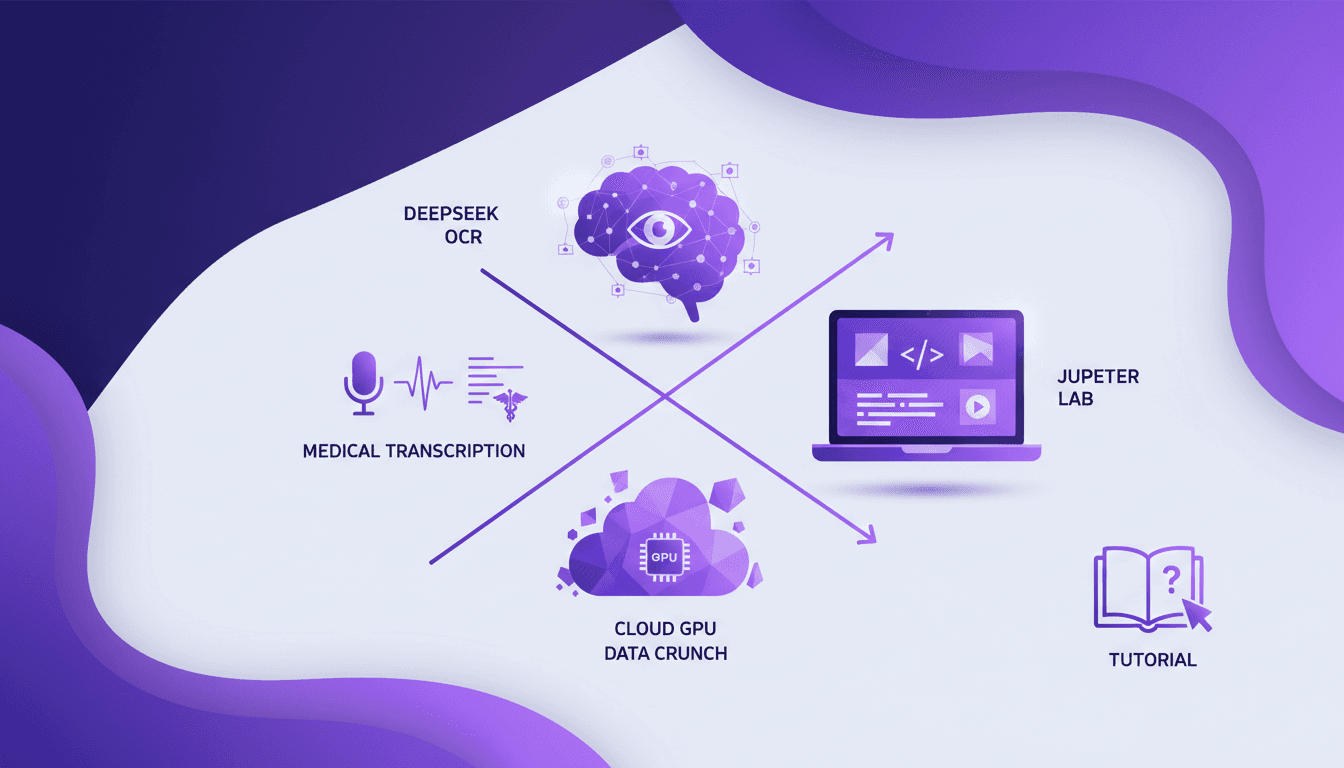
Running Deepseek OCR on Cloud GPU: A Hands-On Guide
I've been diving into OCR solutions for a while, but when I ran Deepseek OCR on a cloud GPU, things got real. In this hands-on guide, I'll walk you through how I set it up using Data Crunch and why it's a game changer for privacy and sustainability. We'll dig into configuration, costs, and how to optimize your GPU usage. With Deepseek OCR, we're talking about an open-source tool that's perfect for medical transcription and handwriting recognition. I'll share the technical steps on Jupyter Lab and how to effectively manage instances to maximize your ROI.
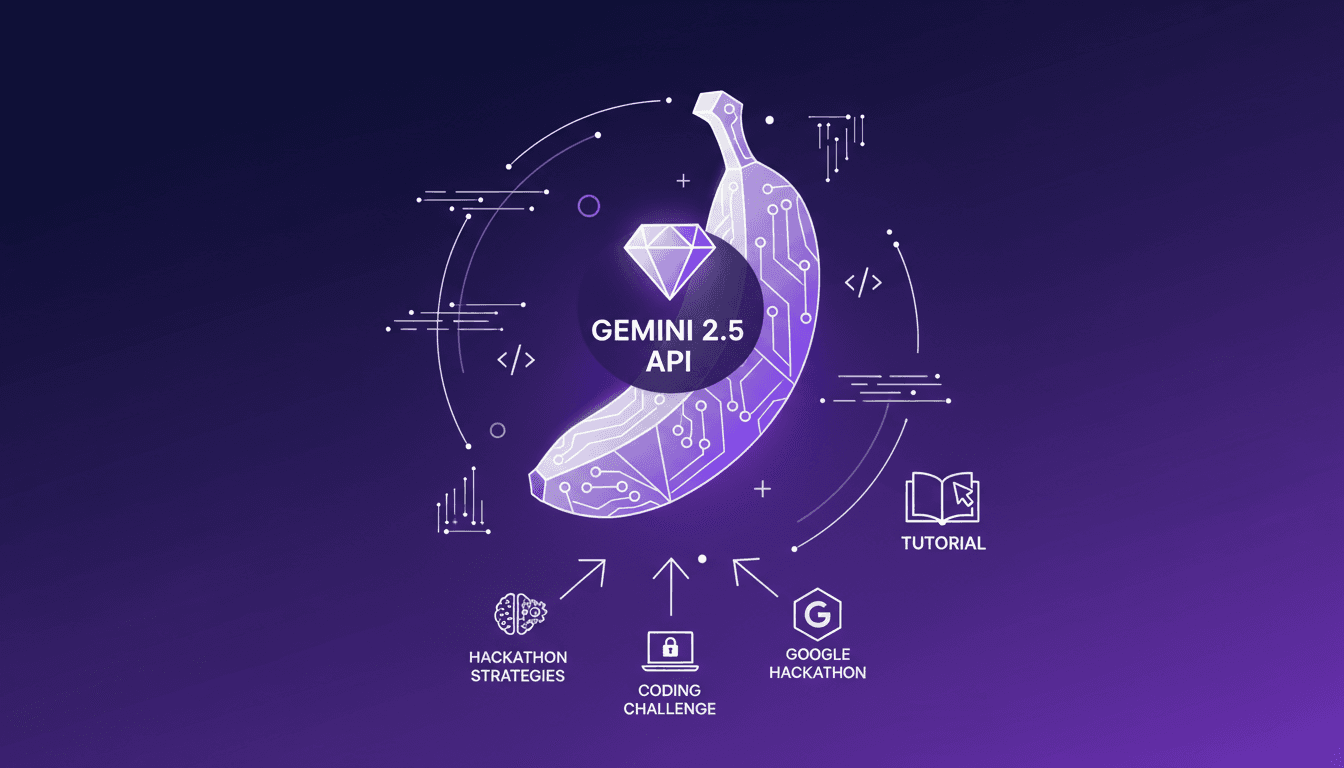
Nano Banana Hackathon: Strategies and Tips
I dove headfirst into the Nano Banana Hackathon, and let me tell you, it's a wild ride. With just 48 hours on the clock and fierce competition from 99 other participants, I had to act fast. In this high-stakes event, the right strategy can earn you significant API credits and valuable recognition. I'm breaking down how I navigated the chaos, aiming for a spot in the top 50. We'll explore the prizes, tools like the Gemini 2.5 Flash Image Preview API, and how I optimized my chances despite the tough judging criteria. Let's dive into the strategies and tips that can turn this experience into a real springboard.
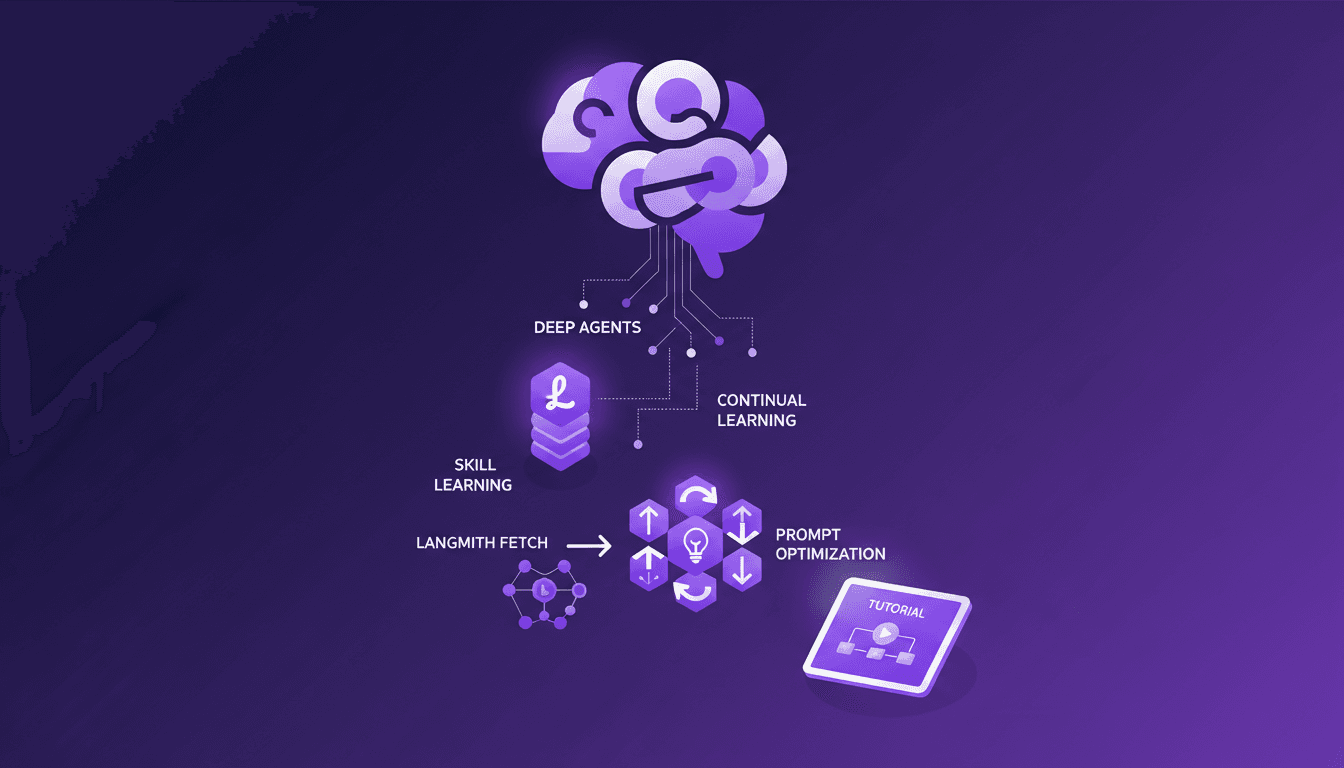
Continual Learning with Deep Agents: My Workflow
I jumped into continual learning with deep agents, and let me tell you, it’s a game changer for skill creation. But watch out, it's not without its quirks. I navigated the process using weight updates, reflections, and the Deep Agent CLI. These tools allowed me to optimize skill learning efficiently. In this article, I share how I orchestrated the use of deep agents to create persistent skills while avoiding common pitfalls. If you're ready to dive into continual learning, follow my detailed workflow so you don't get burned like I did initially.