Claude Design Intro: 10-Minute Quickstart Guide
I jumped into Claude Design by Anthropic, curious if it could really deliver what it promised in just 10 minutes. Spoiler: It did, and here's how. As someone who's navigated the design landscape for years, I was eager to see if Claude Design could streamline my workflow and save time without compromising quality. In just 10 minutes, I explored its features, created projects with simple prompts, and optimized my designs with AI tools. Compared to other design tools, Claude Design stands out for its simplicity and efficiency. I'm sharing it all, step-by-step, like chatting with a colleague over coffee.

You know, after years of juggling complex design tools, I wondered if Claude Design by Anthropic could really deliver on its promise in just 10 minutes. Spoiler alert: it absolutely did. I started by connecting my projects, and in no time, I was creating effective designs with simple prompts. The interface is intuitive, and the features are well-thought-out, saving me a ton of time without sacrificing quality. I even managed to export and share my projects hassle-free. Compared to giants like Adobe After Effects (which I haven't touched in 7 or 8 years), Claude Design stands out for its simplicity and efficiency. I'm walking you through this process, sharing tips on prompt optimization with AI tools, and integrating design systems. Ready to see what I've learned? Let's dive in!
Getting Started with Claude Design
I recently dove into Claude Design by Anthropic, and let me tell you, it's a game changer. To connect Claude Design, I had to set up a few basics first. It starts with connecting to the platform and customizing the interface to fit your specific needs. The interface is quite intuitive, but don't be fooled, there's a learning curve. I chose Claude over other tools like Adobe After Effects because Claude is optimized for simple prompts and integrated design systems, which was perfect for my project.
My initial impressions? Impressed but realistic. Claude has the capability to handle complex tasks, but don't expect it to do everything right out of the gate without tweaking. It's a bit like learning to drive a new car; it takes a moment to get used to.
Exploring Claude's Capabilities and Features
Once the interface was mastered, I dove into Claude's AI-driven design capabilities. The platform is capable of creating complex animations and seamlessly integrating design systems. In terms of motion graphics, Claude has huge potential. However, watch out for context limits. I noticed that when I push too far with complex animations, it can lead to slowdowns. Compared to traditional tools like Adobe After Effects, Claude offers remarkable speed and simplicity, but with less room for manual adjustments.
It's like using an advanced GPS compared to a paper map; Claude guides you instantly, but sometimes you need to take the wheel for last-minute adjustments.
Creating Design Projects with Prompts
Moving on to creating projects with Claude was just as fascinating. To be effective, I had to hone my prompts. A good prompt is crucial. I designed an intro for a tech YouTube channel, and the difference between an average prompt and an optimized one is stark. A well-thought-out prompt can turn a basic animation into a captivating presentation. But beware, too much complexity in prompts can slow down the process.
In this case, I learned to balance simplicity and complexity. Claude rewards precise and clear prompts but can get lost in the weeds if you overdo it.
Exporting and Sharing Your Projects
Once the design was finalized, exporting is the next step. Claude allows exporting in multiple formats, including PPTX, PDF, and HTML. I found that sharing directly from the platform via collaborative links was a huge time saver. However, be cautious with file formats; sometimes, complex animations don't translate well to PDF. To avoid headaches, I recommend testing multiple formats before sharing.
Here's a tip: use collaborative links to allow colleagues to provide real-time feedback, it's a real time saver.
Claude Design vs Other Design Tools
Let's compare Claude Design to other popular tools. Claude excels in simplicity and speed of execution, perfect for prototypes and wireframes. However, for projects requiring deep retouches, tools like Adobe After Effects still have their place. In terms of cost, Claude is economical when considering the return on investment in time saved. Ultimately, the choice of tool depends on the specific needs of the project.
In conclusion, Claude Design is a powerful tool, but like any tool, it has its limits. For quick and efficient projects, it's unbeatable. For more artistic and detailed work, traditional tools aren't obsolete yet.
"Claude Design by Anthropic simplifies the design process through AI, allowing the creation of animations and presentations based on simple prompts."
With Claude Design, I found a real balance between ease and power in AI-driven design. It's like a breath of fresh air. Here's what really stood out for me:
- Speedy setup: In just 10 minutes, I went from zero to a complete design project, which is a massive time saver compared to my 7 to 8 years fiddling with Adobe After Effects.
- Seamless exporting: I was able to export and share my designs without hassle, streamlining the workflow significantly.
- Cost efficiency: The savings compared to traditional design tools are substantial.
But watch out, it's not all sunshine. There are a few quirks here and there, but the benefits far outweigh the downsides.
Let's push the limits of Claude Design even further. Now it's your turn to dive in and see how it can transform your workflow. I encourage you to check out the "Claude Design Tutorial in 10 mins!" video (https://www.youtube.com/watch?v=BjCNHi-xORo). Share your experiences, and let's really push these tools to their limits!
Frequently Asked Questions

Thibault Le Balier
Co-fondateur & CTO
Coming from the tech startup ecosystem, Thibault has developed expertise in AI solution architecture that he now puts at the service of large companies (Atos, BNP Paribas, beta.gouv). He works on two axes: mastering AI deployments (local LLMs, MCP security) and optimizing inference costs (offloading, compression, token management).
Related Articles
Discover more articles on similar topics
Integrate GPT Realtime-2 into Your Voice Agents
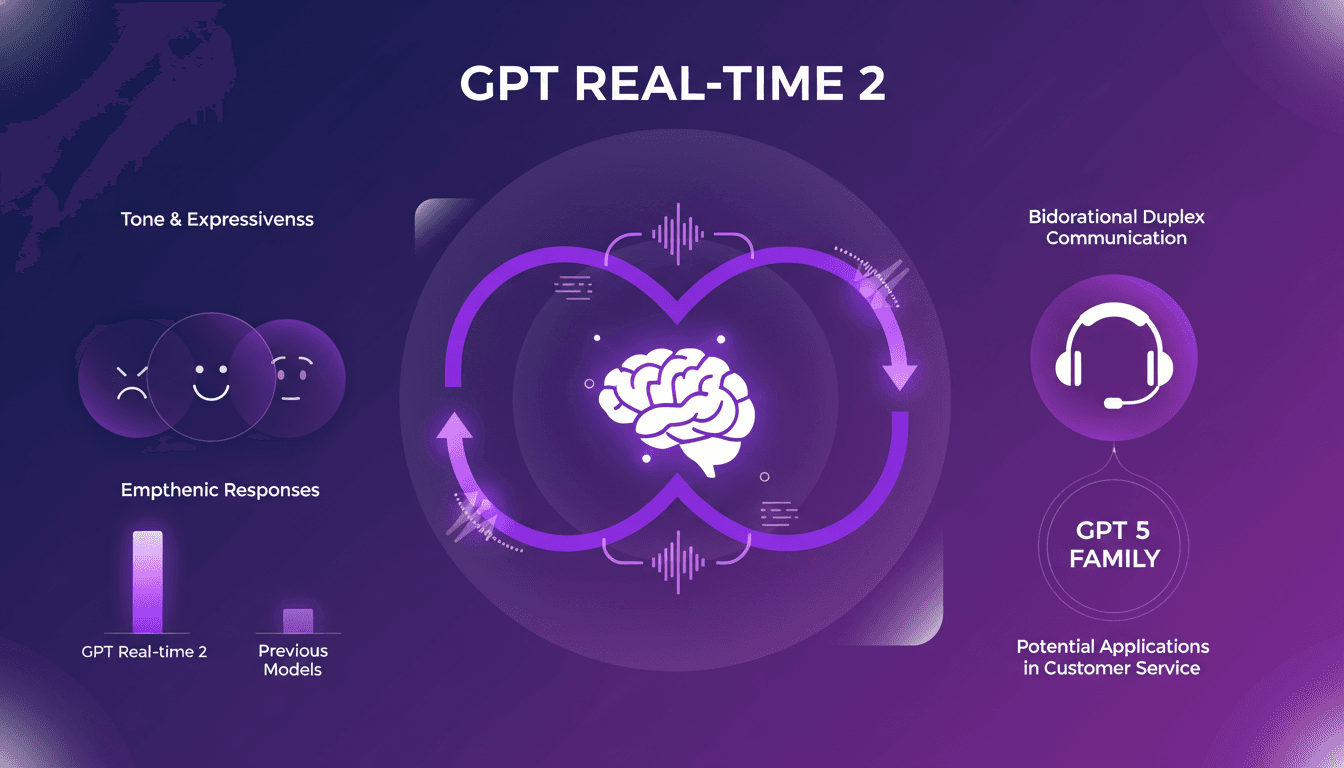
I've been hands-on with GPT Realtime-2, and let me tell you, it's a game changer for voice agents. When I first integrated it, the fluidity and responsiveness blew me away. As someone who's in the trenches with AI models, I know the pain points of latency and lack of expressiveness. GPT Realtime-2 directly addresses these, and it's not just hype. The bidirectional duplex communication and improved tone expressiveness are significant. Responses are more empathetic, conversations more lifelike. Compared to previous models, it's a leap forward. In customer service, the potential applications are vast. Integrated into the GPT 5 family, this model redefines the limits of what voice agents can achieve.
GPT Real-Time 2: Performance Boosts and Use Cases
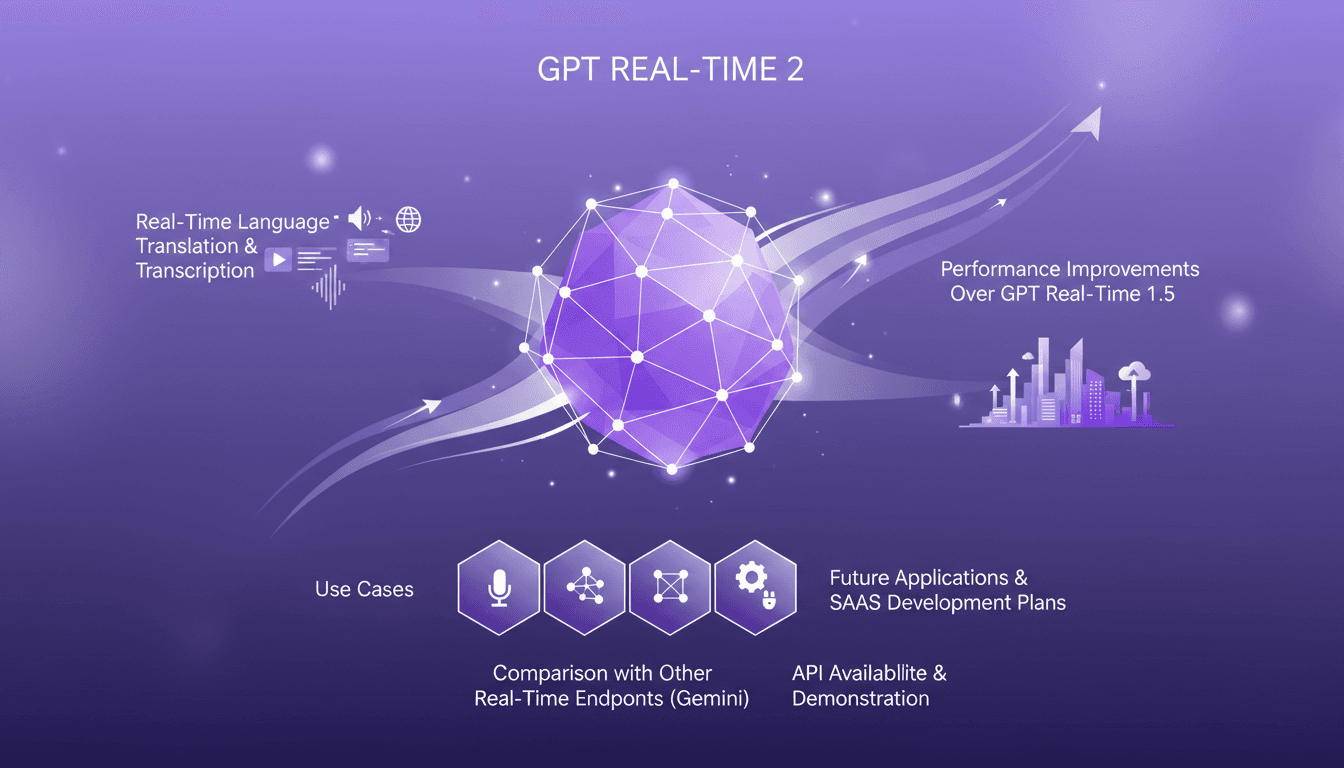
I still remember the first time I tested OpenAI's GPT Real-Time 2 model. It was like upgrading from a bicycle to a sports car—everything was faster, smoother, and just plain better. With this model, I can finally orchestrate real-time translations without a hitch and seamlessly integrate instant transcriptions into my apps. But watch out, it's not without its limits, especially when dealing with heavy loads. In this article, I'll show you how I use this model in real-world scenarios, comparing it with other options like Gemini. We'll also talk about the API, its future applications, and what it means for SaaS development.
OpenAI Audio Models: Real-Time Integration
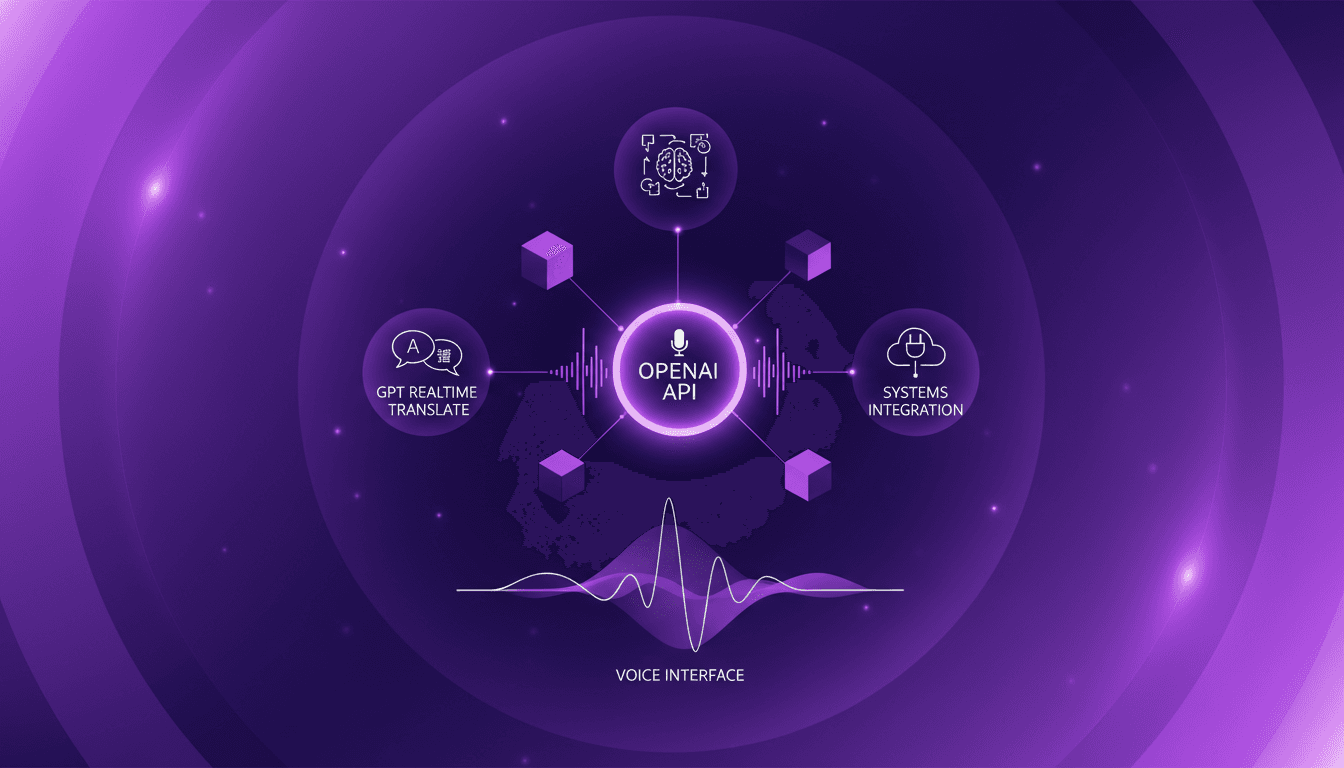
I still remember the first time I integrated voice models into my system. It was utter chaos, but the results were a game changer. Now, with OpenAI's new real-time audio models, we're taking it to a whole new level. Imagine translating across 70 languages live or using voice agents with intelligent reasoning. In this article, I'll show you how these models can revolutionize your workflow. From real-time translation to intelligent voice agents, every integration step is crucial. Watch out for technical terms and language switching—it can become a headache if mishandled. But when orchestrated well, voice becomes the primary interface for interaction. Ready to transform your system? Let's dive in!
IBM Granite ASR: Setup and Optimization
I dove into IBM's Granite Series ASR models to see if they're as fast as they claim. Spoiler: they're impressive, but let's break it down. With AI-driven ASR models becoming crucial for real-time applications, IBM's Granite Series promises speed and accuracy. But how do they really perform in a practical setup? I connect my environment, set up the technical requirements, and put the Granite Speech 4.1 model to the test. Result: a 5.33 word error rate and 95% accuracy. But watch out, there are trade-offs. Set it up right or you'll get disappointed. It's a balancing act between performance and resources.
GPT-5.5 Instant: What's New and Improved
I dove into the new GPT-5.5 Instant, and let me tell you, it's a game changer. But like any tool, it has its quirks. Transitioning from GPT-5.3 to 5.5 isn't as straightforward as it seems. I'll break down how I navigated this technological leap. With this update, OpenAI is pushing us further into AI capabilities. Whether you're a free or paid user, these changes have a direct impact on our everyday applications. Let's dissect the new features of the 5.5 model, the performance enhancements, and I'll share my tips for getting the most out of this advancement.