API Gro Imagine : Utilisation efficace
Je me suis lancé avec l'API Gro Imagine, et franchement, c'est plus simple que ça en a l'air une fois qu'on s'y met pour de vrai. Cette API transforme du texte en vidéo, et c'est vraiment un game changer. Mais attention aux limites : au-delà de 15 secondes, c'est la galère. Je vais vous montrer comment je l'ai configurée, étape par étape, avec des bouts de code Python et JavaScript pour l'interaction. Vous verrez, sécuriser vos clés API est crucial, et je vous explique comment générer et télécharger vos vidéos générées par l'IA sans pépins.
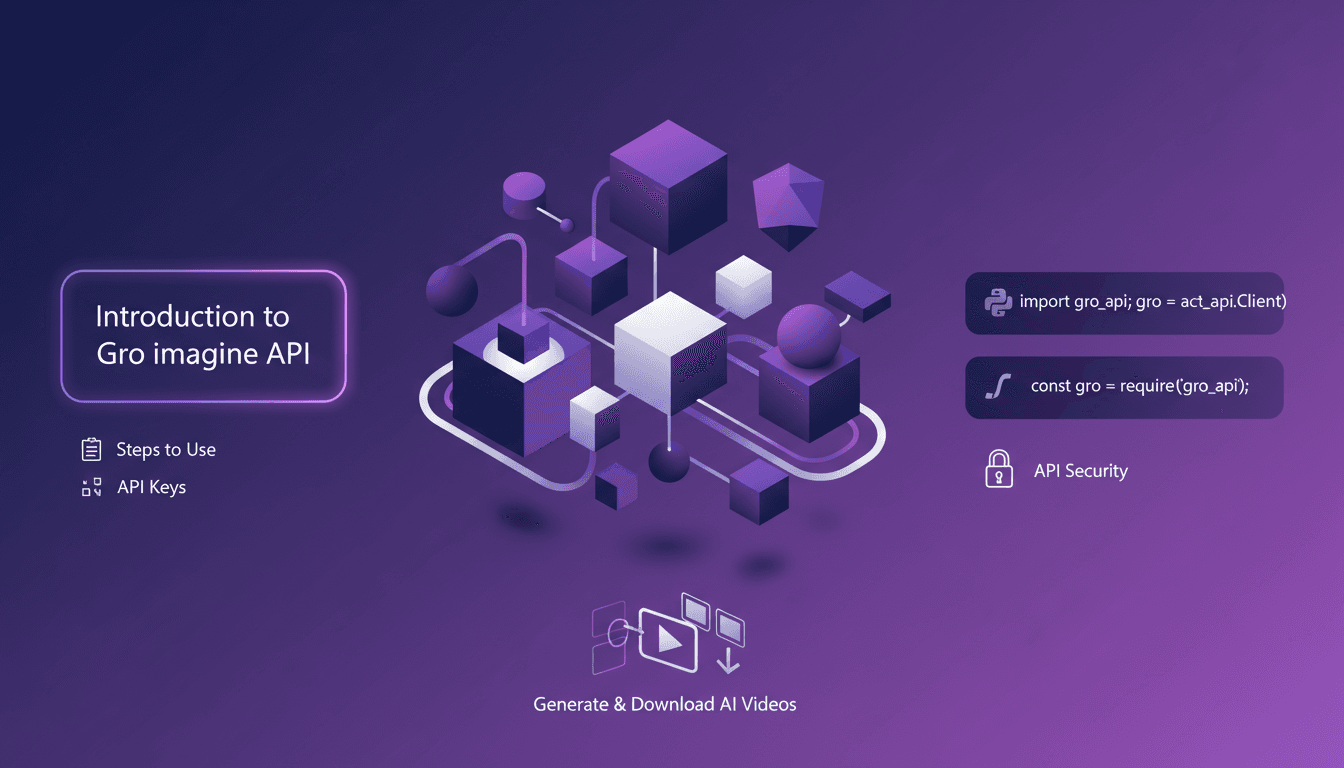
Je me suis plongé dans l'API Gro Imagine, et croyez-moi, c'est étonnamment simple une fois qu'on met les mains dans le cambouis. L'idée ici, c'est de transformer du texte en vidéo, un vrai game changer dans notre domaine. Mais comme avec tout outil, il y a des subtilités à ne pas ignorer. Par exemple, au-delà de 15 secondes de vidéo, on peut rencontrer des soucis. Ne vous inquiétez pas, je vais vous montrer comment j'ai configuré tout ça. D'abord, je me suis assuré que mes clés API étaient bien sécurisées (ne jamais négliger cette étape). Ensuite, je vous guide avec des extraits de code en Python et JavaScript pour interagir avec l'API. Et finalement, je vous explique comment générer et télécharger vos vidéos AI sans soucis. C'est parti pour un tour d'horizon pratique et concret !
Se Lancer avec l'API Gro Imagine
Pour commencer avec l'API Gro Imagine, la première chose que j'ai faite a été de m'inscrire pour obtenir l'accès à l'API et de récupérer ma clé API. C'est essentiel. Sans elle, vous n'allez nulle part. La clé API, c'est votre sésame pour interagir avec l'API. Il faut la sécuriser rigoureusement, comme vous le feriez avec vos mots de passe bancaires. J'ai donc configuré des variables d'environnement pour stocker cette clé en toute sécurité. Ça peut paraître basique, mais négliger ces mesures de sécurité au départ peut vous coûter cher.
Attention, le processus initial peut être délicat si vous ne faites pas attention aux mesures de sécurité. J'ai appris à mes dépens qu'il vaut mieux perdre quelques minutes à sécuriser ses clés que de courir après des fuites de données.
Étape par Étape : Utiliser l'API Gro Imagine
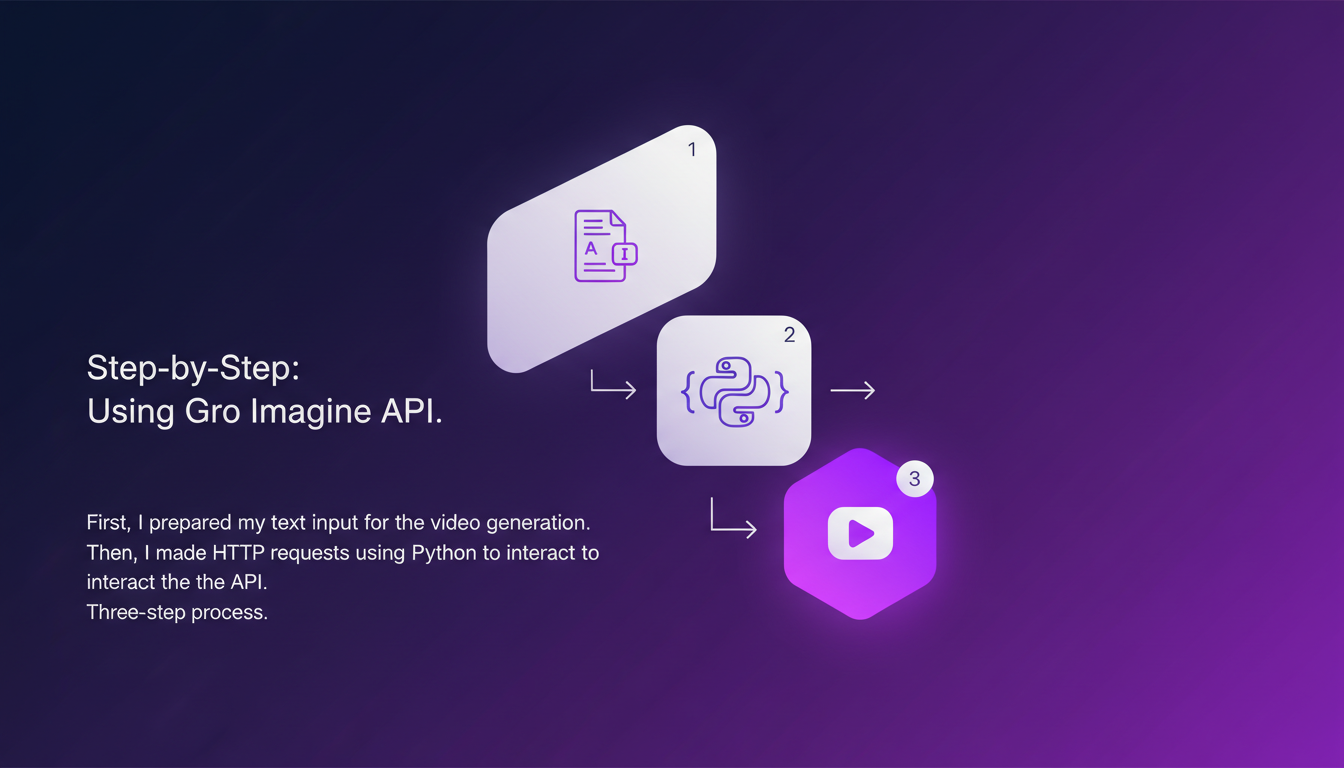
Pour utiliser l'API, j'ai suivi un processus simple en trois étapes. D'abord, j'ai préparé mon texte d'entrée pour la génération de vidéo. La clé ici, c'est de bien formuler votre prompt. Ensuite, j'ai effectué des requêtes HTTP en utilisant Python pour interagir avec l'API. Attention, ne dépassez pas les 15 secondes pour la longueur de la vidéo, c'est une limite importante.
« J'ai suivi un processus simple en trois étapes pour faire fonctionner l'API. »
Le processus est extrêmement direct : préparez, envoyez, recevez. Mais il faut rester vigilant aux détails comme la longueur des vidéos.
Coder avec Python et JavaScript
J'ai intégré du code Python pour envoyer des requêtes et gérer les réponses. Bien que JavaScript offre des capacités similaires, j'ai trouvé Python plus intuitif pour cette tâche. Il est crucial de gérer les erreurs et exceptions pour éviter les plantages. Un conseil d'efficacité : gardez votre code modulaire pour l'adapter facilement.
J'ai souvent vu des collègues se faire piéger par des codes monolithiques. Croyez-moi, garder le code modulaire vous sauve du temps et des migraines quand il s'agit d'adaptations futures.
Assurer la Sécurité des Clés API
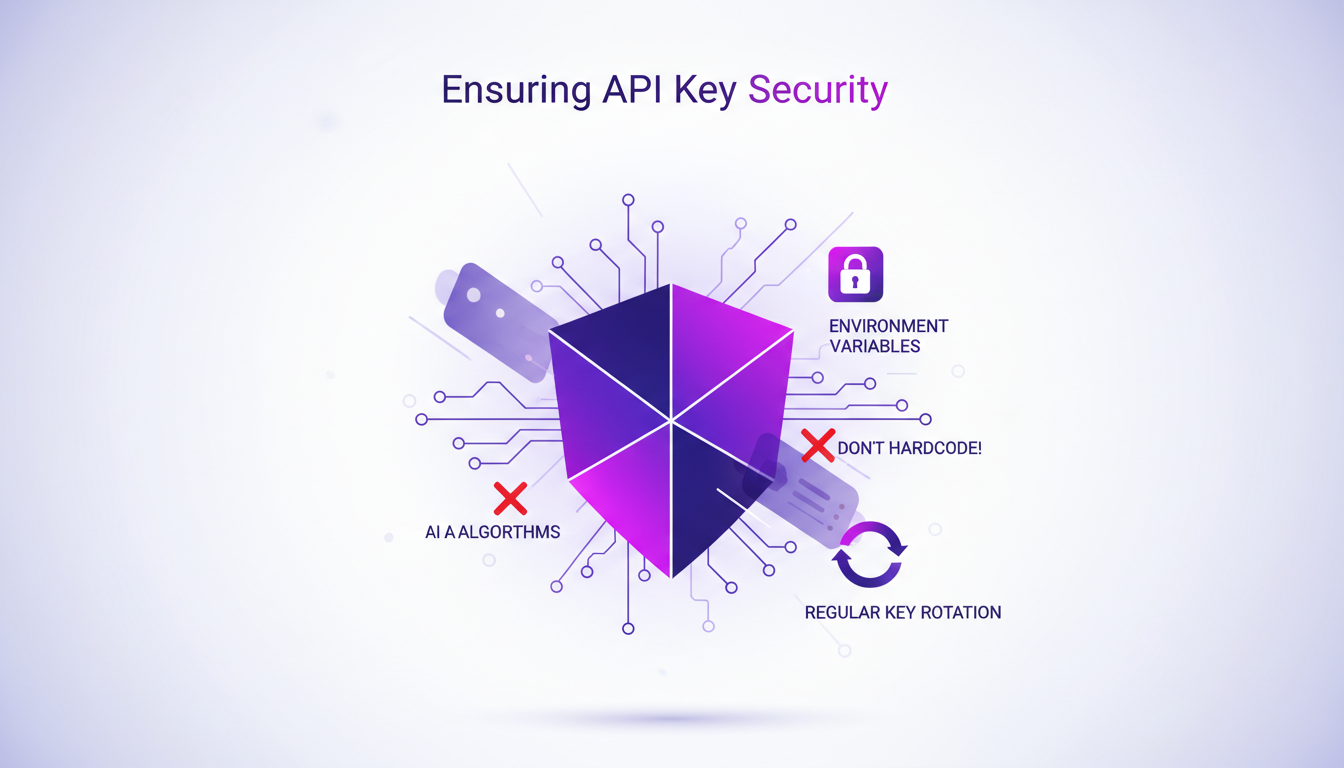
Pour protéger ma clé API, j'ai utilisé des variables d'environnement pour la cacher des regards indiscrets. Il est tentant de coder en dur ces clés, mais ne tombez pas dans ce piège. La rotation régulière des clés API ajoute une couche de sécurité supplémentaire. Envisagez d'utiliser un gestionnaire de secrets pour plus de tranquillité d'esprit.
J'ai vu trop de développeurs sous-estimer l'importance de sécuriser leurs clés API, souvent avec des conséquences désastreuses. Ne soyez pas celui qui apprend cette leçon à la dure.
Générer et Télécharger des Vidéos
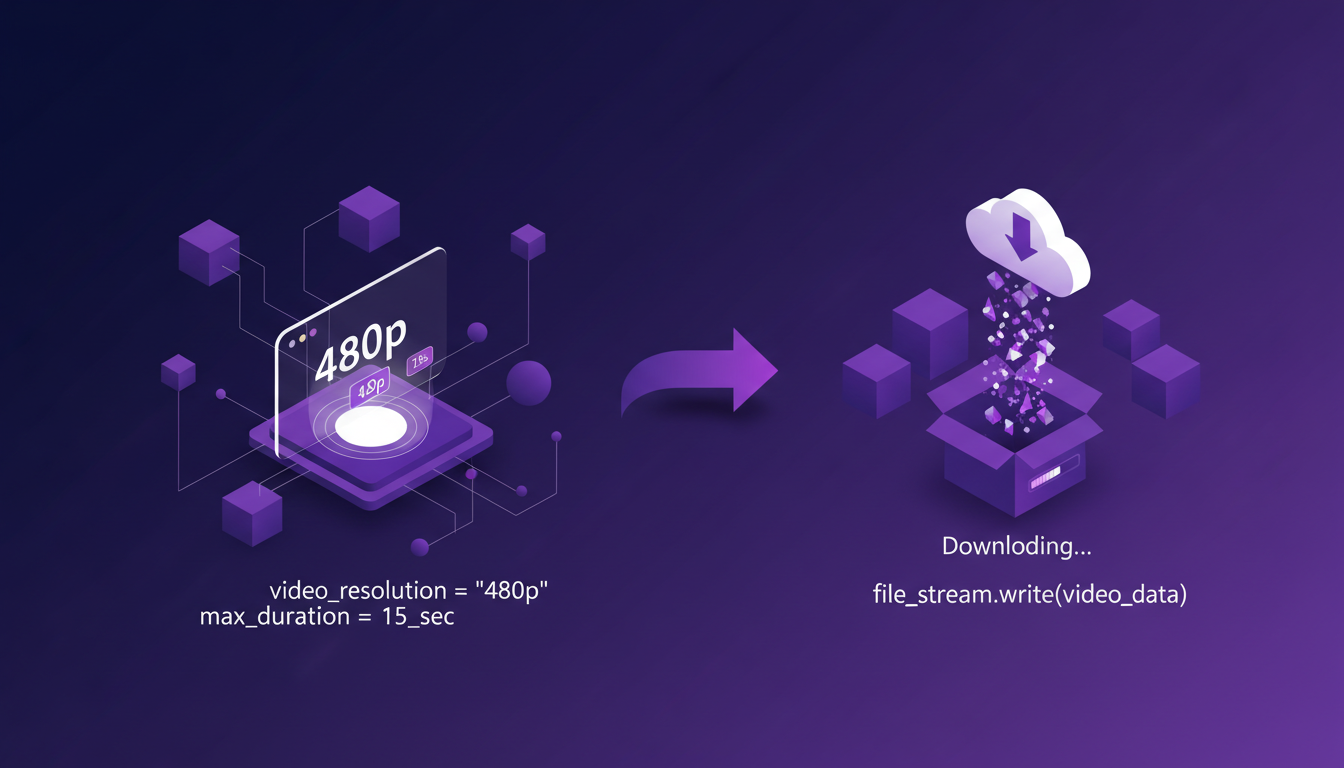
J'ai généré une vidéo et appris l'importance des réglages de résolution, 480p dans ce cas. L'API supporte jusqu'à 15 secondes par vidéo, une limite à garder à l'esprit. Le téléchargement implique de gérer efficacement les flux de fichiers. Parfois, il est plus rapide d'utiliser un service cloud pour le stockage et la récupération.
En conclusion, avec cette configuration, vous pouvez construire des logiciels et applications sur l'API Gro Imagine. Profitez de cette opportunité pour créer des contenus multimédias innovants.
Naviguer dans l'API Gro Imagine, ce n'est pas juste coder, c'est anticiper les pièges. D'abord, verrouillez votre sécurité avec les clés API. Ensuite, suivez le processus en trois étapes, et boum, vous transformez du texte en vidéo. Mais attention, on est limités à 15 secondes par vidéo. Pas de panique, les snippets Python et JavaScript sont là pour vous aider à interagir avec l'API facilement. Pensez à la sécurité, c'est crucial.
Ensuite, imaginez le potentiel : transformer une idée textuelle en vidéo en quelques secondes, c'est presque de la magie. Mais ne vous emballez pas trop, il y a des limites à gérer.
Prêt à plonger ? Allez chercher votre clé API, suivez les étapes, et commencez à générer vos vidéos. Partagez vos expériences et astuces. Et pour une plongée plus profonde, regardez la vidéo complète ici : lien YouTube. Ça vaut le détour.
Questions Fréquentes

Thibault Le Balier
Co-fondateur & CTO
Issu de l'écosystème startup tech, Thibault a développé une expertise en architecture de solutions IA qu'il met aujourd'hui au service de grands groupes (Atos, BNP Paribas, beta.gouv). Il intervient sur deux axes : la maîtrise des déploiements IA (LLM locaux, sécurisation MCP) et l'optimisation des coûts d'inférence (offloading, compression, gestion des tokens).
Articles liés
Découvrez d'autres articles sur des sujets similaires
Vision Agentique : Boostez l'IA avec Python
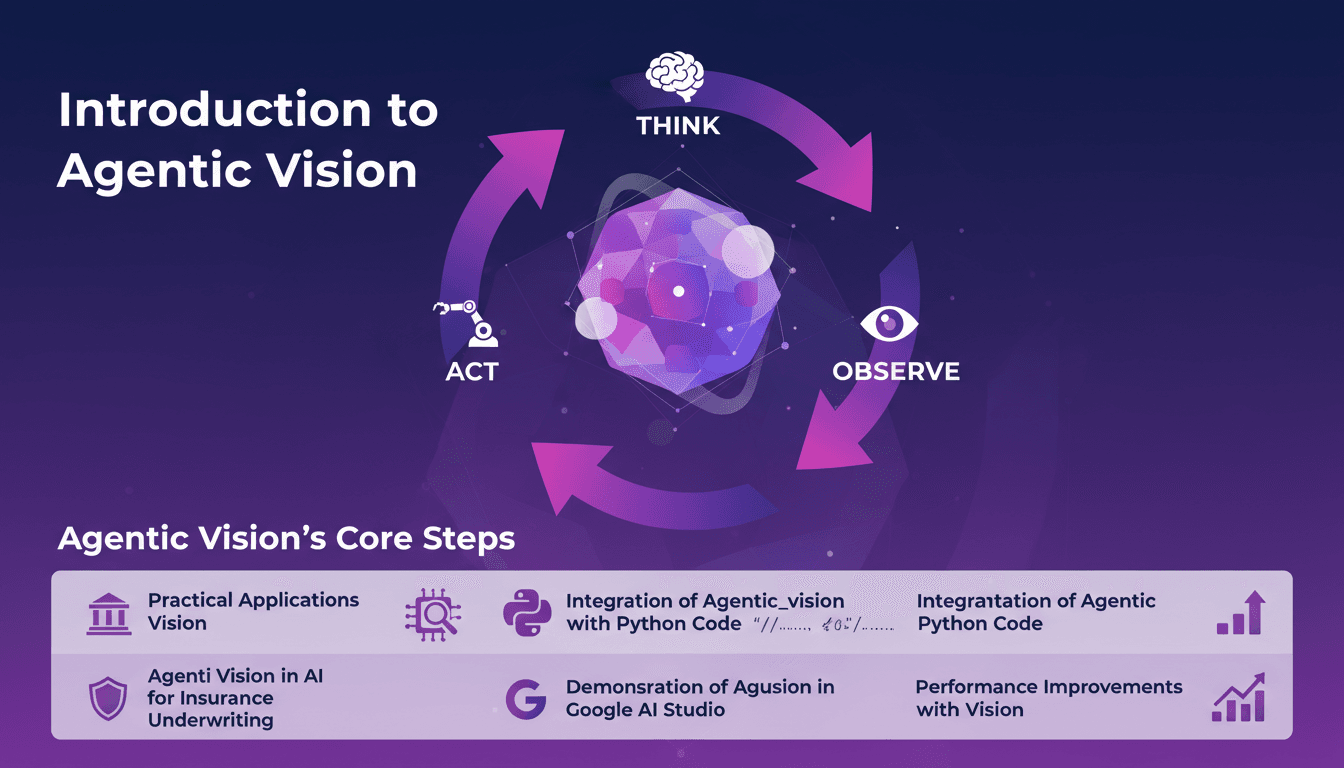
Je me souviens de la première fois où j'ai découvert la Vision Agentique. C'était comme une révélation, en réalisant comment le cadre Penser, Agir, Observer pouvait révolutionner mes projets IA. J'ai intégré cette approche dans mes flux de travail, en particulier pour la souscription d'assurances, et les gains de performance ont été impressionnants. Agentic Vision n'est pas juste un autre mot à la mode en IA. C'est un cadre pratique qui peut vraiment améliorer vos modèles IA, surtout lorsqu'il est associé à Python. Que vous soyez dans l'assurance ou un autre domaine, comprendre cela peut vous faire gagner du temps et augmenter votre efficacité. Dans cette vidéo, je vais vous montrer comment j'ai appliqué la Vision Agentique avec Python, et les améliorations de performance que j'ai observées, notamment dans Google AI Studio.
Sécuriser Clawbot: Protégez vos ports ouverts
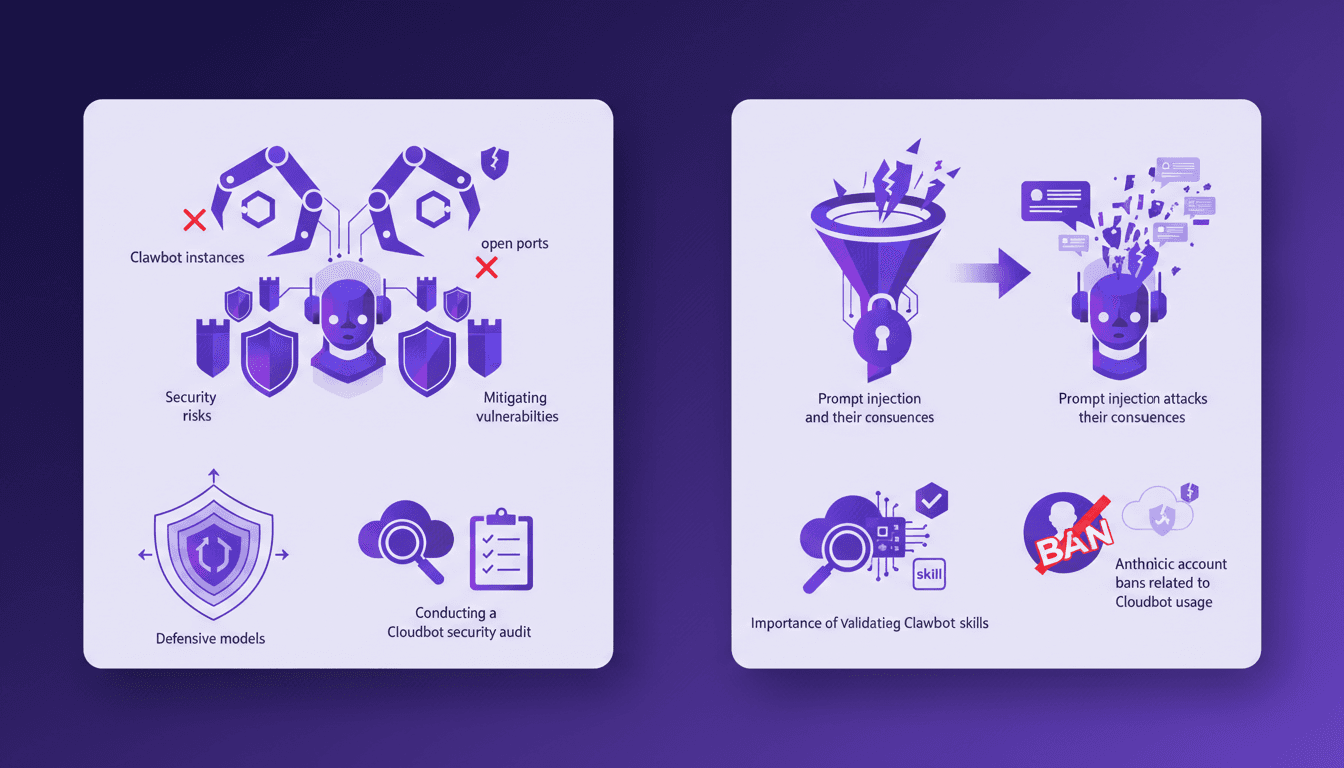
J'ai été là—devant une instance Clawbot avec des ports grands ouverts, ressentant le froid d'une potentielle faille de sécurité. Alors, comment ai-je sécurisé mon installation en évitant des erreurs coûteuses ? Plongeons dans les failles de Clawbot, de l'injection de commande aux validations de compétences médiocres. D'abord, je ferme ces fichus ports ouverts. Ensuite, je renforce les validations de compétences pour éviter que Clawbot ne fasse des choses qu'il ne devrait pas. Mais attention aux attaques par injection de commande—elles peuvent être sournoises et Anthropic n'hésite pas à bannir des comptes. Je partage mes étapes pour auditer la sécurité de vos systèmes Clawbot et protéger vos actifs numériques efficacement.
Kimmy K2.5 : Maîtriser l'Agent Swarm
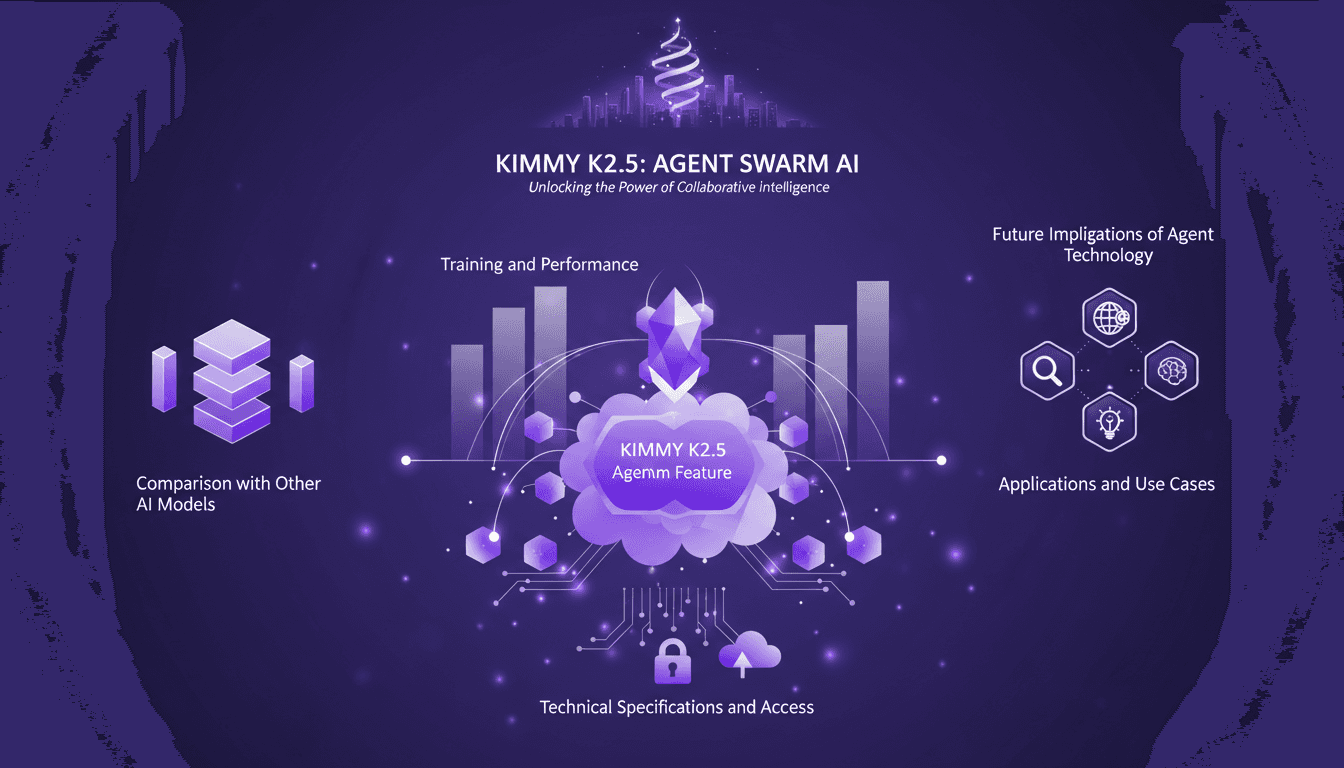
Je me souviens de ma première plongée dans le modèle Kimmy K2.5. C'était comme entrer dans une nouvelle ère de l'IA, où la fonctionnalité Agent Swarm promettait de révolutionner notre manière de gérer les tâches parallélisables. J'ai passé des heures à optimiser, tester et pousser ce modèle à ses limites. Et je vous le dis, si vous savez l'exploiter, c'est un véritable atout. Avec ses 15 trillions de tokens et la capacité de gérer 500 étapes coordonnées, c'est un champion incontesté. Mais attention, il y a des pièges à éviter. Permettez-moi de vous guider à travers les capacités de cet outil puissant, ses applications et ses implications futures.
Lancement d'Ollama : Défi sur Mac
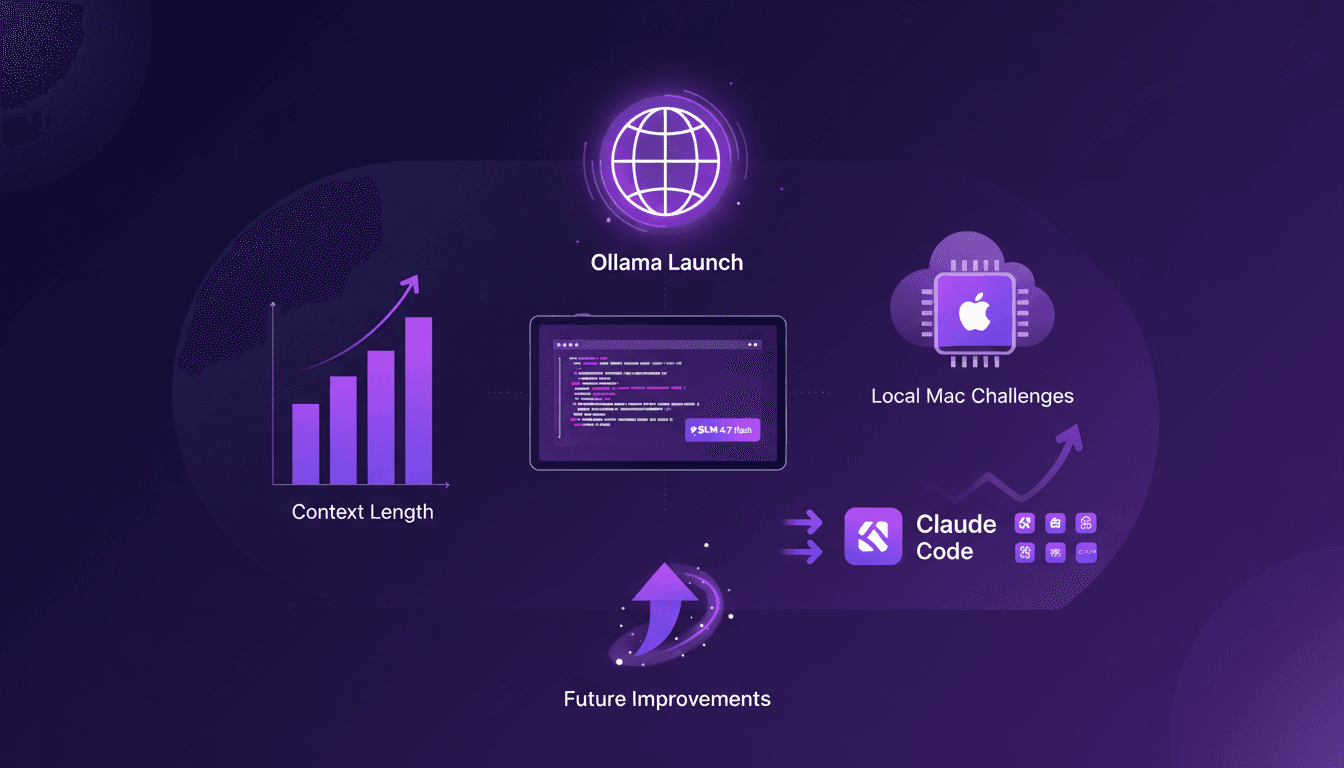
Je me souviens de la première fois où j'ai lancé Ollama sur mon Mac. Comme ouvrir une boîte à outils flambant neuve, remplie de gadgets étincelants que je mourais d'envie de tester. Mais la vraie question, c'est comment ces modèles tiennent la route. Dans cet article, on va plonger dans les fonctionnalités d'Ollama Launch, mettre à l'épreuve le modèle GLM 4.7 flash, et voir comment Claude Code se compare. On va aussi s'attaquer aux défis d'exécuter ces modèles localement sur un Mac et discuter des améliorations possibles. Si vous avez déjà essayé de faire tourner un modèle de 30 milliards de paramètres avec une longueur de contexte de 64K, vous savez de quoi je parle. Alors, prêt à relever le défi ?
Cloner des Voix Gratuitement : Qwen TTS Révolutionne
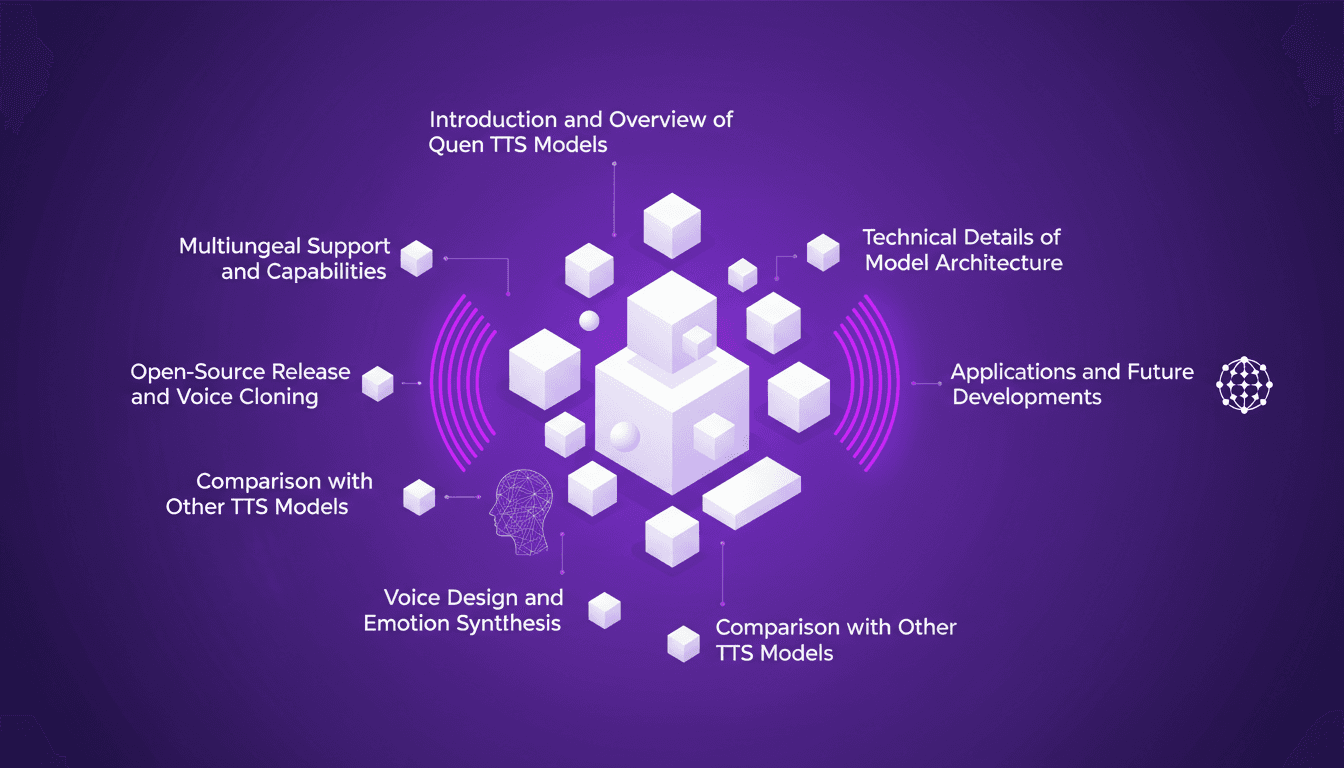
Je me souviens de la première fois où j'ai cloné une voix avec Qwen TTS — c'était comme entrer dans le futur. Imaginez avoir un outil aussi puissant, et en plus open source, à portée de main. Ce n'est pas juste de la théorie; c'est l'application concrète de cette technologie aujourd'hui. En juin dernier, Qwen a dévoilé ses modèles TTS, et d'ici septembre, le Quen 3 TTS Flash avec support multilingue était prêt. Pour quiconque s'intéresse au clonage de voix et à la génération de discours multilingues, c'est un véritable game changer. Avec des modèles allant de 0,6 milliard à 1,7 milliard de paramètres, les possibilités sont énormes. Mais attention, il y a des limites techniques à garder à l'esprit. Dans cet article, je vais vous guider à travers les capacités multilingues, la libération open-source, et la synthèse émotionnelle. Préparez-vous à explorer comment vous pouvez exploiter cette technologie dès aujourd'hui.