Turn Any Folder into LLM Knowledge Fast
Ever stared at a mountain of code wishing you could just snap your fingers and make it intelligible? That's where Code to Prompt comes in. I've been there, and here's how I made it work. We're diving into transforming GitHub repositories into LLM-friendly text using this tool, and leveraging the Google Gemini model. It's about making your codebases not just readable, but actionable. I'll guide you through integrating Code to Prompt, optimizing token management, and deploying projects with Gradio code. It's a real game changer, but watch out for token limits.
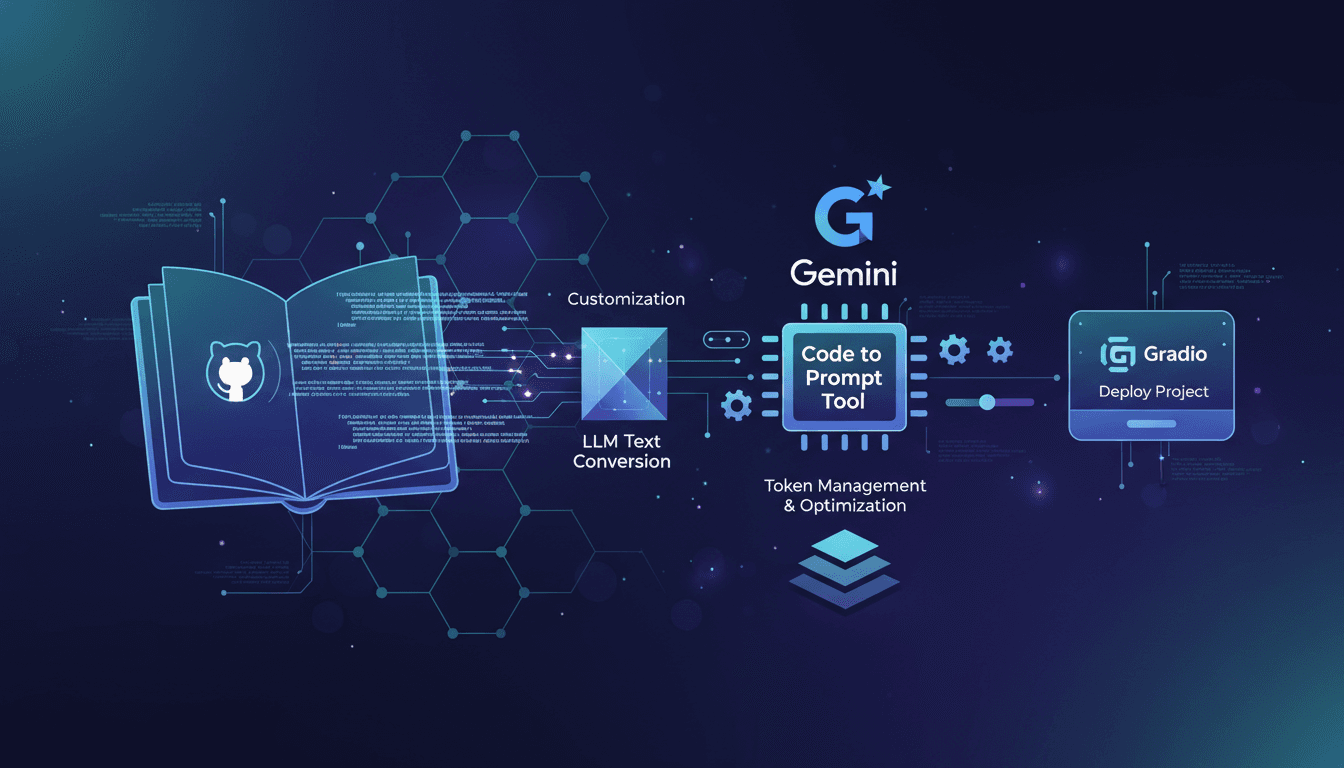
Ever stood in front of a mountain of code, wishing you could just snap your fingers to make it intelligible? I've been there. With Code to Prompt, I managed to turn GitHub repositories into LLM-ready text in no time. It's not just about readability but making your codebase actionable. I'll take you through integrating this tool and how I leveraged the Google Gemini model to maximize efficiency. Token management is key here – I got burned realizing those token limits can catch you off guard. Once you get the hang of it, you can customize prompt generation and deploy your projects using Gradio code. We're diving into this process together, and I promise it'll change how you work. But don't overuse the tools, because sometimes, the simplest route is the fastest.
Introduction to Code to Prompt: Making Sense of Chaos
Transforming code into text usable by large language models (LLMs) can seem like an overwhelming task. This is where Code to Prompt comes in. This Rust-based tool simplifies the process of converting GitHub repositories into LLM text, which is a real asset for those of us looking to integrate AI into our daily workflows without getting bogged down by technical complexity. I remember converting my 'coin market cap R' repo, an old R library I developed 6 years ago, into LLM text for Google Gemini. It was a breeze thanks to Code to Prompt, and I immediately saw gains in terms of time and efficiency.
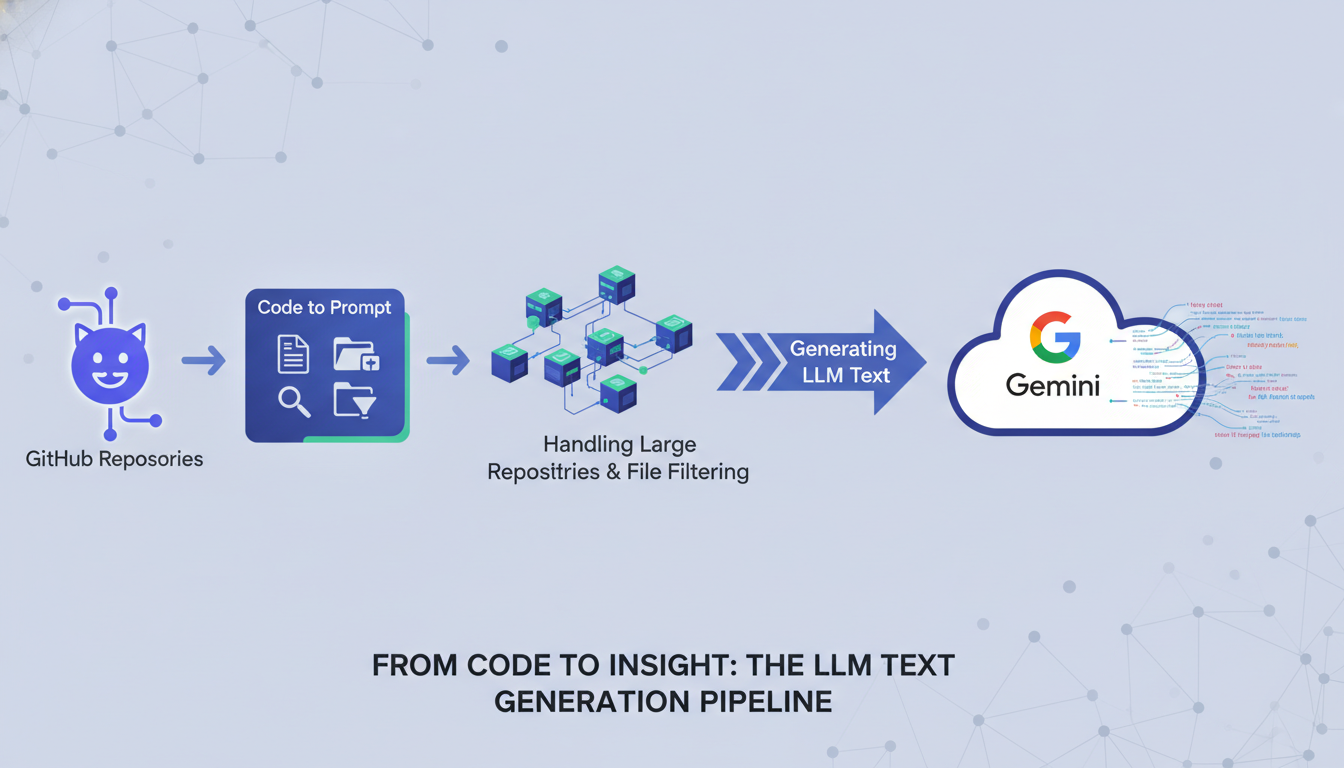
By integrating this tool into your workflow, you can not only save time but also optimize your resources. The main benefit? The ability to transform a repository into usable LLM text for various applications. This changes everything, especially if you're tired of manually managing documents and want to automate repetitive tasks.
Converting GitHub Repositories into LLM Text
Converting GitHub repositories into LLM text is simpler than it seems. With Code to Prompt, the process is executed in a few steps. First, you need to install the tool via cargo install code-to-prompt. Then, you clone the repository you want to convert. For my 'coin market cap R' repository, I just executed code-to-prompt coin-market-cap-R, and in no time, my code was transformed into LLM text ready to be used with the Google Gemini model.
For large repositories, a crucial aspect is managing the token count. With Code to Prompt, I was able to determine that my repository used 85,3194 tokens, allowing me to optimize resource usage. However, watch out for token limits, as they can quickly become a bottleneck if not carefully managed.
Customizing Prompt Generation for Better Results
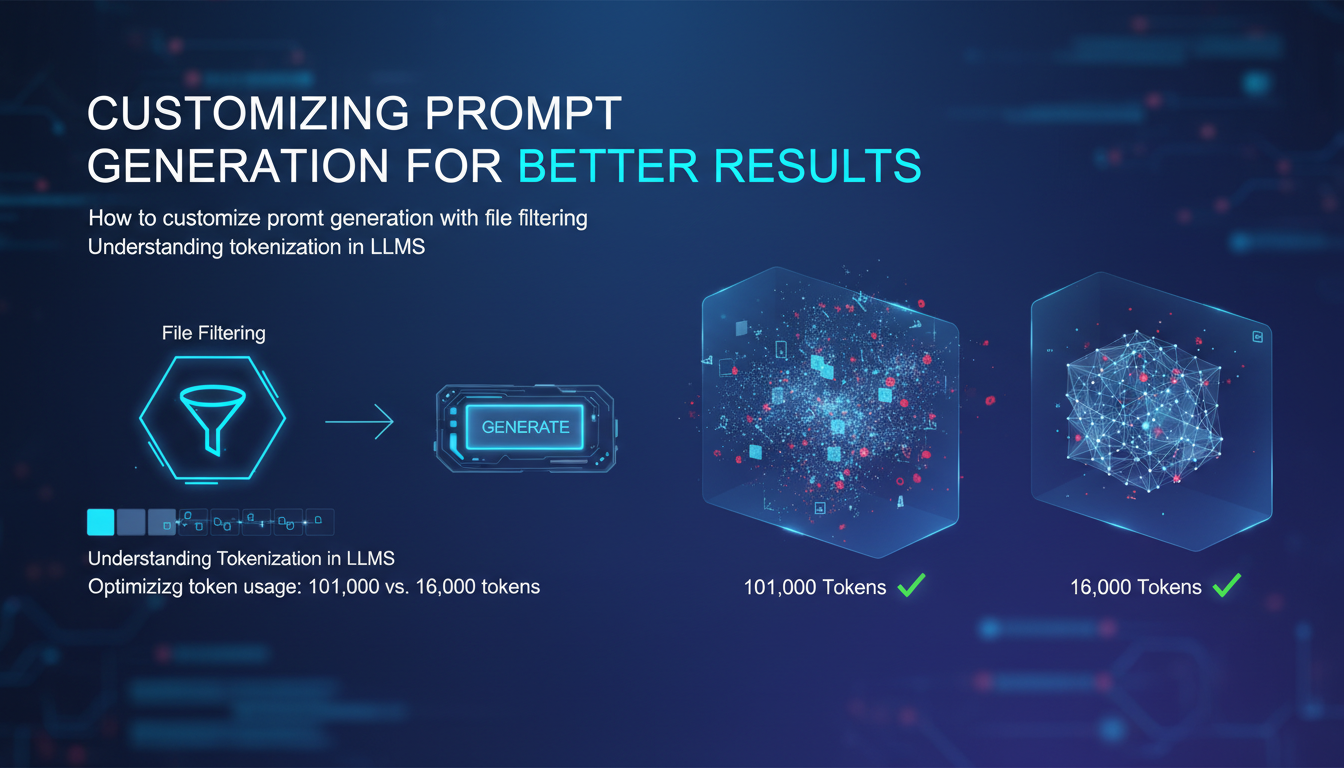
One of the strengths of Code to Prompt is its ability to customize prompt generation. By using file filters, you can precisely target which parts of the code to convert. For instance, converting only R files. This not only saves tokens but also optimizes the accuracy of the generated prompts. Understanding tokenization in LLMs is crucial here. A prompt of 101,000 tokens will be much more costly than an optimized prompt of 16,000 tokens.
- Adapt prompts to your specific needs
- Optimize tokens to balance detail and performance
- Avoid common pitfalls by continually testing and adjusting
Deploying with Gradio: Bringing Your LLM to Life
Once the LLM text is generated, the next step is to deploy it effectively. This is where Gradio comes into play. This tool allows you to create user-friendly interfaces for your LLM applications. By generating Gradio code for your converted repository, you can quickly set up a complete frontend application. I used Gradio to integrate my LLM text into a simple interface, enabling direct user interaction.
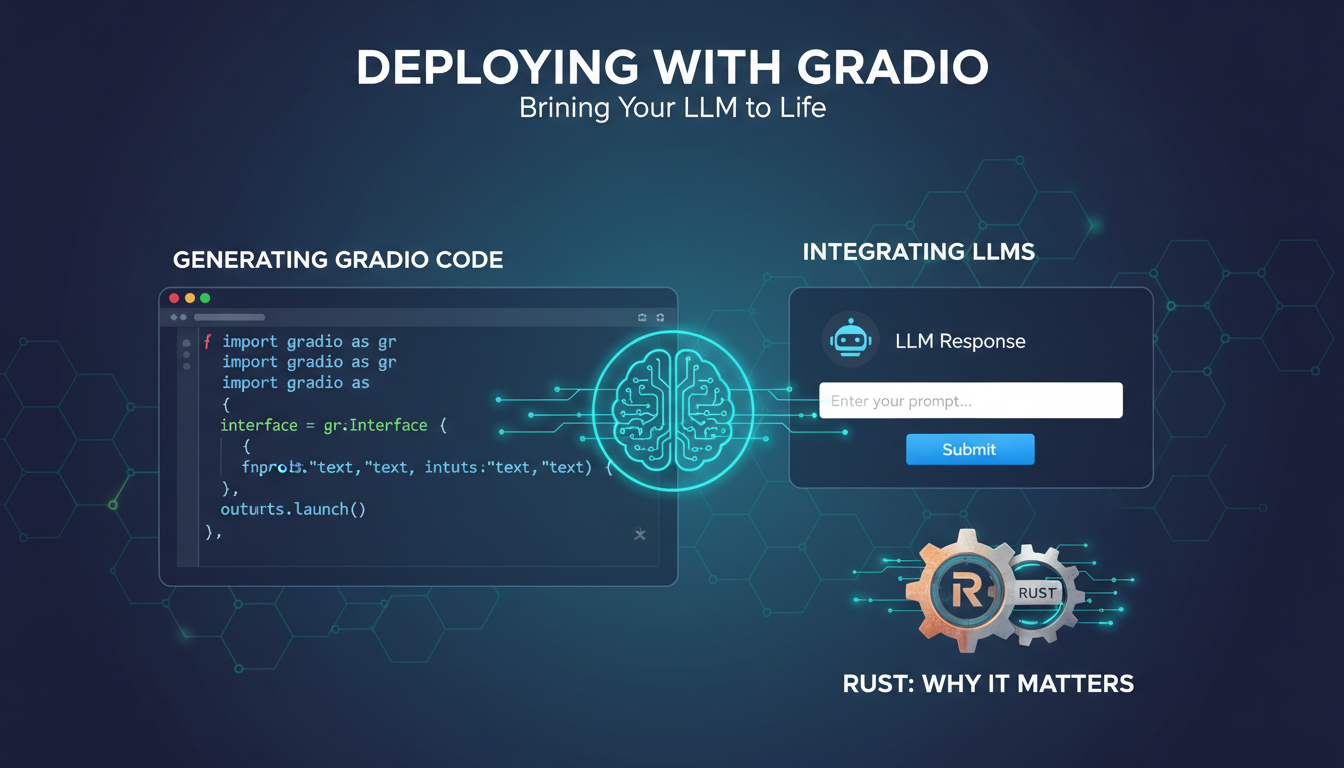
The Rust programming language plays a crucial role here, thanks to its performance and safety. However, be mindful of the limits and trade-offs when using Gradio, particularly regarding compatibility with various deployment environments.
Managing Tokens and Optimizing Performance
Finally, managing tokens is a key aspect of ensuring optimal performance and cost control. Analyzing the token count used by your code is essential to avoid unpleasant surprises. Tools like Code to Prompt allow you to understand and optimize token usage, directly impacting performance and costs. For example, I was able to adjust my repository to use 85,3194 tokens more effectively.
- Analyze and understand token usage
- Implement strategies for efficient token management
- Use optimization tools to future-proof your LLM projects
In summary, Code to Prompt offers a robust and flexible solution for converting code into LLM text, deployable with Gradio, while optimizing token usage. By integrating these tools into your process, you can not only improve your workflows but also anticipate future challenges, making your LLM projects more performant and economically viable.
Turning code into actionable LLM text isn't just a dream—it's a workflow I've embraced. With Code to Prompt, I transform my repositories into powerful tools, ready to deploy with Gradio. First, I set up my prompts, then optimize with the Google Gemini model. But remember, it's all about balancing efficiency, cost, and performance.
- Here's what I've learned in practice:
- Code to Prompt efficiently converts GitHub repositories into LLM text.
- Using the Google Gemini model enhances prompt customization and relevance.
- Watch your token usage—101,000 tokens can strain performance if not managed carefully.
I'm convinced this approach can be a game changer for our projects. So, try out Code to Prompt on your next project and share what you discover. Together, we can optimize and learn faster. For deeper insights, check out the original video "Turn ANY FOLDER into LLM Knowledge in SECONDS" on YouTube.
Frequently Asked Questions

Thibault Le Balier
Co-fondateur & CTO
Coming from the tech startup ecosystem, Thibault has developed expertise in AI solution architecture that he now puts at the service of large companies (Atos, BNP Paribas, beta.gouv). He works on two axes: mastering AI deployments (local LLMs, MCP security) and optimizing inference costs (offloading, compression, token management).
Related Articles
Discover more articles on similar topics
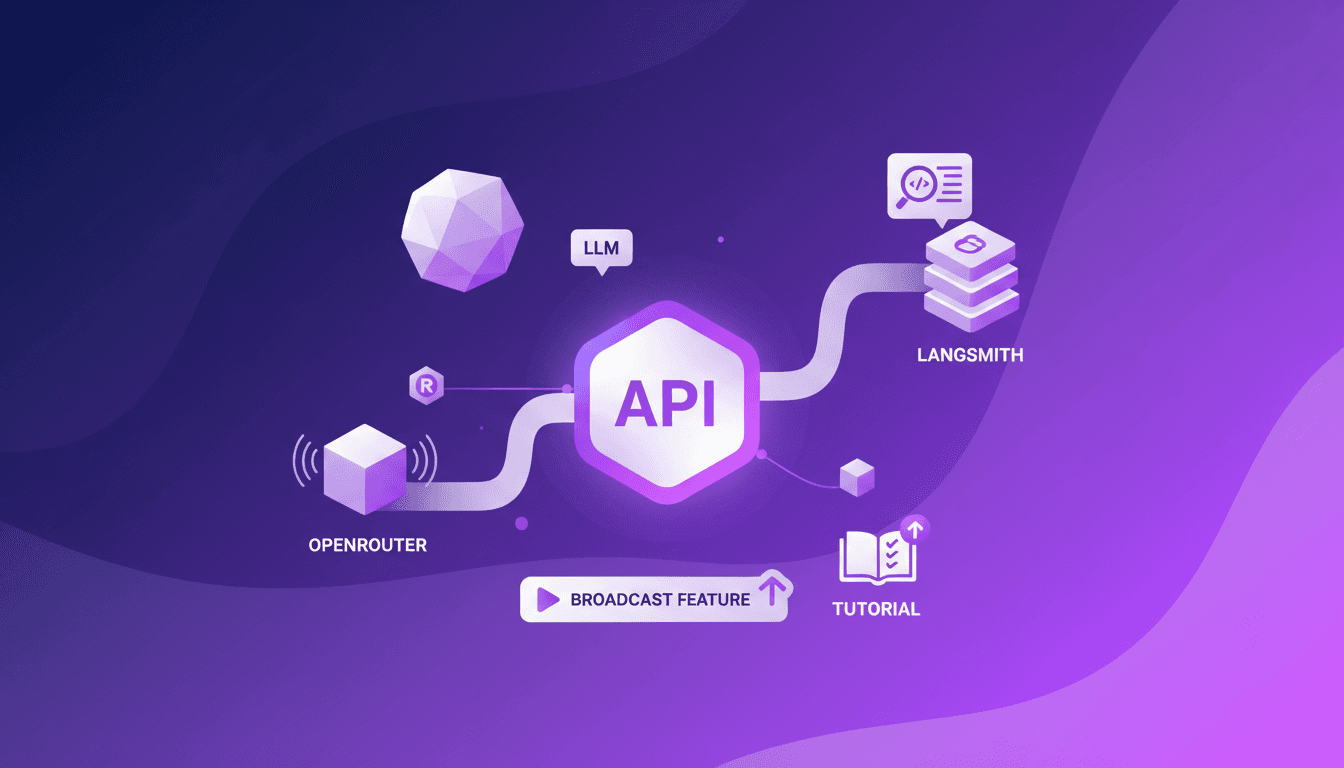
Trace OpenRouter Calls to LangSmith No-Code
I remember the first time I tried tracing API calls without changing a single line of code. It felt impossible until OpenRouter released its new broadcast feature. I set it up with LangSmith in no time, and it was a game changer. No more hours wasted tinkering with code. I just connect OpenRouter's API, and with a few clicks, I trace calls directly to LangSmith. It's really efficient, but watch out for managing API keys and LLM costs. A practical solution for those looking to streamline their workflows without the hassle.
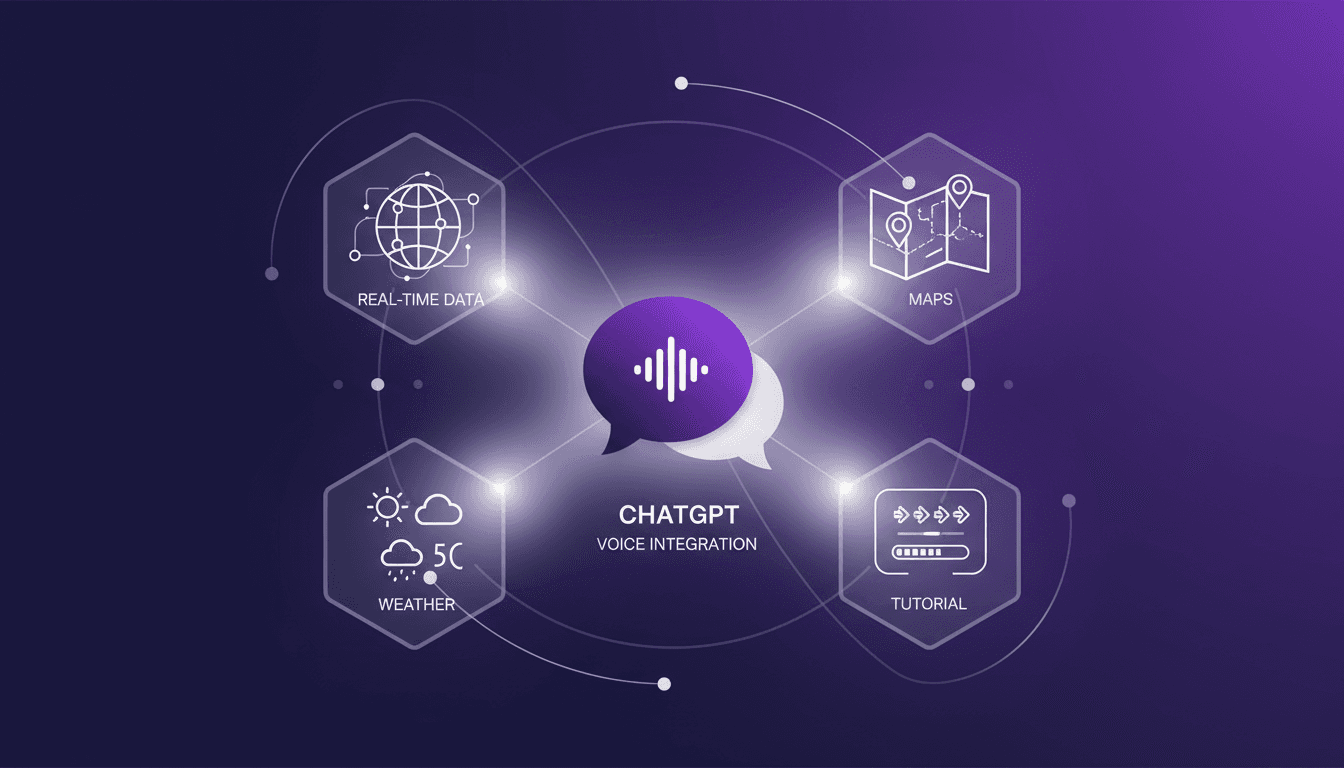
ChatGPT and Voice: What's New and How to Use It
I started integrating voice into my chat apps last month, and it's been a real game changer. Voice integration isn't just a gimmick; it truly transforms user interaction. Imagine asking your chat app for real-time weather updates or directions to the best bakeries in the Mission District. We're talking about a whole new level of interaction. Real-time features like maps and weather add a dimension we couldn't dream of before. Let me walk you through how I set this up and how it can change your approach to chat platforms.
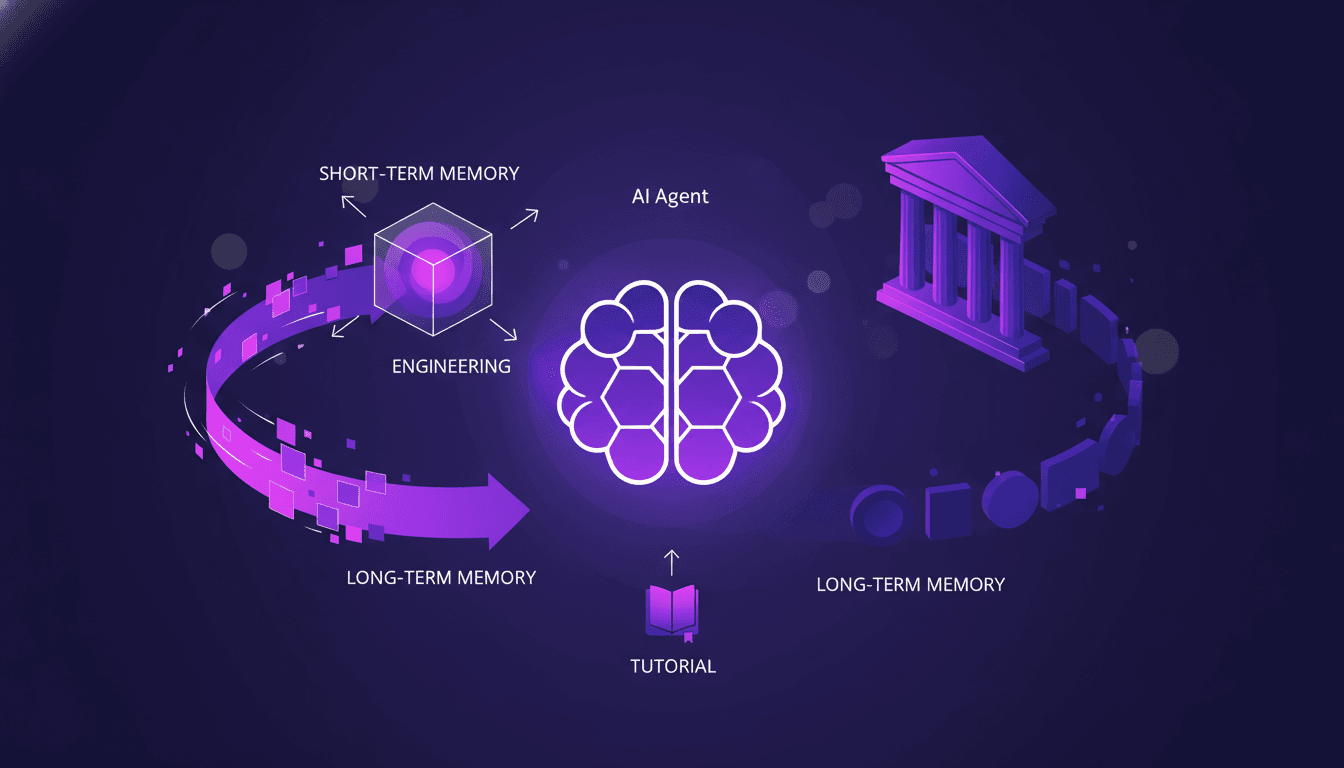
Optimizing AI Agent Memory: Advanced Techniques
I've been in the trenches with AI agents, wrestling with memory patterns that can literally make or break your setup. First, let's dive into what Agent Memory Patterns really mean and why they're crucial. In advanced AI systems, managing memory and context is not just about storing data—it's about optimizing how that data is used. This article explores the techniques and challenges in context management, drawing from real-world applications. We delve into the differences between short-term and long-term memory, potential pitfalls, and techniques for efficient context management. You'll see, two members of our solution architecture team have really dug into this, and their insights could be a game changer for your next project.
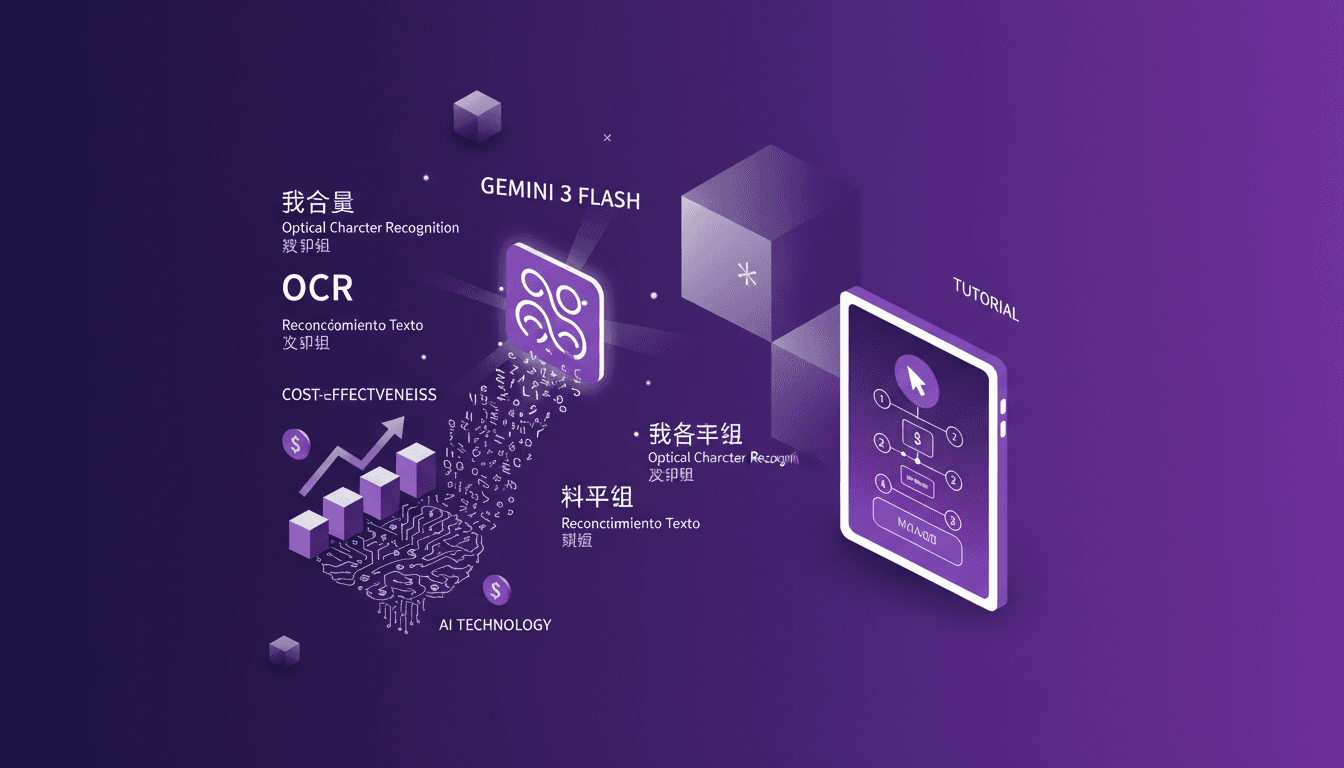
Cut Costs with Gemini 3 Flash OCR
I've been diving into OCR tasks for years, and when Gemini 3 Flash hit the scene, I had to test its promise of cost savings and performance. Imagine a model that's four times cheaper than Gemini 3 Pro, at just $0.50 per million token input and $3 for output tokens. I'll walk you through how this model stacks up against the big players and why it's a game changer for multilingual OCR. From cost-effectiveness to multilingual capabilities and technical benchmarks, I'll share my practical findings. Don't get caught up in the hype, discover how Gemini 3 Flash is genuinely transforming the game for OCR tasks.

Function Gemma: Function Calling at the Edge
I dove into Function Gemma to see how it could revolutionize function calling at the edge. Getting my hands on the Gemma 3270M model, the potential was immediately clear. With 270 million parameters and trained on 6 trillion tokens, it's built to handle complex tasks efficiently. But how do you make the most of it? I fine-tuned it for specific tasks and deployed it using Light RT. Watch out for the pitfalls. Let's break it down.