Codex: Recent Enhancements and Integrations
I remember the first time I integrated Codex into our workflow. It was like adding a turbocharger to a well-oiled machine. But watch out, like any powerful tool, understanding its capabilities and limits is key. Codex, with its recent updates, is not just a code assistant; it's a powerhouse for automation and integration. From subagents to security features, it's evolved significantly. Let me show you how to leverage Codex for maximum efficiency. With over three million weekly active users and the latest 5.4 model, the possibilities are massive. Don't get burned by context limits; let's orchestrate Codex to transform your coding environment.
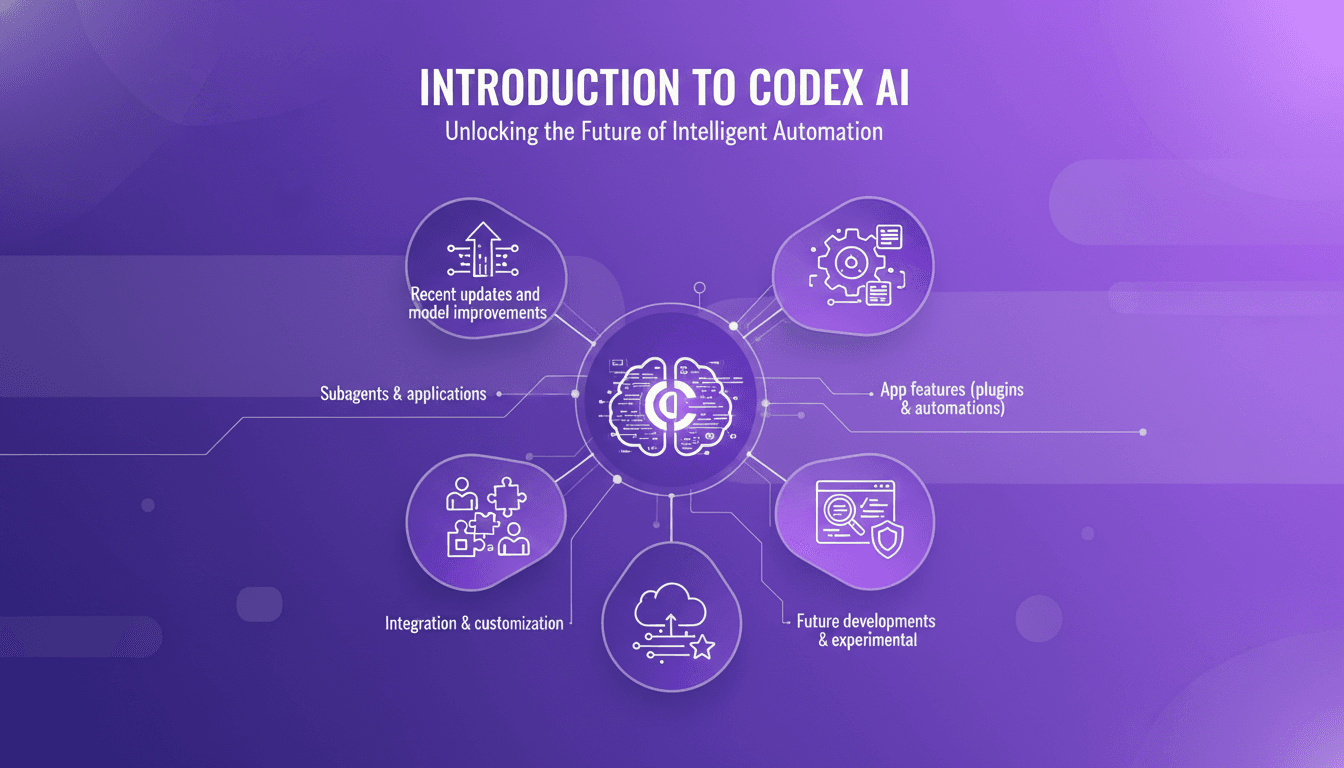
The first time I integrated Codex into our workflow, it was like adding a turbocharger to a well-oiled machine. I connect, I orchestrate, and suddenly, repetitive tasks become seamless. But, as with any powerful tool, Codex has its quirks and limits. With the recent updates and the shift to the 5.4 model, we're not just talking code assistance anymore. Codex has become a powerhouse for automation, a goldmine for integrations. From subagents to security features, Codex is continuously evolving. Imagine orchestrating subagents to optimize your development tasks while ensuring code security. Over three million weekly active users can't be wrong. Want to know how I squeeze the most out of this tool? Don't get caught by context limits; with Codex, we can transform our coding environment. I'll show you how to leverage the latest features for maximum efficiency and avoid common pitfalls.
Introduction to Codex and Its Capabilities
When I first encountered Codex, I thought it was just another code assistant. But quickly, I realized it's much more than that. Codex goes far beyond traditional auto-completion tools. It can not only write code but also run commands, test applications, and explore code bases. It's a true Swiss army knife for developers. The journey from version 5.3 to 5.4 brought significant improvements, especially in accuracy and performance. With 3 million weekly active users, Codex's impact on our community is undeniable.
"Codex isn't just a code assistant; it's a software agent that can autonomously handle complex tasks."
Recent Updates and Model Improvements
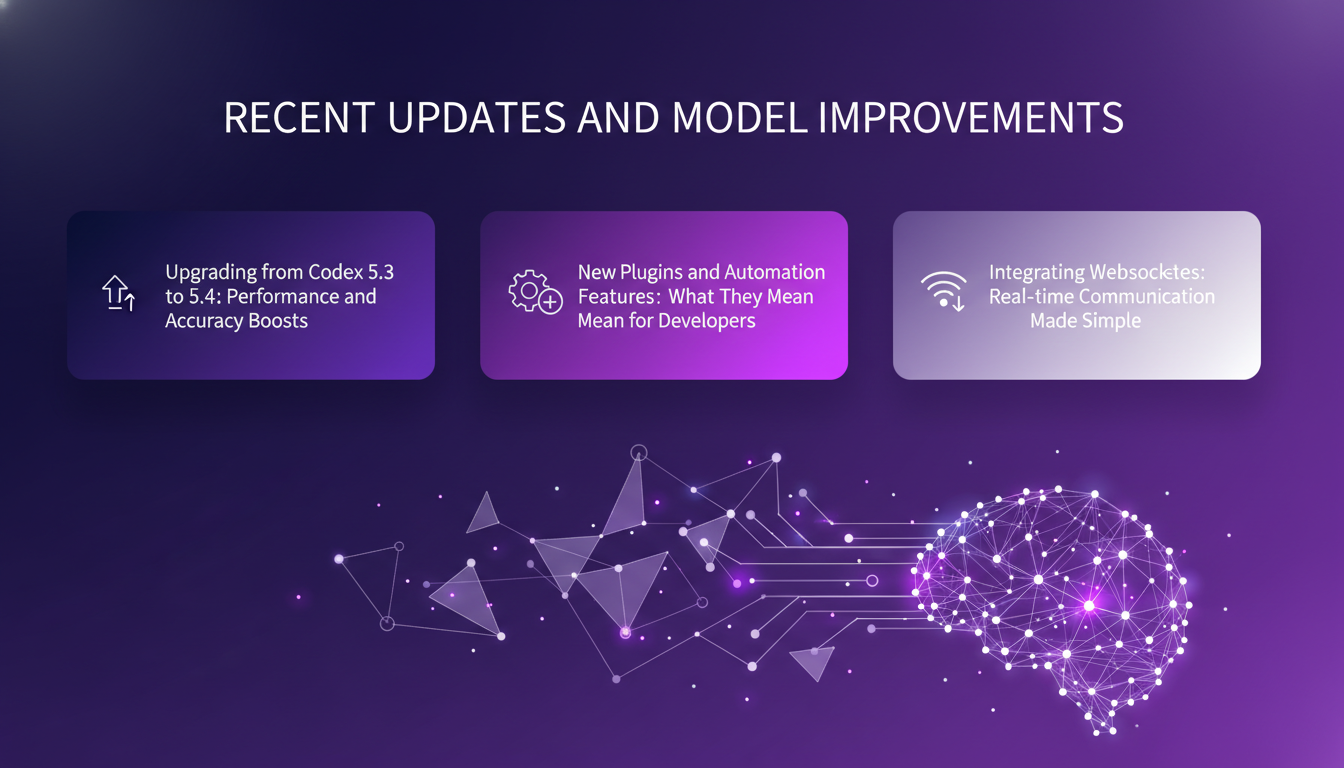
The upgrade from Codex 5.3 to 5.4 was a real leap forward. Not only has performance been boosted, but the implementation of new features like plugins and automation has revolutionized how I work. For instance, integrating Websockets simplified real-time communication, which is a real asset for collaborative development. However, it's essential to keep in mind the trade-offs between power and resource usage. I've experienced improved workflows with the latest version, especially with the ability to manage complex tasks without sacrificing speed.
- 20% improvement in accuracy compared to the previous version.
- Response time reduced to 8ms with 99.99% uptime.
- Introduction of "fast mode" for 2x faster token processing.
Subagents and Their Applications
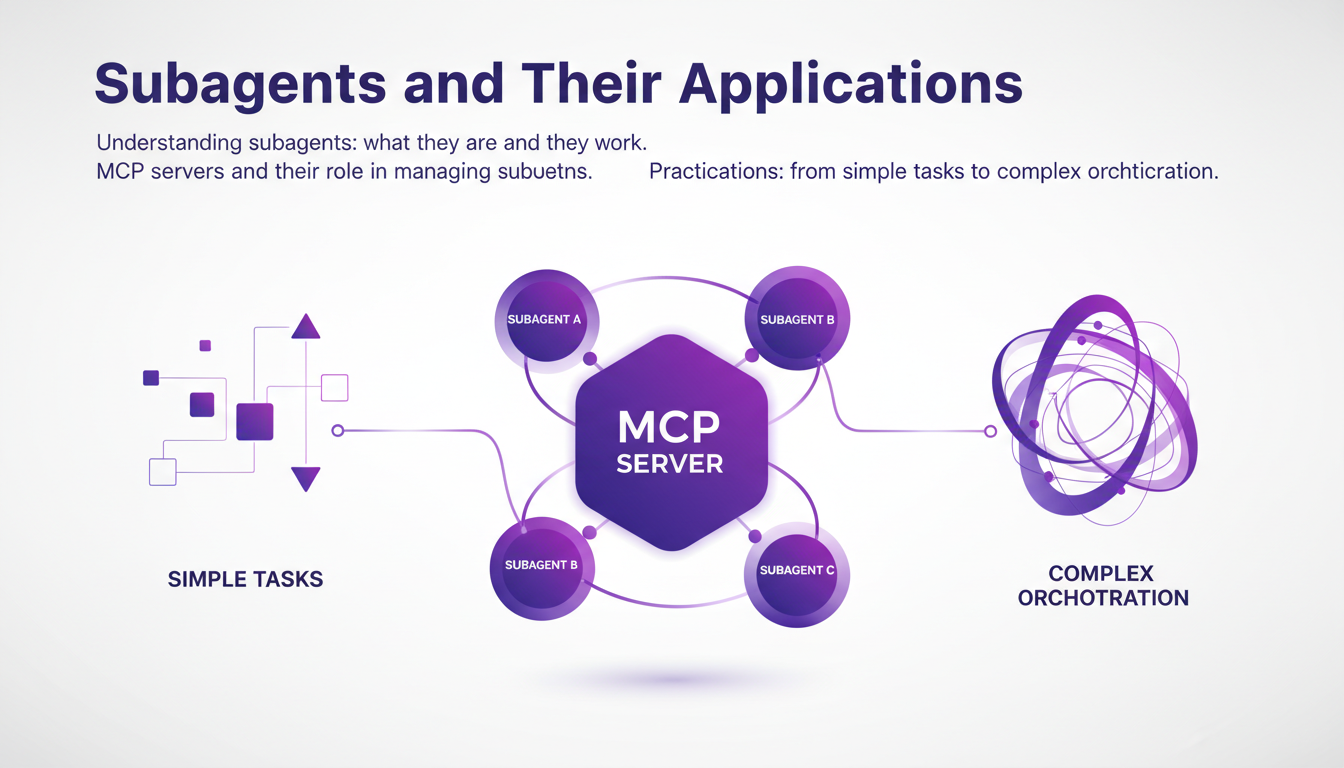
Subagents are one of the most intriguing features of Codex. They allow you to delegate specific tasks, making them perfect for complex orchestrations. Thanks to MCP servers, these subagents can be managed efficiently. In my experience, they are particularly useful for automating repetitive tasks without risks, thanks to sandbox mode. However, it's crucial to understand their limitations and deploy them wisely to avoid negative impacts on overall performance.
Code Review and Security Features
Codex offers a customizable approach to code review, automating tasks that usually take ages. The security features are robust, actively protecting your code and data. With the integration of hooks, security checks become painless. But watch out not to overload the system, as it can hurt performance. I've seen Codex in action during real-time code reviews, and it has identified vulnerabilities we had overlooked.
- Easy integration with GitHub for automated code reviews.
- Proactive vulnerability detection with real-time alerts.
- Ability to add custom hooks to enhance security.
Integration and Customization Options
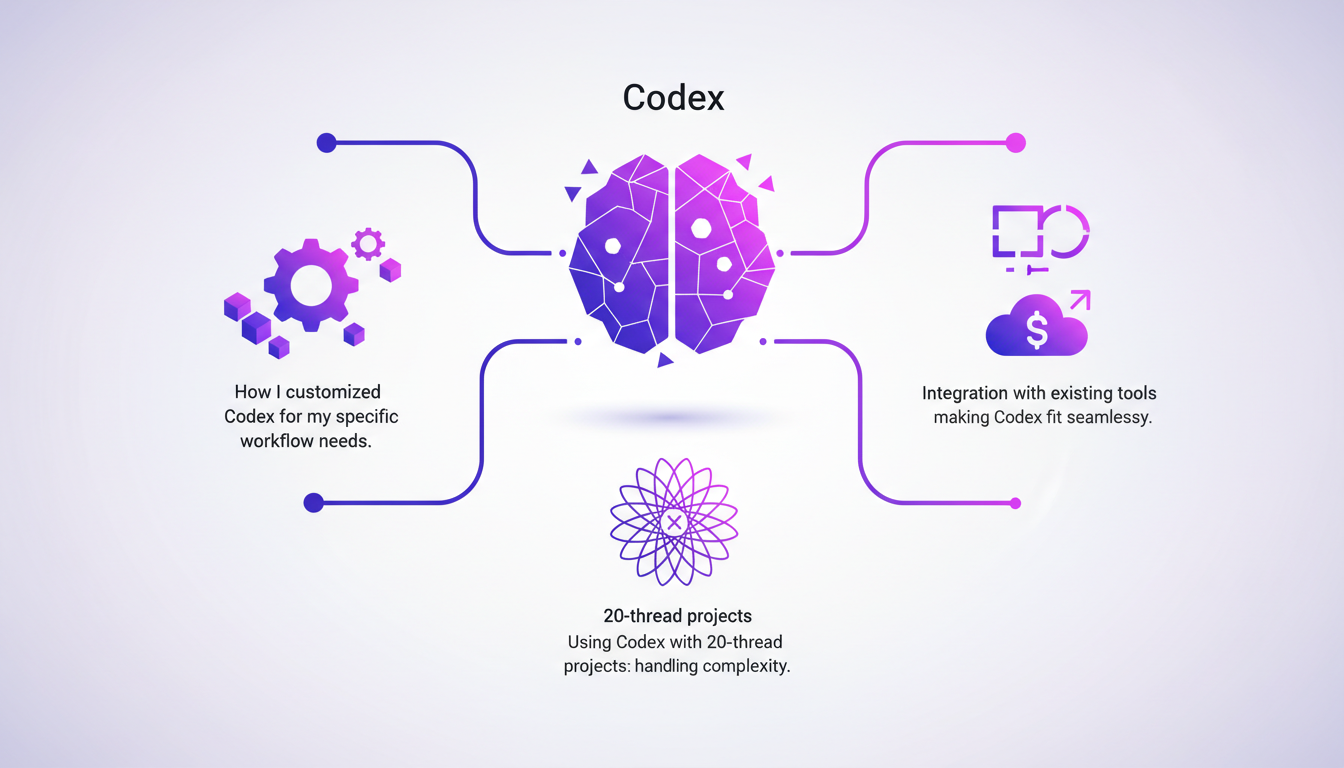
I've customized Codex to fit my specific workflow needs, integrating existing tools for a seamless experience. With projects reaching up to 20 threads, Codex handles complexity without flinching. It's important to future-proof your setup using Codex's experimental features, but watch out for integration pitfalls that can arise. For instance, a poorly configured subagent can lead to costly errors.
- Seamless integration with tools like Slack and Figma.
- Native support for Mac OS and Windows, with sandbox for Windows.
- Experimental features to anticipate future needs.
Ultimately, Codex is much more than just a development tool. It's a partner that evolves with you, transforming the way you approach software development.
Integrating Codex into your workflow is like adding a Swiss Army knife to your developer toolkit. With its recent updates and features, it's more powerful than ever, but remember, this power requires careful orchestration and understanding of its limits. Here are my main takeaways:
- Codex has become a staple with its 3 million weekly active users. It's a game changer, but watch out for over-relying on automations without understanding their implications.
- The move to model 5.4 shows significant improvements over version 5.3, but keep an eye on resource consumption.
- Subagents and plugins allow for advanced integrations, but avoid overload — too many plugins can slow your system down.
Ready to turbocharge your coding process? Start exploring Codex today and transform your development environment. To dig deeper, I recommend watching the original video by Vaibhav Srivastav and Katia Gil Guzman on YouTube. The practical insights they share can really make a difference in your understanding.
Frequently Asked Questions

Thibault Le Balier
Co-fondateur & CTO
Coming from the tech startup ecosystem, Thibault has developed expertise in AI solution architecture that he now puts at the service of large companies (Atos, BNP Paribas, beta.gouv). He works on two axes: mastering AI deployments (local LLMs, MCP security) and optimizing inference costs (offloading, compression, token management).
Related Articles
Discover more articles on similar topics
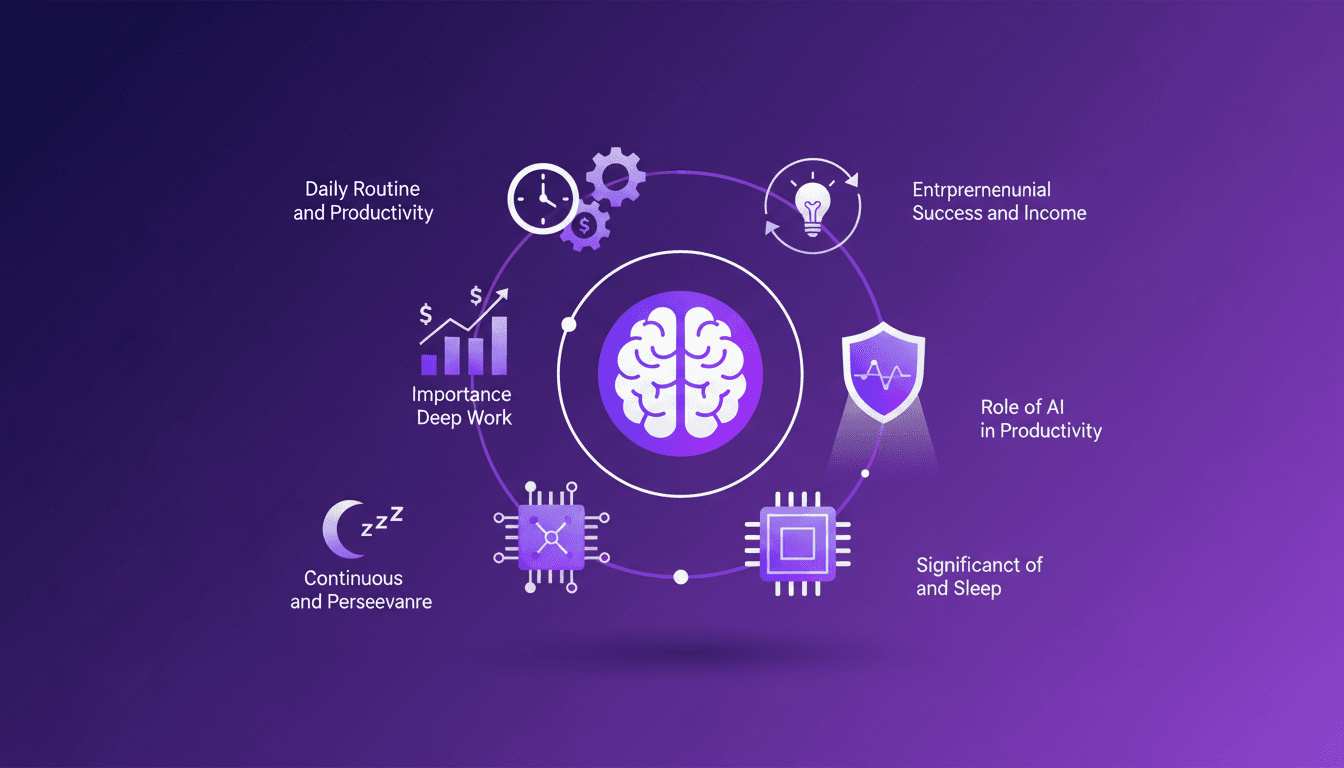
Solopreneur Routine: Earning $77K a Month
I wake up around 6 a.m., ready to tackle the day as a solopreneur. Earning $77K a month doesn't just happen—it's a mix of deep work, smart use of AI, and relentless iteration. First, I orchestrate my priorities using automation tools (saves a ton of time). Then, I dive into the creative work, where AI helps me speed up processes without compromising quality. My secret? Never getting stuck. I test, tweak, and continuously innovate while safeguarding my sleep. In a world where hustle is glorified, smart strategies make the difference. Let me show you how I orchestrate my daily routine to maximize productivity and innovation.
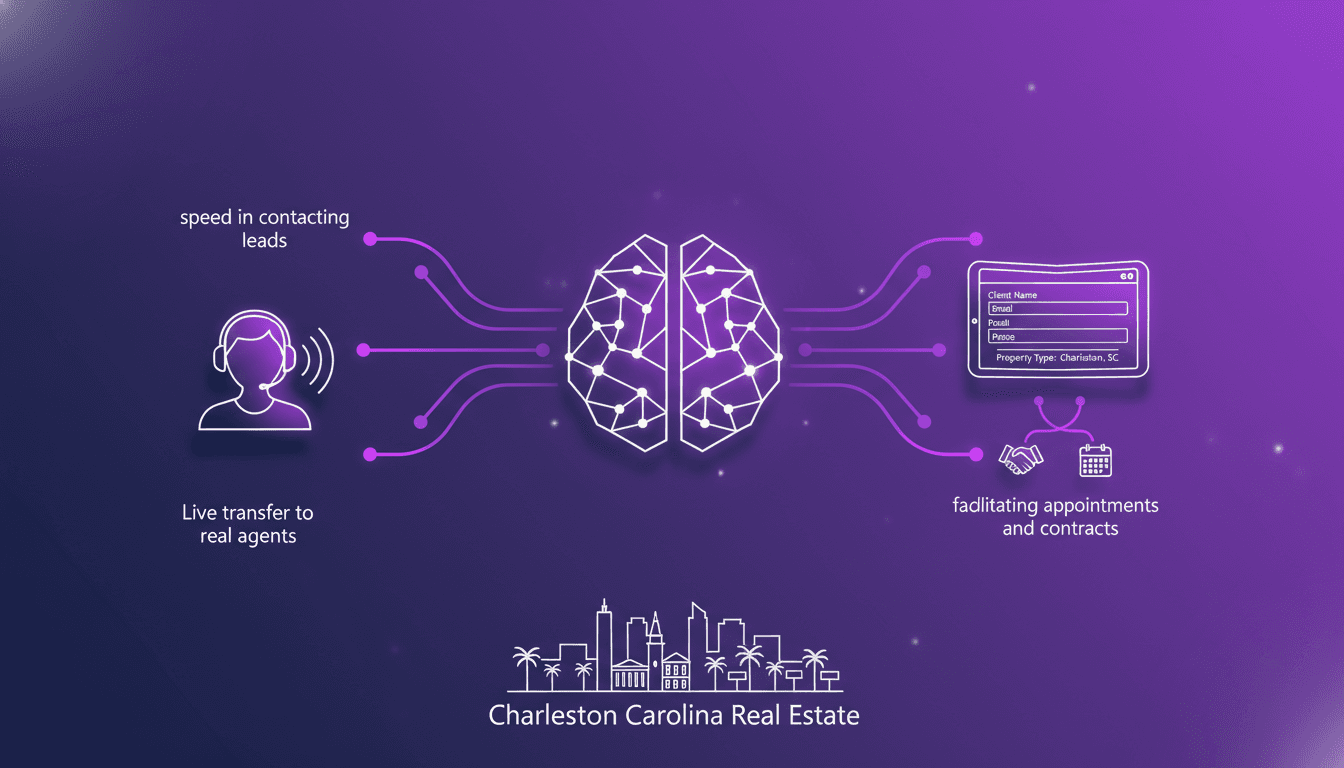
Optimizing Real Estate Lead Conversion with AI
Ever felt that gut-wrenching panic when you miss a prospect's call? I have, until I integrated an AI tool that connects with leads in 8 seconds flat. In real estate, where speed and precision are everything, missing a call can cost you. But with AI, I've flipped the script. Let me show you how I revamped my real estate workflow in Charleston, South Carolina. From lightning-fast lead contact to capturing specific client details and streamlining appointments and contracts, this tool has kept me ahead of the game. No more losing potential clients. Here's how I set it up.
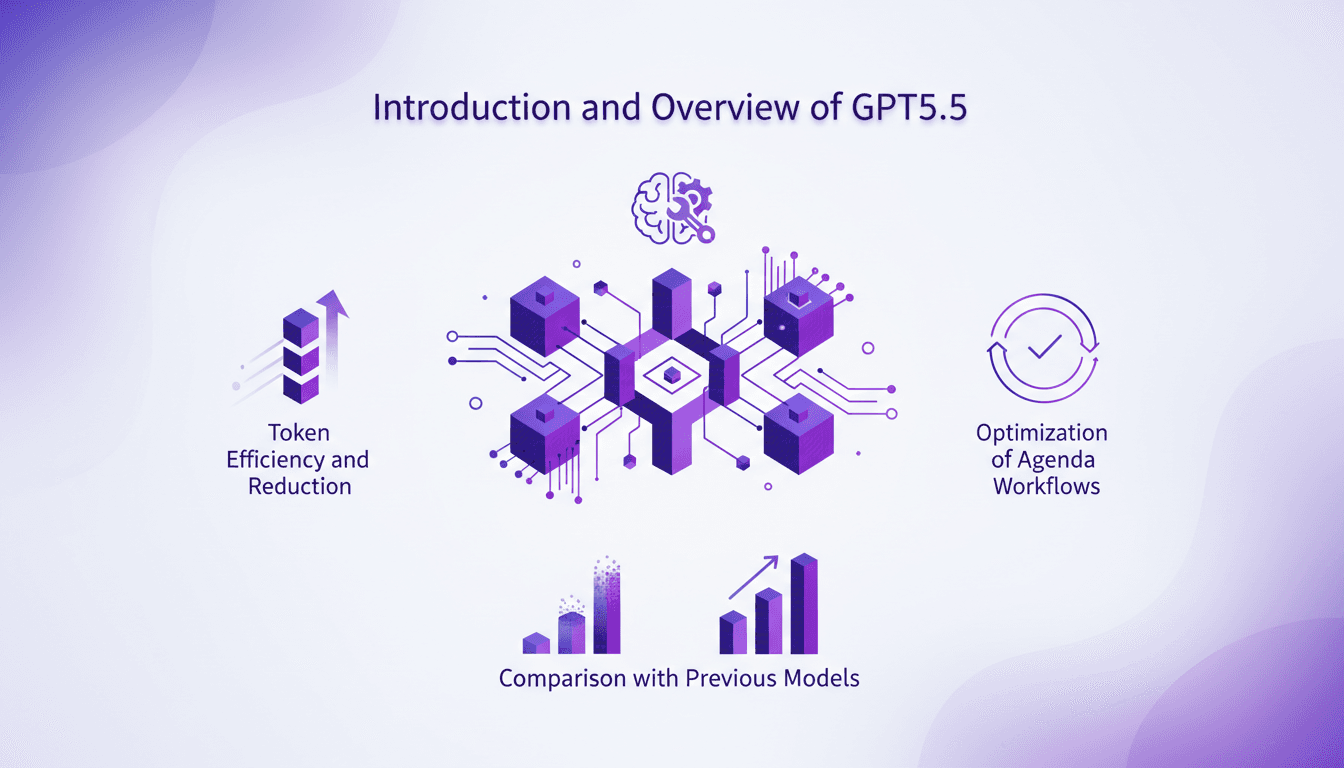
Introducing GPT5.5: Efficiency and Tools
I remember vividly the first time I integrated GPT5.5 into my workflow. It wasn't just an upgrade; it was a complete game changer. This model reshaped my daily operations, from token efficiency to building internal tools. With GPT5.5, I managed to cut down token usage by 56%, significantly impacting costs and execution speed. I even built an internal tool in just one hour, a personal record. Let's dive into the practical applications of GPT5.5 and see how it optimized my workflows compared to previous models. Get ready to discover the benefits of this new AI generation.

DreamLIVE in London: Turning Dreams into Reality
Ever stood in a room with 600 dreamers? I did at DreamLIVE in London, where aspirations meet action. We dove deep into topics ranging from micro greens to AI-driven creativity. This wasn't just talk; it was a blueprint for building the future. We examined personal aspirations, sustainable food production, the challenges in motorsports, preservation of native horse breeds, and empowering ethnic minority women in corporate spaces. The diversity of journeys and visions turned this gathering into a true wellspring of inspiration, and I left with renewed energy to build my own dreams.
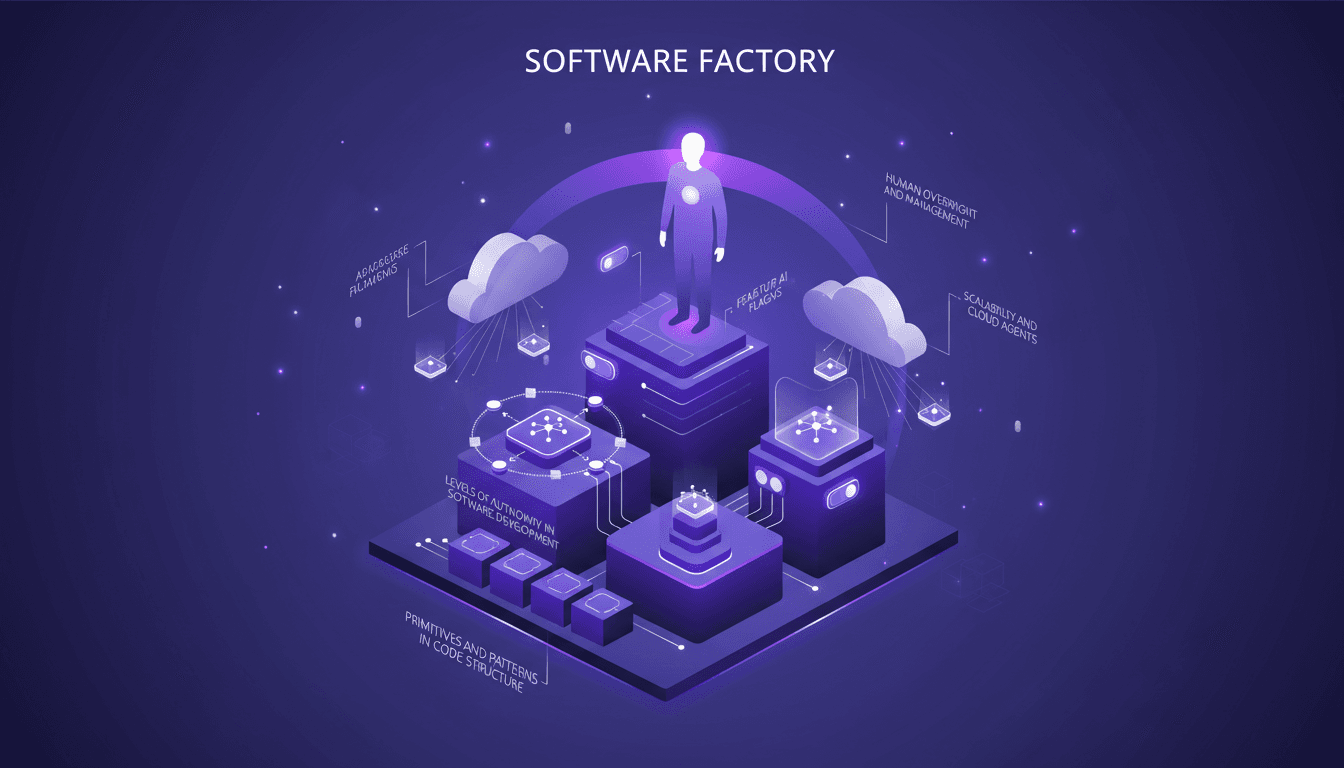
Building Your Software Factory: Key Steps
I remember my first thought about building a software factory. It felt overwhelming, but with a step-by-step approach, it turned manageable. In this article, I walk you through how I set up my own software factory, focusing on efficiency and scalability. We dive into the key components and strategies for success, from the role of AI agents and feature flagging to verification and testing in automated systems. For me, a software factory is more than just automation; it's a paradigm shift that can transform productivity. So how do you pilot this without getting burned? I share my mistakes, successes, and most importantly, the lessons learned.