Google Gémini: Transforming Office AI
I remember the first time I plugged an AI tool into my workflow—it was like unlocking a new superpower. But what Google and Microsoft are doing now goes beyond mere upgrades. Microsoft's massive $13 billion investment in Open AI and Google's bold move with Gémini are reshaping the landscape of productivity tools. Google Gémini, with its multimodal embedding tech, is setting new standards with a 70% success rate on independent benchmarks. And Microsoft's investment? It's not just for show—it's about redefining document and spreadsheet automation. This is a crucial moment to grasp how these advancements are revolutionizing our daily tools and impacting real workflows.
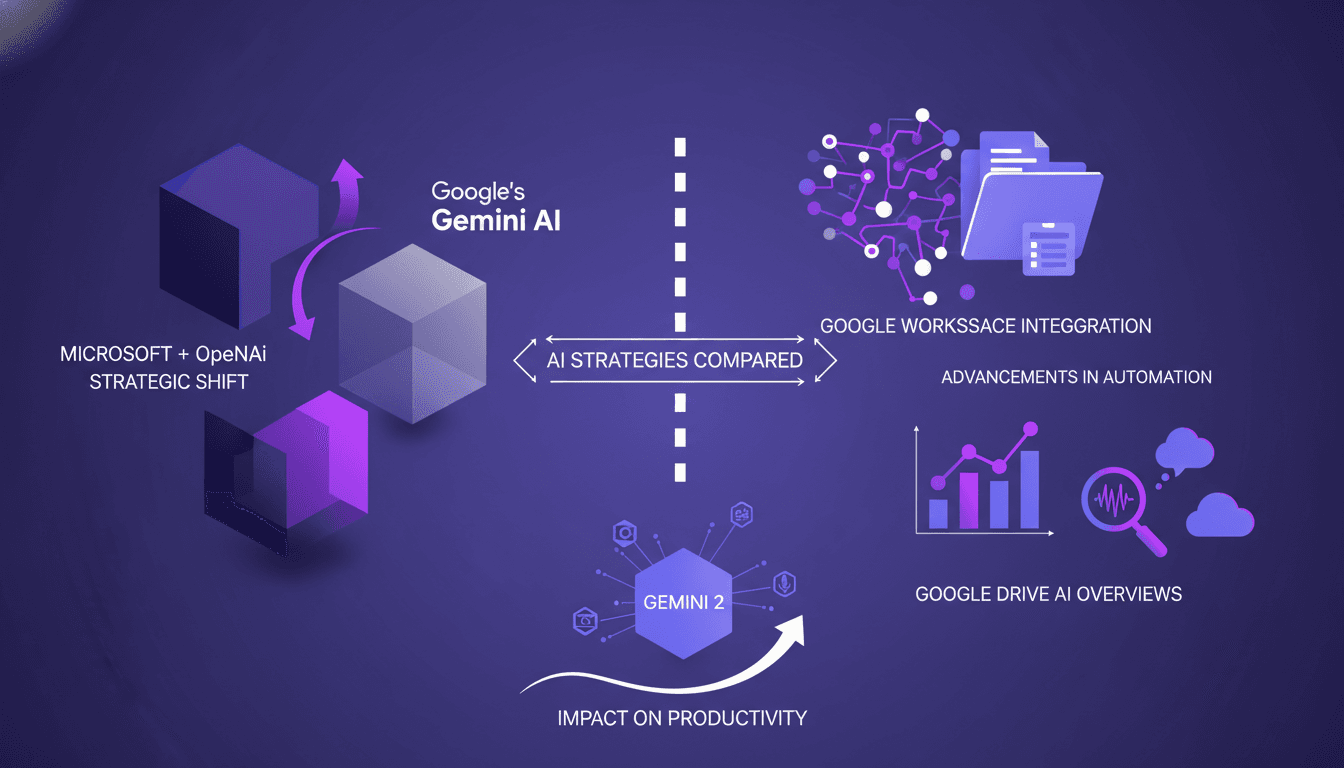
I remember the first time I integrated an AI tool into my workflow—it felt like discovering a new superpower. But with Google and Microsoft pushing boundaries even further, we're not just talking about enhancements; we're witnessing a complete transformation unfolding before our eyes. As a practitioner, I see firsthand how these shifts directly impact our workflows and business outcomes. Google's Gémini announcement affects 3 billion users directly and sets new benchmarks with a 70% success rate in independent tests. Meanwhile, Microsoft's not sitting idle, making a massive $13 billion investment in Open AI. This isn't theory; it's tangible, and it changes the game for document and spreadsheet automation. So let's dive into the strategies of these two titans and see how their bold moves are reshaping productivity tools in our everyday lives.
Microsoft's Strategic Shift with Open AI
I remember when Microsoft announced its massive $13 billion investment in Open AI. It was a real game changer, not just for us developers but for the entire tech industry. As a practitioner, seeing how Copilot Cork integrates into Office 365 redefines productivity. We're talking about tools that deeply embed into our daily workflow.
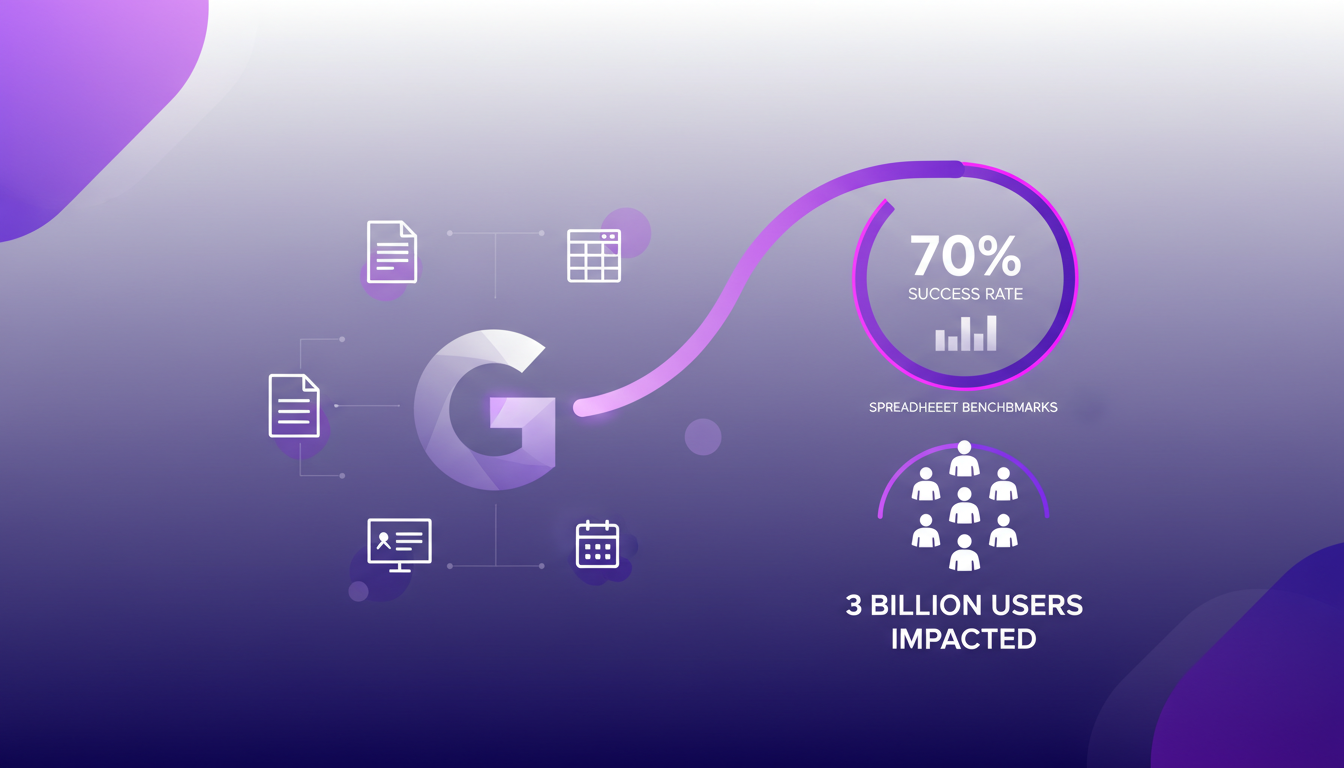
The impacts on competitors like Salesforce and ServiceNow were immediate. I've seen stocks plunge by a cumulative $285 billion. So, watch out for the $30 per user per month cost—it's a factor not to be overlooked in budgeting. This decision by Microsoft signals a clear strategic pivot towards AI, and it's something we need to incorporate into our planning.
Google's Gémini AI: Integration and Impact
Moving on to Google and its Gémini AI. What struck me was how seamlessly Gémini integrates into Google Workspace. I tested it myself, and with a 70% success rate in spreadsheet benchmarks, it's impressive. We're talking about 3 billion users who will directly feel these updates. It really changes the game.
Gémini's multimodal embedding technology is a standout feature. In practice, it simplifies our daily workflows and enhances efficiency. Imagine being able to generate slides that adhere to a presentation's visual theme while integrating relevant content. It's a huge time saver in my daily work.
Comparing AI Strategies: Microsoft vs Google
When I compare Microsoft and Google, their approaches are very different. Microsoft focuses on deep integration with its existing tools, while Google leverages its vast user base and data. The trade-offs between cost, accessibility, and functionality are evident.
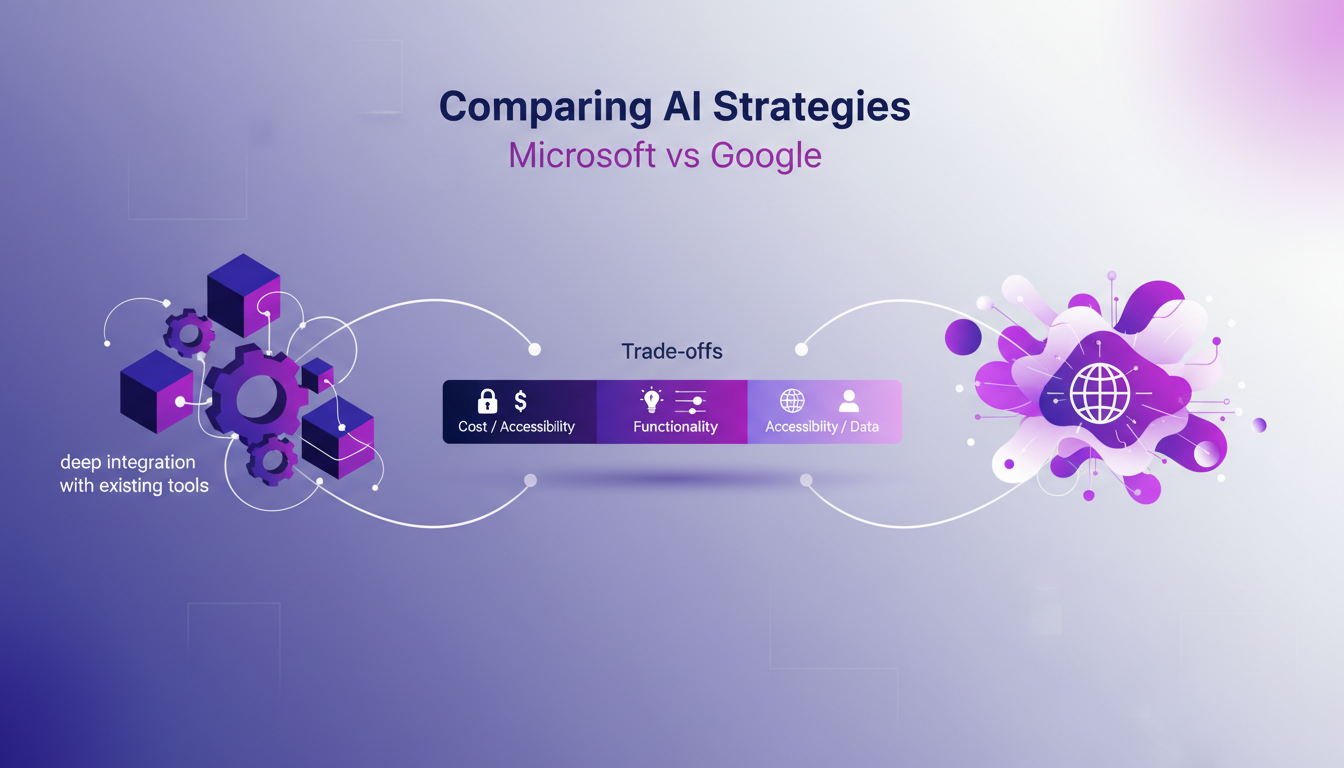
Microsoft's Copilot Cork and Google's Gémini each have their strengths. The key is knowing which tool best meets your company's specific needs. I've had to pilot both to determine what works best for my teams.
Advancements in Document and Spreadsheet Automation
In the realm of document and spreadsheet automation, AI is really changing the game. We significantly reduce manual workload. Google's Gémini excels in document summarization and data insights. Meanwhile, Microsoft's tools offer robust integration with enterprise systems, which is crucial for us.
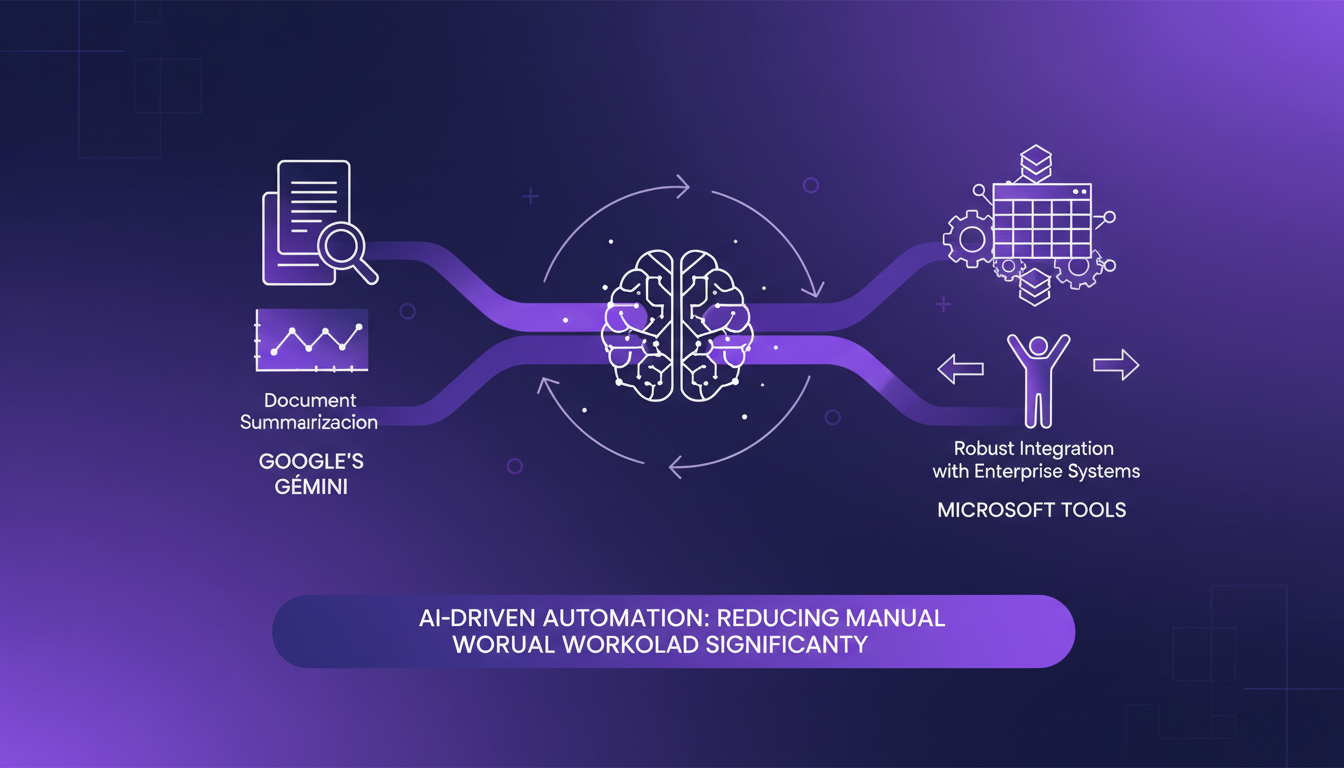
The efficiency gains are tangible, but they require careful orchestration to avoid pitfalls.
AI Overviews and Search Enhancements in Google Drive
Finally, Google Drive's AI overviews make data retrieval faster. AI-driven search enhancements are a real time-saver. Gémini 2's multimodal embedding tech enhances search accuracy.
However, consider the trade-offs between speed and data privacy. Here are some practical tips for integrating these features into your workflow:
- Ensure you configure sharing permissions to protect sensitive data.
- Use overviews for a quick snapshot before diving into specific details.
- Gradually integrate these tools to measure their real impact on your productivity.
In conclusion, whether it's Microsoft or Google, these technological advancements are redefining how we work. But as always, it's crucial to keep an eye on costs and not succumb to the sirens of excessive automation.
First off, the Microsoft-Google battle is really shaking up how we get things done. I've plugged Microsoft's AI into my workflows, and trust me, the $13 billion investment in Open AI isn't just a headline—it's a game changer. I also tried Google's Gémini on my spreadsheets, and a 70% success rate in independent benchmarks is no joke. But watch out, you need to integrate these tools properly to not get lost in automation that doesn't always deliver. Lastly, with 3 billion users impacted, this is a massive shift.
Looking ahead, we're on the brink of a major transformation in how we work—this is truly the future of productivity. But remember, you need a well-thought strategy to integrate these tools, or the results might be underwhelming.
Ready to transform your workflow? Dive into these AI tools and start experiencing the future of productivity today. And to go deeper, I suggest watching the full video. It's like having a chat with a colleague who's been down the path already.
Frequently Asked Questions

Thibault Le Balier
Co-fondateur & CTO
Coming from the tech startup ecosystem, Thibault has developed expertise in AI solution architecture that he now puts at the service of large companies (Atos, BNP Paribas, beta.gouv). He works on two axes: mastering AI deployments (local LLMs, MCP security) and optimizing inference costs (offloading, compression, token management).
Related Articles
Discover more articles on similar topics
Tech Stack Behind a $440k/Month App: My Journey
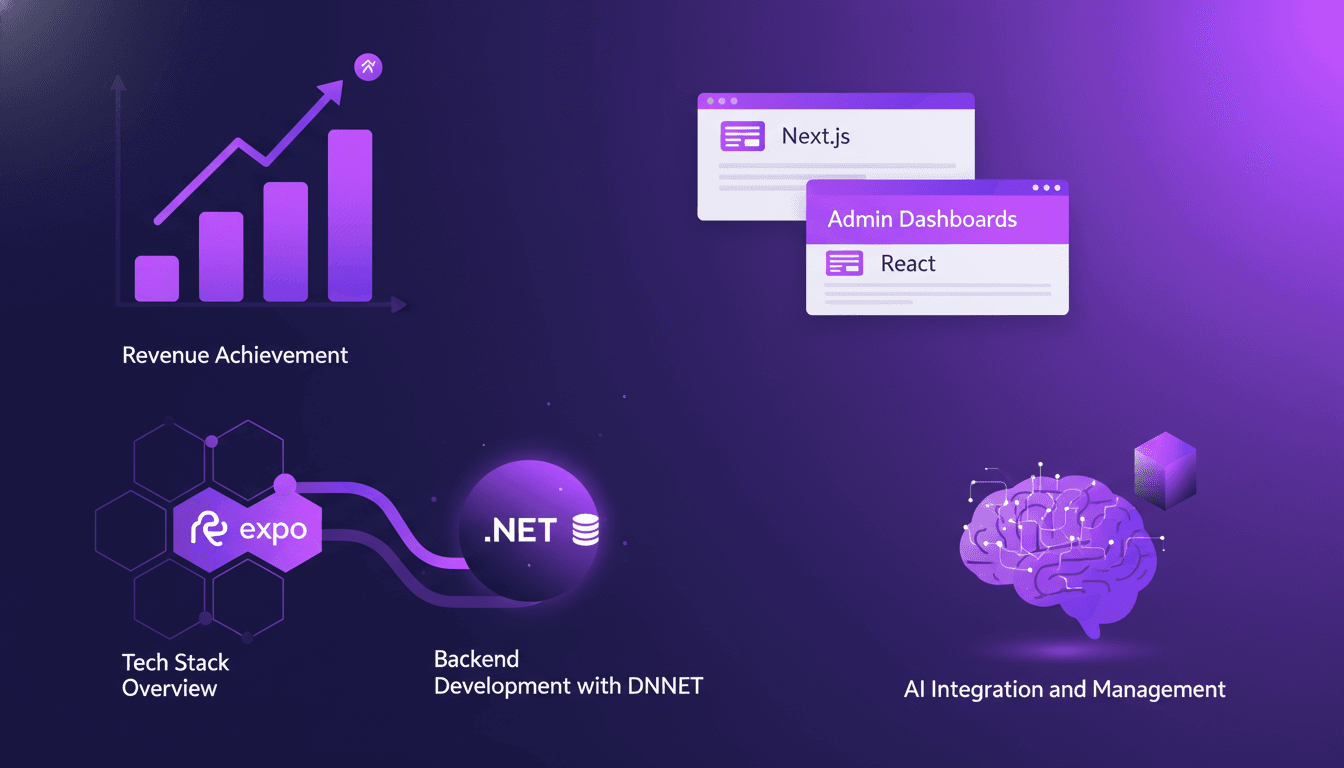
I remember the day we hit $440,000 in monthly revenue. No magic involved, just a carefully orchestrated tech stack. In this article, I walk you through our technical journey. We dive into using React Native and Expo for the frontend, DNNET for the backend, and admin dashboards with Next and React. Plus, how AI integration really made a difference. Every tech choice had a direct impact on our success. Watch out for the limits I hit along the way (and how I overcame them). It's not just about code, but a tech strategy that pays off.
Solving AI Hallucinations: Practical Strategies
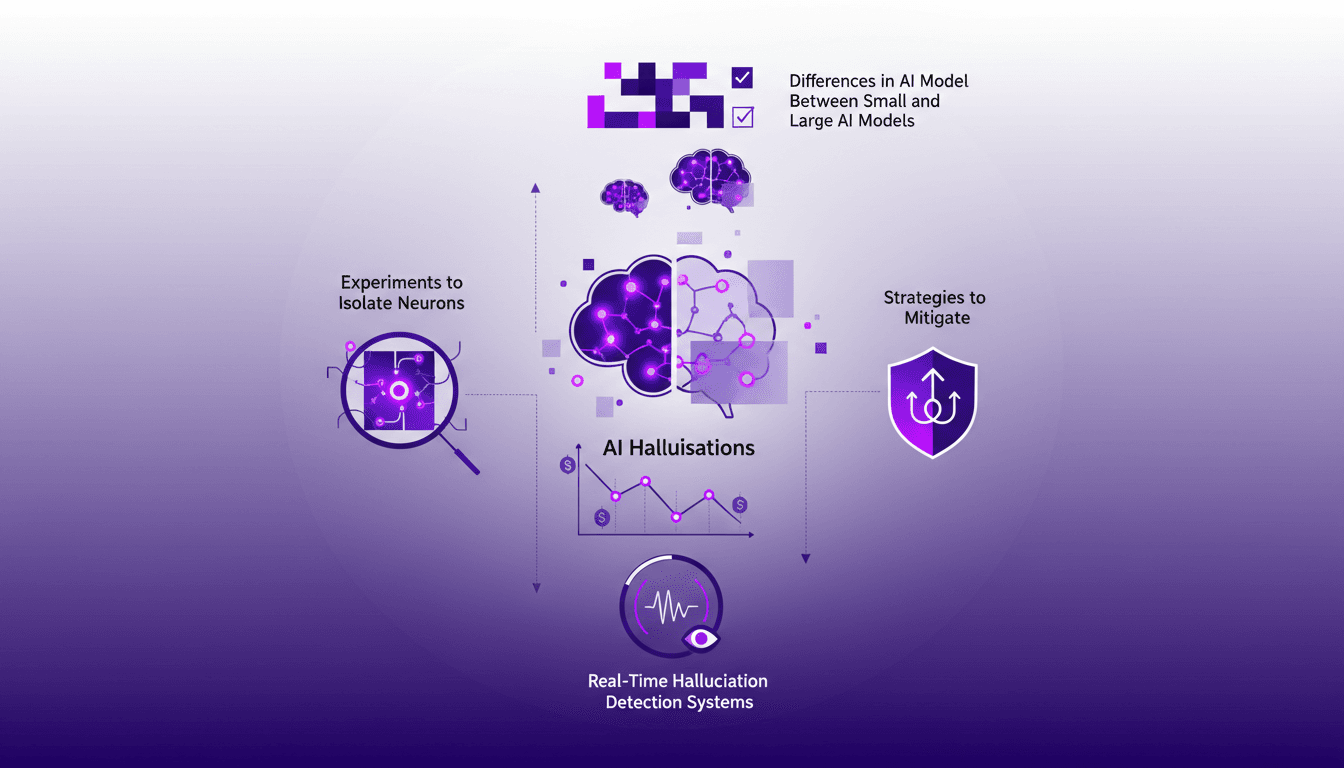
I vividly remember being knee-deep in AI model training when I first encountered hallucinations. Imagine a model confidently spewing nonsense—quite the wake-up call. Turns out, these hallucinations aren't just quirky bugs but costly and pervasive issues. Understanding H Neurons and their impact is crucial. In this video, I'll walk you through how we can identify and mitigate these hallucinations with proven strategies and real-time detection systems. If you're working on AI models, watch out: the difference between small and large models can be crucial in managing these off-the-rails moments.
Securing AI: Integrating Prompt Fu at OpenAI
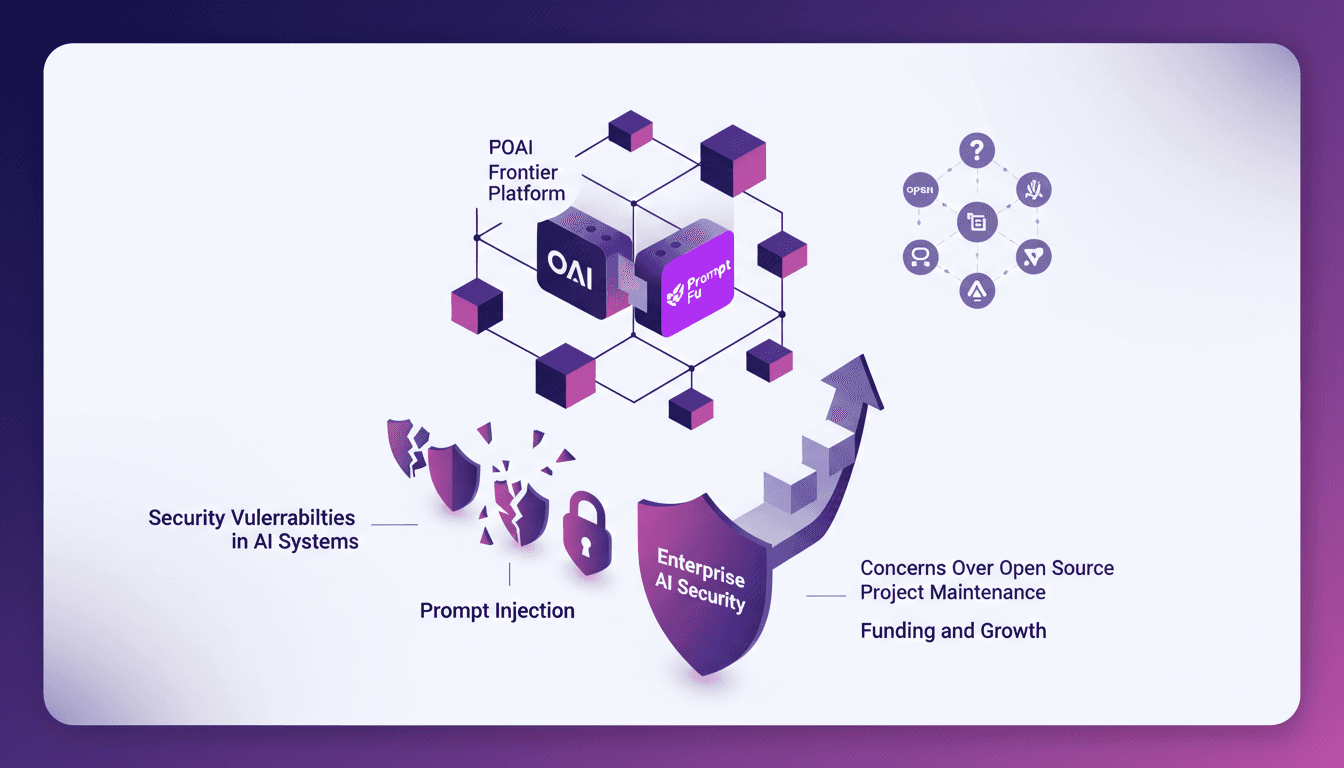
I remember the first time I encountered a security breach in an AI system. It was a wake-up call that security wasn't just a checkbox but a critical component of AI deployment. OpenAI's acquisition of Prompt Fu feels like a game changer. By integrating Prompt Fu into their Frontier platform, OpenAI is set to enhance security and redefine how we protect AI. With over 125,000 developers using Prompt Fu and a quarter of the Fortune 500 companies trusting it, this strategic move promises to transform AI system security, addressing concerns over open-source project maintenance and prompt injection vulnerabilities.
Google Shakes Up with 3 Free AI Tools
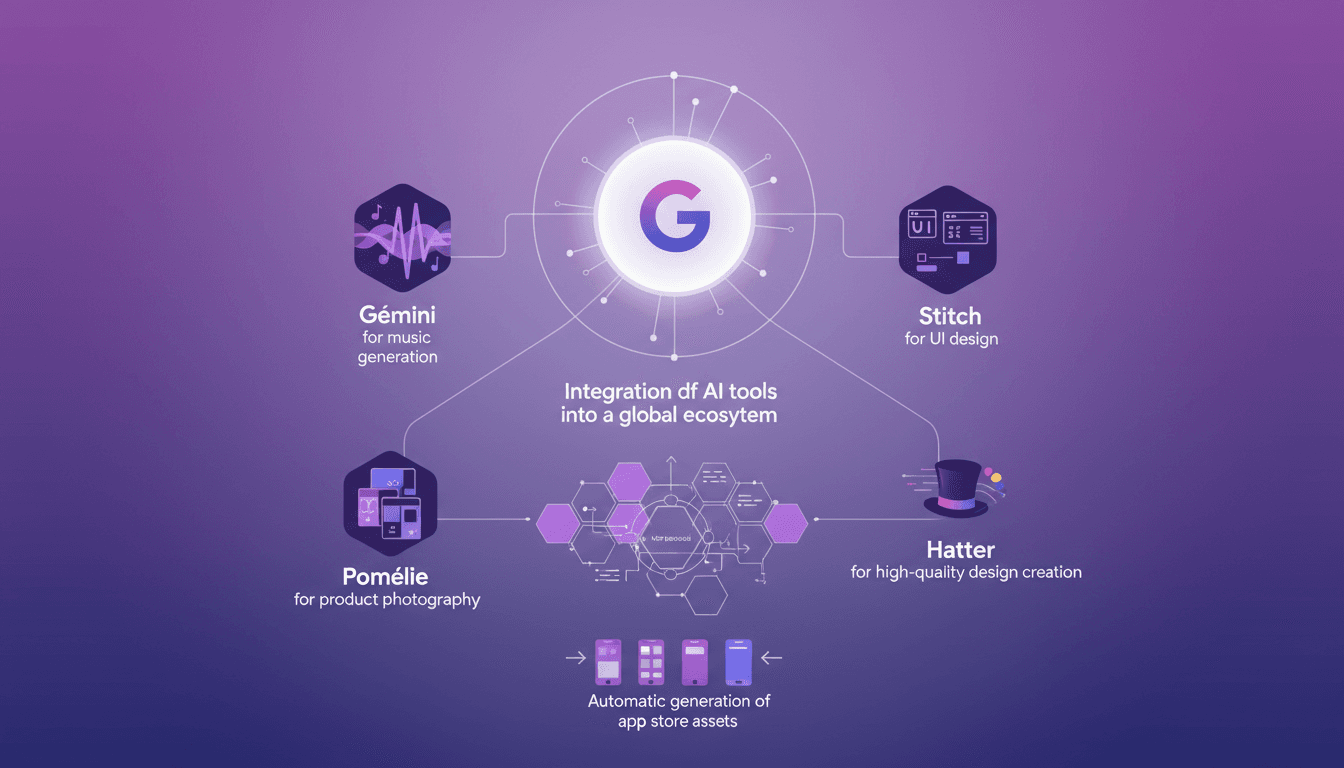
I've been diving into Google's latest AI releases, and these tools are true game changers. First, I connected Gémini for music into my existing setup, and the efficiency boost was immediate. But watch out, it's not all smooth sailing. Pomélie for product photography and Stitch for UI design have their own twists. Integration is seamless, but there are limits you can't ignore. If you don't keep an eye on things, you might end up juggling imported files that clog your resources. I'll walk you through how these tools integrate into a global ecosystem and why the MCP protocol and Hatter are your new best friends for creating high-quality designs.
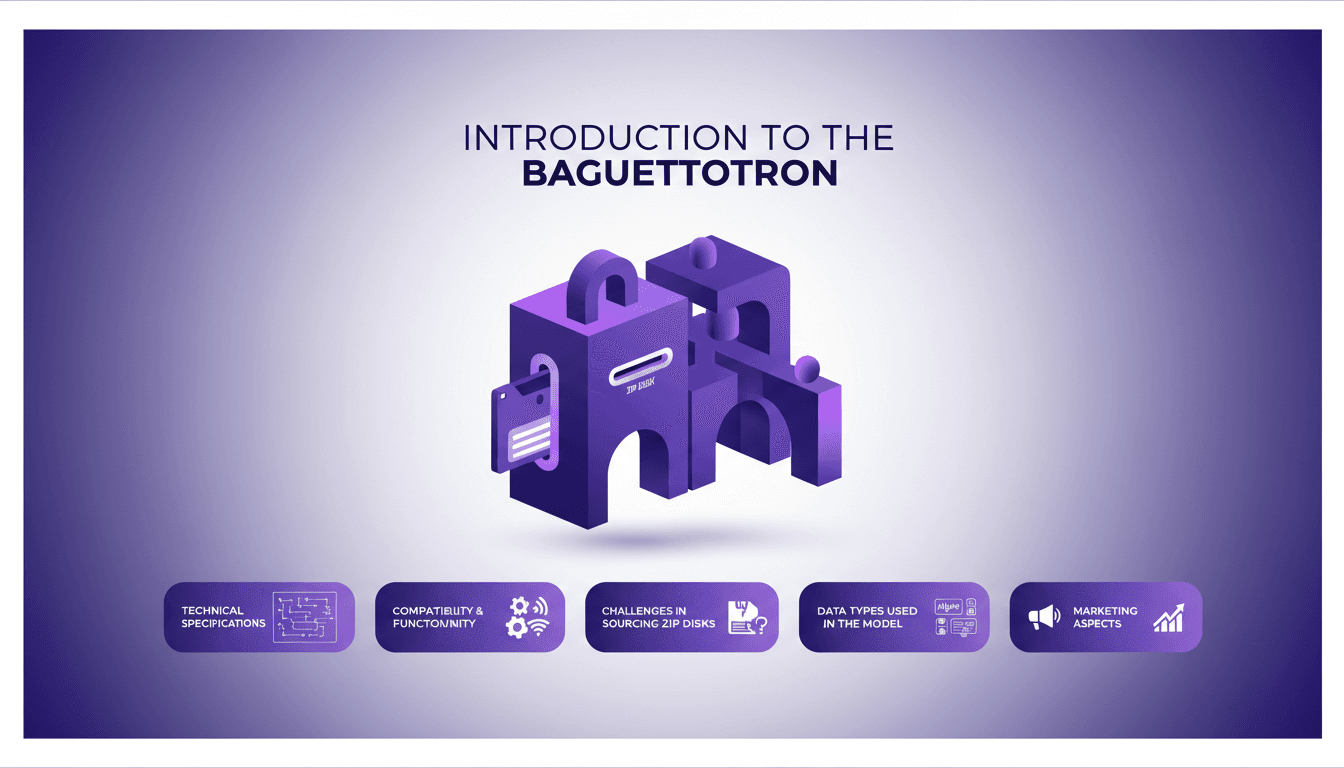
Baguettotron: AI Integration on Zip Disk
I still remember the first time I tried to fit an AI model onto a zip disk. It was like trying to squeeze a modern engine into a vintage car. But that's precisely the challenge the Baguettotron project threw at me, and here's how I tackled it. The Baguettotron is this fascinating mix of retro tech and cutting-edge AI. Picture running a 320 million parameter AI model on a tiny 900 MB disk. Sounds crazy, right? But it's doable. We're diving into this technical adventure, discussing specs, compatibility, and the hurdles like finding those elusive disks. Hang tight, because we'll also touch on the unique marketing aspects of this project.