Building the Future of AI Coding Tools
I remember the first time I integrated Cursor into our workflow—what a game changer. It wasn't just about automating code; it was about revolutionizing how we trust and interact with AI coding agents. Cursor is leading this evolution. In just over a year, coding agents have made significant strides, and with Cursor, you can kick off six agents in mere seconds. But watch out, mastering the debug mode is crucial to harness its full potential. Cursor isn't just about simplifying coding; it's rethinking the entire user experience and the trust we place in these tools. Let's dive into how Cursor is setting the stage for the future.
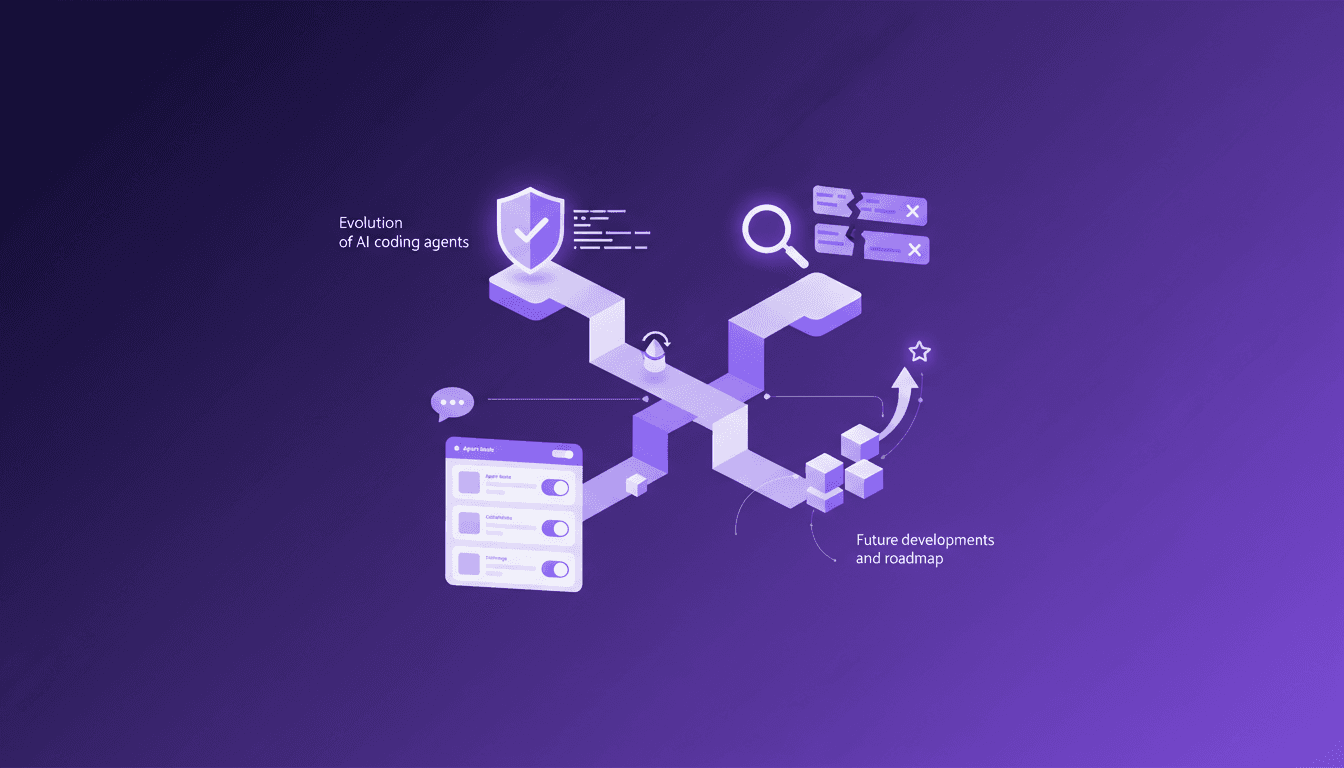
I remember the first time I integrated Cursor into our workflow—what a game changer. It wasn't just about automating code; it was about revolutionizing how we trust and interact with AI coding agents. Cursor is leading this evolution. Imagine kicking off six agents in mere seconds, it's wild, right? But watch out, mastering the debug mode is crucial to harness its full potential. In just over a year, coding agents have made significant strides, and Cursor isn't just about simplifying coding; it's rethinking the entire user experience and the trust we place in these tools. What I've discovered is that design and UX are crucial for users to interact intuitively with these agents. And with the rapid evolution of these tools, feedback and iteration become the backbone of developing truly modular and adaptable products. Let's dive into how Cursor is setting the stage for the future of AI coding tools.
Evolution of AI Coding Agents
When I started working with Cursor, the rapid evolution of AI coding agents over just a little over a year was immediately evident. Initially, we were a team of 20, which allowed us to focus intensively on rapid development. In record time, we introduced agents capable of running in parallel, a true revolution for automating repetitive coding tasks. This isn't just an improvement; it's a paradigm shift.
By orchestrating multiple agents simultaneously, we achieve unprecedented efficiency gains. Imagine being able to launch six agents in a matter of seconds, each handling different parts of a complex problem—it's almost magical. But watch out, it's not all perfect. You still need to adjust abstraction levels to avoid errors you might miss when manually auditing each line of code.
Trust and Efficiency with Coding Agents
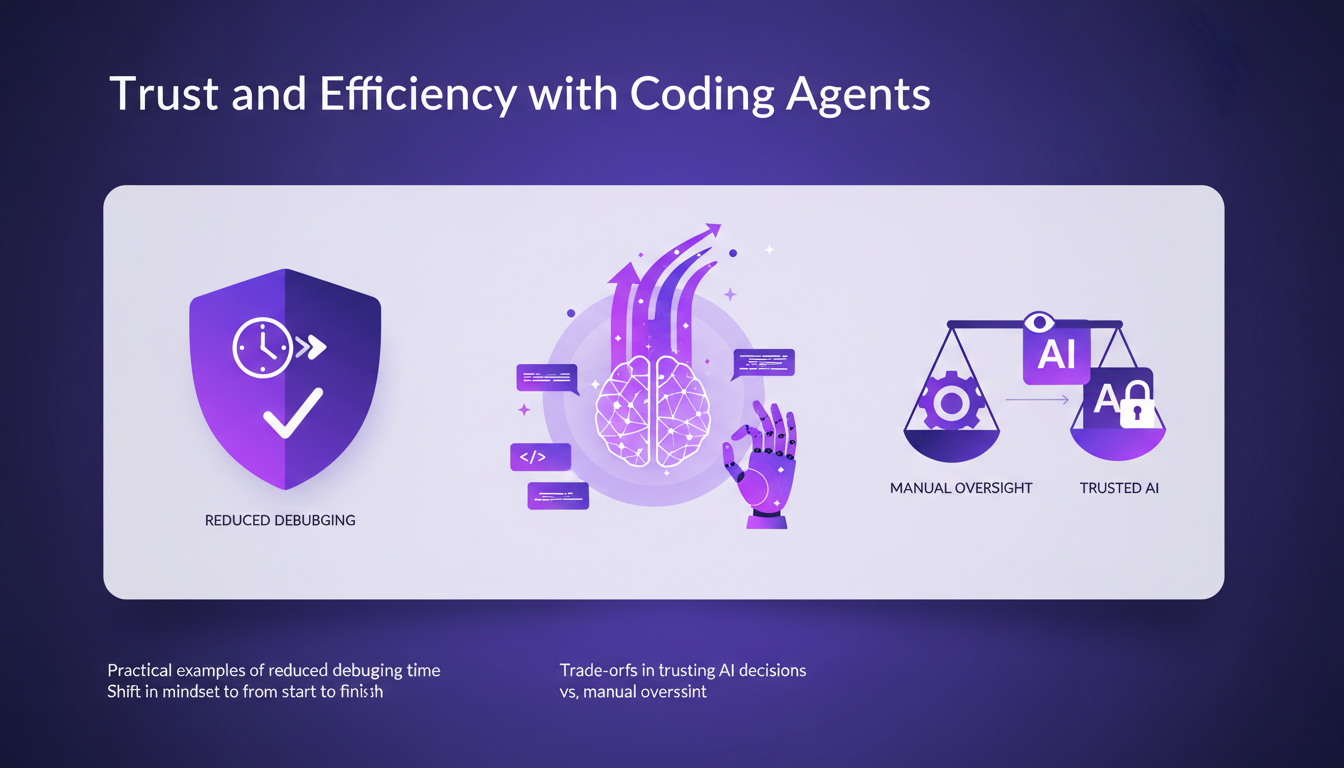
Over the months, I've really learned to trust coding agents from initialization to project completion. This mindset shift isn't simple, but once you get used to it, the benefits are immense. Take debugging, for example: I used to spend hours hunting down errors. Now, the agent detects and fixes bugs much more efficiently. However, this means I sometimes have to accept automated decisions that I would have previously checked manually, posing a trade-off.
I'd say this trust has had a direct impact on team productivity and project timelines, reducing code review time by about 30%. For those unaware, these are significant gains in terms of costs and human effort.
Debug Mode and Troubleshooting
In the Cursor universe, debug mode is a feature I've learned to appreciate. At first glance, it might seem like a minor addition, but for developers like me, it's a real lifesaver. Imagine a scenario where the code refuses to work, panic sets in. Cursor's debug mode allows you to trace each step, log by log, until you find the root of the problem. However, be careful not to overuse this feature, as it could lead you to lose sight of the overall project architecture.
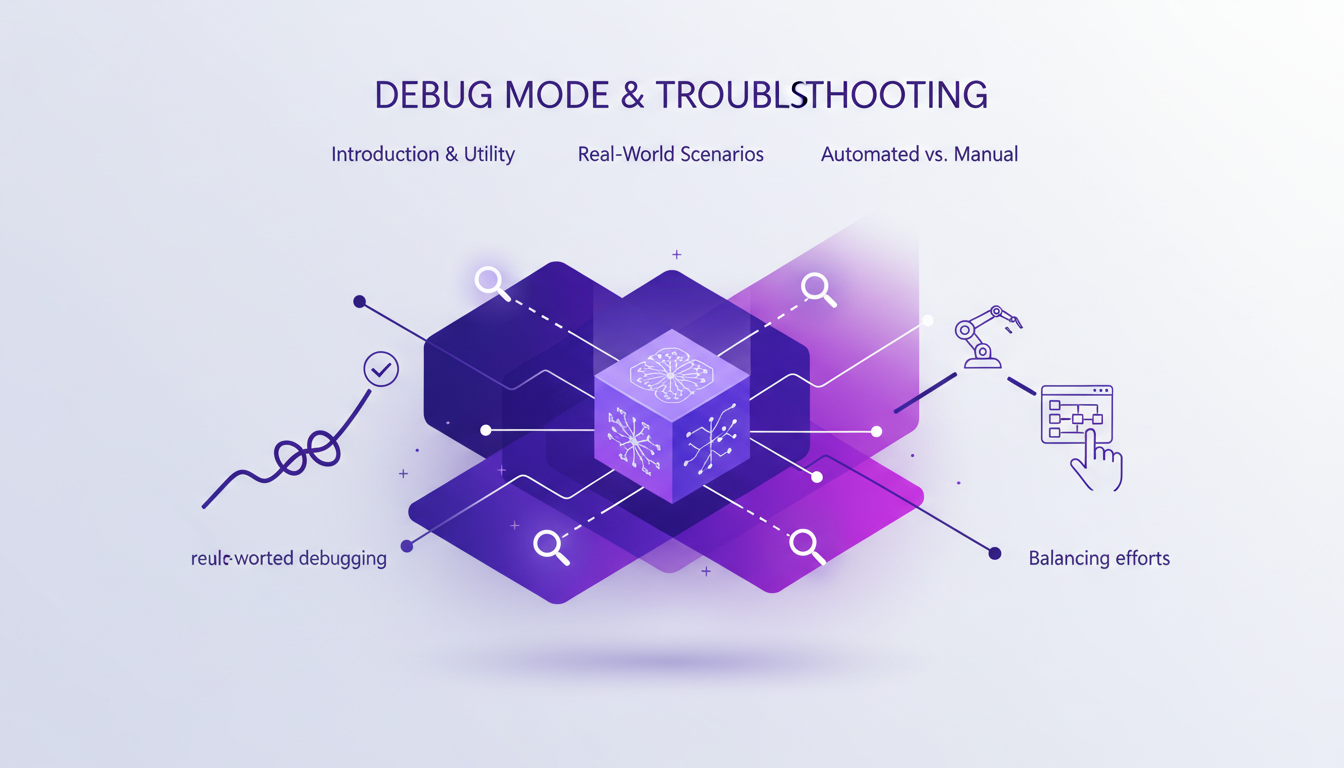
In fact, I've learned that sometimes it's better to revert to manual debugging to truly understand the source of a complex issue before allowing automation to take over. It's a delicate balance to maintain.
Design, UX, and Modes in Cursor
Cursor offers several modes of use depending on the tasks at hand: plan, explain, bug, etc. It's not just about personal preference; it's about modularity in software design. Recent UX changes have improved user interaction, making sessions more intuitive. Through continuous feedback loops, we've been able to refine these experiences, creating a development environment that continuously adapts to user needs.
Through user feedback, we've understood that there's no "right" way to use Cursor, but rather what best suits your work style. It's this adaptability that makes Cursor a valuable tool for the entire software development cycle.
Future Roadmap and Feedback Iteration
Looking ahead, Cursor has a clear development strategy. The focus is on continuous improvement of product features, such as plan mode, while integrating user feedback to guide new features. This iterative process is essential for maintaining a cutting-edge product. However, there are challenges to overcome, particularly in terms of execution speed and optimization for the most demanding engineers.
The opportunities are also numerous. By fully leveraging this iterative feedback loop, we can not only improve the quality of agents but also explore innovative features like visual editors and interactive plans. It's a promising but challenging path, where each step must be carefully planned and executed.
In conclusion, using Cursor means choosing to advance with tools that not only simplify coding but transform the way we interact with code. As a practitioner, I can only recommend trying it and adapting it to your own needs.
Alright, here's what I take away from working with Cursor. First, it's not just a tool—it's really a partner in coding. By embracing trust, enhancing design, and focusing on feedback, Cursor is paving the way for more efficient and adaptive AI coding solutions. This isn't just talk: with six agents up and running in seconds, the efficiency is real. Next, Cursor's debug mode is a major asset when it comes to troubleshooting complex issues. But remember, every tool has its limits—don't expect it to solve everything for you. Lastly, the rapid evolution of these coding agents in just over a year highlights the potential. If you're looking to optimize your workflow, consider how Cursor's evolving capabilities could fit into your toolkit. For a deeper dive, I recommend watching the original video: "How Cursor Builds the Future of AI Coding Tools" on YouTube. It's a must-watch for those who really want to level up.
Frequently Asked Questions

Thibault Le Balier
Co-fondateur & CTO
Coming from the tech startup ecosystem, Thibault has developed expertise in AI solution architecture that he now puts at the service of large companies (Atos, BNP Paribas, beta.gouv). He works on two axes: mastering AI deployments (local LLMs, MCP security) and optimizing inference costs (offloading, compression, token management).
Related Articles
Discover more articles on similar topics
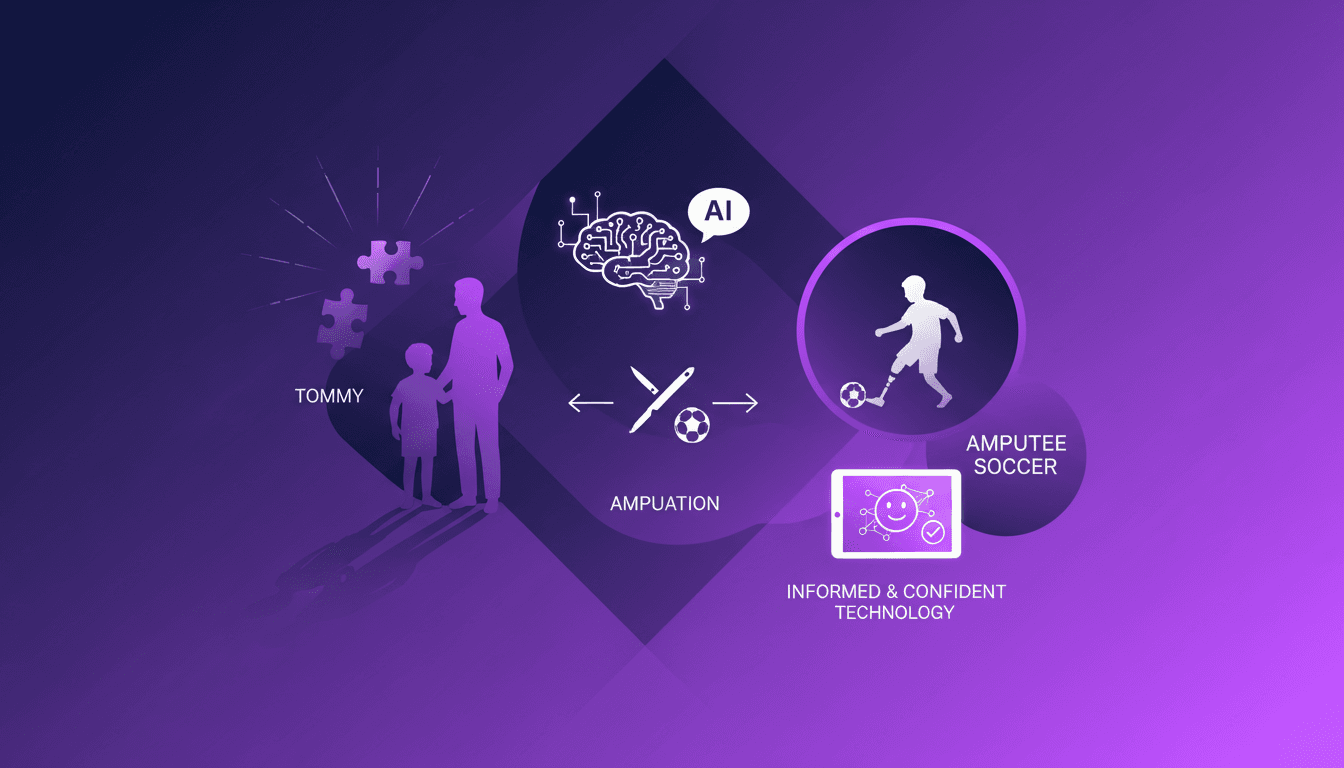
Preparing Medical Appointments with ChatGPT
When I first heard that my son, Tommy, had cancer, it felt like time stopped. But I knew I had to move forward, and that's where ChatGPT came in. I used it to prepare for our medical appointments, ensuring I was informed and ready to make the best decisions for Tommy. In this article, I'll show you how ChatGPT helped me navigate the emotional and practical challenges of a child's cancer diagnosis. We'll discuss surgery options, including amputation, and the potential role of sports in our decision-making, with an eye towards amputee soccer as a future possibility.

AI in Media: 2026 Advertising Revolution
I remember sitting in on a panel at CES 2026, where the air buzzed with talk about AI's transformative role in media. It wasn't just hype—AI was reshaping everything from advertising to live events. We were on the edge of something monumental. I witnessed the explosion of digital audio, the redefinition of audience engagement through live events. We're not just talking algorithms here, but the future of media consumption. Here's how it all unfolded, and why trust and tech safety are pivotal for this future.

Building Tech for 50+: My Approach
I remember the first time I realized the tech gap for those over 50. It was during a simple app usability test, and the frustration was palpable. That experience drove me to dive into creating tech solutions that truly serve this demographic. The numbers are clear—125 million Americans over 50, with a spending power set to skyrocket to 96 trillion globally by 2030. Yet, 60% feel tech isn't built for them. Let's change that. We're at a pivotal moment where technology can significantly impact the quality of life for adults over 50. The challenge lies in designing solutions that are relevant, trustworthy, and user-friendly. I'll walk you through my workflow in tackling these challenges, leveraging AI, and planning for a future that embraces this demographic.
Unpacking CES 2026: Transformative Tech Insights
I've walked the CES floors more times than I can count, but CES 2026 was something else. Picture a space buzzing with transformative tech, where every corner reveals another groundbreaking innovation. It’s not just about the gadgets; it's about the connections and conversations shaping our industry's future. From giants to startups, everyone was there, unveiling tech that could redefine our lives. Believe me, there were standout moments. Conversations with exhibitors opened my eyes to the real impact these innovations will have on our daily lives.
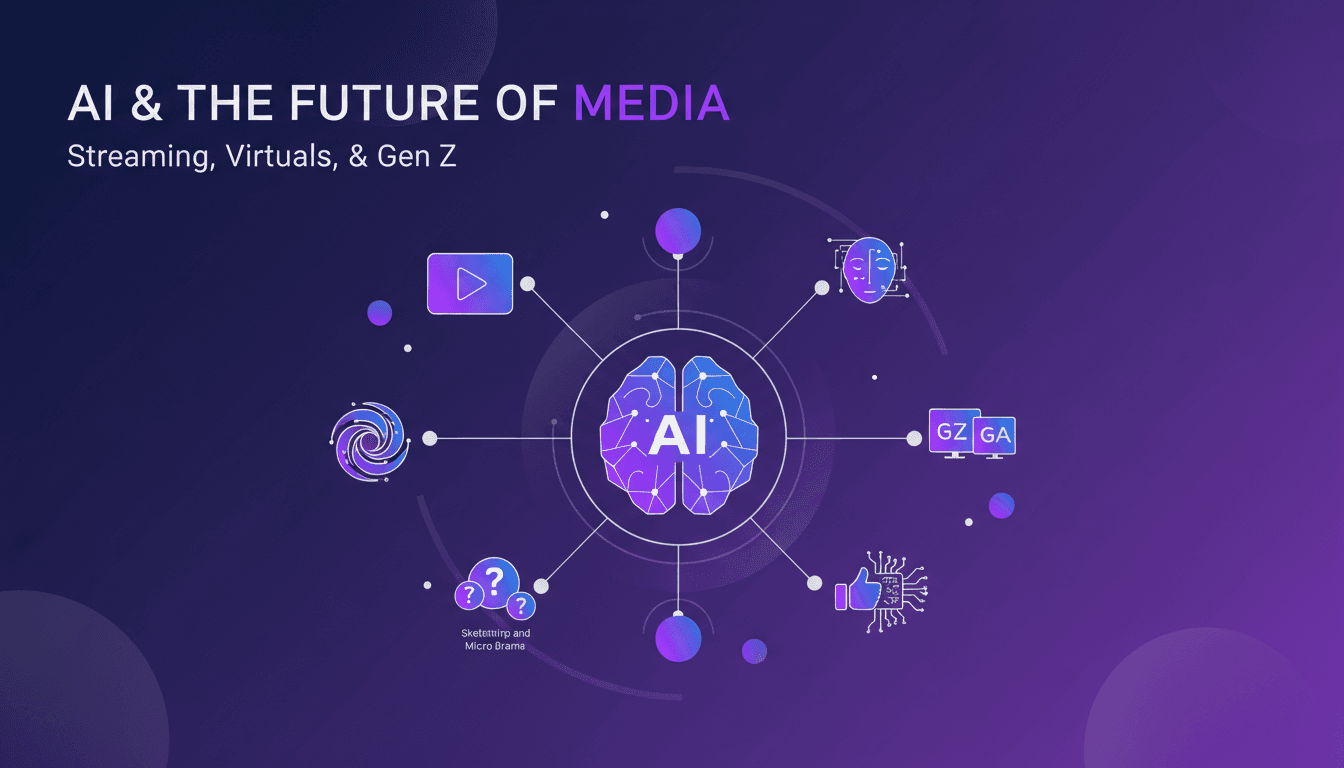
Decoding AI in Media: Trends and Impacts
I’ve been knee-deep in the media and entertainment world for years, watching trends evolve and AI shake up the landscape. With Luminate Intelligence leading the charge, we’re seeing a real redefinition of how we consume and create content. AI isn’t just a buzzword; it’s a game-changer. Streaming wars, AI artists, and emerging virtual personas are reshaping our habits. We're also diving into the consumption differences between Gen Z and Gen Alpha, and the micro-drama trends sparking on our screens. Welcome to the era of AI-driven social content.